How Does a Plastic Card Printer Work? Explained Simply
Table of Contents []
- What Actually Happens Inside a Plastic Card Printer - And Why It Matters for Your Business
- From Card Blank to Finished Credential: The Step-by-Step Process
- Choosing the Right Printer for Your Organization's Needs
- Consumables and Accessories That Keep Your Program Running
- Real-World Applications: Who Uses In-House Card Printing and Why
- Frequently Asked Questions About How Plastic Card Printers Work
- Why Plastic Card ID Is the Right Partner for Your Card Printing Program
What Actually Happens Inside a Plastic Card Printer - And Why It Matters for Your Business
 Most people swipe a plastic card dozens of times a day without ever wondering how it came to exist. The magnetic stripe on a hotel key, the photo ID clipped to a lanyard, the loyalty card tucked into a wallet - each one passed through a machine that most businesses never think about until they desperately need one. Understanding how a plastic card printer works isn't just satisfying trivia. It's the difference between choosing the right equipment for your needs and wasting thousands of dollars on a machine that's either overkill or hopelessly underpowered.
Plastic Card ID has spent more than 25 years putting professional-grade card printing technology into the hands of businesses across the United States. With over 100,000 customers served and a curated lineup from Evolis, Fargo, Zebra, and Matica, the team at CPE knows exactly what separates a printer that delivers from one that disappoints. This page walks you through the mechanics, the technology, and the decisions that actually matter when you're building or upgrading a card printing program.
The Core Technology: Dye-Sublimation Printing Explained
The vast majority of professional plastic card printers use a process called dye-sublimation, and once you understand it, you'll never look at a printed card the same way again. Rather than spraying ink onto the card surface (the way a standard inkjet printer works), dye-sublimation uses heat to convert solid dye particles directly into a gas - skipping the liquid phase entirely. That gas then bonds into the surface of the PVC card, creating an image that is embedded in the material itself, not sitting on top of it.
The result is a print that is remarkably durable, resistant to smearing, and capable of rendering smooth photographic gradients that would be impossible with traditional inkjet methods. Employee photos come out crisp and accurate. Color transitions across backgrounds appear seamless. The surface of the card, once printed, feels smooth to the touch because the dye is literally part of the card now. This is why dye-sublimation has become the industry standard for ID cards, access control credentials, and membership cards that need to look professional and last for years.
The Ribbon: Where the Color Actually Lives
Every color plastic card printer relies on a ribbon panel system to deliver dye to the card surface. The most common ribbon type you'll encounter is the YMCKO ribbon - named for its five sequential panels: Yellow, Magenta, Cyan, Key (black), and Overlay. The printer passes the card beneath each panel separately, applying one color layer at a time in precise registration. When all layers combine, the result is a full-color image that looks indistinguishable from a professionally designed photo ID.
The final "O" panel - the overlay - is a clear protective coating applied on top of the finished image. It protects the card from UV exposure, minor abrasion, and the oils from everyday handling. Beyond YMCKO, monochrome ribbons (a single-color ribbon, often black or blue) serve applications where full color isn't needed - think simple text-only employee badges or basic membership cards. Specialty ribbons with silver or gold panels add a premium metallic finish for VIP cards or executive credentials. CPE stocks all of these ribbon types, so your supply chain never becomes a bottleneck.
Single-Sided vs. Dual-Sided Printing: How the Mechanism Differs
A single-sided card printer does exactly what it sounds like - it prints on one face of the card and ejects it. Dual-sided printers, often called duplex printers, add a flipper mechanism that rotates the card 180 degrees mid-process so the second face can be printed during the same pass through the machine. This sounds simple but requires extremely precise mechanical tolerances to ensure that back-side content aligns perfectly with front-side content.
Why does this matter to your purchasing decision? If your card design includes data on both sides - a photo on the front and a barcode or instructions on the back, for instance - a duplex printer eliminates the need to manually flip and reinsert cards, which both saves time and dramatically reduces errors. Mid-range models like the Evolis Primacy2 offer duplex capability at a price point that makes sense for organizations printing 1,000 to 6,000 cards per month, making them genuinely versatile workhorses for HR departments, universities, and healthcare facilities.
From Card Blank to Finished Credential: The Step-by-Step Process
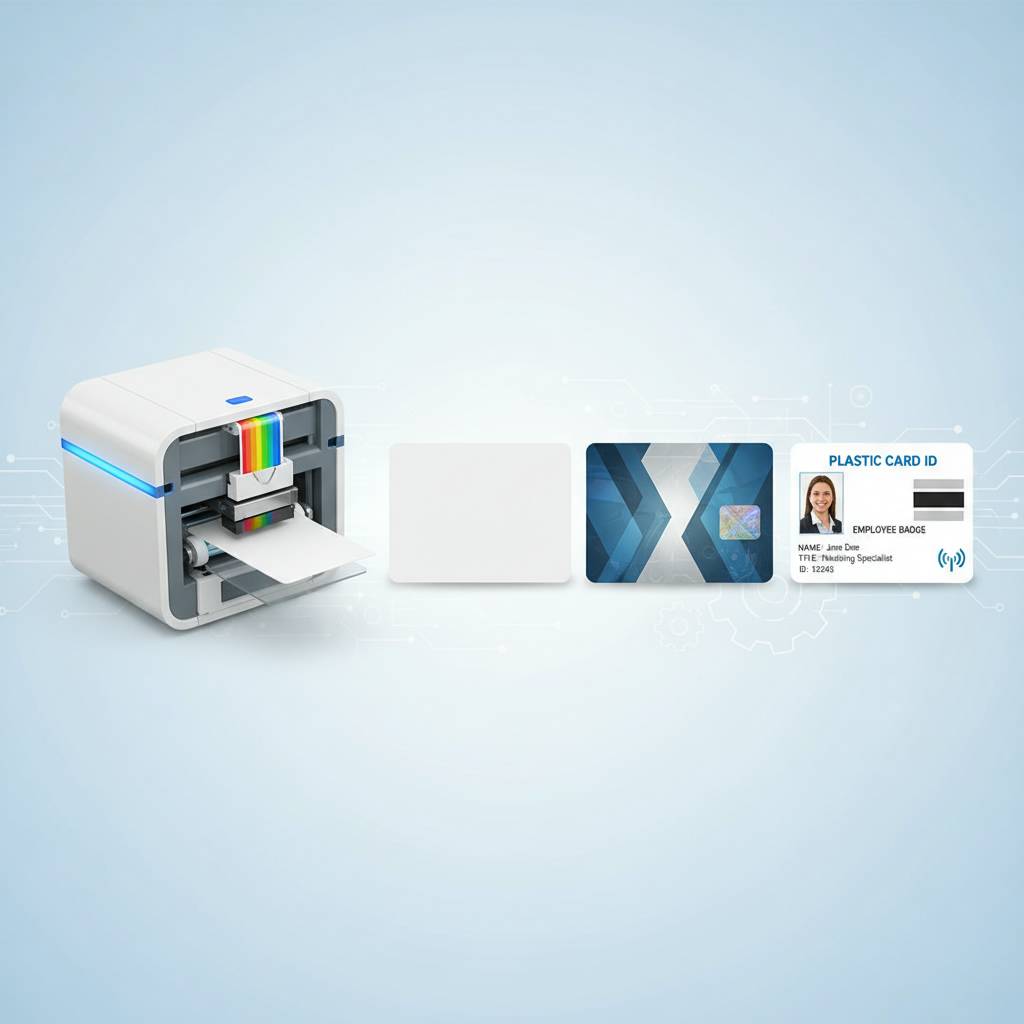 Watching a modern card printer work is oddly satisfying. A blank white PVC card enters the input hopper, travels through a cleaning roller that removes dust and static, moves beneath the print head where dye-sublimation applies the image in sequential color passes, then exits either directly or through an encoding station before landing in the output tray. The whole sequence takes seconds. But each of those stages involves engineering decisions that separate mediocre printers from excellent ones.
Understanding this sequence matters because it helps you diagnose problems, set realistic expectations, and specify the right accessories upfront rather than retrofitting them later. Plastic Card ID works with businesses at every stage of this decision, whether you're setting up your first ID card station or scaling up an established program that has outgrown its current equipment.
Stage One: Card Feeding and Cleaning
Before a single pixel of dye touches the card, the printer must reliably pick one card at a time from the input hopper and advance it cleanly into the print path. This sounds trivial until you've experienced a printer that double-feeds cards, jams on slightly warped stock, or leaves visible dust artifacts in the printed image. Professional-grade printers use mechanical separation systems and cleaning rollers - typically an adhesive cleaning roller that lifts debris from the card surface before it reaches the print head.
Input hoppers on entry-level models typically hold 25-50 cards. Mid-range and high-throughput models accommodate 100-200 card hoppers, or even multiple stacked hoppers for continuous operation. For organizations with high-volume needs - like event badge printing or hotel key card production - the difference between a 50-card hopper and a 200-card hopper is the difference between constant babysitting and a system that can run unattended. The Matica Event Printer, for example, is designed specifically around this kind of high-speed, high-volume credential production.
Stage Two: The Print Head and Dye Transfer
The print head is the heart of any dye-sublimation card printer, and it's where the real engineering distinction between budget and professional equipment becomes visible. A thermal print head contains thousands of tiny heating elements that activate independently with extraordinary precision, controlling exactly how much heat is applied to each point of the ribbon. More heat means more dye transfer; less heat means a lighter tone. By modulating heat across millions of individual points, the printer reproduces photographic-quality gradients with smooth, accurate color.
Print resolution is typically measured in dots per inch (DPI), with most professional card printers operating at 300 DPI. Some premium models push to 600 DPI for applications requiring exceptionally fine text, small barcodes, or intricate logo details. The Evolis Agilia, positioned at the top of the performance spectrum, delivers edge-to-edge printing at the highest quality levels - ideal for organizations where card appearance is itself a statement of brand quality. When the print head eventually wears out (and it will, eventually), CPE supplies replacement components and cleaning kits to keep your operation running smoothly.
Stage Three: Encoding and Lamination
Many card programs require more than a printed image. Magnetic stripe encoding writes data - access codes, account numbers, membership identifiers - onto the magnetic stripe on the back of the card during the printing process. Smart card encoding writes to embedded chips. Both happen inline, meaning the card passes through the encoder automatically without manual intervention. This is what enables a single printer to produce a finished, functional access control card or hotel key card in one automated pass.
Lamination modules add a physical protective overlay - thicker and more durable than the standard YMCKO overlay panel - that extends card life significantly and adds visual security features like holographic elements. These modules attach to the printer and operate inline. If your application involves cards that see heavy daily use, extreme temperatures, or environments where durability is paramount, a lamination-equipped system is worth the additional investment. Plastic Card ID offers encoding upgrades and lamination modules to fit most models in its lineup.
| Volume Tier | Recommended Models | Cards Per Month | Key Features |
|---|---|---|---|
| Entry Level | Evolis Badgy200 | Fewer than 1,000/year | Compact, simple, full color |
| Mid Range | Evolis Zenius, Primacy2 | 1,000-6,000/month | Duplex, mag stripe, chip encoding |
| Premium | Evolis Agilia | High volume, premium output | Edge-to-edge, highest quality |
| Security / ID | Fargo, Zebra | Variable | Security features, robust build |
| High-Speed Events | Matica Event Printer | Burst / on-site printing | Speed, on-demand, high throughput |
Choosing the Right Printer for Your Organization's Needs
The single most common mistake buyers make is selecting a printer based on sticker price alone. Volume, card complexity, and required features should all drive the decision before cost enters the equation. A printer that's slightly more expensive but perfectly matched to your workflow will pay for itself in time savings, reduced consumable waste, and avoided headaches within the first few months of operation.
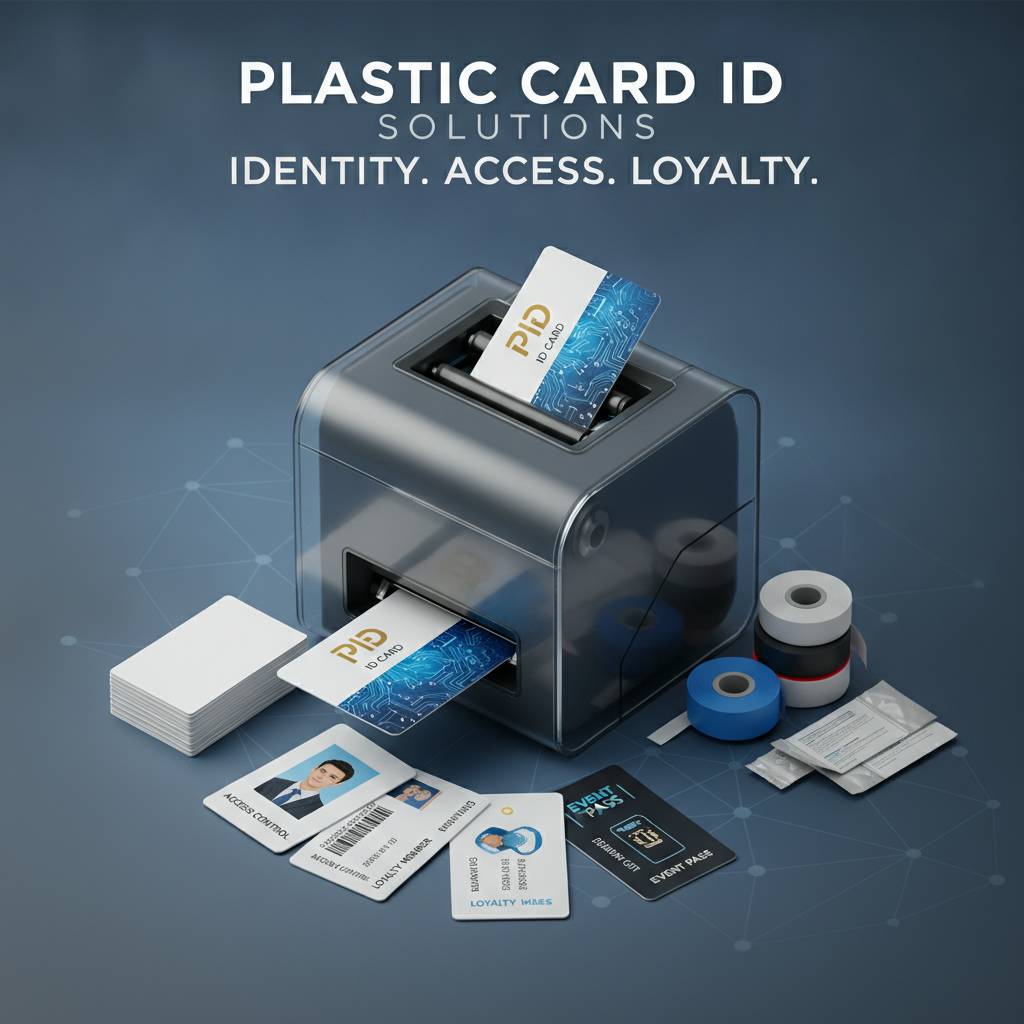
Plastic Card ID has guided over 100,000 customers through exactly this decision, which means the patterns are well understood. The organizations that end up happiest with their purchases are the ones who answered three questions honestly before buying: How many cards will we actually print per month? Do our cards need encoding? And do we need printing on one side or both?
Entry-Level Printers: When Simple Gets the Job Done
Not every organization needs an industrial powerhouse. A small gym printing 200 membership cards per year, a nonprofit issuing volunteer badges for seasonal events, a small school district producing staff IDs - these are exactly the use cases the Evolis Badgy200 was engineered for. Compact, straightforward, and capable of full-color output, entry-level printers eliminate the complexity and cost of over-specified equipment while still producing professional results.
The tradeoff is throughput speed and accessory expandability. Entry-level models typically can't accommodate inline encoding modules or lamination attachments. If your needs evolve - say, your organization starts issuing access control cards with magnetic stripes - you may outgrow an entry-level machine faster than you'd like. CPE can help you assess whether your current use case warrants a slightly more capable model upfront, potentially saving you from an earlier-than-expected upgrade cycle.
Mid-Range Printers: The Workhorse Category
The Evolis Zenius and Primacy2 represent the sweet spot for most established organizations. They handle single and dual-sided printing, support magnetic stripe and smart chip encoding as optional upgrades, and are built to sustain the kind of daily operation that would wear out a budget machine within months. Universities, hospitals, corporate campuses, and government agencies tend to land squarely in this category - printing regularly enough to need reliability, but not at the scale that demands an industrial system.
Mid-range printers typically fall in the $1,000-$3,500 range depending on configuration, which is a meaningful investment that deserves a meaningful evaluation. Consider total cost of ownership, not just purchase price. Ribbons, cleaning kits, and occasional maintenance are recurring costs that vary by brand and model. Plastic Card ID supplies consumables for every printer it sells, so sourcing isn't a concern - but knowing your annual consumable budget upfront helps you compare models fairly.
Security-Focused Printers: Fargo and Zebra
Fargo and Zebra printers have earned strong reputations in security-sensitive environments - government facilities, law enforcement agencies, financial institutions, and healthcare organizations where the integrity of an ID card is itself a security asset. These machines often include features like holographic overlay options, UV-fluorescent printing panels, and fine-line printing precision that makes counterfeiting significantly more difficult.
If your card program involves access control to sensitive areas, or if your cards serve as legal identification documents for employees or members, the additional security features built into Fargo and Zebra models are worth the premium. CPE carries these brands specifically because some customer needs go beyond aesthetics into genuine credential security - and the right printer for those applications isn't always the cheapest one on the shelf. Call 800.835.7919 to discuss security-focused card printing requirements in detail.
Consumables and Accessories That Keep Your Program Running
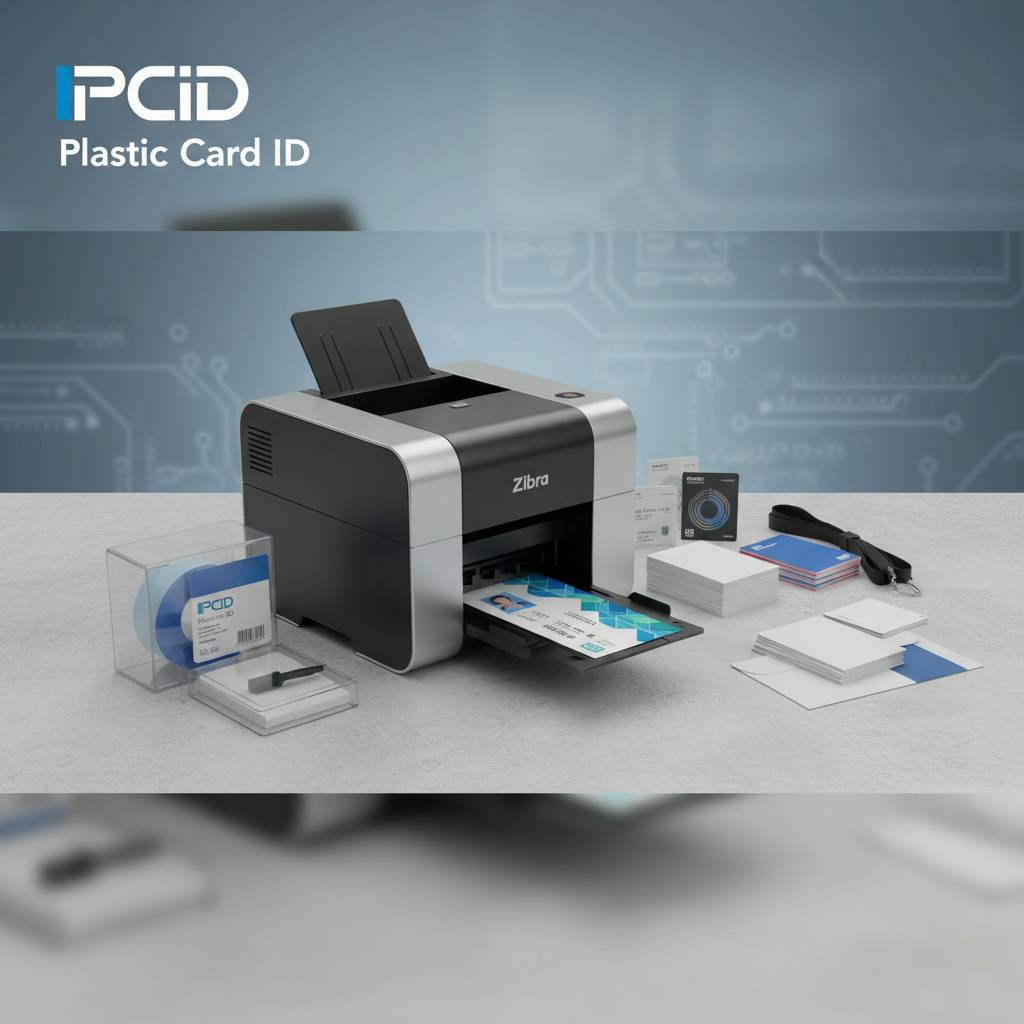 A printer is only as good as the supplies feeding it. One of the most disruptive events in any card printing operation is running out of ribbons mid-batch, discovering a dirty print head causing streaked cards, or waiting two weeks for a specialty ribbon to ship from an obscure vendor. This is why Plastic Card ID supplies not just the hardware, but the full ecosystem of consumables and accessories to keep your program running without interruption.
Thinking about supplies as an afterthought is a mistake that costs organizations real time and money. Building your consumable inventory into your initial purchasing plan - and establishing a reliable reorder cadence - turns your card printing operation from a source of frustration into a smooth, predictable process.
Ribbons: YMCKO, Monochrome, and Specialty Options
Ribbon selection directly affects both print quality and cost per card. YMCKO full-color ribbons are the standard choice for any card that includes photos, color graphics, or brand colors. A typical YMCKO ribbon prints 100-500 cards per roll depending on the printer model, with a cost per card that varies but generally falls in the $0.40-$1.50 range when you factor in ribbon and card blank together.
Monochrome ribbons - black being the most common - cost significantly less per card and are ideal for text-only cards, simple barcoded badges, or any design that doesn't require color. Specialty ribbons with silver or gold panels add a premium metallic element to cards where visual impact matters. CPE stocks all of these options and can advise on which ribbon type matches your card design and budget most efficiently.
Cleaning Kits: The Maintenance Step Most People Skip
Regular cleaning is the single most impactful maintenance task you can perform on a plastic card printer - and the one most frequently neglected until something goes wrong. Dust, card debris, and ribbon residue accumulate on rollers and the print head over time, eventually causing streaks, missed pixels, or card feeding errors. Most professional card printers have a built-in cleaning cycle that uses a cleaning card soaked in isopropyl alcohol to sweep the internal transport path.
Following the manufacturer's recommended cleaning schedule extends print head life, maintains image quality, and prevents the kind of gradual degradation that can go unnoticed until cards start failing quality checks. Cleaning kits from Plastic Card ID are designed specifically for the printer models they carry, ensuring compatibility and effectiveness. Don't underestimate this - a $15-$40 cleaning kit can protect a $2,000 print head.
Card Carriers, Sleeves, and Accessories
Once your cards are printed, protecting and presenting them professionally is the final step. Card carriers - rigid or semi-rigid holders that protect printed cards during handling and delivery - prevent surface scratches and corner damage that can make a brand-new card look worn. Card sleeves add a layer of physical protection for cards issued to employees or members who will carry them daily.
Beyond protection, input hoppers and output stackers expand printer capacity for high-volume sessions, reducing the need for manual card feeding and collection. Encoding upgrade modules for magnetic stripe and smart chip can often be added to existing printers, extending their functionality without requiring a full hardware replacement. Plastic Card ID carries all of these accessories, making it the single-source solution for everything a card program needs to operate at a professional level.
Real-World Applications: Who Uses In-House Card Printing and Why
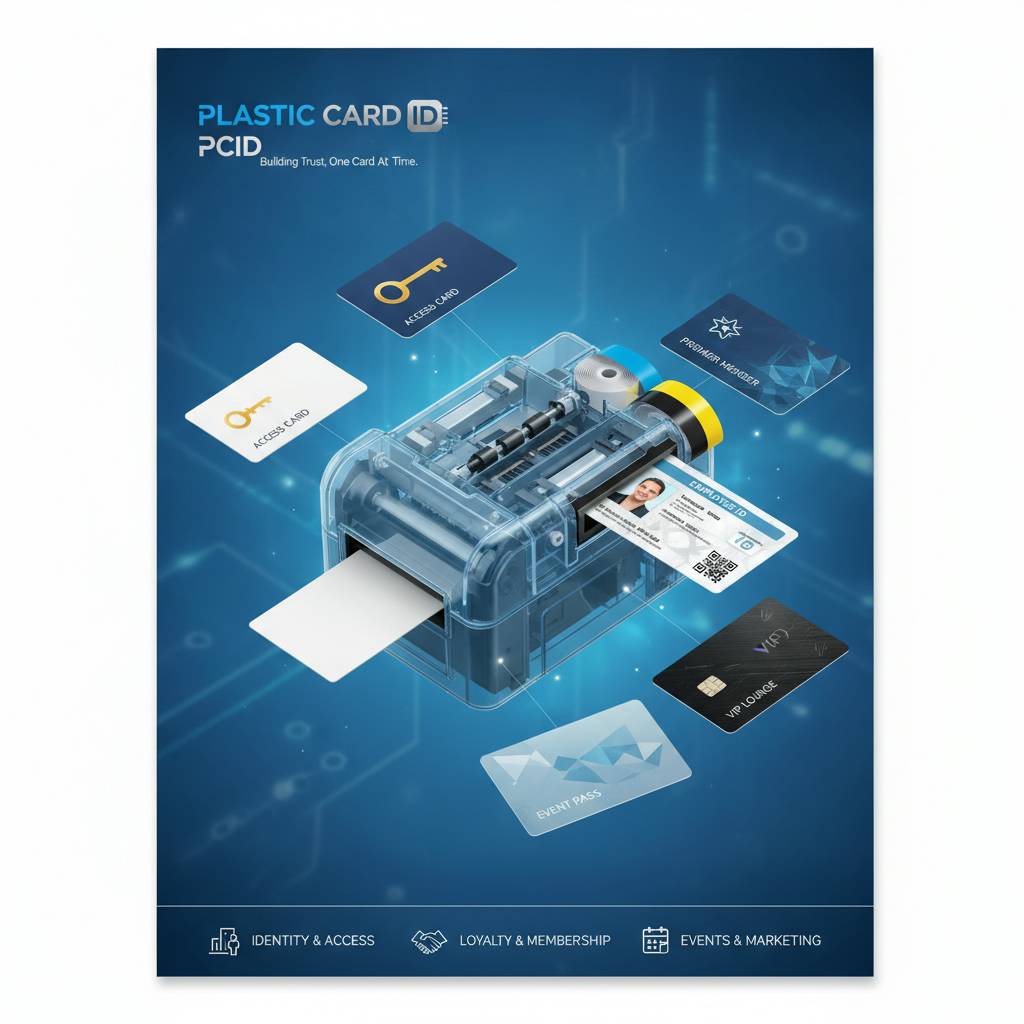 The appeal of in-house card printing is fundamentally about control. When you outsource card production, you're accepting someone else's timeline, minimum order quantities, and the risk of errors that you can't catch until the cards arrive. Printing in-house means you can produce a single card on demand, correct a typo instantly, update an access level in minutes, and never carry excessive inventory of pre-printed cards that may become obsolete.
The organizations that benefit most from in-house printing tend to have one thing in common: they need to move quickly, and they can't afford to wait on a vendor. Plastic Card ID serves a remarkably broad range of these organizations - from small businesses issuing five employee IDs a year to universities managing tens of thousands of student credentials each semester.
Employee ID and Access Control Programs
Corporate HR departments and facilities managers are among the most consistent users of in-house card printing. New hires need ID cards on their first day. Access levels change. Employees are lost, replaced, or promoted. Each of these events triggers a card change, and the ability to handle it internally - immediately - is a genuine operational advantage. Fargo and Zebra printers with magnetic stripe or smart card encoding are particularly popular in this segment, enabling printed cards that also function as door access credentials.
The security dimension is real. A printed card sitting in an outsourced vendor's production queue for two weeks represents a window where an employee is working without proper credentials - or where an ex-employee's credentials haven't been revoked and replaced. In-house printing closes that window to hours or less. CPE has helped countless HR and security teams build card programs that give them the speed and flexibility their operations require.
Membership, Loyalty, and Event Credentials
Gyms, clubs, associations, libraries, and loyalty programs all share a common need: the ability to issue cards that feel professional, personalize each one, and do it efficiently at scale during enrollment periods. A new member shouldn't wait a week for their card to arrive in the mail. An event shouldn't scramble to badge 500 attendees because an outside print vendor made an error on the run. In-house printing solves both problems simultaneously.
The Matica Event Printer is specifically engineered for the burst printing demand of events - concerts, conferences, corporate gatherings - where hundreds of badges may need to be printed on-site in a short window. For ongoing membership programs, a mid-range Evolis printer handles the daily enrollment cadence beautifully while staying within budget. The ability to personalize each card at the moment of issuance - with a name, photo, membership number, and barcode - is something that pre-printed card stock simply cannot provide.
Student IDs and Hotel Key Cards
Educational institutions issue student IDs that serve multiple functions - library access, meal plans, building entry, event admission - all encoded onto a single card. Managing that production in-house gives IT and administrative departments direct control over data accuracy and issuance timing. Dual-sided printers with encoding capabilities are the standard choice here, and the Evolis Primacy2 has become a reliable platform for exactly this application across many campuses.
Hotel key cards represent a different kind of use case - high volume, fast turnaround, and encoding-dependent functionality. A hotel front desk that can encode and issue a key card in under 30 seconds from a compact printer at the desk delivers a materially better guest experience than one dependent on pre-encoded cards that may not always be on hand. Plastic Card ID has worked with hospitality businesses across the country to identify the right printer configuration for front desk environments where speed and reliability are non-negotiable.
Frequently Asked Questions About How Plastic Card Printers Work
After 25 years and more than 100,000 customers, certain questions come up again and again. The answers below reflect what CPE hears most often from businesses evaluating card printing for the first time - or reconsidering equipment they've been using for years without fully understanding.
Can I print on cards I already have?
Most professional card printers are designed to work with standard CR80-size PVC card stock - the same dimensions as a credit card. If you have blank PVC cards of the correct thickness (typically 30 mil), they will generally work with compatible printers. However, pre-printed cards with existing graphics may not accept dye-sublimation printing uniformly, and coated cards can cause ribbon adhesion problems. The safest approach is to start with blank white PVC cards sourced from your printer manufacturer or a trusted supplier like Plastic Card ID.
The reason card stock quality matters more than most people expect is that dye-sublimation printing is a surface-chemistry process. Cards with inconsistent PVC composition, surface contaminants, or non-standard coatings can produce uneven color, adhesion failures, or premature print head wear. Investing in quality card stock protects your print head - often the most expensive component to replace - and ensures consistent output every time.
How long does it take to print a card?
Print speed varies by model and card complexity. A full-color, single-sided card on a mid-range printer typically takes 20-45 seconds from card feed to output. Dual-sided printing doubles the time approximately. High-throughput models are optimized to reduce that time significantly when volume demands it. Encoding adds a few seconds per card but happens inline without requiring a separate step.
- Entry-level printers: 45-90 seconds per card, full color single-sided
- Mid-range printers: 20-45 seconds per card, full color single-sided
- Premium/high-throughput models: 15-25 seconds per card at optimized settings
- Dual-sided printing: add approximately 50-80% to single-sided time
- With magnetic stripe encoding: typically 5-10 additional seconds inline
These speeds matter most when you're printing in large batches. For an organization printing 500 cards for a conference, the difference between a 30-second and a 60-second print cycle is four hours of runtime. Matching printer throughput to your realistic production schedule prevents the frustrating bottleneck of a printer that technically works but can't keep up with demand when it counts.
What software do I need to run a card printer?
Most professional card printers ship with basic card design software or are compatible with popular ID card design applications that allow you to build card templates, import data from spreadsheets or databases, and manage print queues. The printer connects to a Windows PC via USB or Ethernet in most configurations, appearing as a standard printer device. Some models support wireless connectivity for environments where cable runs are impractical.
Database connectivity is a feature worth prioritizing if your card program involves more than a handful of cards. Being able to import a CSV file with employee names, ID numbers, and photos and batch-print an entire run without manual data entry is a time multiplier that justifies the slightly more capable (and sometimes slightly more expensive) software options. Call 800.835.7919 to ask about software compatibility with specific printer models before you commit to a purchase.
Why Plastic Card ID Is the Right Partner for Your Card Printing Program
 Buying a plastic card printer is rarely a one-time transaction. Ribbons need restocking. Cleaning kits run out. Occasionally a component needs replacement, or your volume grows beyond what your current machine can handle. The value of working with a supplier who understands the full lifecycle of a card printing program - not just the initial sale - is something that becomes clear the first time something goes wrong and you need help fast.
Plastic Card ID has built its reputation over 25 years by being exactly that kind of partner. The lineup is curated rather than exhaustive - every model carried is there because it performs, not because it fills a catalog slot. The consumables are in stock and matched to the printers they serve. And the expertise behind every recommendation comes from a team that has seen virtually every card printing use case imaginable across more than 100,000 customer relationships.
A Curated Lineup, Not a Warehouse Catalog
There's a real difference between a supplier that carries every card printer ever manufactured and one that selects specifically the models that consistently deliver results. Plastic Card ID carries Evolis, Fargo, Zebra, and Matica because these brands represent the strongest options across every tier of the market - from the approachable simplicity of the Badgy200 to the industrial precision of the Matica Event Printer. Every model in the lineup has earned its place through proven performance.
That curation also simplifies your decision. Rather than evaluating dozens of overlapping options with marginal differences, you're working from a lineup where each model occupies a distinct, well-defined role. The right printer for your needs exists in this lineup. The conversation is about matching your volume, your features, and your budget to the model that delivers the best fit - not about sorting through an overwhelming catalog of marginal alternatives.
Full Consumable Supply Chain Under One Roof
Every ribbon, every cleaning kit, every lamination film, every card carrier - Plastic Card ID supplies the full ecosystem of consumables that keeps a card printing operation running. This matters more than buyers typically anticipate at the point of purchase. Running out of ribbons mid-batch, or discovering that the only supplier for your cleaning cards has a two-week lead time, turns a capable system into a liability. Single-source procurement eliminates that problem entirely.
CPE also supplies encoding accessories - magnetic stripe upgrade modules, smart card encoding options, input hoppers - that allow existing printers to gain new capabilities as program requirements evolve. Rather than replacing a printer the moment you need a new feature, you can often extend the life of existing hardware through targeted accessory additions. That's a more efficient use of capital, and it's the kind of guidance that comes from a partner invested in your long-term success, not just the initial transaction. Call 800.835.7919 today to discuss your consumable needs alongside your hardware evaluation.
Experience That Translates to Better Buying Decisions
Twenty-five years of customer relationships across every industry and use case means Plastic Card ID has seen what works and what doesn't with remarkable consistency. The gym that bought an entry-level printer and needed to upgrade within six months because membership grew faster than expected. The corporate campus that over-specified a high-throughput industrial printer for a program that prints 200 cards a year. The hotel that chose a printer without inline encoding and had to replace it immediately after realizing every key card required a separate encoding step.
These are expensive lessons that don't need to be repeated. Working with CPE means accessing that accumulated experience before you commit your budget - not after. Whether you're setting up a card program for the first time or reevaluating equipment that no longer fits your needs, the conversation starts with your requirements, not with a price sheet. That's how 100,000 customers have found the right solution, and it's how you will too.
Ready to find the plastic card printer that's right for your organization? Contact Plastic Card ID today at 800.835.7919 - your program deserves the right equipment, the right supplies, and a partner who knows the difference.