Plastic Card Printer for Student ID Cards: Top Models
Table of Contents []
- The Right Plastic Card Printer for Student ID Cards - Powered by Plastic Card ID
- Why Schools Are Bringing Student ID Printing In-House
- Choosing the Right Printer for Your School's Volume
- Brand Breakdown: Evolis, Fargo, Zebra, and Matica
- Supplies and Accessories That Keep the Program Running
- Frequently Asked Questions About Student ID Card Printers
- Buyer's Guide: What to Consider Before You Purchase
- Partner With Plastic Card ID for Your Student ID Card Printing Program
The Right Plastic Card Printer for Student ID Cards - Powered by Plastic Card ID
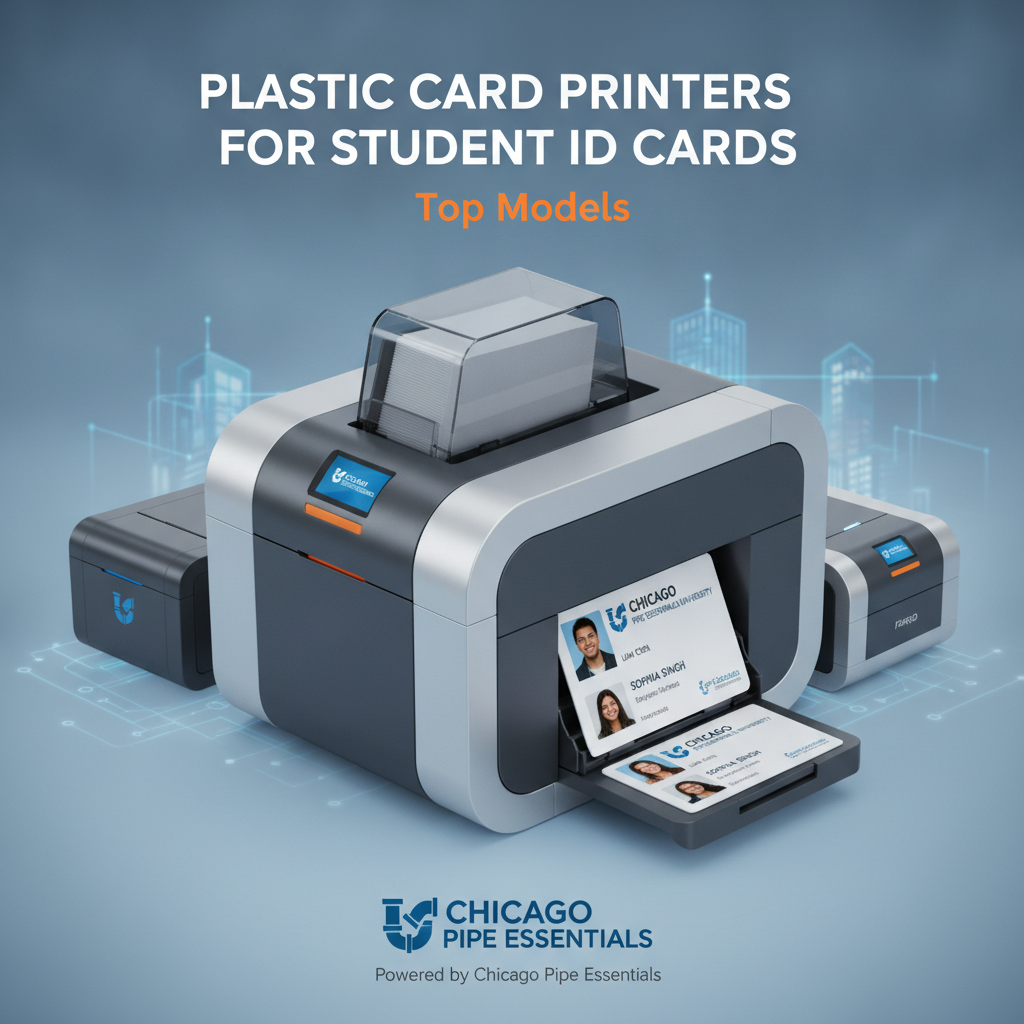 Walk into any school office on the first day of the year and you'll feel it - that organized chaos of students waiting for their IDs. Whether it's a K-12 district managing thousands of new enrollees or a university issuing replacement credentials mid-semester, the demand is real, constant, and unforgiving. Having the right plastic card printer for student ID cards changes everything about that experience.
Plastic Card ID has spent over 25 years putting professional-grade card printing hardware into the hands of organizations that need results - not promises. With more than 100,000 customers served across the United States, the depth of experience here isn't theoretical. It's operational, practical, and built on knowing which printers actually hold up when the pressure is on.
This guide breaks down what you need to know before choosing a student ID card printer - from print volume and card encoding to brand comparisons and accessories that complete the program. Whether you're setting up a system from scratch or upgrading aging equipment, the answers are here.
| Printer Model | Brand | Best For | Monthly Volume | Dual-Sided |
|---|---|---|---|---|
| Badgy200 | Evolis | Small schools, under 1,000 cards/year | Low volume | No |
| Zenius | Evolis | Mid-size districts | Up to 6,000/month | Optional |
| Primacy2 | Evolis | Universities, large school districts | Up to 6,000/month | Yes |
| Fargo HDP Series | Fargo | Security-focused ID programs | Mid-to-high | Yes |
| Zebra ZC Series | Zebra | Scalable enterprise ID programs | Mid-to-high | Yes |
| Agilia | Evolis | Premium full-bleed output | High volume | Yes |
Why Schools Are Bringing Student ID Printing In-House
 There was a time when outsourcing student ID card production seemed like the path of least resistance. Send a spreadsheet to a vendor, wait two weeks, distribute the batch, and repeat for replacements. That model has real cracks in it - lead times, reorder costs, the inability to personalize cards on the fly, and zero control over quality. Bring printing in-house and every one of those problems vanishes.
In-house card printing puts the school in complete control - print on demand, encode magnetic stripes or smart chips, update designs without vendor negotiations, and replace lost cards the same day a student walks in. For administrative offices already stretched thin, that kind of operational agility isn't a luxury. It's a necessity.
The Real Cost of Outsourcing vs. In-House Printing
When you break down the numbers, the value proposition for in-house printing becomes clear fast. Initial hardware investment aside, the per-card cost drops dramatically once you own the equipment. A ribbon and blank PVC card stock to print a fully personalized, dual-sided student ID can cost well under a dollar per card when done in-house.
Compare that to vendor pricing, which rarely accounts for rush fees, minimum order quantities, or the administrative time spent managing the relationship. Organizations that make the switch typically recoup their hardware investment within the first year, often much sooner when replacement card volume is high.
On-Demand Printing Changes the Administrative Game
A student loses their ID on a Tuesday. With an in-house printer, that replacement is ready before they leave the office. With an outside vendor, best case is five to seven business days - and that's before accounting for approval cycles, file formatting requirements, and shipping. The difference is not trivial in a school environment where the ID card gates access to buildings, cafeterias, and library services.
On-demand capability also means new students can be onboarded immediately rather than waiting for the next bulk print run. That's a meaningful improvement in both operational efficiency and student experience - and it starts with having the right printer on the desk.
Personalization and Data Encoding Capabilities
Modern student ID cards do more than display a name and photo. Many schools encode magnetic stripes for library checkout systems, meal plan tracking, or access control. Others are incorporating smart chip technology for more sophisticated credential programs. The ability to encode these features in-house - at the moment of printing - is something no outside vendor can replicate with the same speed or flexibility.
CPE carries printers with optional magnetic stripe encoding and smart chip encoding upgrades, meaning your hardware investment grows with your program's needs rather than becoming obsolete the moment requirements evolve.
Choosing the Right Printer for Your School's Volume
Volume is the single most important factor when selecting a student ID card printer. Getting this wrong in either direction - underpowering a large district's needs or overspending on industrial capacity for a small private school - creates problems that don't resolve themselves. Match the machine to the mission.
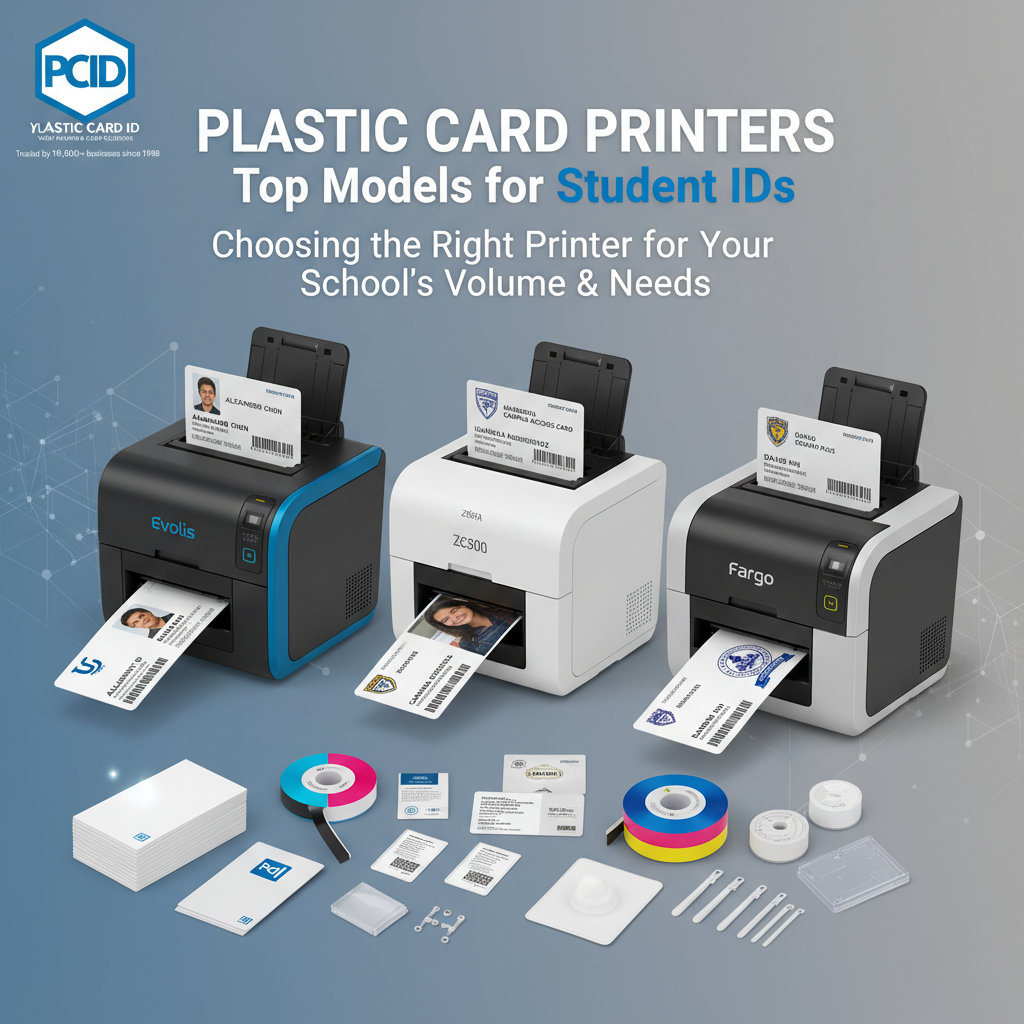
The range of options Plastic Card ID carries spans from true entry-level desktop units all the way to high-throughput systems capable of handling large enrollment seasons without breaking a sweat. Understanding where your institution falls on that spectrum is the starting point for every good purchasing decision.
Entry-Level: Small Schools and Low-Volume Programs
The Evolis Badgy200 is purpose-built for organizations printing fewer than 1,000 cards per year. Think small private schools, charter campuses, tutoring centers issuing staff credentials, or after-school programs that need a simple, clean professional output without a large upfront commitment. The Badgy200 is compact, straightforward to operate, and produces consistent results for exactly the kind of light-duty workload it was designed to handle.
Entry-level doesn't mean entry-grade quality. Cards printed on the Badgy200 come out looking sharp and professional - full color, photo-quality output on standard CR80 PVC card stock. For institutions where budget matters as much as output, this is a serious contender worth evaluating carefully before stepping up to a higher tier.
Mid-Range Workhorses: The Evolis Zenius and Primacy2
Step up to the mid-range and two names dominate the conversation: the Evolis Zenius and the Evolis Primacy2. Both handle between 1,000 and 6,000 cards per month with consistency and reliability that mid-size school districts depend on. The Zenius is a single-sided printer ideal for programs where the back of the card is either blank or pre-printed. The Primacy2 adds dual-sided printing capability - essential when you need student information, barcodes, or access instructions on the card back.
The Primacy2 is one of the most popular choices among K-12 districts and university departments for good reason. It supports optional magnetic stripe encoding, connects easily to existing ID software platforms, and produces edge-to-edge color output that holds up under daily use. This is the workhorse that quietly gets the job done - semester after semester, year after year.
To speak with a specialist about which configuration is right for your program, call 800.835.7919 and get direct answers from people who know these machines inside and out.
High-Volume and Premium Output: Evolis Agilia and Beyond
When a university system is printing credentials across multiple campuses, or a large school district needs to onboard thousands of students at the start of each school year, the Evolis Agilia steps in. This is the premium tier - edge-to-edge printing, exceptional image fidelity, and the throughput to match high-demand enrollment seasons without creating bottlenecks in the ID office.
Premium output from the Agilia means cards that genuinely look and feel like professionally produced credentials. For institutions where the student ID card represents the brand of the school - not just a utility credential - the quality difference is visible and worth the investment. First impressions matter, and a sharp, well-produced ID card communicates institutional professionalism from day one.
Brand Breakdown: Evolis, Fargo, Zebra, and Matica
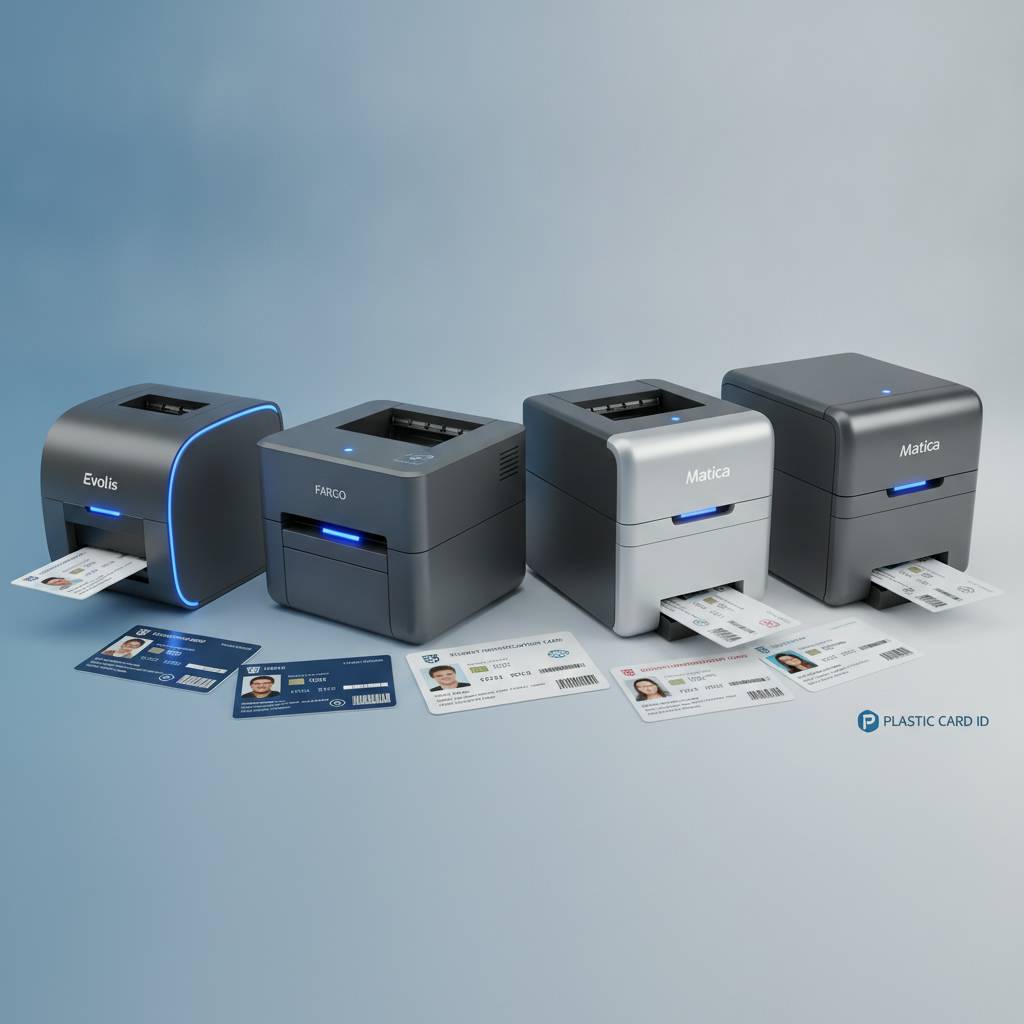 Not every brand fits every use case, and CPE has deliberately curated a lineup that covers the full range of institutional needs without redundancy. Each brand in the portfolio brings something specific to the table - and understanding those distinctions helps buyers make decisions they won't second-guess six months later.
These aren't obscure names. Evolis, Fargo, Zebra, and Matica represent the recognized standard-bearers of the professional card printing industry. Choosing from within this group means choosing proven engineering, available consumables, and hardware that institutions across the country have relied on for serious card programs.
Evolis: The Versatile All-Rounder
Evolis dominates the educational market for a reason. The brand's lineup covers every volume tier - from the Badgy200 up through the Agilia - with consistent print quality, intuitive software integration, and a hardware design philosophy that prioritizes ease of use in office environments. Ribbon loading is simple, maintenance is straightforward, and the machines don't require specialized technicians to keep running.
For schools new to in-house card printing, Evolis printers offer one of the shortest learning curves available. Staff training time is minimal, and the output quality from the first card off the machine is something administrators can be proud of rather than embarrassed by.
Fargo and Zebra: Security-Focused ID Solutions
Fargo and Zebra printers are the go-to choices when a student ID program has security requirements built into its design. Fargo's HDP retransfer printing technology delivers over-the-edge printing on cards with embedded components - smart chips, proximity technology, and other secure credential features - without the image quality degradation that direct-to-card printing can introduce at card edges.
Zebra's ZC Series brings enterprise-grade scalability to ID programs that need to grow without being re-architected. For school districts with IT infrastructure requirements, network printing capability, and integration needs, Zebra's ecosystem of card printers fits naturally into existing managed technology environments. Both brands are serious hardware choices for serious ID programs.
Matica: High-Speed Event and On-Site Credentialing
The Matica Event Printer serves a specific but important need in the education world - high-speed on-site badge and credential printing for events, orientation days, registration drives, and large-scale enrollment sessions. When hundreds of students need credentials printed and distributed in a short time window, the Matica delivers throughput that desktop printers simply aren't designed to match.
Think about orientation week at a large university - thousands of new students, multiple concurrent sessions, and a credential that needs to be in every student's hand before they leave. That's where the Matica Event Printer earns its place in the lineup, delivering volume and speed when the calendar demands it.
Supplies and Accessories That Keep the Program Running
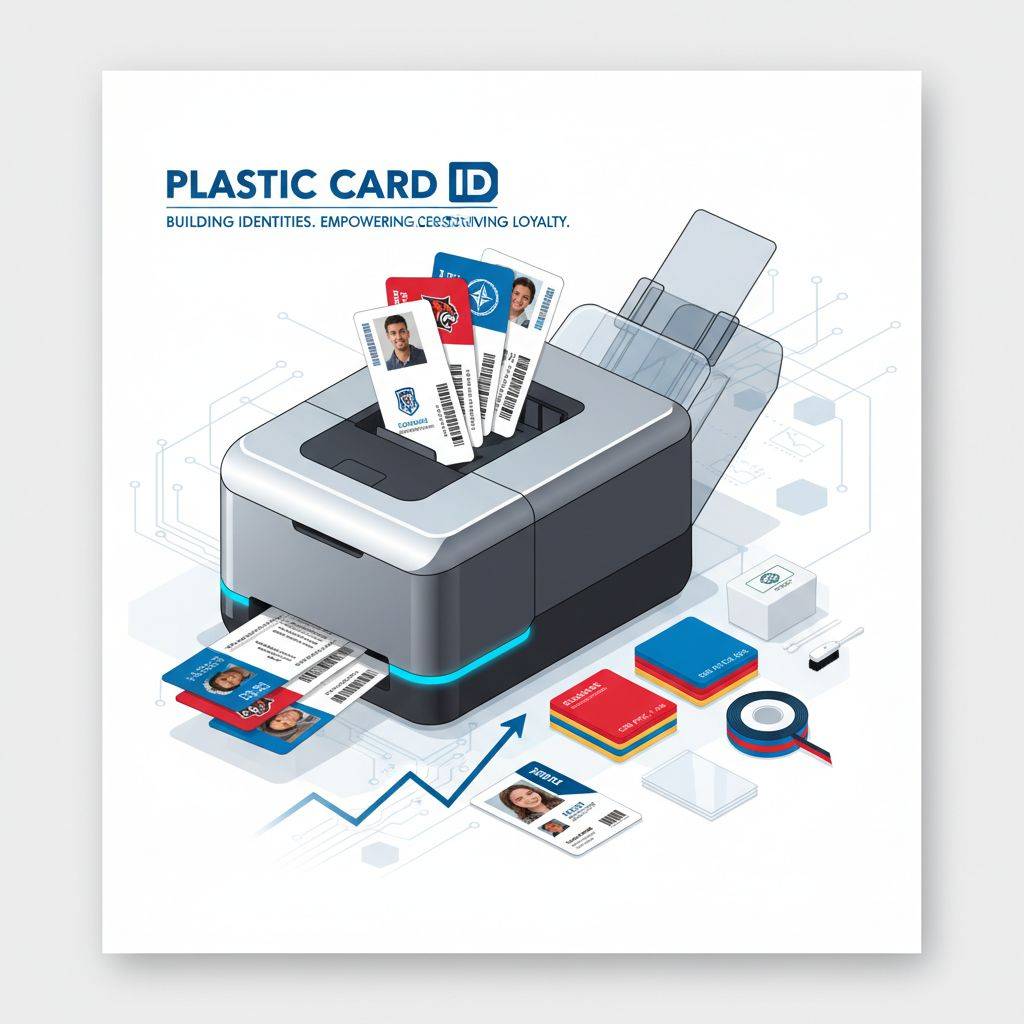 A printer without consumables is a paperweight. Every card printing program - regardless of volume or brand - depends on a steady supply of ribbons, cleaning kits, card stock, and any optional accessories required for encoding or lamination. Plastic Card ID supplies everything in the ecosystem, not just the hardware.
- YMCKO ribbons - Full-color ribbons with overlay for durable, vibrant student ID card output
- Monochrome ribbons - High-speed, cost-effective single-color printing for high-volume applications
- Specialty ribbons - Including fluorescent, scratch-off, and security-enhanced options
- Cleaning kits - Manufacturer-recommended maintenance supplies to keep print heads clean and output consistent
- Lamination modules - Add a protective overlay layer to extend card life in high-use student environments
- Magnetic stripe encoding upgrades - For meal plan tracking, library access, and other integrated school systems
- Smart chip encoding upgrades - For advanced access control and campus credential programs
- Input hoppers - Extended card capacity for uninterrupted high-volume print runs
- Card carriers and sleeves - Protect finished cards during distribution and daily student use
Ribbons: Matching the Right Consumable to the Job
YMCKO ribbons are the standard for full-color student ID card printing - yellow, magenta, cyan, black, and a protective overlay panel in a single ribbon cartridge. The overlay is what gives printed cards their durability, protecting the image from scratches, fading, and the kind of wear a student ID takes inside a wallet or backpack over an academic year. Never skip the overlay panel when printing cards that need to last.
Monochrome ribbons - black, blue, red, and other single-color options - are used when color printing isn't required and speed or cost per card needs to be optimized. Some school programs print full-color IDs initially and then use monochrome for fast, inexpensive replacements. Having the right ribbon on hand for each use case keeps the program both efficient and cost-conscious.
Maintenance Supplies: Protect Your Hardware Investment
Print head cleaning is not optional - it's the maintenance habit that separates printers that last a decade from printers that need expensive repairs after two years. Cleaning kits include cleaning cards and swabs designed to remove dust, card debris, and ribbon residue from the print path without damaging sensitive components. Most manufacturers recommend cleaning after every ribbon change, and CPE carries the right kits for every brand in the lineup.
Lamination modules are a worthwhile upgrade for schools where cards face heavy daily use. A laminated student ID card resists scratches, moisture, and the general punishment of student life far better than an unlaminated card. For programs issuing cards expected to last a full academic year or more without replacement, lamination pays for itself in reduced reprint frequency alone.
Encoding Upgrades: When the ID Card Does More Than Identify
Magnetic stripe encoding turns a student ID into a functional access tool - swipeable at library kiosks, cafeteria point-of-sale systems, and parking gates. The encoding happens at the moment of printing, meaning every card is ready to use the moment it comes out of the printer. No secondary encoding step, no separate hardware, no extra handling. The efficiency of integrated encoding is something schools with active card programs quickly come to rely on.
Smart chip encoding takes the functionality further - supporting proximity access control, multi-application credential programs, and more sophisticated campus security systems. If your school's physical security infrastructure already uses smart card technology, or if that's in the roadmap, selecting a printer with smart chip encoding capability is a future-ready decision worth making now rather than later.
Frequently Asked Questions About Student ID Card Printers
Buyers new to in-house card printing consistently come in with the same core questions. Getting clear answers upfront saves time, prevents mismatched purchases, and helps administrators build a card program that actually works as intended from day one.
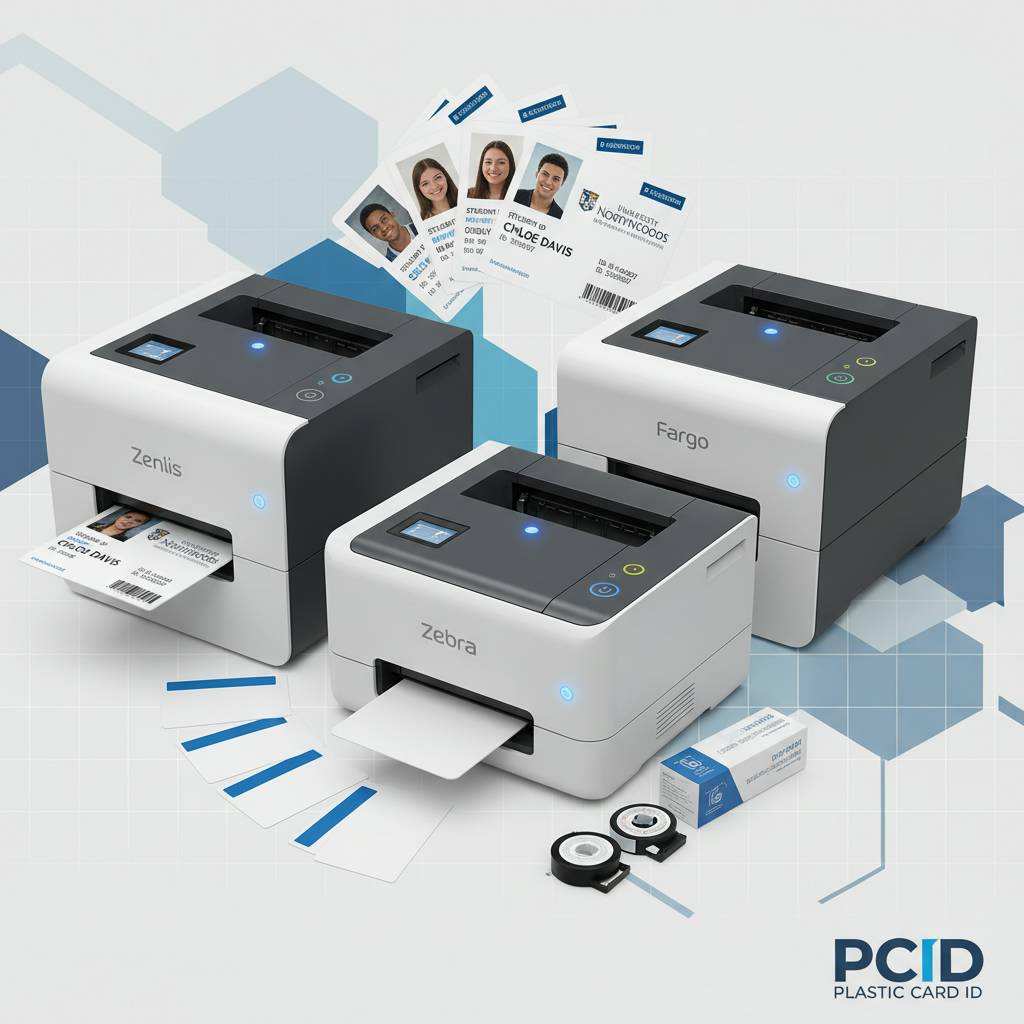
What print volume should I expect from my printer?
Print volume isn't just a spec on a data sheet - it's the practical throughput your program can sustain without overworking the hardware. Entry-level printers like the Badgy200 are rated for light-duty use, typically under 1,000 cards per year. Mid-range printers like the Zenius and Primacy2 handle up to 6,000 cards per month. Industrial-tier units are built for sustained high-volume output across enrollment seasons and ongoing replacement programs.
Overdriving a printer beyond its rated volume leads to accelerated wear, more frequent maintenance, and shorter hardware life. Match the rated volume of the printer to your actual program needs - and if you're not sure, call 800.835.7919 to talk through the numbers with a specialist who can make the right recommendation.
Do I need dual-sided printing capability?
That depends entirely on what information you need to put on the card. If the back of the student ID will carry a barcode, emergency contact information, school policies, or access instructions, then yes - dual-sided printing is worth having. Printers like the Primacy2 support this natively, and the difference in card utility between single and dual-sided output is substantial in many school environments.
If the back of the card will always be blank or pre-printed with static information, a single-sided printer may be the more cost-effective choice. Don't pay for capability you won't use - but also don't underequip a program that will regret the limitation six months in.
What software do these printers work with?
Evolis, Fargo, and Zebra printers are designed to work with the major ID card software platforms in the market - including both manufacturer-bundled software and third-party ID management systems used by educational institutions. Most connect via USB, with network-connected options available for enterprise environments where multiple users or departments need access to the same printer.
Driver installation is straightforward, and the major platforms provide templates, database connectivity for photo ID pulls, and output profiles optimized for each printer model. For schools already using a student information system, the integration path is well-established and typically handled with minimal IT involvement.
Buyer's Guide: What to Consider Before You Purchase
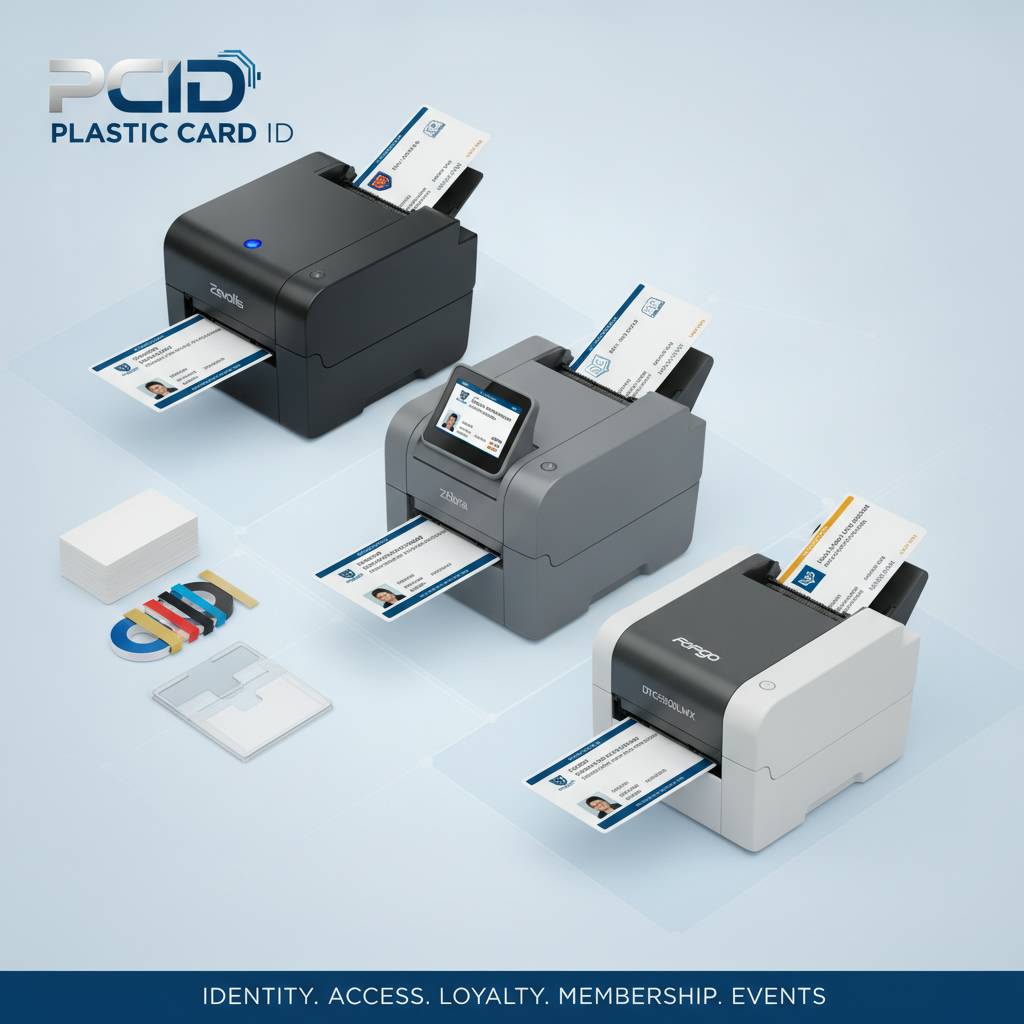 Buying a student ID card printer is a decision that should be made with full context - volume, encoding needs, software environment, budget, and growth trajectory. Getting all of those factors right before signing an order means a system that works from day one and keeps working for years.
Key Factors in Choosing the Right System
Start with your annual card volume - total cards printed per year, including new enrollments and replacements. Then consider whether you need encoding (magnetic stripe, smart chip, or both) and whether dual-sided printing is required. Factor in whether you're running the printer in a single centralized office or distributing printing capability across multiple locations or departments.
Budget is obviously a factor, but frame it correctly: the question isn't just what does the printer cost, but what does the total program cost - hardware, ribbons, cleaning supplies, card stock, and encoding accessories - on a per-card basis over a reasonable service life. Total cost of ownership, not sticker price, is the right metric for this kind of infrastructure decision.
Tips for Getting the Most Out of Your Card Program
- Order ribbon and cleaning supplies in quantities matched to your print volume - running out mid-semester creates avoidable delays
- Schedule regular cleaning maintenance rather than waiting for print quality to visibly degrade
- Use card stock from a reputable supplier - off-brand cards can cause feeding issues and premature print head wear
- Keep a small inventory of pre-printed blank cards for quick same-day replacements during peak periods
- Document your printer settings and card design templates so replacements or upgrades don't require starting from scratch
- Review your card design annually - updating photos, branding, and encoding configurations keeps the program current and professional
When to Upgrade Your Existing Printer
Not every upgrade decision is triggered by hardware failure. Sometimes a school's card program simply outgrows its original printer. If print queue times are regularly backing up, replacement card requests are creating a visible bottleneck, or encoding requirements have evolved beyond what current hardware supports, it's time to reassess. Upgrading proactively, before failure forces the issue, protects program continuity and avoids the emergency replacement scramble that nobody wants in the middle of a semester.
Fading print quality, frequent paper jams, or a ribbon that no longer produces the vibrant output it once did are also signs that maintenance needs have exceeded normal cleaning cycles. In many cases, a thorough service cleaning resolves the issue. In others, the hardware has simply reached the end of its useful life and a new unit is the more practical path forward.
Partner With Plastic Card ID for Your Student ID Card Printing Program
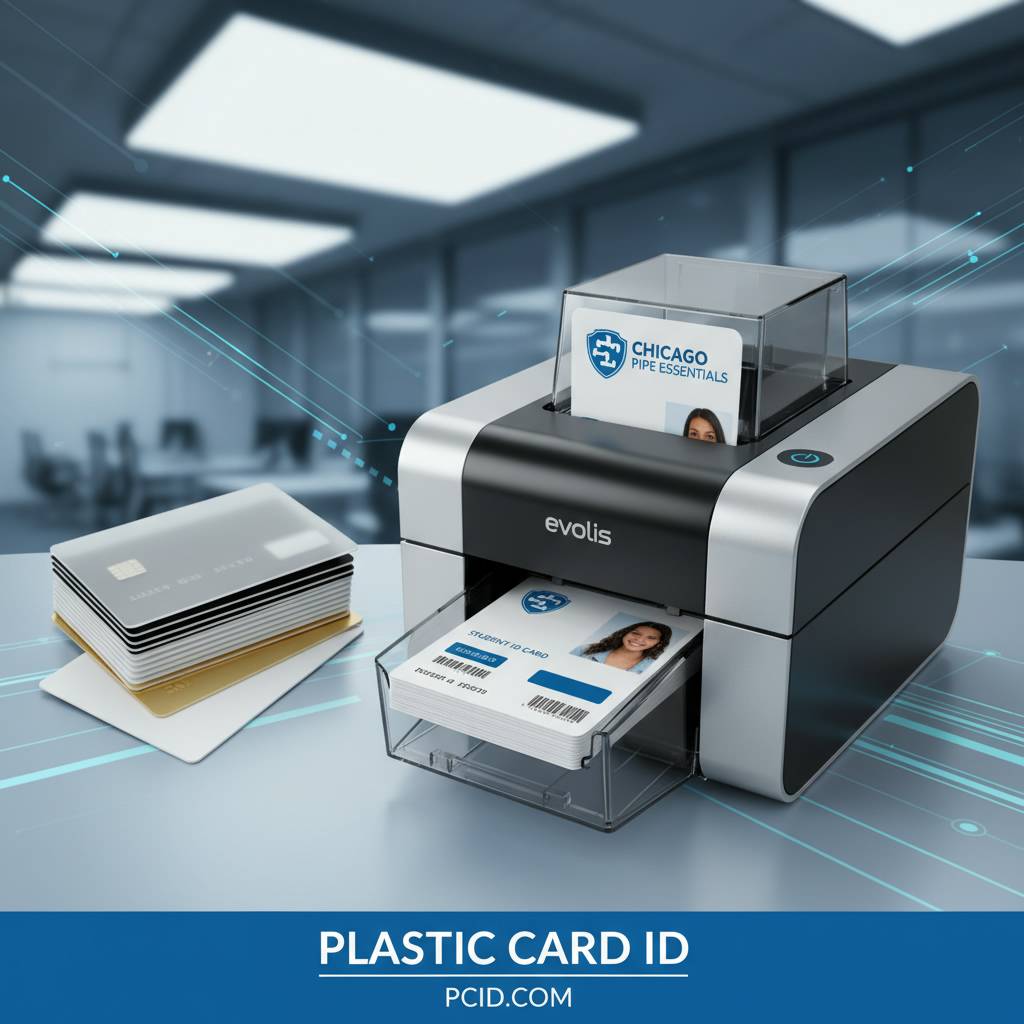 Building a student ID card program that works - reliably, professionally, and at the right cost - starts with choosing the right hardware partner. Plastic Card ID brings over 25 years of experience, a carefully curated lineup of professional-grade printers from Evolis, Fargo, Zebra, and Matica, and a complete supply ecosystem to support every aspect of your program from launch through long-term operation.
More than 100,000 customers across the United States have trusted CPE with their card printing needs - from small charter schools printing a few hundred IDs per year to large university systems managing thousands of student credentials every semester. That breadth of experience means practical guidance, not guesswork, when it comes time to make a purchasing decision.
Complete Support From Hardware to Consumables
Every printer Plastic Card ID carries is backed by access to the full range of compatible consumables - ribbons, cleaning kits, card stock, lamination modules, and encoding accessories. You won't find yourself in a situation where you have the right printer but can't source the supplies to keep it running. A complete program, not just a piece of hardware, is what makes the difference between a card program that works and one that creates headaches.
Whether you're starting fresh, replacing aging equipment, or scaling an existing program to handle growing enrollment, the lineup at Plastic Card ID has the right solution at the right scale. The combination of hardware expertise and consumable availability makes CPE a single-source partner for the full lifecycle of your student ID card program.
Ready to Get Started? Connect With a Specialist Today
The fastest way to find the right plastic card printer for your student ID program is a direct conversation. Call 800.835.7919 and connect with a specialist who can match your volume, encoding requirements, and budget to the right printer from the industry's leading brands.
No guesswork. No one-size-fits-all answers. Real guidance from people who know card printing - because that's what Plastic Card ID has been doing for over 25 years and more than 100,000 customers across the United States.
Contact Plastic Card ID today at 800.835.7919 and build a student ID card program your institution can depend on - starting with the right printer, backed by the right partner.
Previous Page