Card Printer Cleaning Kit Guide: Keep Your Printer Running
Table of Contents []
- Your Complete Card Printer Cleaning Kit Guide from Plastic Card ID
- Why Cleaning Kits Are Non-Negotiable for Card Printer Longevity
- What's Actually Inside a Card Printer Cleaning Kit
- Matching the Right Cleaning Kit to Your Printer Model
- How Often Should You Run a Cleaning Cycle?
- Ordering Cleaning Supplies Through Plastic Card ID
- Frequently Asked Questions: Card Printer Cleaning Kits
- Ready to Keep Your Card Printer Running at Its Best? Contact Plastic Card ID
Your Complete Card Printer Cleaning Kit Guide from Plastic Card ID
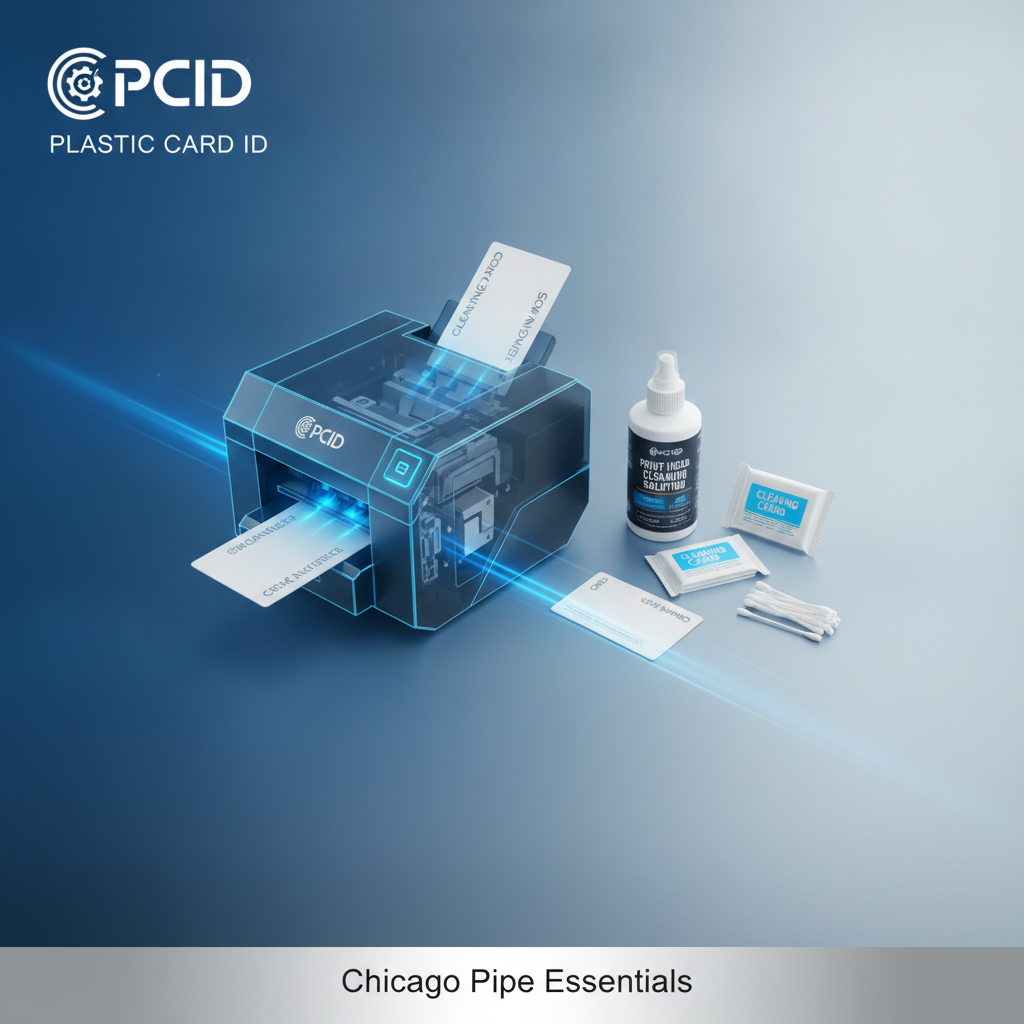 Most card printer problems trace back to one overlooked habit: skipping routine cleaning. Dust, debris, and residue from card surfaces accumulate inside your printer faster than you'd expect, and the consequences range from faded prints to complete printhead failure. If you've invested in professional card printing hardware, a disciplined cleaning routine isn't optional - it's what protects that investment.
This guide covers everything you need to know about card printer cleaning kits - what they contain, when to use them, which printers require which cleaning methods, and how CPE can set your organization up with the right supplies from day one. Whether you're running an Evolis Badgy200 for occasional badge printing or a high-throughput Matica system producing credentials at scale, the principles here apply directly to your operation.
| Print Volume | Recommended Printer Tier | Cleaning Frequency | Primary Cleaning Tools |
|---|---|---|---|
| Under 1,000 cards/year | Evolis Badgy200 | Every ribbon change | Cleaning card, cleaning roller |
| 1,000-6,000 cards/month | Evolis Zenius / Primacy2 | Every 500-1,000 cards | Cleaning card, swabs, roller |
| High-volume production | Evolis Agilia / Matica | Every 500 cards or as prompted | Full kit: cards, swabs, rollers |
| Security ID programs | Fargo / Zebra | Per manufacturer schedule | Brand-specific cleaning kits |
Why Cleaning Kits Are Non-Negotiable for Card Printer Longevity
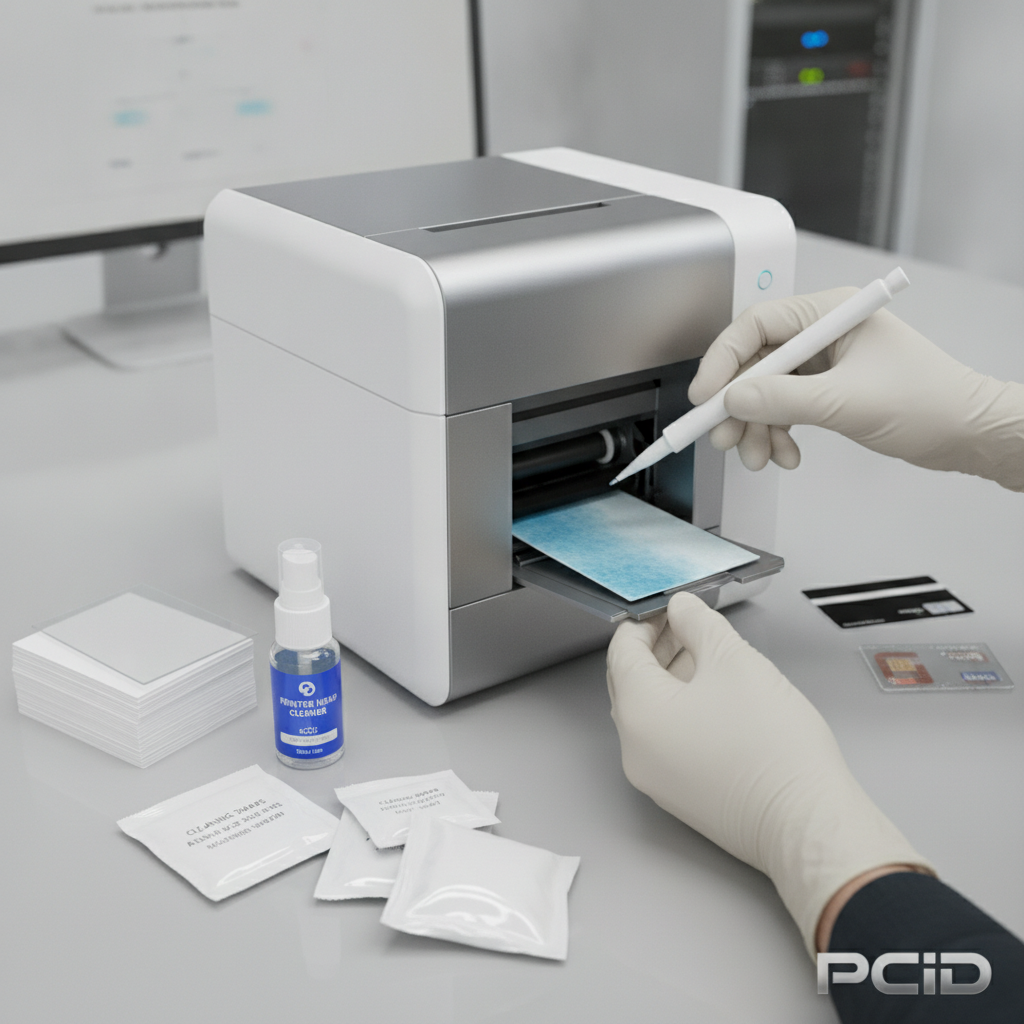 A neglected printhead is an expensive printhead. Replacement printheads for professional card printers can run anywhere from $75-$200 or more depending on the model, and most manufacturers will void their warranty coverage if they can demonstrate that routine cleaning wasn't performed. That's not fine print buried in a manual - that's a real financial risk that operators face every day.
Card stock, even quality PVC cards, sheds microscopic particles during transport through the printer's feed path. These particles coat the cleaning rollers, the printhead, and the internal transport components. Over time, that buildup translates directly into print quality degradation - streaks, spots, uneven color transfer, and encoding errors on magnetic stripe cards. The fix is simple. The cleaning kit is cheap. The printhead replacement is not.
What Happens Inside Your Printer Without Regular Cleaning
Imagine running 2,000 cards through a printer without a single cleaning cycle. The transport rollers, which grip each card and move it precisely through the print zone, gradually become coated with dust and PVC residue. Their grip weakens. Cards start feeding at inconsistent angles. Suddenly, your membership cards have color banding across them - not because something broke, but because the card wasn't perfectly flat against the printhead during transfer.
Encoding failures become more common on dirty machines. Magnetic stripe cards and smart chip cards require precise contact with encoding heads that are extremely sensitive to contamination. A buildup of even trace debris can cause read/write errors, producing cards that won't swipe or tap correctly. For hotel key card programs or access control systems, that means frustrated guests and compromised security - neither of which is acceptable.
Manufacturer Warranties and Cleaning Requirements
Evolis, Fargo, Zebra, and Matica all include cleaning requirements in their warranty documentation. These aren't suggestions. Evolis printers, for example, include a built-in cleaning alert that triggers after a set number of cards - typically 500 or 1,000 depending on the model. Ignoring that alert doesn't just affect print quality; it creates a documented record that maintenance was skipped, which matters if you ever need to make a warranty claim.
Fargo and Zebra printers used in high-security ID programs often operate in environments where uptime is critical - government agencies, law enforcement, corporate security departments. In these settings, cleaning compliance isn't just about print quality; it's part of the operational protocol. Using the manufacturer-approved cleaning kit ensures that the materials used are compatible with your specific printer's components - not just any isopropyl-soaked pad, but precision-engineered tools for precise machines.
The Real Cost of Skipping a $20 Cleaning Kit
Here's a scenario worth considering. An organization prints student ID cards at the beginning of each semester - maybe 800 cards twice a year. They skip cleaning kits entirely for two years, reasoning that the volume is low and the printer seems fine. In year three, print quality drops noticeably. A service call reveals that the cleaning rollers are saturated with debris and the printhead shows early wear. The repair and parts cost several hundred dollars.
Compare that to a cleaning kit that costs a fraction of that and takes five minutes to run. Preventive maintenance is always the less expensive option. Call CPE at 800.835.7919 and ask about bundling cleaning supplies with your initial printer purchase - it's a smart setup that pays for itself quickly.
What's Actually Inside a Card Printer Cleaning Kit
Not all cleaning kits are created equal, and understanding what each component does helps you use them correctly. A standard kit from a reputable supplier includes multiple tools, each targeting a different part of the printer's internal mechanism. Using all of them - in the right sequence - is what makes the cleaning cycle genuinely effective rather than cosmetic.
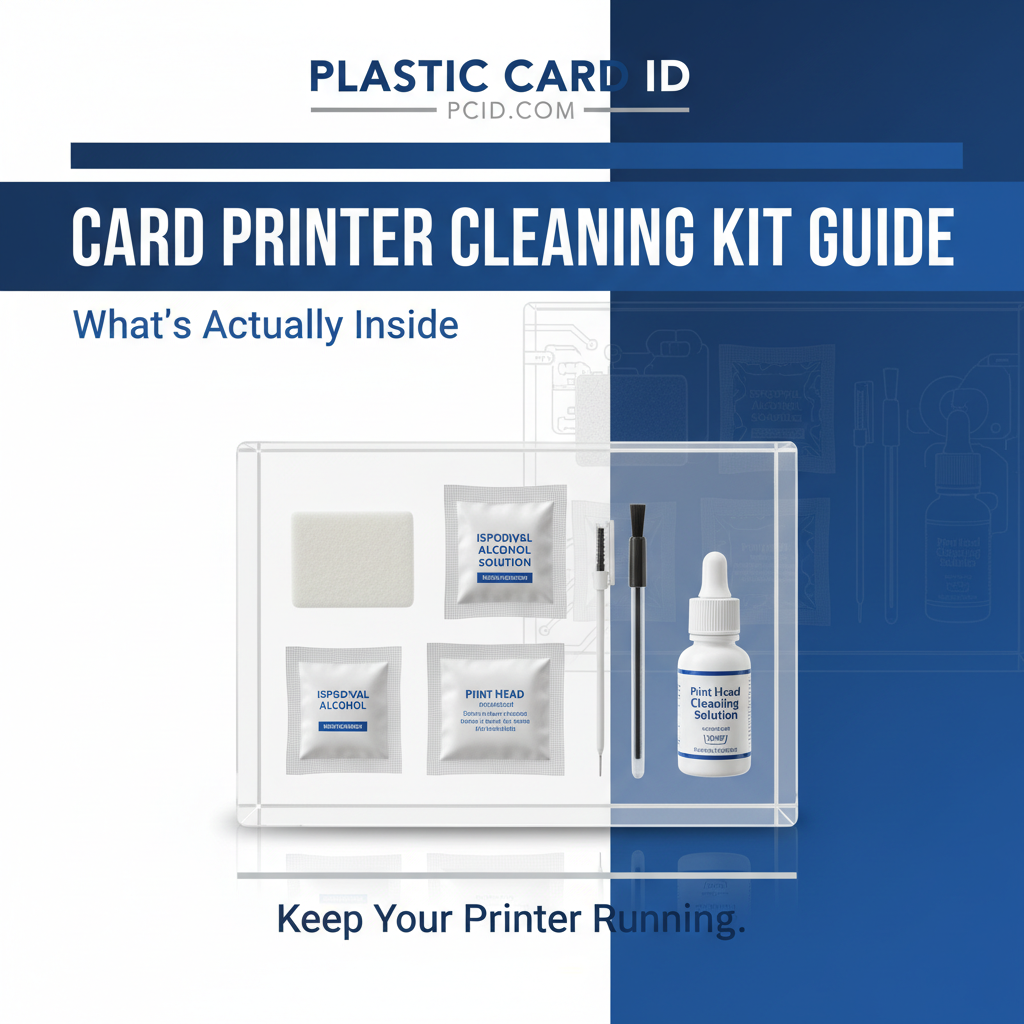
The components work together. A cleaning card running through the feed path without first cleaning the transport rollers with a swab is like mopping a floor before sweeping it. Understanding the purpose of each piece is what separates operators who get 5 years out of a printer from those replacing hardware every 18 months.
Cleaning Cards - The Core of Every Kit
Cleaning cards look almost identical to a standard PVC card - same CR80 dimensions, same thickness. The difference is the material: they're saturated with isopropyl alcohol or a similar cleaning agent and designed to pass through the printer's feed path, making contact with the transport rollers, the cleaning roller, and in some cases the printhead itself. Running a cleaning card is the most frequently performed maintenance task for any card printer operator.
Most manufacturers recommend running a cleaning card every time you change the ribbon - which for a busy operation might mean once a week or more. For lower-volume setups, cleaning at each ribbon change is typically sufficient. The process usually takes under two minutes and requires no technical expertise - insert the card, run the cleaning cycle from the printer's menu or driver software, and you're done.
Cleaning Swabs and Their Specific Targets
Cleaning swabs are precision tools - foam-tipped or cotton-tipped applicators pre-saturated with cleaning solution. They're used to reach areas that a cleaning card passes through but doesn't directly address, such as the printhead itself, the card output tray, the card input hopper, and any encoding modules like magnetic stripe heads or smart card contacts. Printhead cleaning with a swab is the single most impactful maintenance step for print quality.
When using a cleaning swab on a printhead, technique matters. Wipe in one direction only - never back and forth - to avoid re-depositing debris. Allow the head to dry completely before loading a new ribbon and resuming printing. This takes 60 seconds and can be the difference between a print job that looks crisp and professional versus one that shows streaking or color inconsistency.
Replacement Cleaning Rollers
Inside every card printer is a cleaning roller - a sticky, foam-coated cylinder that the card makes contact with before entering the print zone. Its job is to lift surface dust and particles off the card stock before they can reach the printhead. Over time, this roller becomes saturated and loses its adhesive properties. At that point, it's no longer cleaning cards - it's just another surface the card rolls past.
Replacement cleaning rollers are typically included in complete cleaning kits or sold separately. Evolis printers, for example, include rollers in their official cleaning kit packages, and the swap takes about 30 seconds without any tools. Replacing the cleaning roller on schedule is just as important as running cleaning cards - and it's a step that surprisingly many operators overlook until print quality problems force the conversation.
Matching the Right Cleaning Kit to Your Printer Model
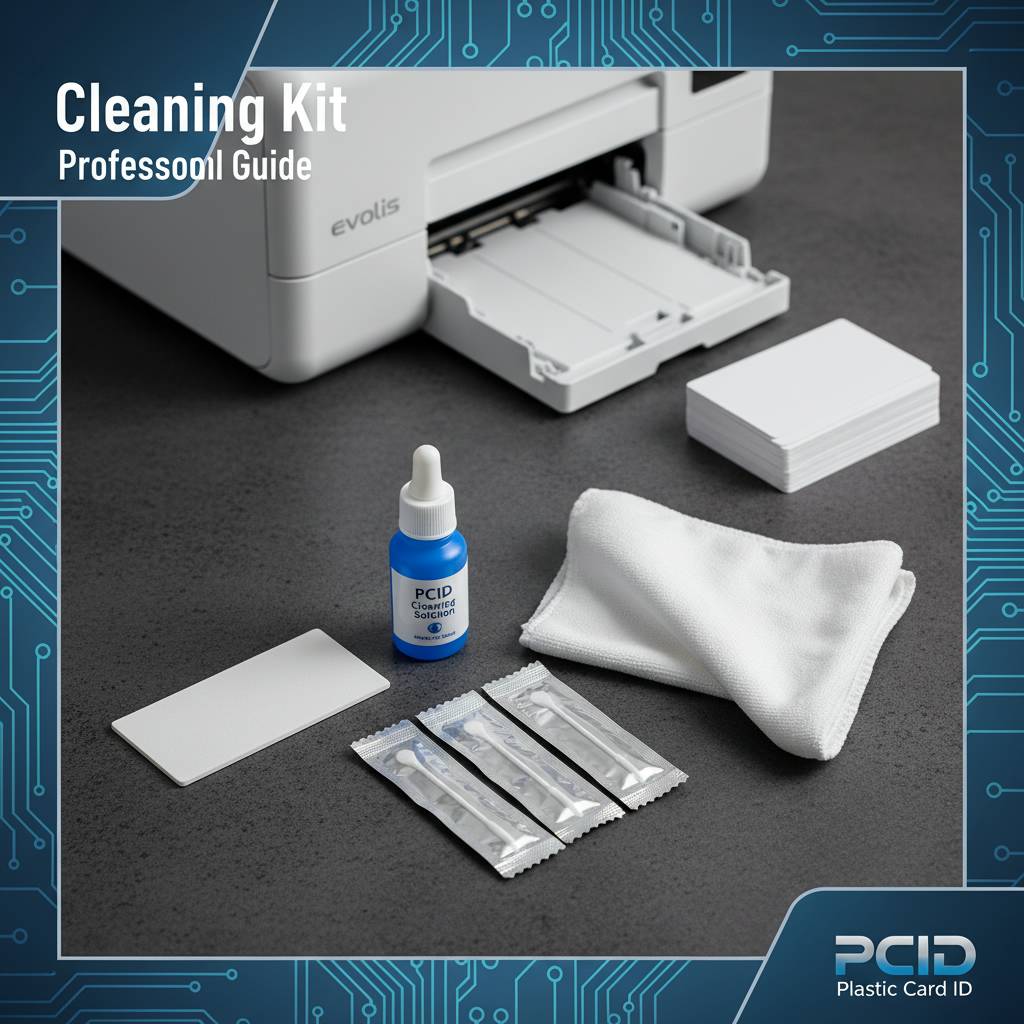 Brand-specific cleaning kits matter. While the chemistry of isopropyl-based cleaning solutions is broadly similar, the physical dimensions of cleaning cards, the geometry of swabs, and the specifications of replacement rollers vary meaningfully between Evolis, Fargo, Zebra, and Matica printers. Using mismatched cleaning supplies can leave areas uncleaned or, in some cases, damage sensitive components.
CPE stocks manufacturer-matched cleaning kits for every printer in the lineup. When you purchase a printer through Plastic Card ID, the team can match you with the exact cleaning supplies that correspond to your hardware - no guesswork, no compatibility concerns.
Evolis Printer Cleaning Kits
Evolis has engineered a very user-friendly cleaning ecosystem. Their printers include on-screen prompts that alert operators when a cleaning cycle is due, and the Evolis cleaning kits are designed to be used by non-technical staff without any risk of damage. The Evolis cleaning kit for the Zenius and Primacy2, for example, includes both cleaning cards and swabs formatted to fit those specific printer dimensions precisely.
For the flagship Evolis Agilia - a printer built for organizations demanding premium edge-to-edge output - the cleaning protocol is more involved given the higher-end printhead and lamination module options. The Agilia benefits from a more comprehensive cleaning routine, including regular attention to the lamination module if equipped. High-quality output demands high-quality maintenance discipline.
Fargo and Zebra Cleaning Kit Considerations
Fargo printers, popular in security-focused ID programs, use a cleaning kit format that includes both cleaning cards and printhead cleaning supplies. Fargo's HDP (High Definition Printing) models have a slightly different print process - the image is printed onto a film that's then transferred to the card - which means cleaning addresses the printhead and the film transfer components differently than direct-to-card models.
Zebra card printers, widely deployed in corporate and enterprise environments, come with Zebra-specific cleaning kits that include branded cleaning cards and swabs. Zebra's ZXP Series printers have a detailed cleaning cycle accessible from the printer's LCD menu. Following Zebra's documented cleaning schedule precisely keeps these workhorses running reliably across the demanding environments they're typically placed in.
Matica Event Printer Maintenance
The Matica Event Printer occupies a unique position in the card printing landscape - it's engineered for speed and on-site deployment at large events, conferences, and venues where hundreds or thousands of credentials need to be produced quickly. In that kind of high-throughput scenario, cleaning isn't a once-a-month consideration. It's a between-shift protocol.
Matica cleaning supplies are matched to the Event Printer's specific feed path geometry and high-speed transport mechanism. Running the correct cleaning cycle between printing sessions keeps the printer operating at peak speed without the card jams or misfeeds that can derail event credential operations at exactly the wrong moment.
How Often Should You Run a Cleaning Cycle?
 This question comes up constantly, and the honest answer is: more often than most people think. The conservative, manufacturer-aligned recommendation is to run a cleaning cycle every time you change a ribbon. That's the baseline. Depending on your environment - dusty warehouse, high-humidity space, or card stock that's been sitting in storage - you may want to clean more frequently.
Environmental factors genuinely matter. A card printer in a clean office environment will accumulate debris more slowly than one in a school's athletics department or a warehouse distribution center. Understanding your operating environment is part of building a realistic cleaning schedule.
Cleaning Schedules by Card Program Type
- Employee ID programs: Typically batch-printed during onboarding cycles. Clean at every ribbon change, and run a cleaning card before any new batch begins after the printer has sat idle for an extended period.
- Membership and loyalty card programs: Often printed on-demand as new members enroll. Clean every 200-500 cards or at ribbon change, whichever comes first.
- Access control and security badges: These often include magnetic stripe or smart chip encoding. Clean both the transport path and the encoding heads per the manufacturer's schedule - never skip the encoding head step.
- Hotel key cards: High volume, rapid turnaround. Magnetic stripe encoding is standard. Clean frequently - every 500 cards minimum - and inspect the encoding head monthly.
- Student IDs: Seasonal large batches. Clean the printer thoroughly before each production run, not just after. Starting with a clean machine reduces waste cards from the beginning of the batch.
- Event credentials: For on-site event printing with a Matica or similar system, clean between every 200-300 cards or between printing sessions, whichever is shorter.
Signs Your Printer Needs Cleaning Right Now
Even with the best intentions, cleaning schedules sometimes slip. Recognizing the warning signs of an overdue cleaning cycle lets you intervene before a small maintenance deficit becomes a hardware problem. Don't wait for obvious print failures to prompt a cleaning cycle - the earlier you catch degradation, the less recovery work is needed.
Watch for these indicators: horizontal lines or streaks appearing across printed cards, color inconsistency or banding, card feed errors or jams that weren't previously occurring, magnetic stripe cards failing to read after printing, and an unusual amount of dust visible in the output tray. Any one of these is your printer telling you something - and a cleaning cycle is almost always the first correct response.
Deep Cleaning vs. Routine Cleaning
Routine cleaning - cleaning cards and swabs at every ribbon change - handles the ongoing accumulation of normal operating debris. Deep cleaning goes further: it includes replacing the cleaning roller, carefully cleaning the printhead with a swab, wiping down the interior card path surfaces, cleaning the card input hopper, and inspecting encoding components. A deep clean should be performed every three to six months depending on print volume.
Deep cleaning is also recommended any time a printer has been in storage, has been relocated, or is being put back into service after a period of inactivity. Dust settles into components during idle periods, and starting a production run without clearing that accumulation is a recipe for wasted card stock and potential printhead wear. A 15-minute deep clean before returning a printer to active service is time extremely well spent.
Ordering Cleaning Supplies Through Plastic Card ID
Sourcing cleaning kits from the same supplier as your printer hardware isn't just convenient - it ensures compatibility and keeps your supply chain simple. Plastic Card ID carries cleaning supplies for every printer brand in the lineup: Evolis, Fargo, Zebra, and Matica. Whether you need a single cleaning kit for a desktop Badgy200 or ongoing cleaning supply orders for a fleet of enterprise printers, the team at CPE can set up the right replenishment cadence for your program.
Cleaning kits can be ordered alongside ribbons, card stock, and other consumables - which makes sense operationally because these items run out and need replenishment on similar timescales. Bundling consumable orders keeps your card program running without interruption and often simplifies the procurement process for organizations that need to maintain consistent supply levels.
What to Order with Your Cleaning Kit
A complete card printing consumables order typically includes printer ribbons - YMCKO for full-color printing, monochrome options for single-color applications, or specialty ribbons for overlaminates and security features. Cleaning kits should be ordered alongside ribbons as a standing item. If your printer uses a lamination module, lamination film supplies should be part of the same order.
For printers with magnetic stripe encoding, the encoding heads should be inspected at each cleaning cycle and the cleaning process for those heads is separate from the main card path cleaning. Smart card encoding modules have their own cleaning considerations as well. Ask the Plastic Card ID team about a complete consumables checklist for your specific printer - it takes the guesswork out of what to reorder and when.
Contact CPE for Cleaning Supply Guidance
Not sure which cleaning kit is right for your printer model? The team at Plastic Card ID has supported over 100,000 customers across the United States and can point you directly to the correct cleaning supplies for your specific hardware. This isn't generic advice - it's model-specific guidance from people who know these printers inside and out.
Reach the team at 800.835.7919 to discuss your card program's maintenance needs. Whether you're setting up a new printer and want to start with the right supplies, or you're troubleshooting print quality issues on existing hardware, the conversation starts with a phone call and ends with a clear plan.
Don't let a $20 maintenance item become a $200 repair. Stocking cleaning kits before you need them is the simplest form of printer protection available.
Frequently Asked Questions: Card Printer Cleaning Kits
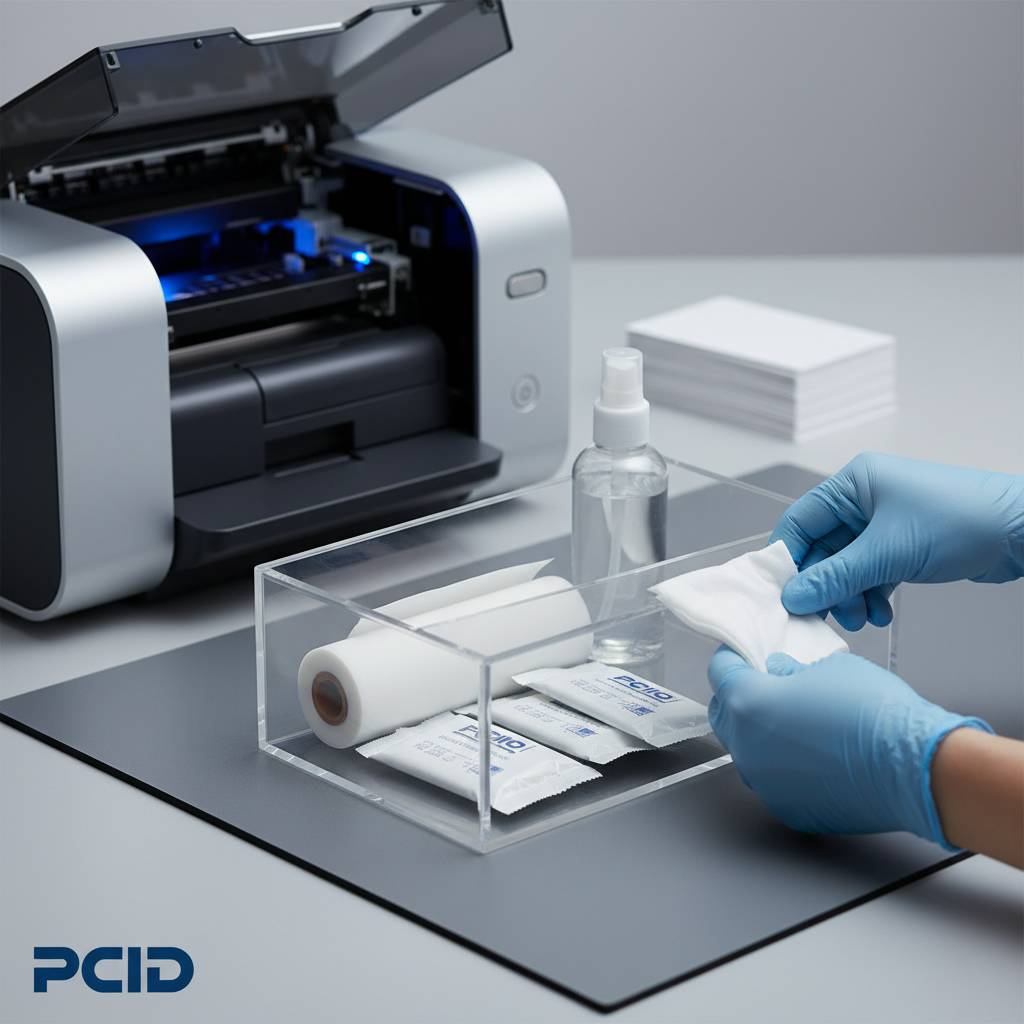 Over years of supporting card printing programs of every size and type, certain questions come up repeatedly. The answers below reflect real-world guidance - not just what the manual says, but what actually makes a difference in day-to-day operation.
Can I Use Generic Cleaning Cards Instead of Brand-Specific Kits?
Generic cleaning cards that match the CR80 card dimensions will physically fit in your printer and perform a basic cleaning pass. However, the saturation level, the cleaning agent chemistry, and the surface material of generic cards may not match what the manufacturer engineered for that specific printer model. In some cases, generic cleaning cards are perfectly adequate for routine cleaning passes. For printhead cleaning and encoding head maintenance, brand-specific cleaning swabs are strongly recommended to avoid any risk of incompatible chemistry affecting sensitive components.
The safest and most warranty-compliant approach is to use manufacturer-approved cleaning kits for all maintenance tasks. The cost difference between generic and manufacturer-approved supplies is small compared to the potential cost of a warranty dispute or premature component wear. When in doubt, call CPE and ask - it's a quick answer that can save real money.
How Long Does a Cleaning Cycle Take?
A routine cleaning cycle - running a cleaning card through the printer's automated cleaning process - typically takes two to five minutes from start to finish. This includes the time to open the lid, swap the ribbon for the cleaning card, run the cycle, and reload the ribbon. It's genuinely a minimal time investment. A full deep clean, including swabbing the printhead and replacing the cleaning roller, takes 10-15 minutes and should be scheduled quarterly or semi-annually depending on print volume.
Most modern Evolis, Fargo, Zebra, and Matica printers make the cleaning process straightforward with on-screen guidance. Some models walk the operator through the entire cycle step by step, making it accessible even for staff with no technical background. Training a team member to perform routine cleaning is a practical way to institutionalize the habit.
What If My Printer Is Already Showing Print Quality Issues?
If your printer is already producing substandard output - streaks, spots, color banding, or encoding errors - start with a thorough cleaning before assuming hardware failure. A surprising number of apparent hardware problems resolve completely with a proper deep clean. Run a cleaning card, swab the printhead carefully, replace the cleaning roller if it hasn't been changed recently, and run a test print. In many cases, that sequence restores output quality to factory-level standards.
If print quality issues persist after a thorough cleaning cycle, the next step is to evaluate the ribbon - a degraded or incompatible ribbon can cause quality issues that mimic mechanical problems. Contact CPE if you're working through a troubleshooting process; the team can help you systematically identify whether the issue is cleaning-related, ribbon-related, or requires a service escalation.
Ready to Keep Your Card Printer Running at Its Best? Contact Plastic Card ID
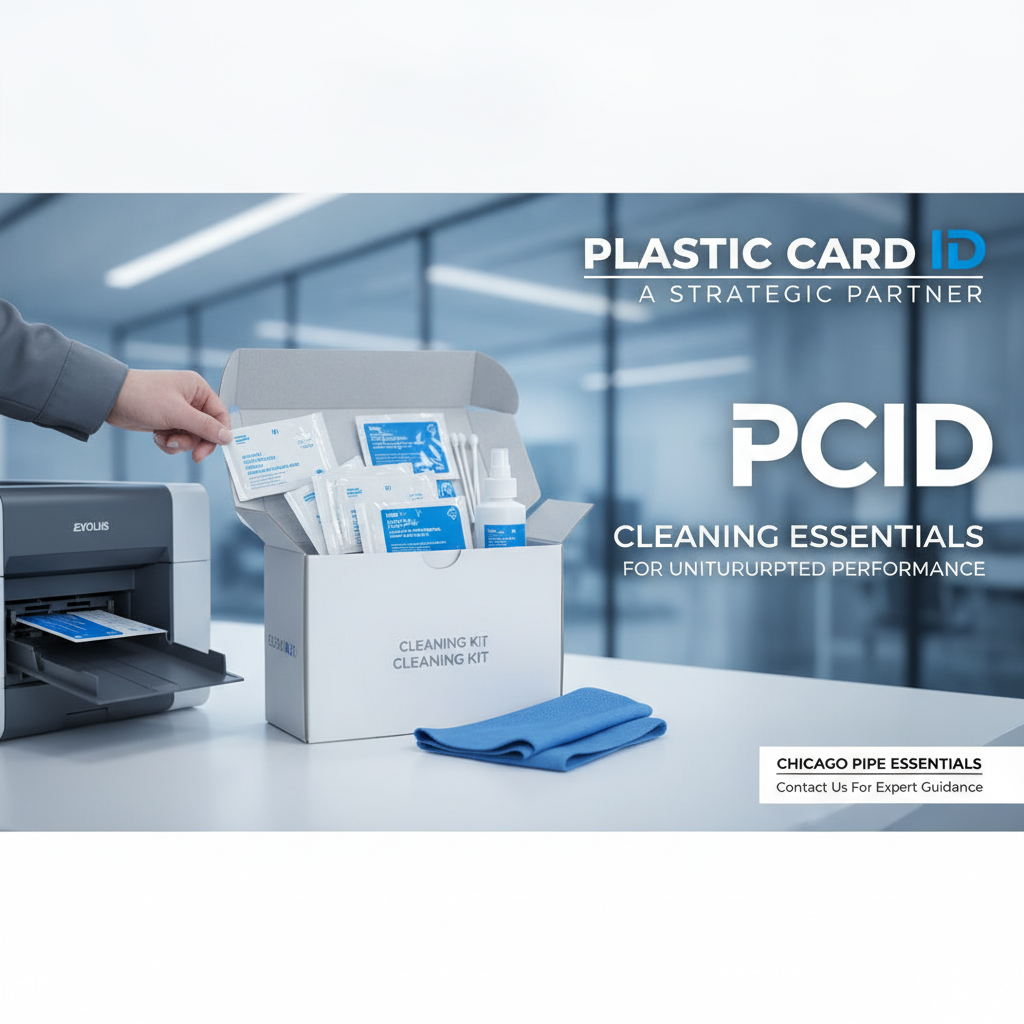 A well-maintained card printer is a reliable card printer. The organizations that get the most out of their hardware investment - years of consistent, high-quality output with minimal downtime - are the ones that treat cleaning supplies as a standard operating expense, not an afterthought. The cost of a complete cleaning kit is trivial compared to the productivity and hardware value it protects.
Plastic Card ID supplies the full range of cleaning kits, replacement rollers, cleaning cards, and swabs for every printer brand in the professional lineup - Evolis, Fargo, Zebra, and Matica. With over 25 years of experience and more than 100,000 customers served across the United States, CPE knows what it takes to keep card programs running smoothly at every scale.
Call Plastic Card ID today at 800.835.7919 to order cleaning supplies, discuss your card program's maintenance schedule, or get matched with the right cleaning kit for your specific printer model. Your printhead will thank you.
Previous Page