Card Printer Ribbons Types YMCKO Explained: Full Guide
Table of Contents []
- What's Actually Inside That Ribbon Cartridge? Plastic Card ID Breaks It Down
- YMCKO Ribbons: The Full-Color Standard Explained
- Breaking Down Each Panel in YMCKO
- YMCKOK and Other Multi-Panel Configurations
- Monochrome Ribbons: Speed, Volume, and Cost Efficiency
- Ribbon Accessories That Complete the Picture
- Choosing the Right Ribbon for Your Printer and Program
- Ready to Optimize Your Card Program? Contact Plastic Card ID Today
What's Actually Inside That Ribbon Cartridge? Plastic Card ID Breaks It Down
 Pull open any card printer and you'll find a ribbon cartridge sitting inside - compact, almost deceptively simple-looking. But that small spool is doing an enormous amount of work. The ribbon type you choose determines color quality, card durability, encoding capability, and total cost per card. Getting it wrong wastes money. Getting it right transforms your card program.
At Plastic Card ID, we've spent over 25 years helping organizations across the United States make exactly this decision correctly. Whether you're running a hospital ID program, managing membership cards for a fitness club, or producing access control credentials for a corporate campus, the ribbon question comes up every single time. This page exists to answer it thoroughly - no guesswork, no jargon left unexplained.
Why Ribbon Choice Matters More Than Most Buyers Expect
It's tempting to treat ribbons as a commodity purchase - find the cheapest compatible option and click buy. That instinct is understandable, but it's also how organizations end up with faded cards, printer jams, wasted panels, and unhappy users. The ribbon is the single most repeated consumable expense in any card printing operation, which means small decisions compound fast.
A printer producing 200 cards per month might go through six to eight ribbon cartridges annually. An enterprise printing 4,000 cards monthly? You're looking at a meaningful budget line. Matching the right ribbon type to your actual output needs - color vs. monochrome, single-sided vs. dual-sided, standard vs. lamination - directly controls your cost per card and your card quality simultaneously.
The Alphabet Behind the Cartridge: Decoding Ribbon Nomenclature
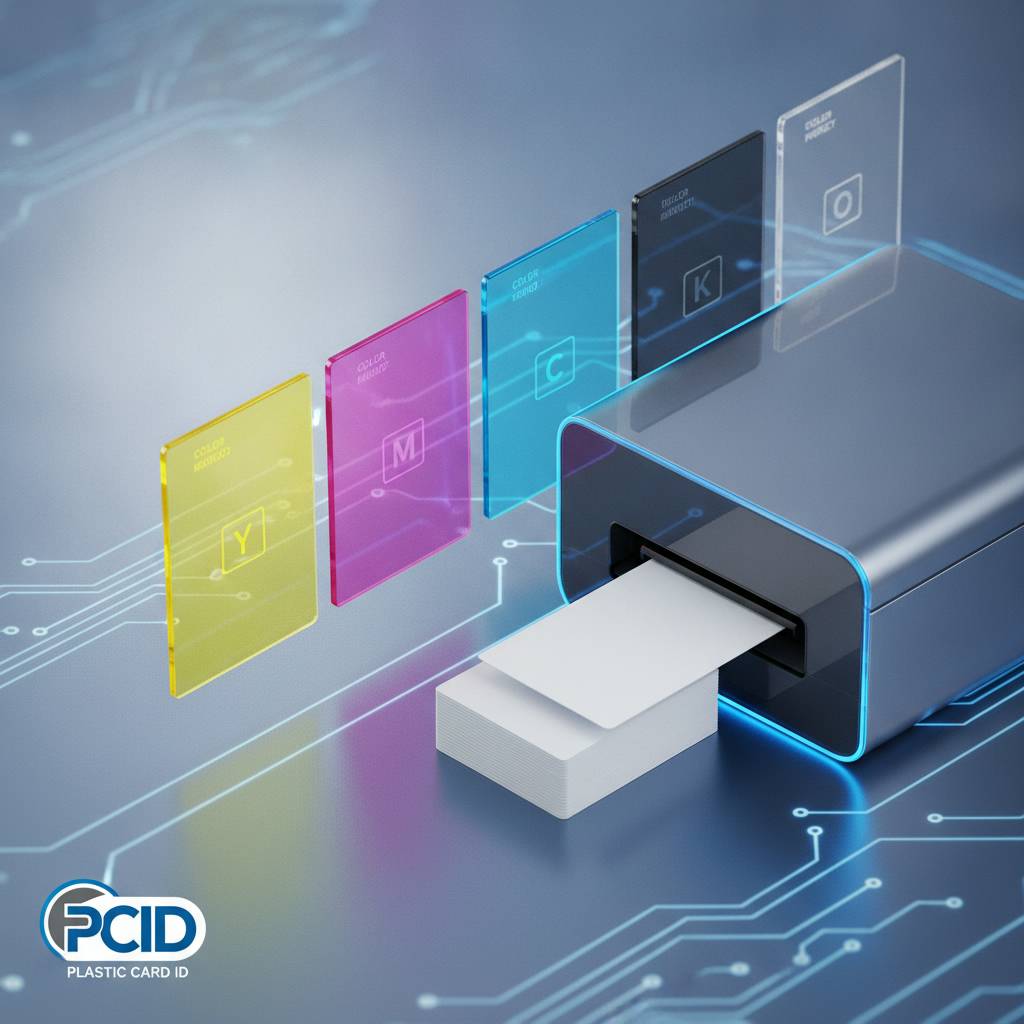
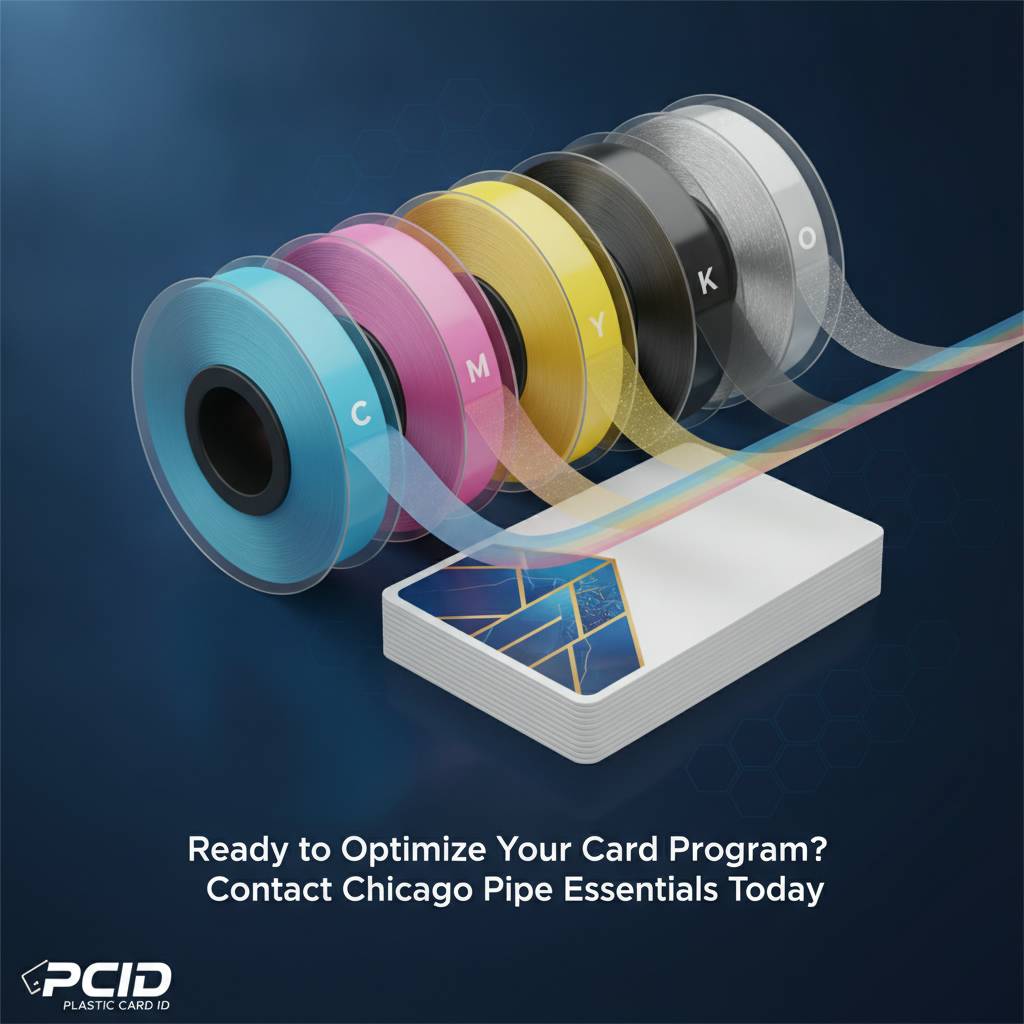
Ribbon names like YMCKO, KO, or YMCKOK look like acronyms from an engineering manual. They're actually quite logical once you see the system. Each letter represents a distinct panel on the ribbon film: Y for Yellow, M for Magenta, C for Cyan, K for resin Black, and O for Overlay. These panels print sequentially, each adding its layer to build a full-color image directly onto the card surface.
Understanding the panel sequence helps buyers immediately recognize what a ribbon can and can't do. A ribbon without an O panel, for example, won't apply a protective overlay. A ribbon with two K panels handles dual-sided printing. Once you see the logic, choosing between ribbon types becomes a practical decision rather than a confusing alphabet game.
Who Should Read This Guide
This breakdown is written for purchasing managers, IT directors, HR administrators, and operations leads who oversee card programs - people who need accurate information fast and don't have time to read three separate product manuals. If you're evaluating a new printer purchase and haven't decided on consumables yet, this is exactly the right starting point. If you're already running a program and questioning whether you're using the optimal ribbon, CPE can help you reassess.
Call 800.835.7919 to speak directly with a card printing specialist who can review your program specs and recommend the right ribbon configuration for your specific printer, card design, and volume requirements.
YMCKO Ribbons: The Full-Color Standard Explained
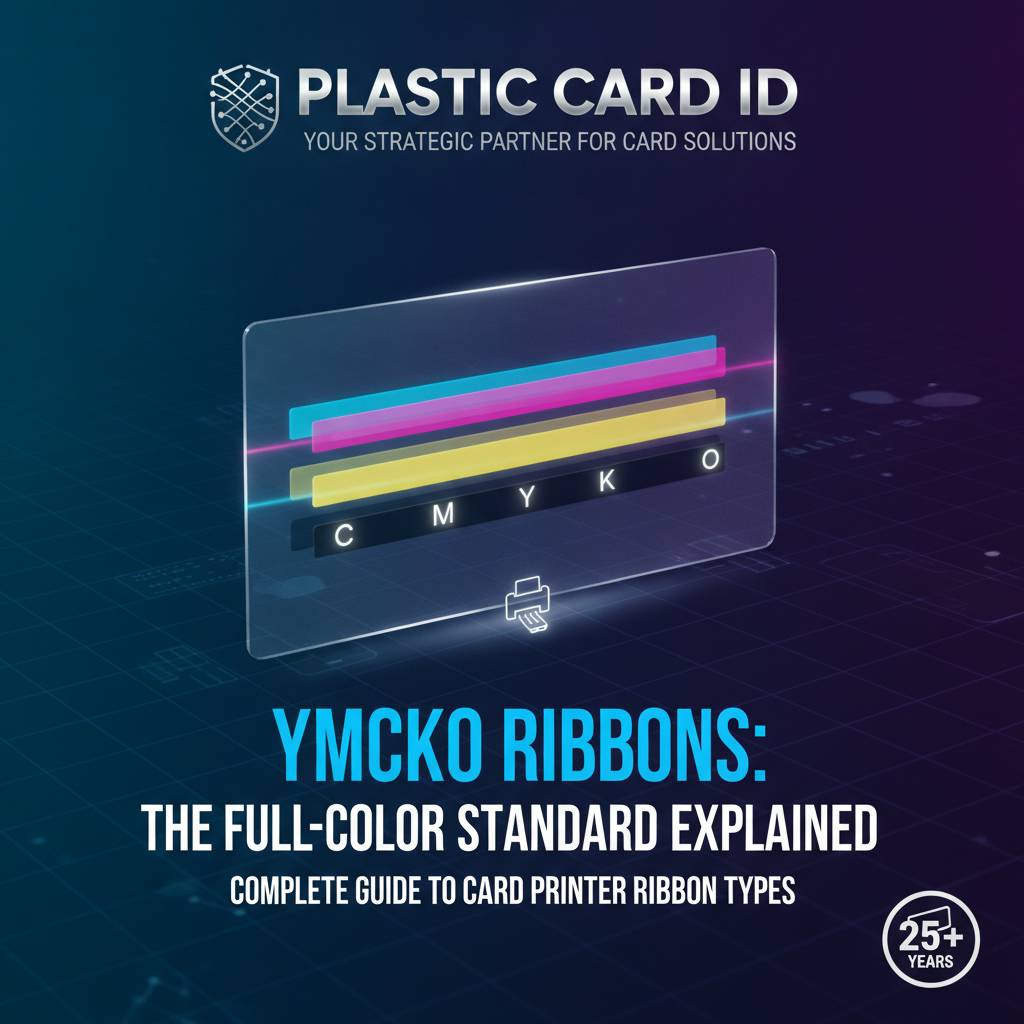 YMCKO is, without question, the most widely used ribbon type in professional card printing. It is the default choice for any organization printing full-color cards - employee IDs with photos, membership cards with logos, student credentials, event badges. The five-panel structure (Yellow, Magenta, Cyan, resin Black, Overlay) makes it a complete solution in a single cartridge pass.
The color panels - Y, M, and C - work together using a dye-sublimation process. Heat from the printhead causes dye to transfer from the ribbon film to the card surface, blending continuously to reproduce photographic-quality gradients, skin tones, logos, and full-color backgrounds. The result is a print quality that genuinely looks professional, not like something produced from a desktop inkjet on cardstock.
| Ribbon Type | Panels | Best Use Case | Typical Cost Per Card |
|---|---|---|---|
| YMCKO | 5 panels | Full-color single-sided cards | $0.35-$0.75 |
| YMCKOK | 6 panels | Full-color front, black back | $0.50-$0.95 |
| KO | 2 panels | Monochrome with overlay | $0.08-$0.20 |
| K (Monochrome) | 1 panel | High-volume black-only cards | $0.04-$0.12 |
| Specialty (Gold/Silver) | 1 panel | Premium metallic designs | $0.15-$0.40 |
Breaking Down Each Panel in YMCKO
Each panel in a YMCKO ribbon serves a distinct purpose, and understanding what each does clarifies why this particular configuration has become the professional standard. Strip out any one panel and you lose a meaningful capability - color accuracy, text sharpness, or card longevity.
The YMC Color Panels: Building the Image Layer by Layer
Yellow, Magenta, and Cyan are the three subtractive primary colors used in professional printing. The printer applies each in sequence, with the printhead heating microscopic zones of the ribbon film to transfer precise amounts of dye. The dye bonds with the card surface at a molecular level - it doesn't sit on top like ink, it integrates into the PVC material itself.
This is why dye-sublimation color cards resist flaking, smearing, and normal handling wear far better than inkjet alternatives. The image is literally part of the card surface, not an applied coating over it. The YMC combination can reproduce millions of color variations, making it suitable for reproducing employee headshots, complex logos, and gradient backgrounds with equal fidelity.
The Resin K Panel: Sharp Text and Barcodes
Here's where many buyers get surprised. The "K" panel in a YMCKO ribbon is not dye - it's resin. While the YMC panels use heat-transferred dye that blends smoothly, the resin K panel transfers solid, crisp black material. This distinction matters enormously for barcode readability and small text legibility.
Dye-based black tends to print with soft edges and can bleed slightly into surrounding colors - acceptable for photographic areas but problematic for machine-readable barcodes. The resin K panel delivers sharp, high-contrast lines that scanners read reliably. For any card that needs to scan accurately - access control, loyalty programs, attendance systems - the resin K panel is non-negotiable.
The O (Overlay) Panel: Why It's Not Optional
The overlay panel is a clear protective coating applied over the entire printed surface as the final pass. It does several things at once: it seals the dye layers against UV fading, it protects against light scratching from handling, and it gives the finished card a consistent, professional sheen. Without it, cards print successfully but degrade noticeably faster.
Some buyers purchasing refill ribbons from third-party sources discover too late that the overlay panel is thin, inconsistent, or missing entirely. Cards begin fading after weeks rather than lasting years. Quality ribbons from verified suppliers protect your investment in the printer itself - poorly made consumables can cause premature printhead wear, which represents a far more expensive problem than the ribbon savings justified.
Reach out to CPE at 800.835.7919 to confirm you're sourcing genuine OEM-compatible ribbons that protect your printer's warranty and print quality.
YMCKOK and Other Multi-Panel Configurations
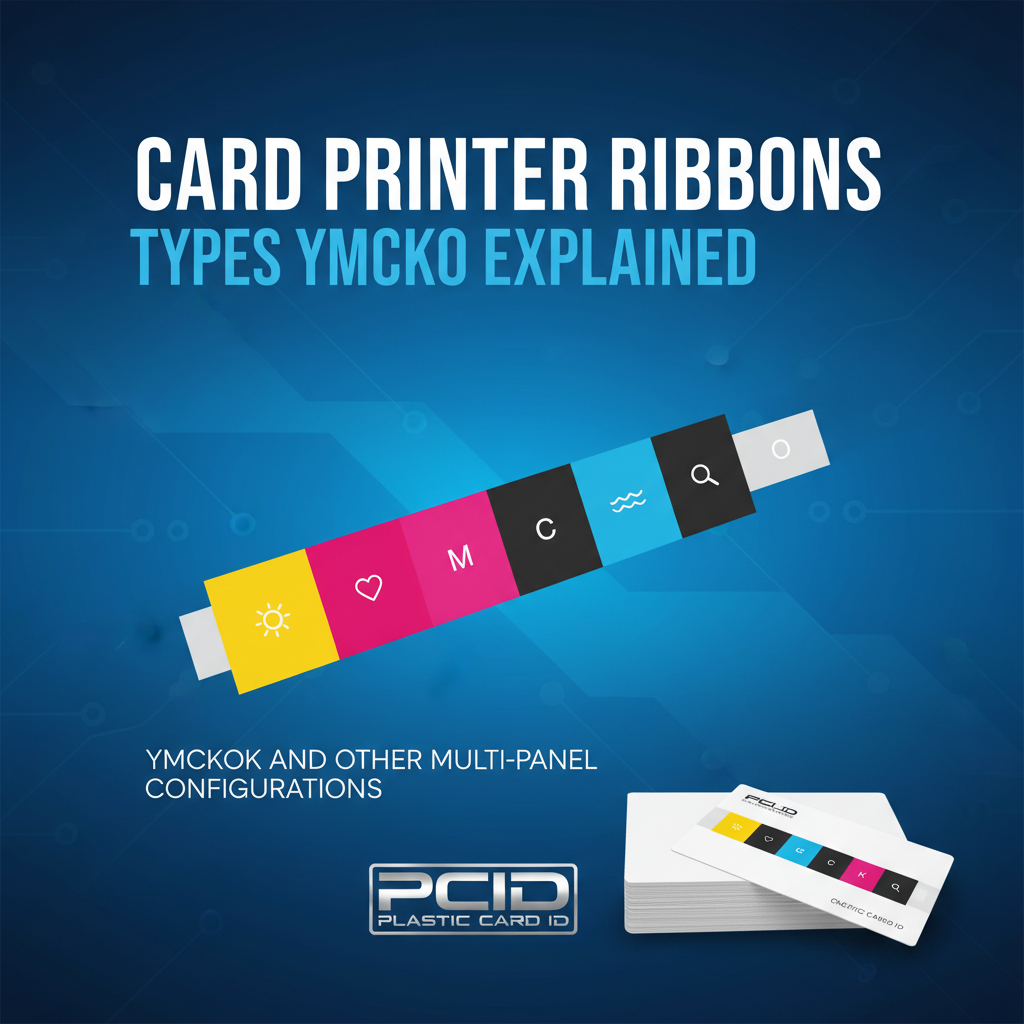 Once your card program expands to include dual-sided printing, or once the back of your cards carries text, barcodes, or magnetic stripe encoding, the ribbon configuration conversation gets more interesting. The YMCKOK ribbon - six panels rather than five - is the standard answer for dual-sided output.
The additional K panel handles the back side of the card, applying resin black text, barcodes, terms and conditions, or contact information to the reverse face during the same printer pass. This eliminates the need for a second ribbon pass or manual card flipping, maintaining throughput while expanding card functionality significantly.
YMCKOK for Dual-Sided Programs
Organizations printing employee ID cards often use the front face for the photo, name, title, and department - full color, professional presentation. The back carries the employee number in barcode format, an emergency contact number, and perhaps building access zone information. All of that back-side content prints cleanly via the second K panel in a YMCKOK ribbon.
The per-card cost increase moving from YMCKO to YMCKOK is typically modest - often $0.10-$0.20 per card - while the functional gain is significant. For high-volume programs, this cost difference warrants careful evaluation, but for most mid-range operations printing up to 3,000 cards monthly, the dual-sided ribbon is simply the right tool.
Half-Panel and Specialty Configurations
Some ribbons are engineered with half-panels - where the color portion covers only the top half of the card and a full black panel covers the remainder. These configurations suit card designs where the top half carries a full-color photo and the bottom half contains only text. Half-panel ribbons yield roughly twice the card count per cartridge compared to standard configurations, reducing cost per card substantially for qualifying designs.
Specialty ribbons introduce metallic panels - gold and silver - for organizations producing premium membership cards, VIP credentials, or recognition awards where visual distinction matters. These aren't novelty products; a metallic-accented card communicates value and professionalism in ways that standard printing simply cannot replicate.
Fluorescent and UV Panels for Security Applications
Security-focused card programs - government IDs, healthcare credentials, campus access cards - sometimes require a covert authentication layer. Fluorescent or UV panels print content that's invisible under normal lighting but glows distinctly under ultraviolet examination. This layer can carry a logo, text, or pattern that serves as an immediate visual verification tool.
Fargo and Zebra printers in particular are well suited to security ribbon configurations, and Plastic Card ID carries the appropriate consumables for these programs. If your ID program has authentication requirements beyond standard printing, this is a ribbon conversation worth having before you finalize your printer selection.
Monochrome Ribbons: Speed, Volume, and Cost Efficiency
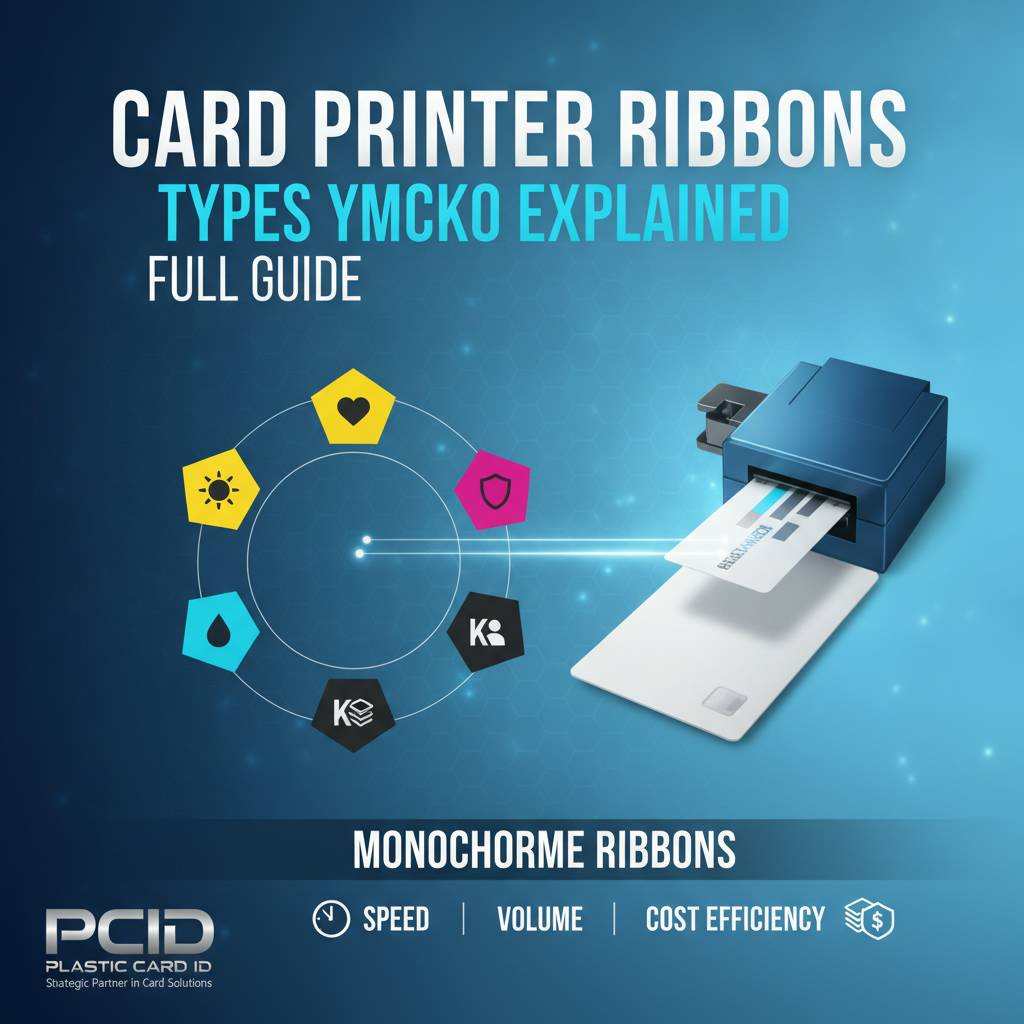 Not every card needs full color. In fact, for a significant segment of card printing applications, full-color YMCKO ribbons represent an unnecessary expense. Monochrome ribbons - single-color panels, typically black but available in blue, red, white, gold, and silver - print at dramatically higher speeds and lower costs per card.
A monochrome black ribbon on a compatible printer might yield 1,000 or more card impressions per cartridge, compared to 200-300 cards from a YMCKO cartridge. For organizations printing temporary badges, access cards with minimal graphics, library cards, or basic loyalty cards, monochrome printing can reduce per-card cost by 70-80% versus full-color output. That's a substantial operational advantage at scale.
When Monochrome Makes Sense
The decision to use monochrome isn't about settling for less - it's about matching the tool to the requirement. A temporary visitor badge that will be worn for four hours and discarded doesn't need a full-color dye-sublimation print. A parking permit sticker doesn't need an overlay panel. A library card without a photo can be produced beautifully in a single color pass at a fraction of the cost.
Many organizations run dual-ribbon programs - YMCKO for permanent employee IDs and monochrome black for temporary visitor passes - using a single printer that accommodates ribbon swapping. This approach optimizes cost without compromising quality where quality genuinely matters.
- Black monochrome - The most common option; sharp text, barcodes, and simple graphics
- Blue or red monochrome - Useful for department color-coding or specific branding requirements
- White monochrome - Applied to dark or pre-colored card stock for contrast text
- Gold and silver monochrome - Premium metallic output for recognition cards or VIP badges
- KO (Black with Overlay) - Monochrome with a protective overlay layer for longer card lifespan
Monochrome Ribbon Yield and Printer Compatibility
Ribbon yield varies by printer model, card design complexity, and ribbon panel configuration. Manufacturers publish yield estimates under standard conditions - typically printing at a defined coverage percentage - and real-world yields depend on your specific card layout. Dense full-coverage designs consume more ribbon per card than sparse, minimalist layouts.
Compatibility is equally important. While many ribbons appear interchangeable, using a ribbon not certified for your specific printer model risks printhead damage, ribbon jams, and voided warranty coverage. CPE at Plastic Card ID stocks ribbons matched to each printer model we carry - Evolis, Fargo, Zebra, and Matica - ensuring you're always running compatible consumables.
Calculating Your True Cost Per Card
Savvy buyers calculate total cost per card - not just ribbon price. The formula includes the ribbon cartridge price divided by the rated card yield, plus a proportional share of cleaning kit costs, card stock cost, and printhead amortization. When you run this calculation honestly, ribbon quality matters far more than ribbon price alone.
A cheaper ribbon that produces 180 usable cards instead of the rated 200 (due to panel waste, misprints, or jams) costs more per good card than a properly priced genuine ribbon running at full yield. Factor in the cost of cards wasted during failed prints and the math shifts further. Quality consumables pay for themselves in consistent, predictable output.
Ribbon Accessories That Complete the Picture
Ribbons don't work in isolation. The broader consumables ecosystem around them directly affects print quality, printer longevity, and card program reliability. Plastic Card ID supplies the full range of supporting products that keep card printing operations running without interruption.

Cleaning Kits: The Overlooked Maintenance Factor
Every card printer manufacturer specifies a cleaning cycle - typically every ribbon change or every 1,000-2,000 cards, depending on the model. Cleaning kits include pre-saturated cleaning cards and swabs that remove dust, card debris, and dye residue from the printhead, rollers, and card transport path. Skipping this step is the most common cause of premature printhead failure.
A printhead replacement on a mid-range card printer costs $150-$400. A cleaning kit that prevents that failure costs a fraction of that. Consistent cleaning maintenance is the single highest-return maintenance habit in card printing, and it takes under five minutes per cleaning cycle. Plastic Card ID bundles cleaning kits with printer purchases and stocks them for ongoing replenishment.
Lamination Modules and Overlay Film
For applications requiring maximum card durability - law enforcement IDs, healthcare credentials, cards exposed to outdoor conditions - lamination modules apply a physical film layer over the printed card surface. This is distinct from the O panel overlay, which is a thin dye layer. Lamination adds a protective film that dramatically extends card life and can incorporate holographic security features.
Printers like the Evolis Primacy2 with lamination module attachment produce cards that withstand years of daily use without significant visual degradation. The lamination film itself is a consumable requiring periodic replacement, and Plastic Card ID stocks these films for all compatible models in the lineup.
Input Hoppers and Card Carriers
High-volume operations benefit from extended input hoppers that hold 200-300 cards, reducing operator intervention during large print runs. Card carriers - thin plastic sleeves that protect cards during transport through the printer mechanism - are essential for certain card types including smart chip cards, pre-printed cards, and cards requiring careful handling.
These aren't optional extras for serious programs. Running a high-throughput operation without the right feeding and handling accessories introduces unnecessary error rates and increases the operator time required per print job. Plastic Card ID configures complete systems - printer, ribbons, cleaning, feeding, and storage accessories - so your card program runs as a coherent, reliable operation rather than a collection of disconnected components. Call 800.835.7919 to discuss a complete program build for your organization's specific needs.
Choosing the Right Ribbon for Your Printer and Program
 The practical challenge most buyers face isn't understanding what ribbons do - it's mapping the right ribbon to their specific combination of printer model, card design, volume, and budget. This is where the breadth of Plastic Card ID's product knowledge becomes genuinely useful, because the right answer differs meaningfully between a school printing 400 student IDs annually and a hotel chain issuing 5,000 key cards per month.
Entry-level printers like the Evolis Badgy200 use smaller cartridge formats optimized for lower volumes. Mid-range workhorses like the Evolis Zenius and Primacy2 accept higher-yield cartridges with broader ribbon type availability. Premium systems like the Evolis Agilia support advanced ribbon configurations with the highest image quality output. Selecting a ribbon without considering the printer it will run in is a recipe for suboptimal results.
Ribbon Recommendations by Card Program Type
Employee ID programs printing photos and full-color logos: YMCKO for single-sided, YMCKOK for dual-sided. Visitor badge programs with text-only output: monochrome black, high-yield cartridge. Loyalty and membership cards with brand color requirements but no photos: consider monochrome in brand color or half-panel YMCKO. Access control cards requiring barcode scanning: resin K panel essential, full YMCKO if color branding is present.
Hotel key card programs with minimal printing and magnetic stripe encoding: often monochrome or even blank card stock with external encoding. Event credential programs requiring fast on-site badge production: the Matica Event Printer paired with appropriate high-speed ribbons handles exactly this scenario. Each program type has a natural ribbon solution, and CPE has seen every variation across 25 years of customer programs.
OEM vs. Compatible Ribbons: The Honest Assessment
The market offers both original manufacturer (OEM) ribbons and third-party compatible alternatives. OEM ribbons are engineered and tested specifically for each printer model and carry manufacturer warranty support. Compatible ribbons vary widely in quality - some perform adequately, others cause printhead wear, color inconsistency, or yield shortfalls that erase any apparent savings.
For organizations where card quality and printer longevity matter, OEM ribbons represent the lower-risk choice. For high-volume programs where cost per card is the primary driver, properly vetted compatible ribbons from reputable suppliers can offer savings without unacceptable quality tradeoffs. Plastic Card ID carries OEM-matched ribbons for all printer brands in the lineup and can advise honestly on where compatible alternatives are appropriate for your specific situation.
Ribbon Storage and Handling Best Practices
Ribbons are sensitive to temperature, humidity, and light exposure. Stored improperly, ribbon panels degrade before use - resulting in color shifts, overlay inconsistencies, and reduced yield. Best practice is to store unused ribbon cartridges in their original sealed packaging, in a climate-controlled environment away from direct sunlight, at temperatures between 59-77 degrees Fahrenheit.
Partially used cartridges left in an idle printer should be protected from dust exposure. Most modern card printers include a dust cover for exactly this reason. Proper ribbon storage costs nothing and prevents surprisingly common print quality problems that are misattributed to the printer when the ribbon itself is the actual cause. When troubleshooting color issues, ribbon condition is always the first variable to assess before assuming a hardware problem.
Ready to Optimize Your Card Program? Contact Plastic Card ID Today
 Plastic Card ID has supported over 100,000 businesses across the United States with card printers, ribbons, and the full range of consumables that keep card programs running reliably. Whether you're building a new program from scratch, upgrading an existing system, or simply trying to find a better ribbon source for a printer you already own, the team at CPE has the product knowledge and the inventory to help.
From YMCKO full-color ribbons for employee ID programs to high-yield monochrome cartridges for visitor badge operations, from lamination film for security credentials to specialty metallic ribbons for premium membership cards - Plastic Card ID carries what your program needs and can advise on what's genuinely the right fit rather than just the most expensive option.
Call 800.835.7919 today and speak with a card printing specialist. Plastic Card ID is ready to help you print smarter, spend less per card, and keep your program running without interruption.
Previous Page