Card Printer Input Hopper Guide: Capacity Compatibility
Table of Contents []
- Your Complete Card Printer Input Hopper Guide - Plastic Card ID
- What Exactly Is a Card Printer Input Hopper?
- Matching Hopper Capacity to Your Print Volume
- Extended Input Hoppers: When and Why to Upgrade
- Hopper Maintenance: Keeping Card Feeding Reliable
- Choosing the Right Printer and Hopper Configuration for Your Card Program
- Ready to Optimize Your Card Printing Operation? Contact Plastic Card ID Today
Your Complete Card Printer Input Hopper Guide - Plastic Card ID
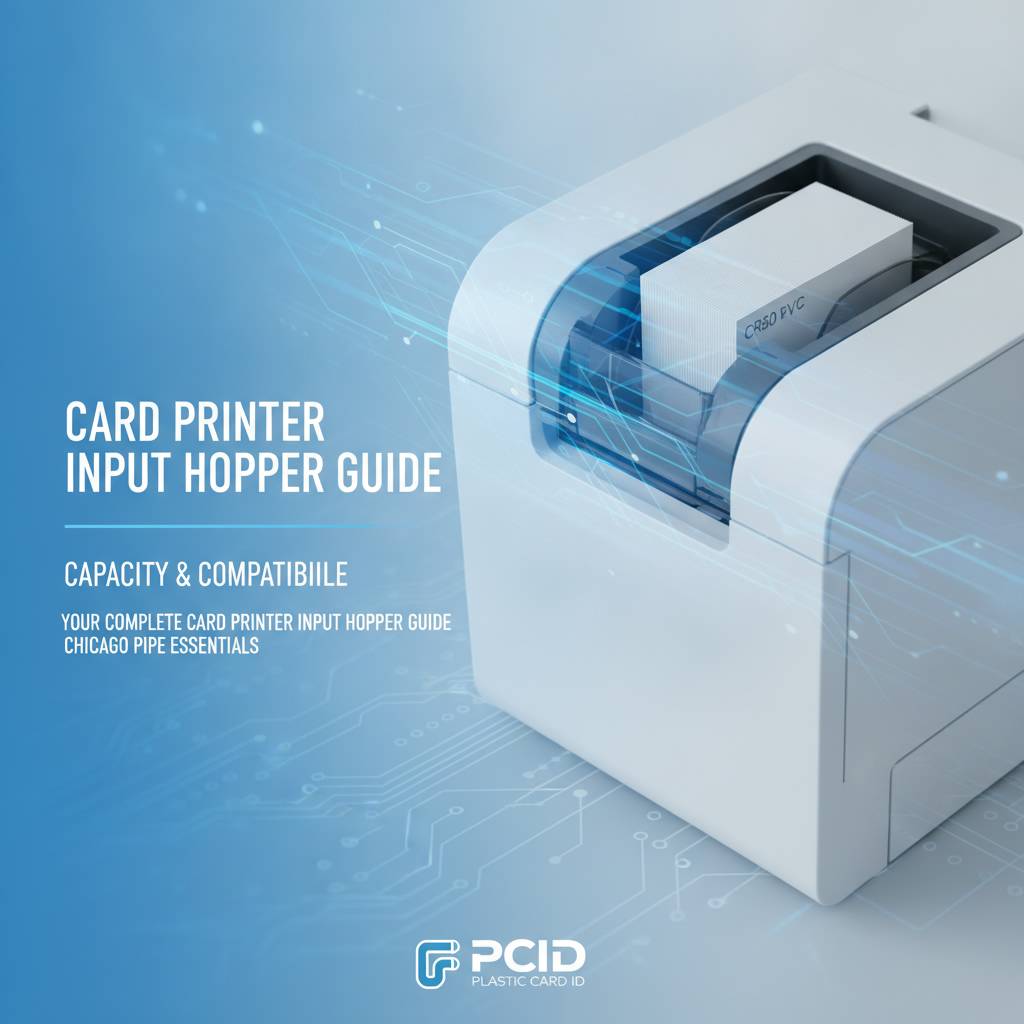 Most people shopping for a card printer spend a lot of time comparing print resolution and ribbon types. Fair enough. But there is one component that quietly determines how efficiently your entire card printing operation runs, and it rarely gets the attention it deserves: the input hopper. Get this piece right, and your printer hums along beautifully. Get it wrong, and you are dealing with jams, interruptions, and frustrated staff every single day.
This guide breaks down everything you need to know about card printer input hoppers - what they are, how they work, how to choose the right capacity for your operation, and which printer models from CPE's lineup offer the best hopper configurations for different use cases. Whether you print 200 cards a year or 6,000 cards a month, understanding your input hopper options changes the game.
| Printer Model | Standard Hopper Capacity | Extended Hopper Available | Best For |
|---|---|---|---|
| Evolis Badgy200 | 25 cards | No | Low-volume, under 1,000/year |
| Evolis Zenius | 50 cards | Yes | Small to mid-volume programs |
| Evolis Primacy2 | 100 cards | Yes | Mid-volume, up to 6,000/month |
| Evolis Agilia | 200 cards | Yes | Premium, high-quality output |
| Matica Event Printer | 200 cards | Yes | High-speed on-site badge printing |
What Exactly Is a Card Printer Input Hopper?
 Think of the input hopper as the loading dock of your card printer. It is the tray or compartment that holds your blank PVC cards before they are fed, one by one, into the print mechanism. Without a properly functioning input hopper, even the most sophisticated printer with perfect ribbon calibration will fail to produce a consistent, uninterrupted card run. The input hopper is foundational to your printer's throughput.
Input hoppers vary significantly in design, capacity, and adjustability depending on the printer model and intended production scale. Entry-level units like the Evolis Badgy200 use compact, fixed-capacity hoppers designed for occasional, small-batch printing. Mid-range and high-volume machines feature larger, adjustable hoppers that can hold hundreds of cards and maintain precise card alignment through long unattended print runs.
How Cards Are Fed Through the Hopper
The mechanics are more precise than most users realize. Cards are stacked in the hopper and held in place by tension guides or spring-loaded plates. When the printer initiates a job, a motorized feed mechanism picks the bottom or top card - depending on the design - and advances it into the print path. Proper card alignment in the hopper directly affects print registration accuracy.
If cards are loaded carelessly, tilted, or overfilled beyond the hopper's rated capacity, the feed roller may grab two cards at once, cause misfeeds, or trigger error codes that halt the entire job. This is why understanding your hopper's maximum load rating is not just a specification to ignore - it is a practical operational guideline worth following every time.
Fixed vs. Adjustable Hopper Designs
Fixed hoppers are built for standard CR80 card stock - the same dimensions as a typical credit card. These designs are straightforward and cost-effective but offer no flexibility for non-standard card thicknesses. Adjustable hoppers, found on professional-grade printers like the Evolis Primacy2 and Agilia, include thickness adjustment guides that accommodate cards ranging from 10 mil to 40 mil, supporting everything from thin loyalty cards to thick proximity access badges.
For organizations printing a single card type on consistent stock, a fixed hopper is perfectly adequate. But if your card program spans multiple departments - say, thin membership cards and thick RFID-encoded access cards - an adjustable hopper saves you from buying separate printers or dealing with constant recalibration.
Why Hopper Capacity Matters More Than You Think
Here is a scenario that plays out regularly in busy organizations: your HR team needs to issue 80 new employee IDs on orientation day. Your printer has a 25-card hopper. That means someone needs to babysit the printer through four separate reloads, introducing delay and the risk of running out of cards mid-job. A printer with a 100-card hopper handles the same job in a single, unattended run.
Multiply this across weekly print jobs, seasonal membership drives, or conference badge production, and the cumulative time saved by choosing the right hopper capacity becomes very real. Hopper capacity is a direct lever on staff productivity - an underappreciated fact that often gets overshadowed by discussions of print speed alone.
Matching Hopper Capacity to Your Print Volume
Not every organization needs a 200-card hopper. Buying too much printer for your actual output is a waste of capital budget. Buying too little means you are constantly interrupting operations to reload cards. The right match depends on two variables: how many cards you print per job and how frequently you run print jobs each week or month.
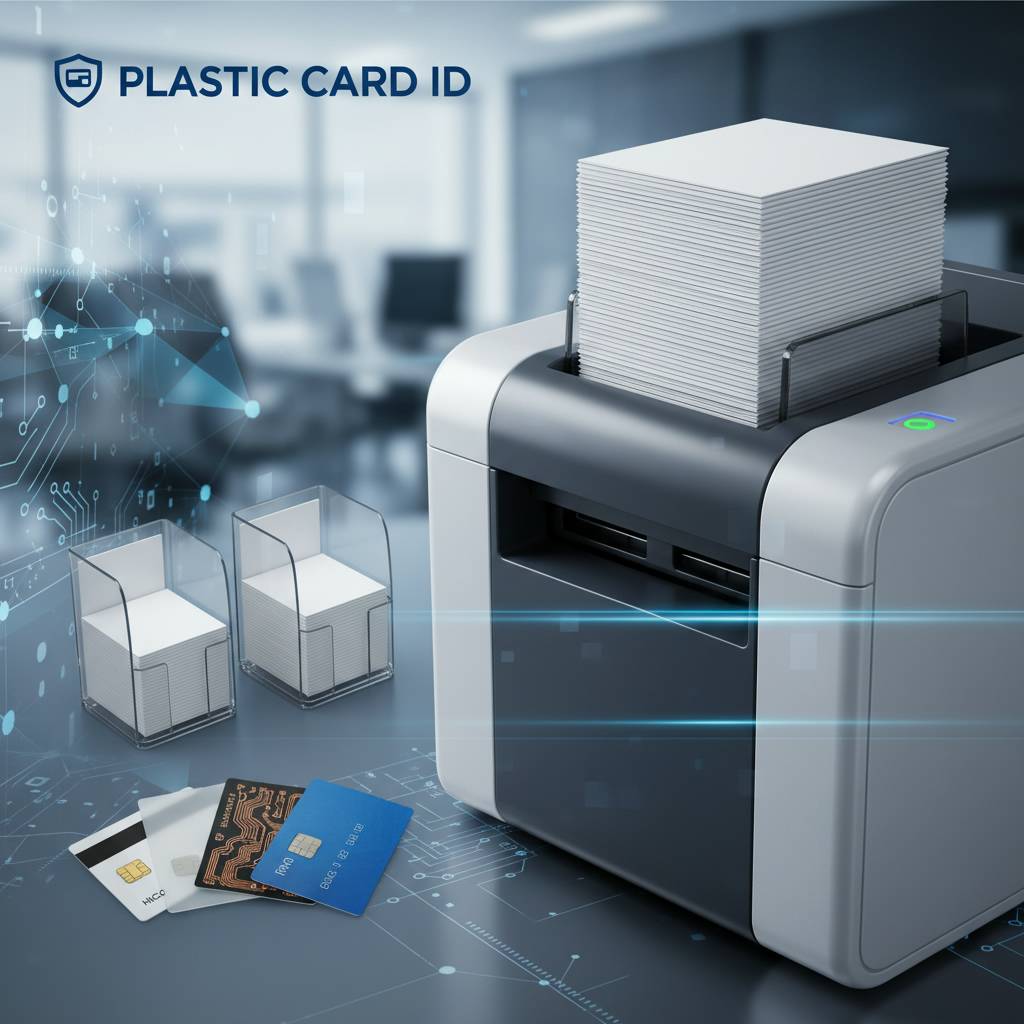
A school district issuing student IDs once a year for 500 students is in a completely different situation than a hotel chain reprinting key cards daily for guest check-ins. CPE carries printers across the full spectrum of production needs, and understanding where your operation falls on that spectrum helps you pick not just the right printer but the right hopper configuration to go with it.
Low-Volume Programs: Under 1,000 Cards Per Year
If your organization prints fewer than 1,000 cards annually, you are firmly in entry-level territory. The Evolis Badgy200 is purpose-built for this segment. Its compact hopper holds 25 cards - enough for small batch jobs - and the machine's footprint is small enough to sit comfortably on any desk. For low-volume programs, a smaller hopper is actually an advantage: it keeps card stock fresh, prevents cards from sitting in the hopper for extended periods, and reduces the chances of dust or debris affecting print quality.
Libraries issuing membership cards, small nonprofits printing donor ID cards, or regional clubs producing loyalty cards for a few hundred members all fall squarely into this category. The Badgy200 handles these jobs without breaking a sweat, and its price point makes it accessible for organizations with tight equipment budgets.
Mid-Volume Programs: 1,000 to 6,000 Cards Per Month
This is where the conversation gets more interesting. At mid-volume, you need a printer that can sustain longer unattended runs without constant intervention. The Evolis Zenius and Primacy2 are the workhorses of this range, with hopper capacities starting at 50 cards and scaling up to 100 cards with standard configuration. Extended input hoppers are available for both models, pushing capacity to 200 cards for organizations running large batch jobs.
Corporate HR departments issuing ID badges for hundreds of employees, universities managing student ID programs, or retail chains printing loyalty cards for store openings - these are the operations that benefit most from the Primacy2's combination of a large-capacity hopper, dual-sided printing capability, and magnetic stripe encoding options. The machine keeps printing while your team does other work.
High-Volume and Event-Based Printing
Some printing scenarios are defined less by monthly volume and more by burst intensity. A trade show registration desk might need to produce 500 badges in two hours. A hospital might need to issue 300 visitor credentials in a single morning. For these situations, high-speed throughput combined with maximum hopper capacity is non-negotiable.
The Matica Event Printer is built specifically for high-speed on-site badge and credential production, featuring large-capacity input hoppers and print speeds that match the urgency of event environments. The Evolis Agilia, meanwhile, serves organizations that need both high capacity and edge-to-edge premium print quality - think VIP membership cards or executive access credentials where visual impact matters as much as throughput.
Extended Input Hoppers: When and Why to Upgrade
 Many mid-range and high-end card printers ship with a standard hopper that suits the average use case. But for operations that run large batches regularly, an extended input hopper upgrade can be one of the most cost-effective investments in operational efficiency you will ever make. The math is straightforward: fewer reloads per job equals fewer interruptions, which equals more productive staff time.
Extended hoppers for models like the Evolis Primacy2 and Agilia can typically be added as accessories either at time of purchase or retrofitted later. CPE carries these accessories alongside the printers themselves, making it easy to configure a complete, optimized system rather than discovering after the fact that your hopper is too small for your actual workflow.
Accessory Hoppers vs. Built-In High-Capacity Designs
There is a meaningful difference between printers that offer add-on hopper accessories and those that are designed from the ground up with large-capacity card handling in mind. Add-on hoppers expand capacity incrementally - useful if your volume grows over time. Purpose-built high-capacity designs, like the Matica Event Printer, are engineered so that the entire card path is optimized for sustained high-volume feeding, not just a larger tray bolted onto a standard design.
If you anticipate steady volume growth, buying a printer with a robust, expandable hopper architecture from day one is smarter than upgrading hardware piecemeal. Conversely, if your volume is predictable and moderate, an add-on extended hopper may be all you need to push your existing setup into a much more comfortable operating range.
Input Hoppers and Unattended Printing
One of the most compelling use cases for large-capacity input hoppers is unattended or overnight batch printing. Organizations that integrate their card printers into credential management software - automatically pushing print jobs from a database - benefit enormously from hoppers that can hold enough blank stock to complete a full job without human intervention. Batch printing overnight, arriving in the morning to a completed output tray, is a very real workflow advantage.
To make unattended printing truly hands-off, pair a large-capacity input hopper with an equally large output hopper or card collector. Most professional printers in CPE's lineup offer both input and output capacity upgrades, letting you build an end-to-end unattended print station sized exactly to your job volume.
How to Order the Right Hopper Upgrade
Hopper accessories are model-specific - an extended hopper for the Evolis Primacy2 will not fit the Zenius, and vice versa. Before ordering, confirm your exact printer model and the accessory compatibility list. The CPE team can help match the right hopper upgrade to your specific printer and workflow. 800.835.7919 - call with your printer model and job volume, and the team will point you to the right configuration fast.
When ordering, also consider whether your workflow requires simultaneous input of multiple card types - some advanced systems support dual input hoppers, letting the printer automatically pull from one stack or another based on job instructions. This is particularly useful for organizations printing both standard employee IDs and access-encoded security cards in the same production run.
Hopper Maintenance: Keeping Card Feeding Reliable
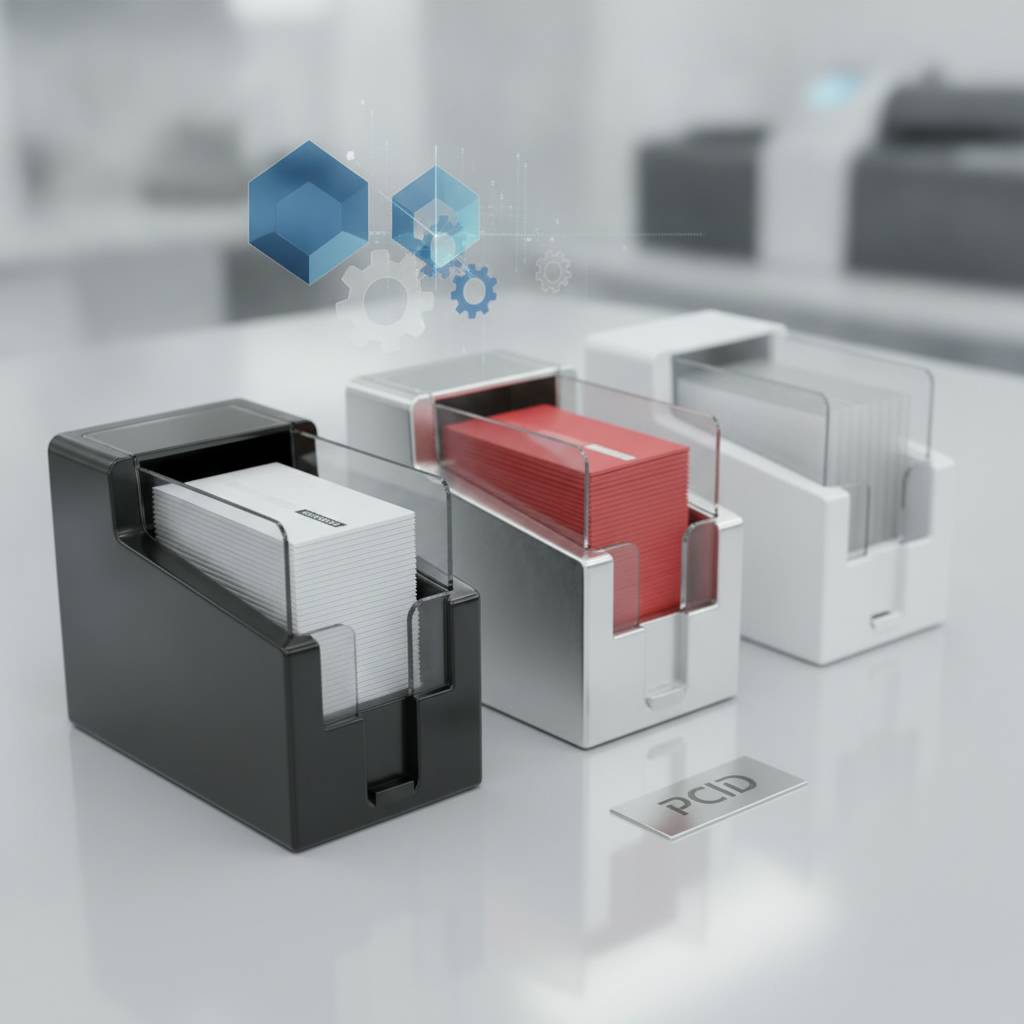 Even the best-designed input hopper will cause problems if it is not maintained properly. Dust, card debris, and worn feed rollers are the most common culprits behind misfeed errors and card jams. A simple maintenance routine keeps your input hopper performing at its best and extends the life of the entire printer - not just the hopper components.
The good news is that hopper maintenance is neither complicated nor time-consuming. Most card printer manufacturers, including Evolis, Fargo, and Zebra, provide cleaning kits specifically designed for their printers. These kits include cleaning cards that run through the feed path, picking up debris from rollers, and adhesive cleaning surfaces for the hopper tray itself. Making this a regular part of your printer maintenance schedule pays dividends in uptime and print quality.
Common Hopper Problems and Quick Fixes
The three most common input hopper issues are: cards feeding two at a time, cards not feeding at all, and misaligned cards causing print registration errors. Each has a distinct cause and fix. Double-feeding usually indicates worn separator pads or overfilled hoppers - the fix is either cleaning the separator mechanism or loading fewer cards. No-feed issues often trace back to dirty or glazed feed rollers that have lost their grip on the card surface.
Misalignment errors are almost always caused by cards loaded without proper side-guide adjustment or a mix of card thicknesses in the same hopper load. Always load cards of uniform thickness in a single job, adjust side guides snugly without pinching, and fan the card stack before loading to prevent static cling between cards. These three habits eliminate the majority of hopper-related issues before they start.
Cleaning Kits and Consumables from Plastic Card ID
Plastic Card ID supplies cleaning kits for every major printer brand in the lineup, including model-specific kits designed to clean not just the print head but the entire card path from hopper to output tray. Regular cleaning - typically every 1,000 cards or every ribbon change, whichever comes first - is the single most effective thing you can do to maintain consistent card feeding and pristine print quality.
Beyond cleaning cards, hopper-related consumables include replacement separator pads and feed rollers for printers that see very high use. These wear parts are available as service accessories and are straightforward to replace by an in-house technician following the manufacturer's service guide. Stocking a spare set of these components means a misfeed issue never becomes a multi-day printer outage waiting for parts to ship.
When to Call for Support
If cleaning and basic troubleshooting do not resolve persistent misfeed errors, it is time to escalate. Mechanical issues inside the card path - damaged feed rollers, worn drive belts, or sensor failures - require professional attention. Catching these issues early prevents minor wear from becoming a full printer failure. The CPE team is available to help diagnose problems and advise on whether a repair or replacement is the right path forward.
Document your error codes when they appear. Most Evolis, Fargo, and Zebra printers display specific error codes for different feed failures - these codes tell a technician exactly where in the card path the problem is occurring, significantly reducing diagnostic time and repair costs.
Choosing the Right Printer and Hopper Configuration for Your Card Program
By now, the relationship between input hopper capacity, print volume, and operational efficiency should be clear. The final step is translating that understanding into a specific purchasing decision. Here is a practical framework for matching your card program's needs to the right printer and hopper setup.

- Under 1,000 cards per year: Evolis Badgy200 with standard 25-card hopper - ideal for small organizations, occasional batch printing, minimal footprint.
- 1,000 to 3,000 cards per month: Evolis Zenius with standard or extended hopper - single-sided printing, flexible encoding options, excellent reliability.
- 3,000 to 6,000 cards per month: Evolis Primacy2 with extended hopper - dual-sided printing, magnetic stripe and smart chip encoding, robust throughput for busy ID programs.
- Premium quality at any volume: Evolis Agilia - edge-to-edge print coverage, large hopper capacity, premium output for high-visibility credentials.
- Event and burst-volume printing: Matica Event Printer - purpose-built for speed, large hopper, handles high-demand on-site badge production with ease.
- Security-focused ID programs: Fargo and Zebra models with encoding upgrades - robust security features, proven performance in access control and government ID environments.
Budgeting for the Right Hopper Configuration
Extended hopper accessories typically add $75-$200 to the cost of a compatible printer, depending on the model and manufacturer. Measured against the staff time saved in a single month of reduced reload interruptions, most organizations find this upgrade pays for itself within a few weeks of regular use. Hopper upgrades are among the highest return-on-investment printer accessories available.
When building your card program budget, account for the full configuration you actually need - not just the base printer price. Factor in your ribbon supply, cleaning kits, and any encoding or hopper upgrades required by your specific use case. CPE can help you build a complete cost estimate for a fully outfitted print station matched to your volume and card type requirements.
Bundling Hoppers with Ribbons and Supplies
The most efficient way to set up a new card printing station is to bundle the printer, hopper configuration, starter ribbon supply, and cleaning kit in a single order. This approach ensures compatibility across all components, simplifies the procurement process, and means you are ready to print the moment the equipment arrives. Everything ships from one source, one invoice, one support relationship.
YMCKO full-color ribbons, monochrome black ribbons for text-only cards, and specialty ribbons for security overlaminates are all available alongside the printers and hopper accessories at Plastic Card ID. Whether you are setting up a new program from scratch or expanding an existing one, a bundled order covers every component in one shot.
Getting Expert Advice Before You Buy
Card printer selection involves more variables than most buyers initially realize - print volume, card type, encoding requirements, hopper capacity, and software integration all play a role. Spending a few minutes talking through your specific situation with a knowledgeable supplier is almost always worth it, particularly if you are setting up a program that will run for years.
CPE's team has supported over 100,000 customers across the United States in building card programs of every scale and type. They have seen the full range of use cases and know which printer and hopper configurations work best for each. That depth of real-world experience is available to you before you commit to a single piece of hardware.
Ready to Optimize Your Card Printing Operation? Contact Plastic Card ID Today
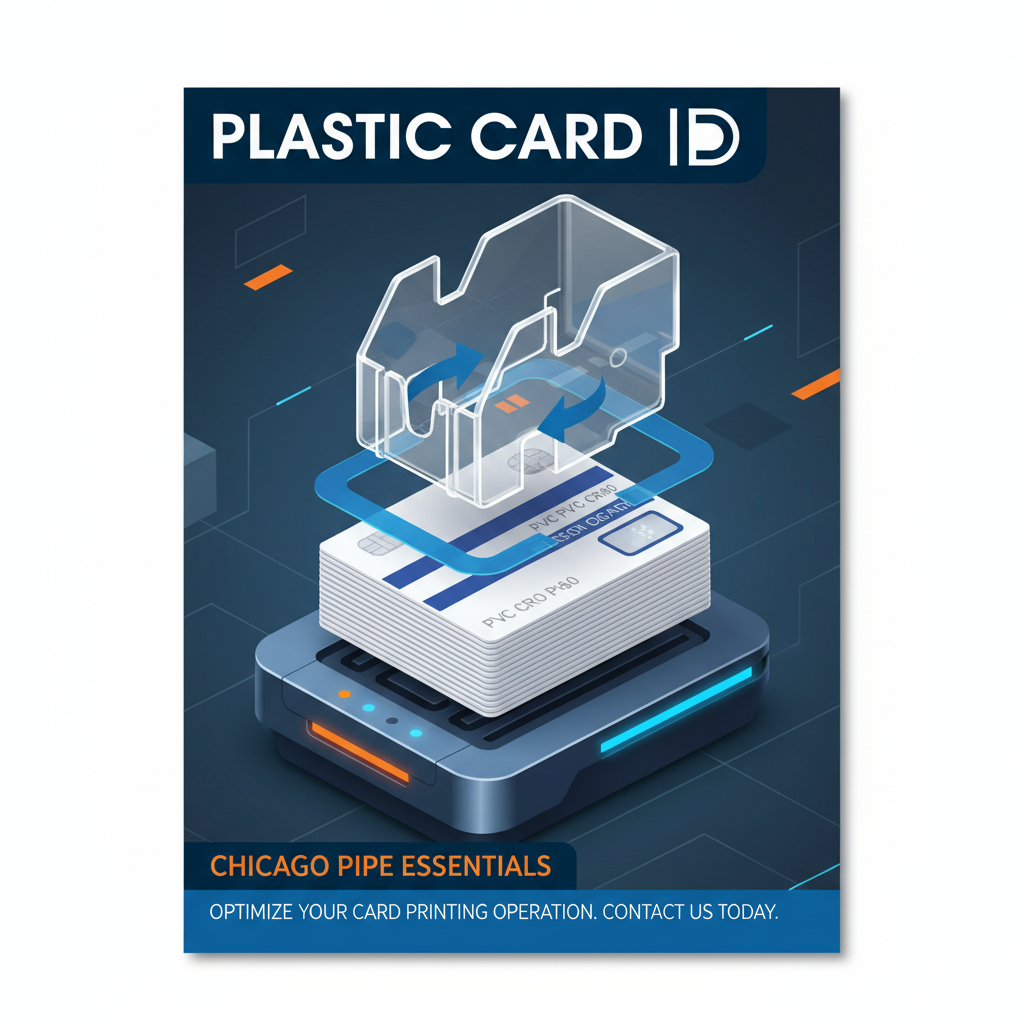 Whether you are buying your first card printer or upgrading a program that has outgrown its current setup, Plastic Card ID has the expertise, the product lineup, and the accessories - including the full range of input hopper configurations - to get you set up correctly the first time. Over 25 years of experience and more than 100,000 satisfied customers across the United States back that promise.
Call Plastic Card ID now at 800.835.7919 to speak with a card printing specialist who will match the right printer and hopper configuration to your exact program needs. From low-volume desktop units to high-throughput industrial systems, the right setup is one conversation away.
Do not let the wrong hopper capacity slow down your card program. Reach out to Plastic Card ID today and build a printing station that keeps pace with your organization - now and as it grows.
Previous Page