Single-Sided vs Dual-Sided Card Printer: Which Should You Choose?
Table of Contents []
- Single-Sided vs Dual-Sided Card Printer: Which One Does Your Organization Actually Need?
- Understanding the Core Technology Difference
- When Single-Sided Is the Smarter Buy
- When Dual-Sided Printing Is Non-Negotiable
- Brand-by-Brand: Which Printers Offer Dual-Sided Options?
- Buyer's Guide: Choosing Between Single-Sided and Dual-Sided
- Why Plastic Card ID Is the Right Partner for Your Card Printing Program
Single-Sided vs Dual-Sided Card Printer: Which One Does Your Organization Actually Need?
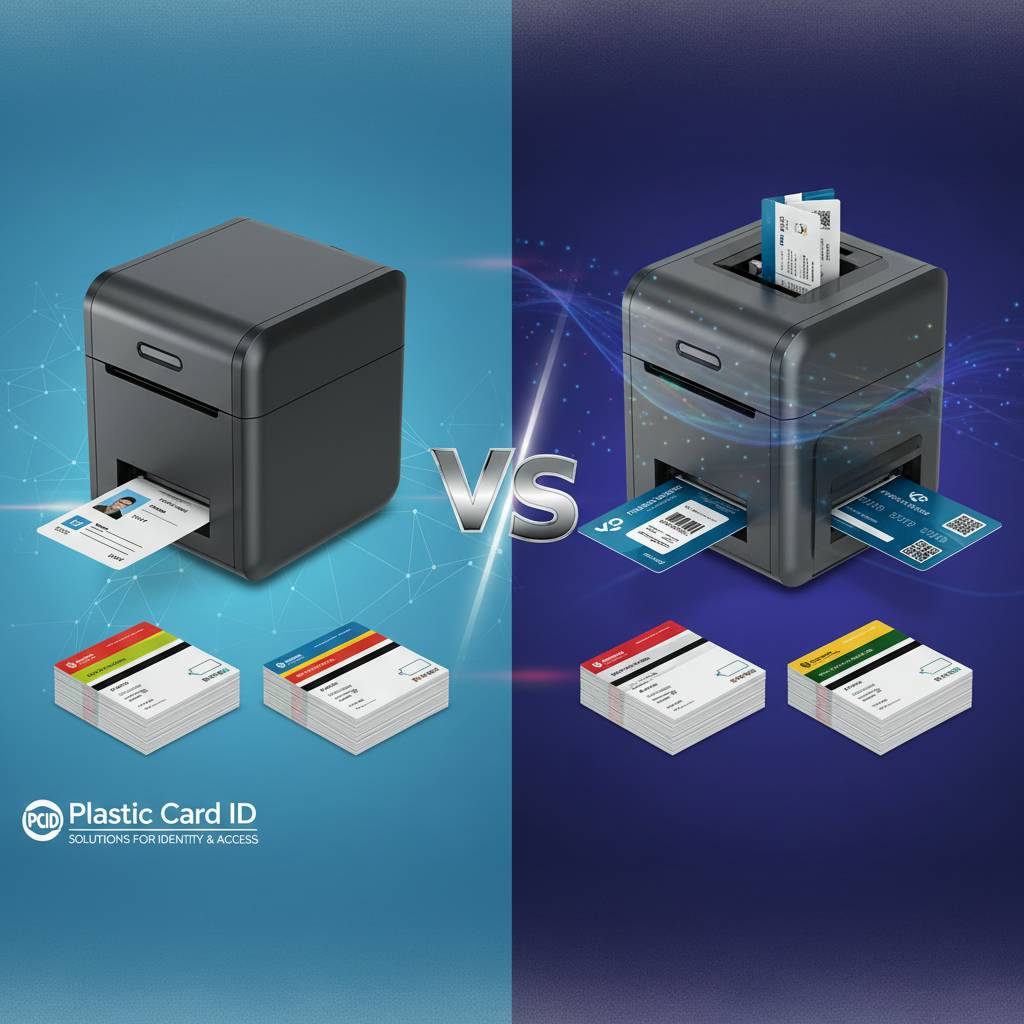 Here's a question that trips up more buyers than you'd expect: do you need a single-sided card printer, or a dual-sided one? It sounds deceptively simple. But the wrong answer costs money - either in wasted capabilities you're paying for or in a workflow that forces staff to manually flip cards or outsource printing entirely. Plastic Card ID has helped over 100,000 businesses navigate exactly this decision, and the answer is almost never obvious from the outside.
What you print, how many cards you produce each month, and what data lives on each card - those three factors together determine which type of printer genuinely serves your operation. A school district printing student IDs with a photo, name, grade level, and a barcode on the back has a very different need than a gym printing member cards with just a name and logo. Both are legitimate use cases. Both deserve the right tool.
This guide breaks it all down - the technology differences, the cost implications, the brand options, and the workflow realities - so you walk away with a clear, confident answer rather than a guess.
| Feature | Single-Sided Printer | Dual-Sided Printer |
|---|---|---|
| Print Both Card Faces | No | Yes |
| Ribbon Consumption | Lower | Higher |
| Hardware Cost | $300-$900 typical | $700-$2,500 typical |
| Best For | Low-info, low-volume cards | Full-featured ID programs |
| Upgrade Path | Limited | Broad (encoding, lamination) |
Understanding the Core Technology Difference
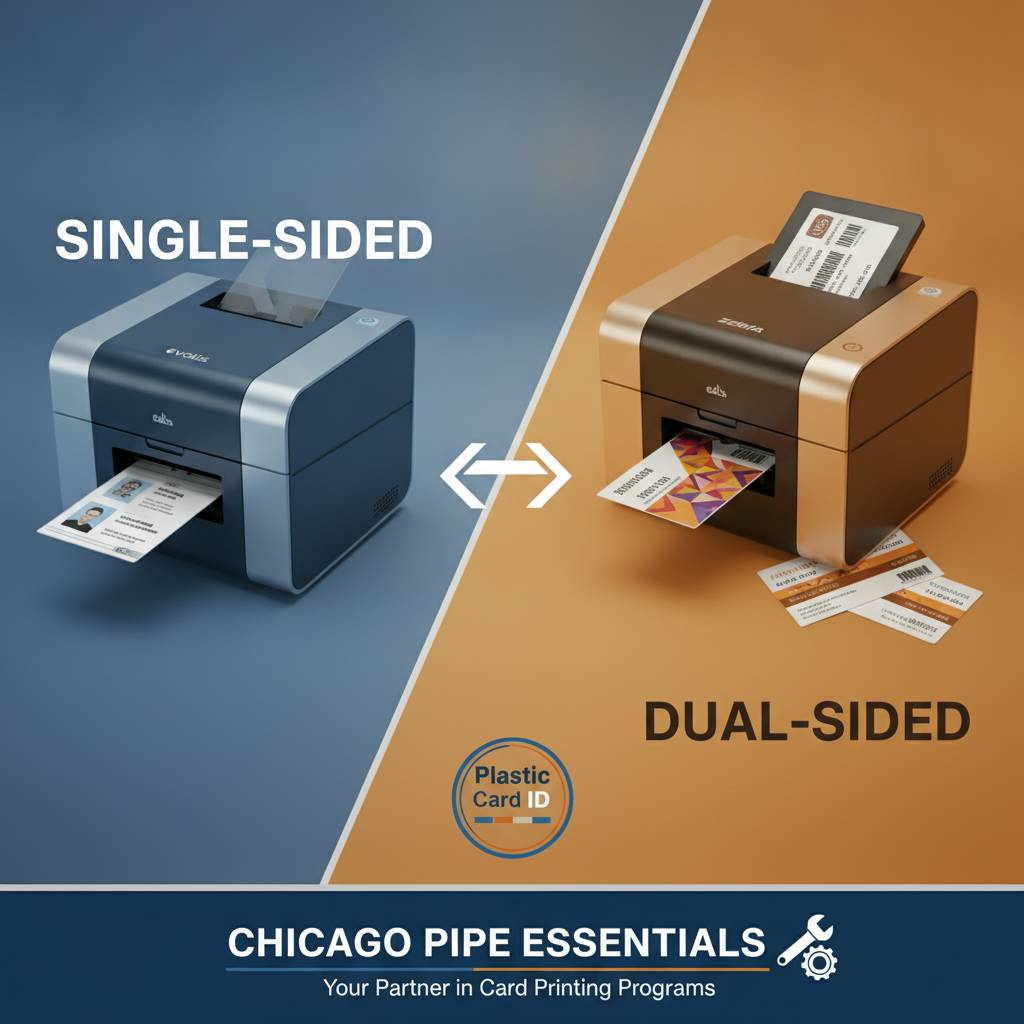
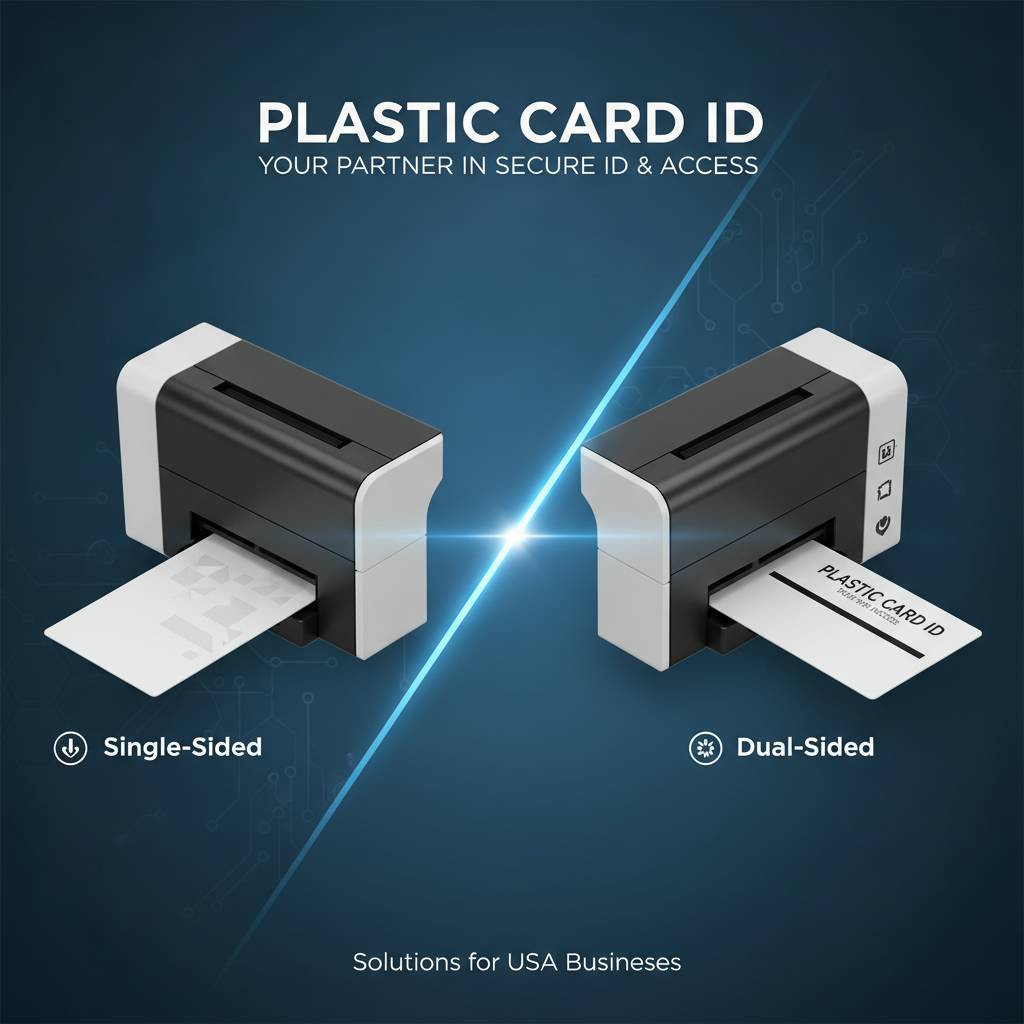 A single-sided card printer passes a blank PVC card through one print head and deposits a full-color or monochrome image on one face only. That's it - clean, fast, mechanically simple. A dual-sided printer, by contrast, includes an internal flipper mechanism that rotates the card mid-print, allowing a second pass across a second print head or the same head depending on the model. The mechanical difference is small; the workflow difference is massive.
Dual-sided capability isn't just about aesthetics. It's about information density. Modern ID programs routinely demand photo, name, title, department, and logo on the front - plus barcode, magnetic stripe data, emergency contacts, or access level designations on the back. Trying to compress all of that onto one face produces a card that looks cluttered and hard to scan. The back of the card is prime real estate, and dual-sided printers let you use every square inch of it.
How Single-Sided Printers Work in Practice
The print path in a single-sided unit is linear and uninterrupted. Cards feed from the hopper, travel through the thermal print head, and exit into the output tray in one smooth motion. This simplicity translates directly into speed - many single-sided models finish a full-color card in under 20 seconds. For high-volume applications where every second counts, that tempo matters.
Single-sided printers also tend to have fewer moving parts, which means lower maintenance overhead over time. If your card design legitimately fits on one face - and many do - there's no compelling reason to introduce mechanical complexity just because the option exists. Buying capability you'll never use is just spending money unnecessarily.
How Dual-Sided Printers Handle the Flip
Inside a dual-sided printer, an internal flipper module catches the card after the first side prints and rotates it precisely before feeding it back through the print path. This process adds anywhere from 10 to 20 seconds to the total print cycle, depending on the model. It's a small time premium for a dramatically expanded information layout.
Better dual-sided models - like the Evolis Primacy2 or the Fargo HDP5000 - handle this flip mechanism with impressive reliability across hundreds of thousands of print cycles. The engineering is mature and well-tested. Modern dual-sided printing is not a fragile compromise; it is a robust, production-ready capability that belongs in any serious ID program.
The Role of the Flipper Module in Upgradeable Designs
Some printers are sold as single-sided base models with a factory flipper module upgrade available. The Evolis Zenius is a prime example - it ships as a single-sided unit but can be upgraded to dual-sided printing with a module addition. This is genuinely useful for organizations that want to start lean and scale without replacing the entire printer.
Not all printers offer this upgrade path, though. Some single-sided models are architecturally fixed and cannot accommodate a flipper module regardless of budget. If you think your needs might evolve, ask CPE specifically whether a given model supports module-based dual-side upgrades before you commit.
When Single-Sided Is the Smarter Buy
Single-sided printing gets unfairly dismissed in conversations that default to "more features equal better purchase." That's not always true. For a surprising number of real-world card programs, single-sided output is not a limitation - it's a precision fit. Loyalty cards, basic membership badges, visitor passes, event credentials, and hotel key cards frequently carry minimal data that fits comfortably on one face. Paying for a flipper module that never activates is waste, not prudence.
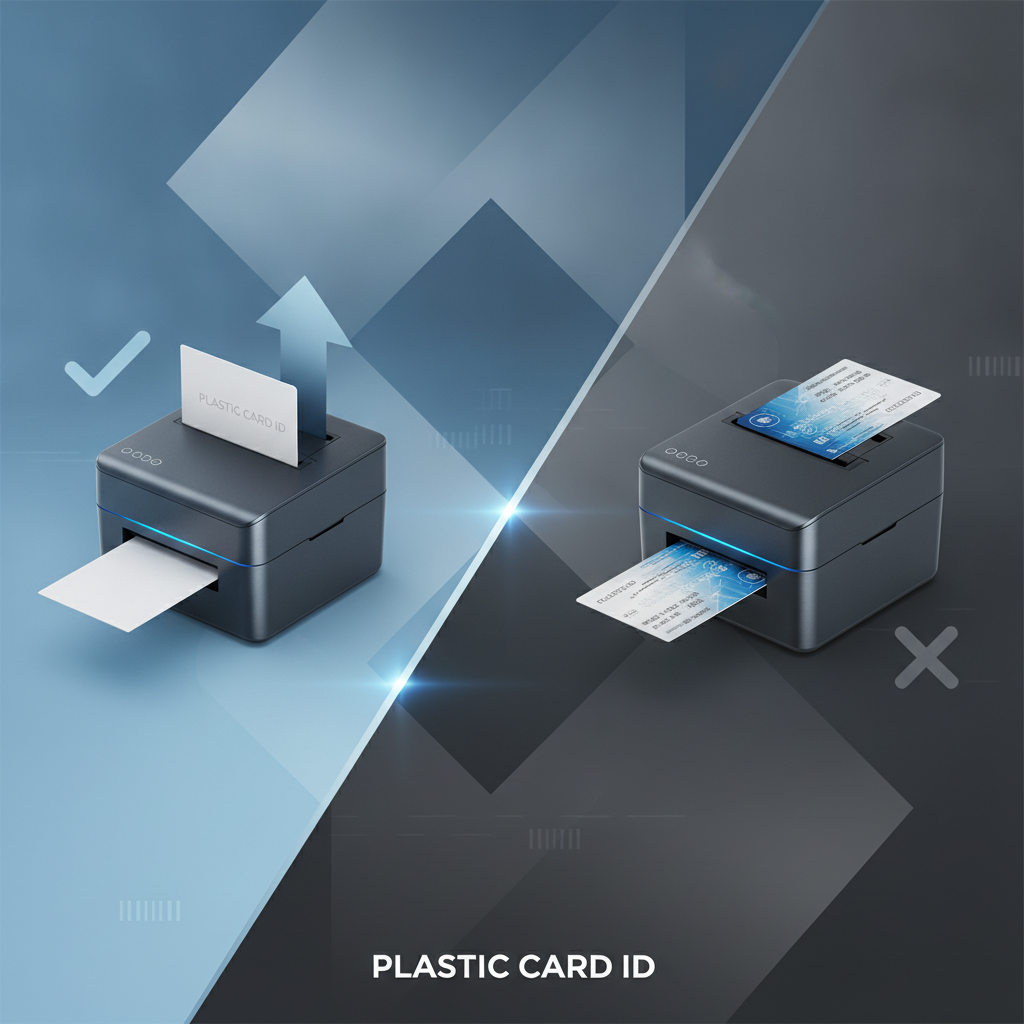
Cost efficiency compounds over time, too. Single-sided ribbons consume material for one face per card. Dual-sided ribbons consume material for two. At scale - say, 2,000 cards per month - that ribbon differential is real money. For a small nonprofit printing 300 membership cards annually, a model like the Evolis Badgy200 is a completely sensible, professional solution that won't gather dust between print runs.
Best Single-Sided Use Cases
Think about what information your card actually needs to communicate. Front-only card programs are more common than people assume. A corporate visitor badge with a photo, name, date, and logo is complete. A gym membership card with a member name, ID number, and barcode is complete. A school lunch card with a student photo and account number is complete.
- Visitor and guest badges with single-session use
- Basic loyalty and membership cards with minimal data
- Hotel key cards (typically blank on the back)
- Event credentials and conference badges
- Internal ID cards for small teams with simple requirements
If your program falls into these categories, a single-sided printer like the Evolis Badgy200 or the Zenius in single-sided mode is a tightly matched, cost-justified solution. Simplicity, when it's the right answer, is actually the smart answer.
Volume Thresholds That Favor Single-Sided Efficiency
Entry-level single-sided printers like the Badgy200 are optimized for organizations printing fewer than 1,000 cards per year. At that volume, the slower print speed is negligible, and the lower hardware investment and ribbon cost deliver strong total value. Mid-range single-sided models push comfortably to 1,000-6,000 cards per month without strain.
If you're printing at lower volumes and your card design genuinely requires only one side, you are leaving money on the table by purchasing a dual-sided system. Call 800.835.7919 and describe your exact volume and card layout - the team at CPE will tell you honestly if a single-sided solution is the right fit rather than upselling you into capability you don't need.
Ribbon Economics for Single-Sided Programs
A YMCKO ribbon for a single-sided card printer yields a set number of images per roll - typically 200 to 500 prints per ribbon depending on the model. Dual-sided ribbons, or using a full ribbon on each face in a dual-sided configuration, effectively cuts your yield per roll. Over thousands of cards, this adds up to a meaningful cost per card difference.
For organizations tracking cost per card as a KPI - universities, healthcare systems, large employers - the ribbon economics alone can justify a single-sided setup if the program design allows it. Operational cost visibility matters more than most buyers realize until they're already deep into a print program.
When Dual-Sided Printing Is Non-Negotiable
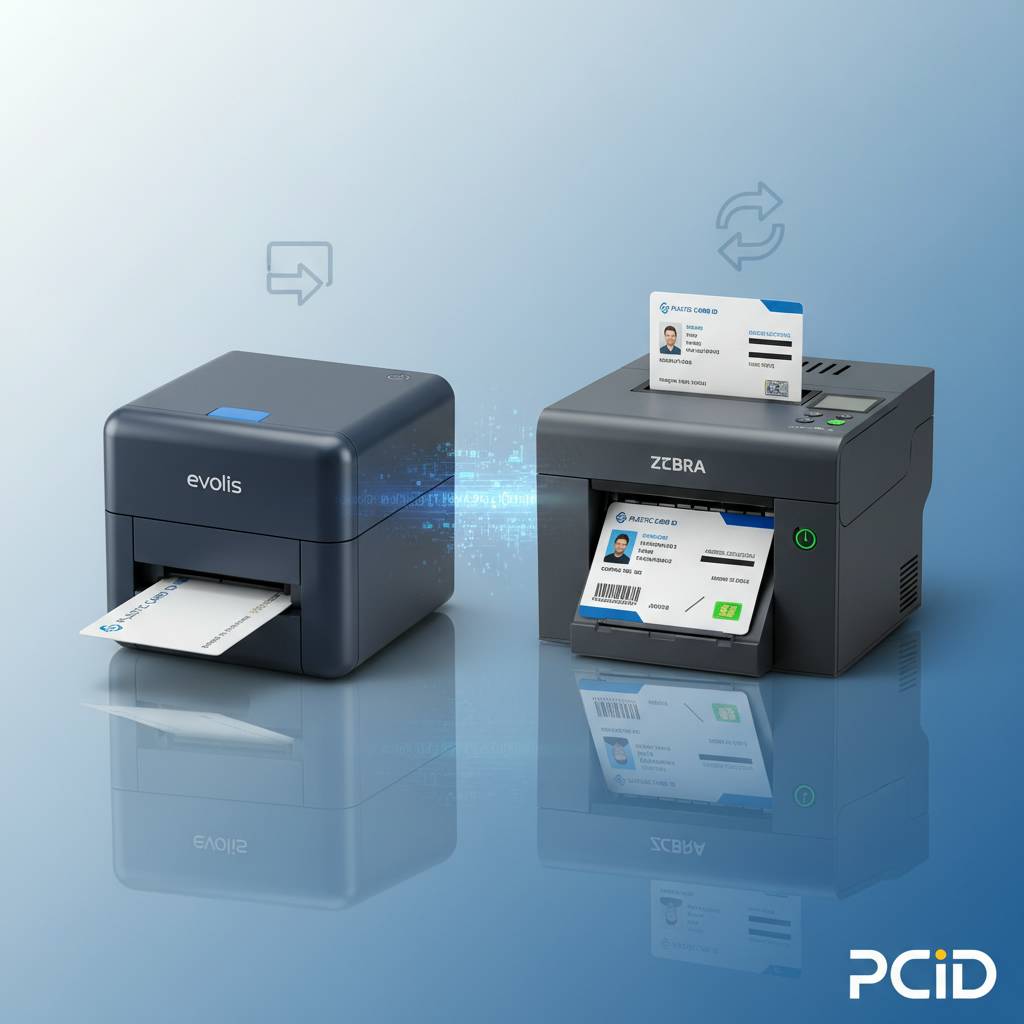 There are programs where dual-sided printing isn't a luxury - it's a structural requirement. Employee ID cards for regulated industries, student IDs in K-12 and higher education, access control credentials for facilities with multiple clearance levels, healthcare worker badges carrying department and emergency data - all of these routinely demand both faces of the card. Trying to run these programs on a single-sided printer either forces illegible design compromises or creates a manual flip workflow that nobody wants to maintain.
Security-conscious ID programs especially benefit from back-side printing. Placing a barcode, QR code, or magnetic stripe encoding instructions on the back keeps the front clean and professional while enabling full machine-readable functionality on the reverse. A dual-sided card communicates professionalism and organizational rigor at every swipe, tap, and glance.
ID Programs That Require Both Card Faces
Complex ID programs almost universally need dual-sided capability. Consider a university student ID: front carries photo, name, student number, and school logo; back carries a magnetic stripe, barcode, and meal plan or transit access data. Neither face can absorb the other's content without the card becoming unusable. Dual-sided printing is the only workable answer.
- Student IDs with magnetic stripe and barcode encoding
- Healthcare worker badges with department and emergency role data
- Corporate employee IDs with access level designations on the back
- Government and municipal ID cards with signature lines and disclaimers
- Membership cards with loyalty program terms or barcode on the reverse
For all of these use cases, the Evolis Primacy2 in dual-sided configuration, or the Fargo HDP5000, represents the kind of professional-grade output that reflects the seriousness of the credential itself.
Encoding Options That Pair With Dual-Sided Output
Dual-sided printers from Evolis, Fargo, Zebra, and Matica all support optional encoding upgrades - magnetic stripe encoding, contact smart chip, and contactless RFID - that work in tandem with dual-sided printing. This combination transforms a card from a simple visual credential into a functional access, payment, or authentication device.
Magnetic stripe encoding, for example, writes track data during the print cycle with no additional hardware step required. Smart chip encoding seats the chip data in the same automated pass. In-house encoding eliminates the need for a separate personalization step entirely, tightening your production workflow and reducing handling errors. Contact CPE at 800.835.7919 to discuss which encoding options integrate with your chosen dual-sided model.
Lamination Modules and Premium Dual-Sided Output
Some dual-sided programs benefit from inline lamination as well. The Evolis Agilia, for instance, delivers edge-to-edge printing with high-definition image quality and supports lamination modules that apply a durable overlay to both card faces in a single automated pass. This level of output is appropriate for credentials that need to withstand heavy daily use - healthcare badges clipped to uniforms, student IDs carried in pockets, corporate cards swiped dozens of times daily.
Lamination adds measurable card lifespan and makes printed images significantly more resistant to fading, scratching, and delamination. For organizations issuing cards expected to last two to five years without replacement, the per-card cost of lamination is easily justified by reduced reprint frequency. Lamination is not an upgrade for premium aesthetics alone - it is a functional durability investment.
Brand-by-Brand: Which Printers Offer Dual-Sided Options?
 Not every printer brand structures their dual-sided lineup the same way, and understanding the differences helps buyers match the right platform to their program. Plastic Card ID stocks printers from Evolis, Fargo, Zebra, and Matica - each with distinct design philosophies, target use cases, and upgrade paths for dual-sided capability.
Choosing a brand isn't just about the hardware spec sheet. It's about driver compatibility with your existing software, ribbon availability and pricing, service network, and how naturally the printer integrates into your card design and issuance workflow. Let's break down the key options.
Evolis: Scalable From Entry to Premium
Evolis offers one of the most clearly tiered lineups in the industry. The Badgy200 handles single-sided, low-volume work beautifully. The Zenius scales up with an optional dual-sided module. The Primacy2 is a production-ready workhorse with native dual-sided support, YMCKO ribbon compatibility, and encoding options. And the Agilia sits at the premium tier for organizations demanding edge-to-edge, highest-quality dual-sided output with lamination.
Evolis printers are particularly well-regarded for intuitive setup and reliable driver integration, making them a strong choice for IT teams that need minimal friction during deployment. For organizations that anticipate growth in their card program - more cardholders, more data fields, more encoding requirements - Evolis's modular architecture allows the printer to grow with them rather than requiring replacement.
Fargo and Zebra: Security-First Dual-Sided Printing
Fargo and Zebra printers are engineered with security-sensitive ID programs in mind. Fargo's HDP (High Definition Printing) technology prints onto a transfer film rather than directly onto the card surface, producing extremely sharp images and an inherently secure card edge that resists tampering. Zebra printers are workhorses known for high-volume reliability and broad enterprise software compatibility.
Both brands offer robust dual-sided configurations that pair cleanly with magnetic stripe, smart chip, and contactless encoding. For government entities, large corporate campuses, healthcare networks, and higher education institutions running serious credential programs, Fargo and Zebra represent the gold standard in secure, high-throughput dual-sided printing.
Matica: High-Speed Event Badging
The Matica Event Printer occupies a specialized but important niche - high-speed on-site badge printing for conferences, trade shows, large-scale events, and stadium access programs. In these contexts, speed is the dominant requirement. Hundreds or thousands of credentials may need to be issued in a compressed time window, often with attendees waiting in line.
Matica's architecture is optimized for exactly this pressure. It handles both single-sided and dual-sided configurations and integrates cleanly with event management platforms. For organizations running recurring large-scale events, owning an in-house Matica printer eliminates the need to source badge printing services externally, giving your team complete control over credential issuance speed, quality, and data accuracy on-site.
Buyer's Guide: Choosing Between Single-Sided and Dual-Sided
After walking through the technology, use cases, and brand options, the decision framework comes into focus. The honest answer is that most serious, growing ID programs eventually migrate to dual-sided capability - but that doesn't mean everyone needs to start there. The right entry point depends on today's requirements, not theoretical future ones.
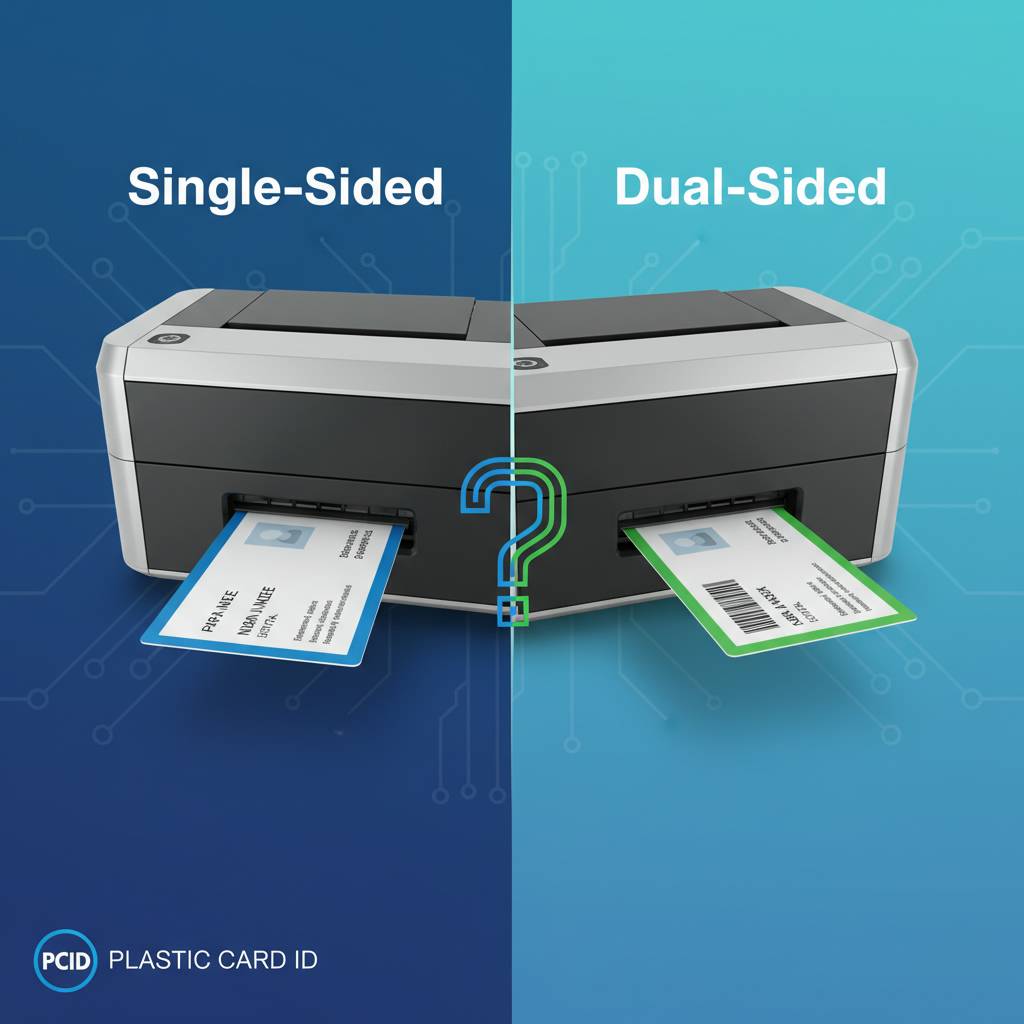
Ask yourself four questions before purchasing: How many cards will I print per month? What data must appear on the card? Will I need encoding on the card? And do I expect my program to grow significantly in the next two to three years? The answers will point clearly toward single-sided, dual-sided upgradeable, or native dual-sided from day one.
Key Decision Criteria at a Glance
- Print volume under 1,000 cards/year with minimal card data: Single-sided entry-level printer (Evolis Badgy200)
- Print volume of 1,000-6,000 cards/month with moderate complexity: Mid-range dual-sided (Evolis Zenius with module, or Primacy2)
- Security-critical credentials with encoding requirements: Fargo or Zebra dual-sided with encoding options
- Premium edge-to-edge output with lamination: Evolis Agilia
- High-speed on-site event badging: Matica Event Printer
If you're between tiers or genuinely unsure, the right move is to speak directly with a knowledgeable supplier rather than guess. The cost difference between choosing correctly the first time and replacing a printer 18 months later is significant. The five-minute conversation is worth more than hours of spec-sheet comparison.
Supplies and Consumables to Factor Into Your Budget
Single-sided programs run on YMCKO or monochrome ribbons, cleaning kits, and blank PVC cards. Dual-sided programs add increased ribbon consumption, and if you're encoding, you'll need pre-encoded card stock or encoding-compatible blanks. If your program uses lamination, laminates add a per-card material cost as well. Plastic Card ID supplies all of these consumables and can help you build an accurate ongoing cost-per-card estimate before you buy the printer.
Don't overlook cleaning kits. Regular printer maintenance using manufacturer-approved cleaning cards and rollers extends print head life dramatically. A neglected print head failing at year two is a far more expensive outcome than a $30 cleaning kit used quarterly. Consumables are not an afterthought - they are the operational backbone of any card program.
Getting the Right Configuration From Day One
One of the most avoidable purchase mistakes is buying a base model that requires immediate upgrades to actually perform the job. If you know you need dual-sided printing and magnetic stripe encoding, buy the configured version - not the base unit plus two modules ordered separately. The bundled configuration is typically better-priced and easier to deploy.
Plastic Card ID stocks configured printers, not just base models, precisely because buyers deserve to receive a production-ready system on day one. A printer that needs three accessories before it can do its job is not really ready to ship. Ask CPE to specify a complete configuration including all needed modules and supplies so your program launches cleanly.
Why Plastic Card ID Is the Right Partner for Your Card Printing Program
 Over 25 years in this industry means Plastic Card ID has seen every type of card program, every type of buying mistake, and every type of operational challenge that comes from mismatching printer to need. That experience is the difference between a supplier that ships a box and a partner that helps you get the right answer before the box ships. With more than 100,000 customers served across the United States, the team at CPE has genuine, field-tested knowledge of what works and what doesn't across industries.
The printer lineup - Evolis, Fargo, Zebra, and Matica - covers every production scale and use case in the market. The consumables catalog covers everything your program needs to run: ribbons, cleaning kits, lamination modules, encoding upgrades, input hoppers, card carriers, and sleeves. And the team is available to talk through your specific requirements rather than push you toward the highest-margin option. That kind of straight-talking expertise is what turns a one-time purchase into a long-term partnership.
Full-Program Support Beyond the Printer
A card printer is the centerpiece of a card program, but it's not the whole program. Ribbons run out. Cleaning cycles need scheduling. Encoding modules need to be specified correctly for your card stock. Input hoppers matter when you're printing 500 cards in a batch. Card carriers and sleeves matter when you're issuing credentials that need to survive daily wear. Plastic Card ID supplies all of it, which means you have a single-source relationship for every element of your print operation.
This single-source approach eliminates the friction of tracking down compatible consumables from separate vendors, managing multiple shipping relationships, and hoping that a ribbon from a third-party supplier doesn't void your printer warranty. One supplier, complete program coverage, consistent quality - that's the operational simplicity most organizations are looking for but rarely find.
Serving Industries Across the Country
The breadth of industries CPE serves reflects just how universal the need for in-house card printing has become. Schools issue student IDs and access cards. Hospitals badge clinical and administrative staff. Corporations manage multi-site access control programs. Hotels issue key cards at check-in. Gyms and fitness clubs print membership cards on demand. Conference organizers badge hundreds of attendees on-site. Retailers run loyalty card programs that require per-member personalization.
Each of these industries has distinct requirements around card design, data encoding, print volume, and credential durability - and each benefits from the same core advantage: printing in-house means printing on your schedule, at your pace, with your data, with no minimum order and no waiting. That's the fundamental promise of an owned card printing operation, and Plastic Card ID makes it achievable for organizations of every size.
Ready to Talk Through Your Specific Requirements?
Whether you're replacing an aging printer, launching a new card program, or evaluating single-sided against dual-sided for the first time, the conversation starts the same way - with a clear picture of what you print, how often, and what the card needs to do. Reach the team at 800.835.7919 and walk through your requirements directly. No guesswork, no generic recommendations - just a clear, honest match between your program and the right equipment.
Don't invest in a card printer before you know exactly which configuration fits your program. Call Plastic Card ID today at 800.835.7919 - the right printer, the right setup, and the right supplies are ready and waiting for your organization.
Previous Page