Magnetic Stripe Encoding on Card Printers: Everything You Need
Table of Contents []
- Magnetic Stripe Encoding on Card Printers: What Plastic Card ID Wants You to Know
- Understanding the Technology Behind Magnetic Stripe Encoding
- Which Card Printers at Plastic Card ID Support Magnetic Stripe Encoding?
- Use Cases: Who Actually Needs Magnetic Stripe Encoding?
- Consumables and Supplies That Support Encoded Card Programs
- Buyer's Guide: Selecting the Right Printer for Magnetic Stripe Encoding
- Frequently Asked Questions About Magnetic Stripe Encoding on Card Printers
- Get Your Encoded Card Program Running with Plastic Card ID
Magnetic Stripe Encoding on Card Printers: What Plastic Card ID Wants You to Know
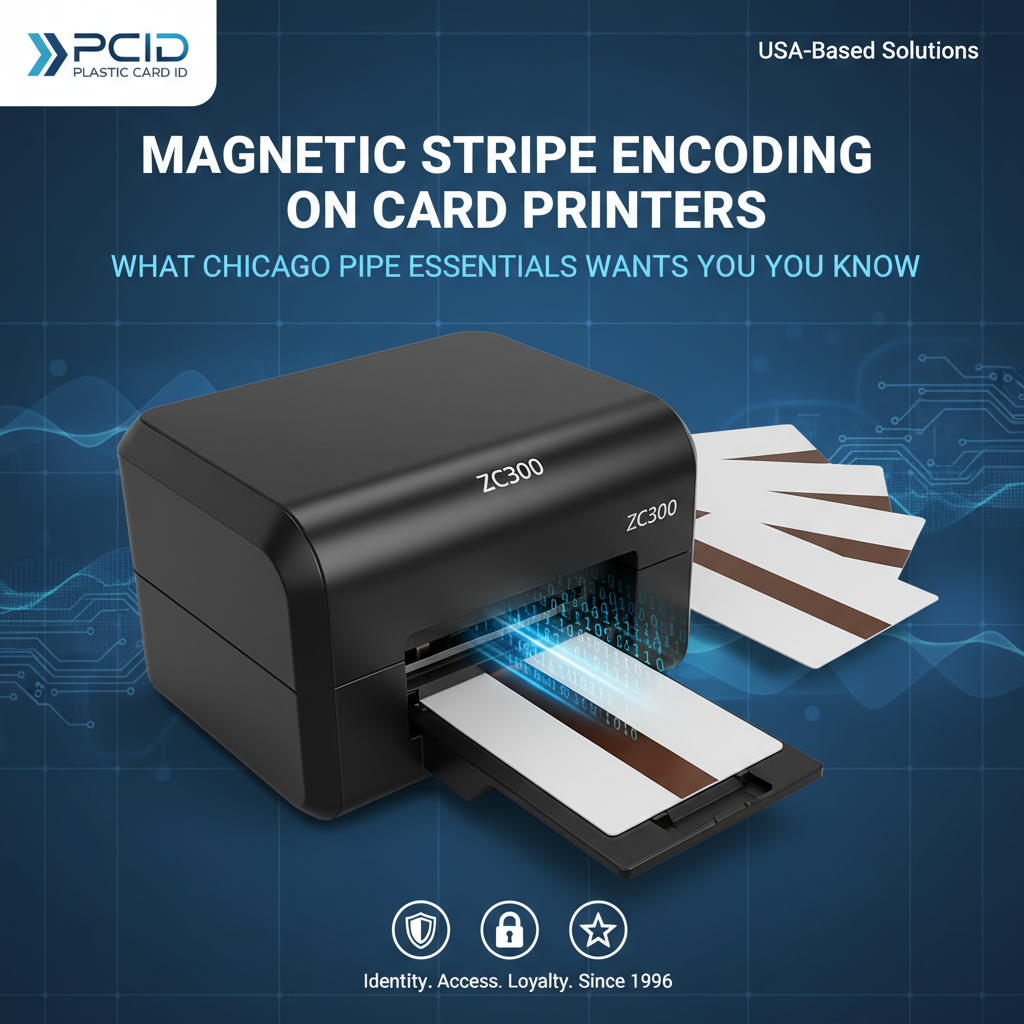 Most people assume a card printer is just a card printer - it puts an image on plastic, done. But the moment you add magnetic stripe encoding to the equation, you've entered an entirely different tier of functionality. Suddenly, that ID badge isn't just a photo and a name. It's a key, a record, an access credential, a loyalty account, or a hotel room entry - all encoded invisibly in a stripe of iron oxide particles running across the back of the card.
The question isn't whether your organization could benefit from magnetic stripe encoding. The question is whether you're currently taking full advantage of it, or whether you're still outsourcing card production, waiting on vendors, and paying per-card premiums for something you could be doing in-house, on demand, in minutes.
Plastic Card ID has been supplying professional card printing solutions to businesses across the United States for over 25 years, and magnetic stripe encoding remains one of the most requested and most misunderstood features in the entire category. This page breaks it all down - the technology, the hardware, the use cases, and how to choose the right setup for your organization.
| Printer Tier | Example Models | Encoding Type | Best For |
|---|---|---|---|
| Entry-Level | Evolis Badgy200 | Optional HiCo/LoCo | Under 1,000 cards/year |
| Mid-Range | Evolis Zenius, Primacy2 | HiCo/LoCo, Tracks 1-3 | 1,000-6,000 cards/month |
| Professional | Evolis Agilia, Fargo, Zebra | Multi-track, Dual-sided | High-volume, security-critical |
| Event/On-Site | Matica Event Printer | High-speed encoding | On-site badge events |
Understanding the Technology Behind Magnetic Stripe Encoding
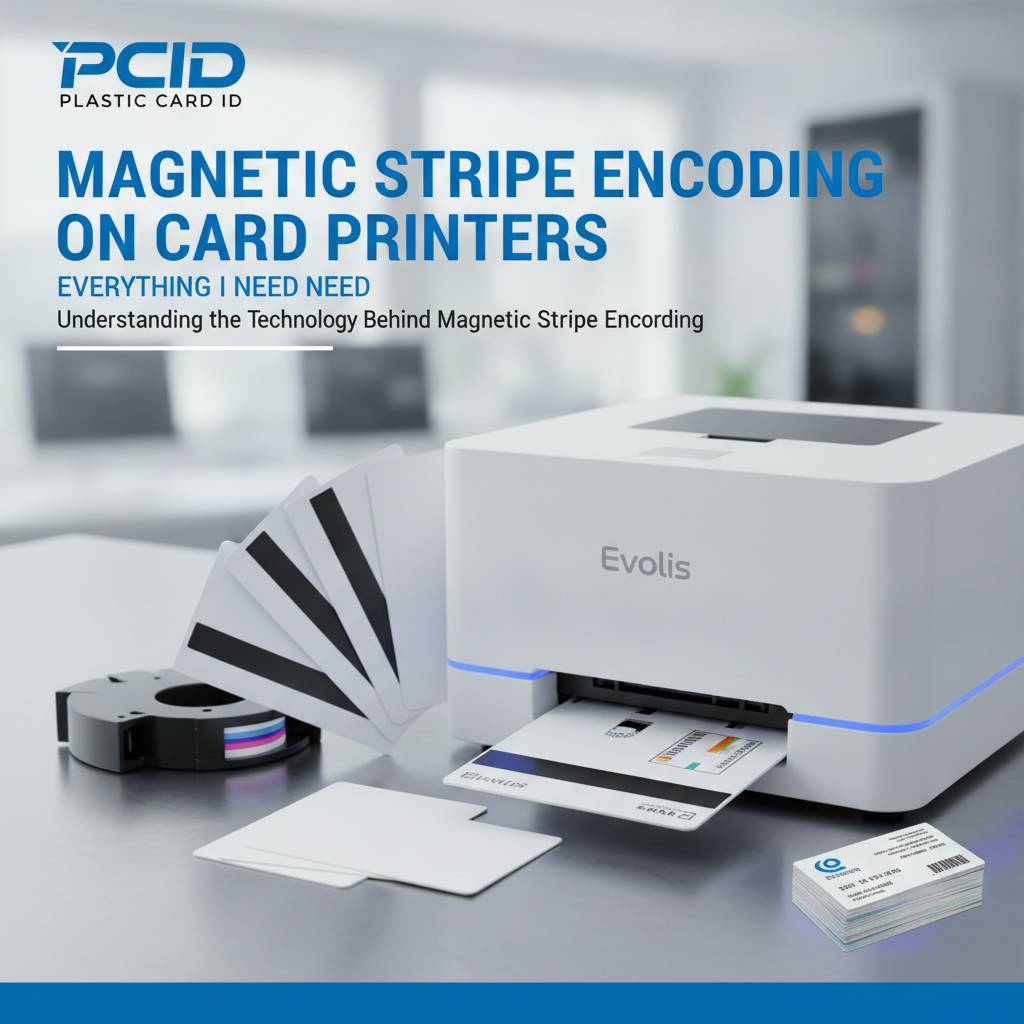 At its core, magnetic stripe encoding is a process of writing data onto a ferromagnetic stripe embedded in the card's surface. When a card passes through the encoder module inside a printer, a write head magnetizes tiny particles in the stripe to represent data in binary form. It's old technology in the best sense - proven, reliable, and universally readable by card swipe terminals everywhere.
What makes the topic nuanced is the combination of track configuration, coercivity levels, and encoding standards that determine compatibility with your existing readers and systems. Getting this wrong doesn't just produce a non-functional card - it can create data integrity problems that are difficult to diagnose without the right tools. That's why choosing the right printer and configuration from the start matters enormously.
HiCo vs. LoCo: The Coercivity Question
Coercivity refers to how strongly the magnetic particles resist being re-magnetized - and it has direct consequences for card durability. High coercivity (HiCo) cards, encoded at approximately 2,750 Oe, are far more resistant to accidental erasure from everyday magnetic interference. Low coercivity (LoCo) cards, encoded at around 300 Oe, require less energy to write but are more susceptible to environmental demagnetization.
Hotel key cards are the classic LoCo application - they're short-lived by design, frequently overwritten, and typically demagnetized by proximity to phones or credit cards in a guest's pocket. For employee ID cards, access control, loyalty programs, and any long-term credential, HiCo encoding is almost always the right call. Most professional card printers from Evolis, Fargo, and Zebra support both formats, often switchable via software settings.
Tracks 1, 2, and 3: Data Capacity and Compatibility
A standard ISO/IEC 7811 magnetic stripe card features three distinct tracks, each with its own data capacity and encoding format. Track 1 stores alphanumeric data at 210 bits per inch and holds up to 79 characters. Track 2 is numeric only, 75 bpi, and holds up to 40 characters - it's the standard for most financial and access applications. Track 3 is numeric, 210 bpi, and holds up to 107 characters, though it's less commonly used.
Most modern card printers that include magnetic stripe encoding as an upgrade module can write to all three tracks simultaneously. This versatility matters when integrating with legacy systems or when your access control platform specifies a particular track layout. Understanding which tracks your readers expect is step one before ordering any printer with encoding capability - CPE can walk you through this if you call to discuss your setup.
How the Encoder Module Integrates into the Print Cycle
One of the most common misconceptions about magnetic stripe encoding in card printers is that it requires a separate pass or a separate device. In virtually every professional desktop printer from Evolis, Fargo, and Zebra, the encoding module is integrated directly into the card transport path. The card is encoded during the same cycle it's being printed, with no additional handling required.
This simultaneity is what makes in-house card production so efficient compared to outsourcing. You feed in blank encoded cards, your software pushes a print job, and out comes a fully printed, fully encoded, ready-to-use credential. The entire process from blank card to finished product can take under 30 seconds per card on a mid-range machine. For organizations issuing dozens of cards per week, the time savings compound quickly.
Which Card Printers at Plastic Card ID Support Magnetic Stripe Encoding?
The short answer: most of them, when configured with the right encoding module. The longer answer involves understanding which models include encoding as a standard feature versus an optional upgrade, and whether your production volume warrants a single-sided or dual-sided printer. CPE stocks printers across all these tiers, and the right fit depends heavily on your volume, your card design, and your data infrastructure.
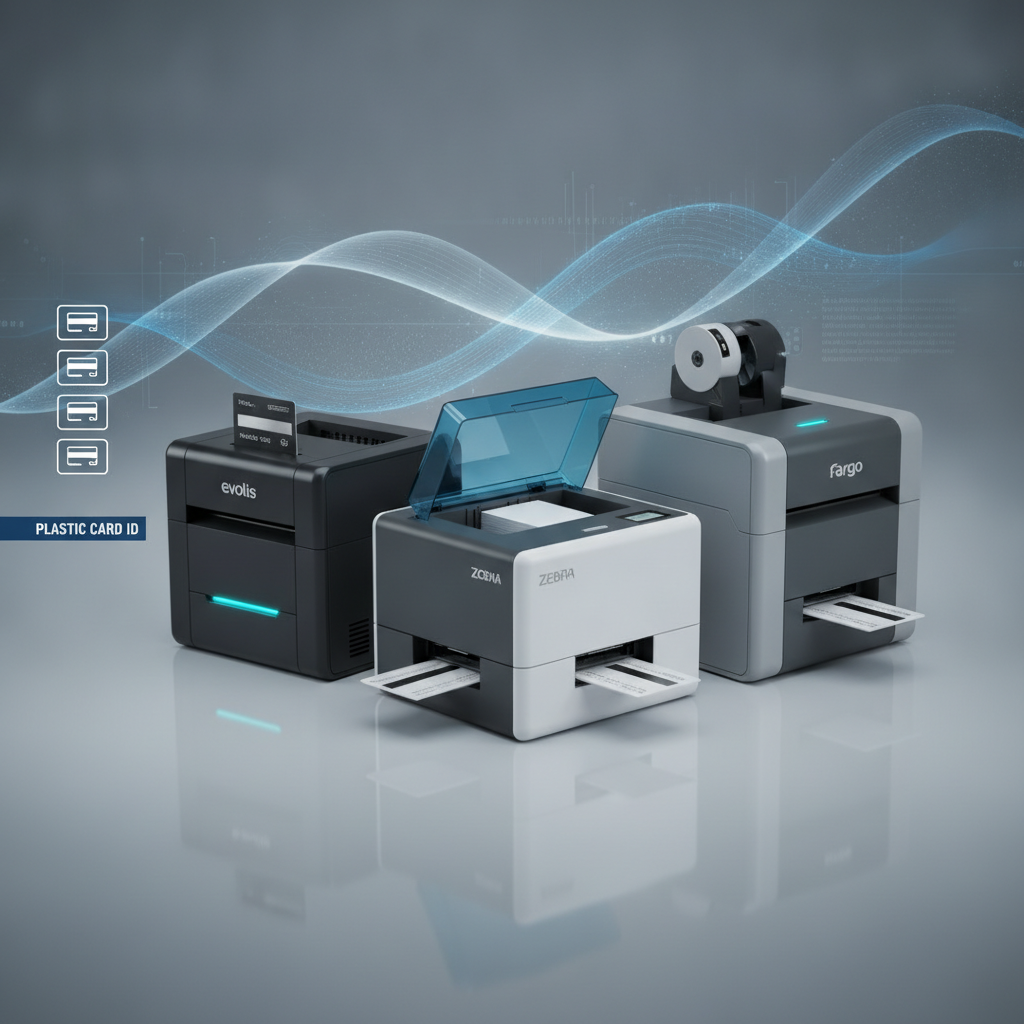
Here's something that surprises many buyers: the encoding module itself doesn't dramatically change the printer's physical footprint or its print quality. You're adding a functional layer to a machine that already excels at what it does. The visual quality of your cards is entirely unaffected by whether or not you're writing data to a magnetic stripe at the same time.
Evolis Printers with Encoding Options
Evolis is the flagship brand in Plastic Card ID's lineup for good reason. From the entry-level Badgy200 to the high-end Agilia, Evolis printers are engineered for reliability in demanding business environments. The Badgy200, suited for organizations printing fewer than 1,000 cards per year, can be configured with a magnetic stripe encoding module, making it a surprisingly capable low-volume solution for small membership programs or boutique hotel operations.
The Evolis Zenius and Primacy2 occupy the sweet spot for most mid-size businesses - the 1,000 to 6,000 cards per month range where reliability and throughput both matter. Both models support HiCo and LoCo encoding across all three tracks, and the Primacy2 adds dual-sided printing for organizations that want card art, a photo, or additional text on the back of the card alongside the magnetic stripe data.
For organizations demanding the absolute best - edge-to-edge full-bleed printing with no sacrifices on either visual quality or encoding precision - the Evolis Agilia is in a class of its own. It handles premium card programs where the credential itself is part of a brand experience: luxury hotel key cards, premium membership credentials, or high-security employee IDs that need to look as impressive as they function.
Fargo and Zebra: Security-First Encoding Solutions
Fargo and Zebra printers are the go-to choice for organizations where security is the dominant concern. Law enforcement IDs, government contractor badges, campus access cards, and corporate security programs frequently specify these brands because of their robust encoding capabilities and the availability of security-layer printing features like holographic overlaminates and UV printing. Magnetic stripe encoding in these printers is typically a standard or easily upgraded option.
Zebra printers, in particular, are known for their integration with enterprise identity management platforms, making them a natural choice for larger organizations with existing Zebra infrastructure. Fargo printers excel in compact, high-output security environments where both magnetic stripe and smart card encoding may be needed simultaneously. Call 800.835.7919 to discuss which of these platforms fits your existing systems best.
Matica Event Printer: Encoding at Speed
The Matica Event Printer is a fundamentally different beast. Designed for high-speed, on-site badge and credential production at conferences, tradeshows, and large institutional events, it's built to encode and print large quantities of cards without slowing down operations. When you're badging a 2,000-person conference over a 90-minute registration window, throughput isn't a nice-to-have. It's everything.
Even in that speed-critical context, magnetic stripe encoding keeps pace with the print engine, producing fully functional encoded credentials without a bottleneck. For event managers and venues that run recurring large-format events with access control requirements, this machine represents a significant operational upgrade over outsourced badge printing or manual encoding workflows.
Use Cases: Who Actually Needs Magnetic Stripe Encoding?
 The more accurate question might be: who doesn't? Once you map out the kinds of organizations that benefit from encoded cards, you start to realize the list is broader than most people assume. It's not just banks and hotels. Magnetic stripe encoding is an everyday tool for access control, loyalty programs, student services, and dozens of niche applications.
- Employee ID and Access Control: Encode door access permissions directly into the employee's ID badge. One card, one credential, one data record per employee.
- Hotel Key Cards: Print and encode custom-branded hotel room keys on demand at check-in, with your property branding on the front and LoCo encoding on the back.
- Membership and Loyalty Cards: Encode member ID numbers, tier data, or point balances directly onto the card stripe for use with point-of-sale terminals.
- Student ID Cards: University and school programs encode library access, meal plan balances, and dormitory entry data onto a single student credential.
- Event Credentials: Conference and venue access badges with encoded access levels for different zones, VIP areas, or session tracks.
- Healthcare and Institutional IDs: Staff credentials for hospital wings, secure medication rooms, or controlled access areas in research facilities.
- Parking and Transportation: Encode prepaid access or patron identification for parking garages, transit systems, and campus transportation networks.
What all these applications share is a requirement for persistent, machine-readable data on a durable physical card. That's exactly what magnetic stripe encoding delivers, and it's why the technology has remained relevant for decades despite the emergence of smart chips and RFID. It's interoperable, inexpensive, and supported by an enormous installed base of readers worldwide.
Consumables and Supplies That Support Encoded Card Programs
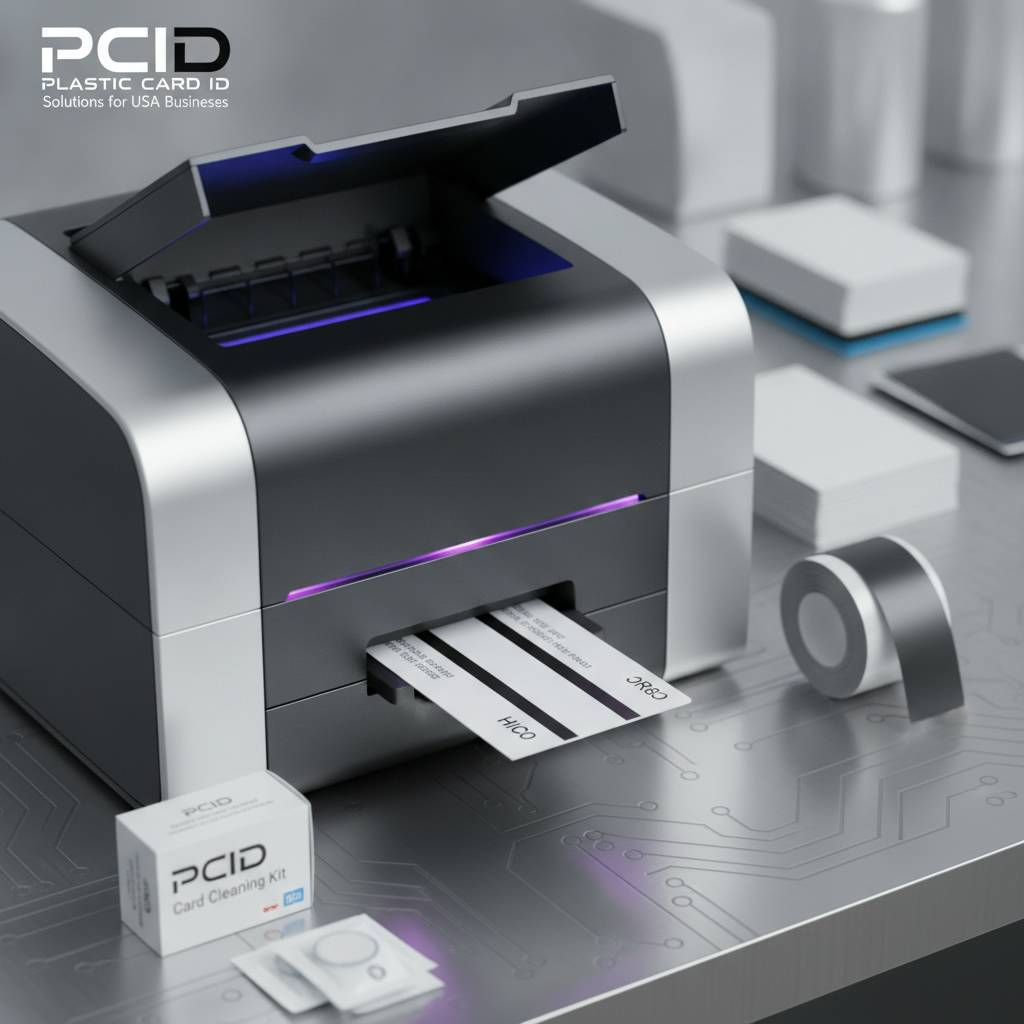 Running a card program with magnetic stripe encoding isn't just about the printer. The full picture includes ribbons, cleaning kits, the encoded blank cards themselves, and any lamination or overlay supplies you use to protect the finished credential. Plastic Card ID supplies all of it - which matters more than it might seem, because using mismatched or substandard consumables is one of the leading causes of encoding failures and print defects.
Choosing the Right Ribbon for Encoded Card Programs
YMCKO ribbons - yellow, magenta, cyan, black resin, and overlay - are the standard choice for full-color, photo-quality card printing. The overlay panel is particularly relevant for encoded cards, because it applies a protective coating over the entire printed surface, including the magnetic stripe area. This matters for durability, but the overlay must not interfere with the stripe's magnetic properties, which is why using manufacturer-specified ribbons is non-negotiable.
For applications where card fronts are monochrome or text-only - think internal access cards that prioritize function over appearance - monochrome black resin ribbons offer dramatically more prints per ribbon at a lower cost per card. Specialty ribbons with UV fluorescent panels can add an invisible security layer visible only under ultraviolet light, which pairs well with high-security encoded credentials for government or corporate security programs.
Blank Encoded Cards: Pre-Striped vs. Encoding at Print Time
A common point of confusion: you don't print the stripe onto the card. The magnetic stripe is already physically embedded in the blank card stock. What the printer's encoding module does is write data to the pre-existing stripe. This means your blank card inventory must include cards with the appropriate stripe type for your application - HiCo for permanent credentials, LoCo for short-term or hotel-style applications.
Plastic Card ID supplies blank PVC cards compatible with all the printer brands in the lineup, in both HiCo and LoCo configurations. Ordering the wrong blank card stock is a surprisingly common mistake for new card program administrators, and it results in cards that either can't be encoded at all or that produce unreliable data. Getting the right blanks from the start saves significant frustration and wasted material.
Cleaning Kits and Maintenance for Encoding Reliability
The encoding head inside your printer is a precision component. Dust, card debris, and residue buildup on the encoding head can cause intermittent write failures - cards that appear to print correctly but fail to swipe at the reader. Regular cleaning with manufacturer-approved cleaning kits is the single most effective way to prevent encoding errors and extend the life of the module.
Most professional card printers include cleaning card prompts built into the firmware, reminding operators to run a cleaning cycle after a set number of cards. Following this schedule religiously isn't optional if you're running an encoded card program - a dirty encoding head in a hotel key card operation, for instance, means guests checking in at midnight with cards that don't open their room. Preventive maintenance is always cheaper than the alternative.
Buyer's Guide: Selecting the Right Printer for Magnetic Stripe Encoding
Choosing a card printer for encoded card production involves more variables than most buyers expect. It's not just about price point or print quality. The encoding module configuration, the software compatibility, your current card reader infrastructure, and your projected monthly volume all factor into which machine makes sense. Here's a practical framework for making that decision.
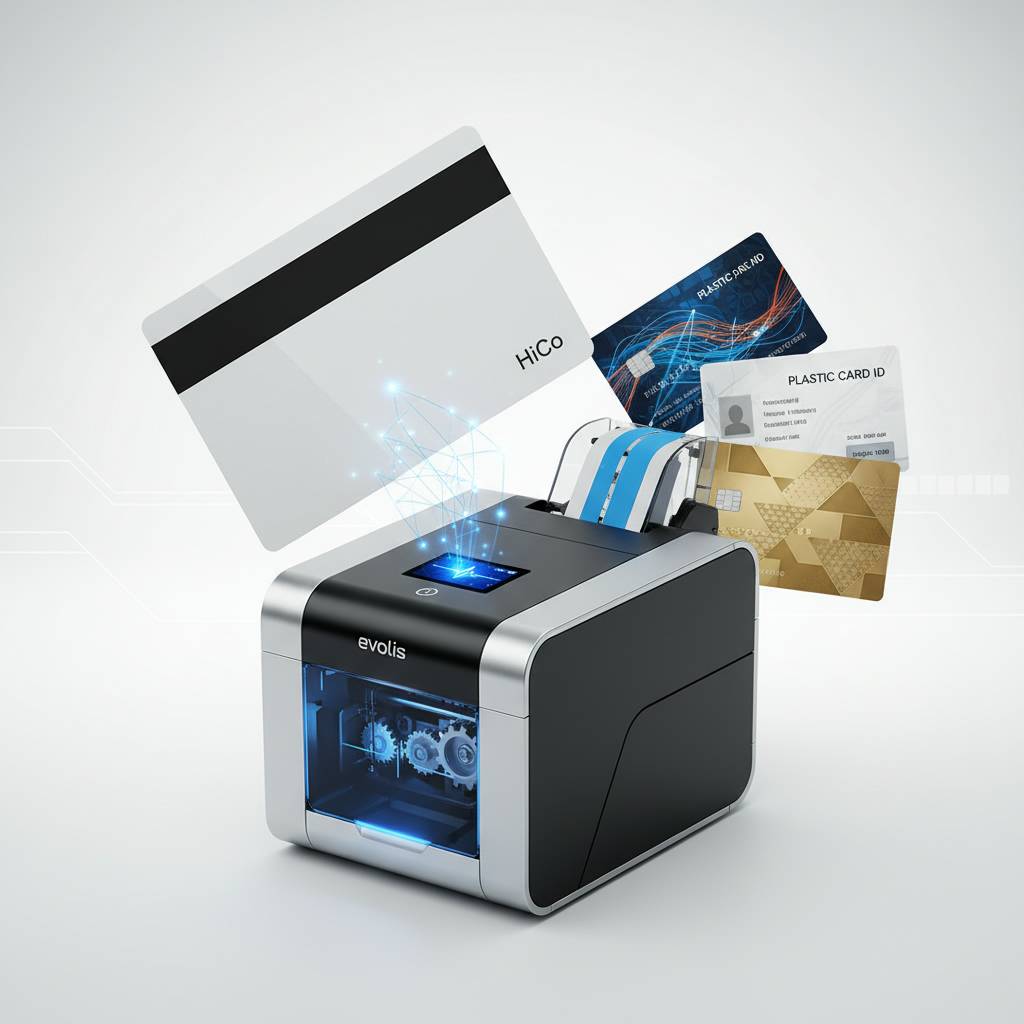
Step One: Define Your Volume and Format Requirements
If your organization prints fewer than 1,000 cards per year, an entry-level machine like the Evolis Badgy200 with an encoding upgrade is almost certainly sufficient. If you're printing 1,000 to 6,000 cards per month, you're in mid-range territory - Evolis Zenius or Primacy2, both capable of handling that load with dual-sided options available. Above 6,000 cards per month, or where uptime is critical and you cannot tolerate downtime, the Evolis Agilia or the Fargo and Zebra professional-grade platforms are the right tier.
Format matters too. Single-sided printing is faster and cheaper per card. Dual-sided printing lets you put a photo and text on the front while placing a barcode, terms of use, or secondary branding on the back - without crowding the face of the card. Dual-sided encoding isn't a thing (the stripe is always on the back), but dual-sided printing paired with encoding is a very common and practical combination for professional credentials.
Step Two: Verify Compatibility with Your Existing Reader Infrastructure
Before you order anything, pull the specifications for your existing card readers. What coercivity do they expect? Which tracks do they read? Are they ISO 7811 compliant? If your building access control uses Track 2 HiCo cards and you configure your new printer for Track 1 LoCo, nothing will work - and troubleshooting this after the fact is both time-consuming and expensive.
If you're building a card program from scratch without existing readers, you have more flexibility - and that flexibility is actually an advantage. You can specify the encoding standard that best fits your long-term needs from the outset. Either way, CPE is available to discuss your infrastructure details and help ensure your printer configuration aligns with your readers before you place an order. Contact us at 800.835.7919.
Step Three: Factor in Software and Integration
Card printing software is the bridge between your personnel database or event management system and the physical output of your printer. All major professional card printers ship with driver software, and many include basic card design software. For more sophisticated programs - custom database integration, bulk printing workflows, or real-time card issuance tied to a CRM - you'll want to evaluate third-party card production platforms like Evolis's CardPresso or similar tools that support the printer API.
Magnetic stripe encoding within software typically means defining which data fields map to which track, in which format, with which encoding rules. This setup step is usually a one-time configuration that a technically capable staff member or IT contact can complete with the documentation provided. It's not complicated - but it does require attention to detail, and it's another area where getting guidance from an experienced supplier pays dividends.
Frequently Asked Questions About Magnetic Stripe Encoding on Card Printers
 After 25 years and more than 100,000 customers, Plastic Card ID has heard every question there is about card printing and encoding. These are the ones that come up most often from buyers who are new to in-house card production or upgrading from an older setup.
Can I Add Encoding to a Printer I Already Own?
It depends entirely on the model. Some printers - particularly those from Evolis and Fargo - were designed with an internal module bay that can accept an encoding upgrade kit after purchase. Others have encoding integrated at the factory and cannot be retrofitted. If you already own a printer and want to add magnetic stripe capability, the first step is checking the model's upgrade path with the manufacturer documentation or by calling CPE directly.
In cases where the existing printer doesn't support a retrofit, it's worth doing a cost comparison between upgrading to a new encoding-capable machine versus the continued operational cost of outsourcing encoding to a third party. For organizations encoding even a few hundred cards per month, the break-even point on a new printer investment arrives faster than most buyers expect.
How Many Cards Can I Encode Per Hour?
Encoding adds negligible time to the print cycle in most professional printers. A mid-range single-sided printer like the Evolis Zenius can produce approximately 200 encoded cards per hour. Dual-sided printing reduces throughput somewhat - expect roughly 100-150 dual-sided encoded cards per hour on mid-range machines. High-end units like the Evolis Agilia and Fargo professional-grade models push significantly higher throughput when volume demands it.
For the Matica Event Printer specifically, throughput under real event conditions - with encoding active - remains high enough to keep pace with fast-moving event registration lines. This is why it's the recommended solution for venues and event managers who can't afford a credential production bottleneck during peak check-in windows.
What's the Difference Between Magnetic Stripe and Smart Card Encoding?
Magnetic stripe encoding writes data to a physical stripe on the card surface; that data is read passively by a swipe reader. Smart card encoding writes data to a microchip embedded in the card, which communicates either via contact (the chip must touch a reader) or contactless/RFID (the chip communicates wirelessly). The two technologies are not interchangeable - they require different card stock, different encoder modules, and different readers.
Many professional card programs use both - a magnetic stripe for backward compatibility with older swipe systems and a smart chip for higher-security or contactless applications. Several printers in Plastic Card ID's lineup can be configured with both encoding modules simultaneously, issuing cards that carry data on both the stripe and the chip for maximum versatility across mixed reader environments.
Get Your Encoded Card Program Running with Plastic Card ID
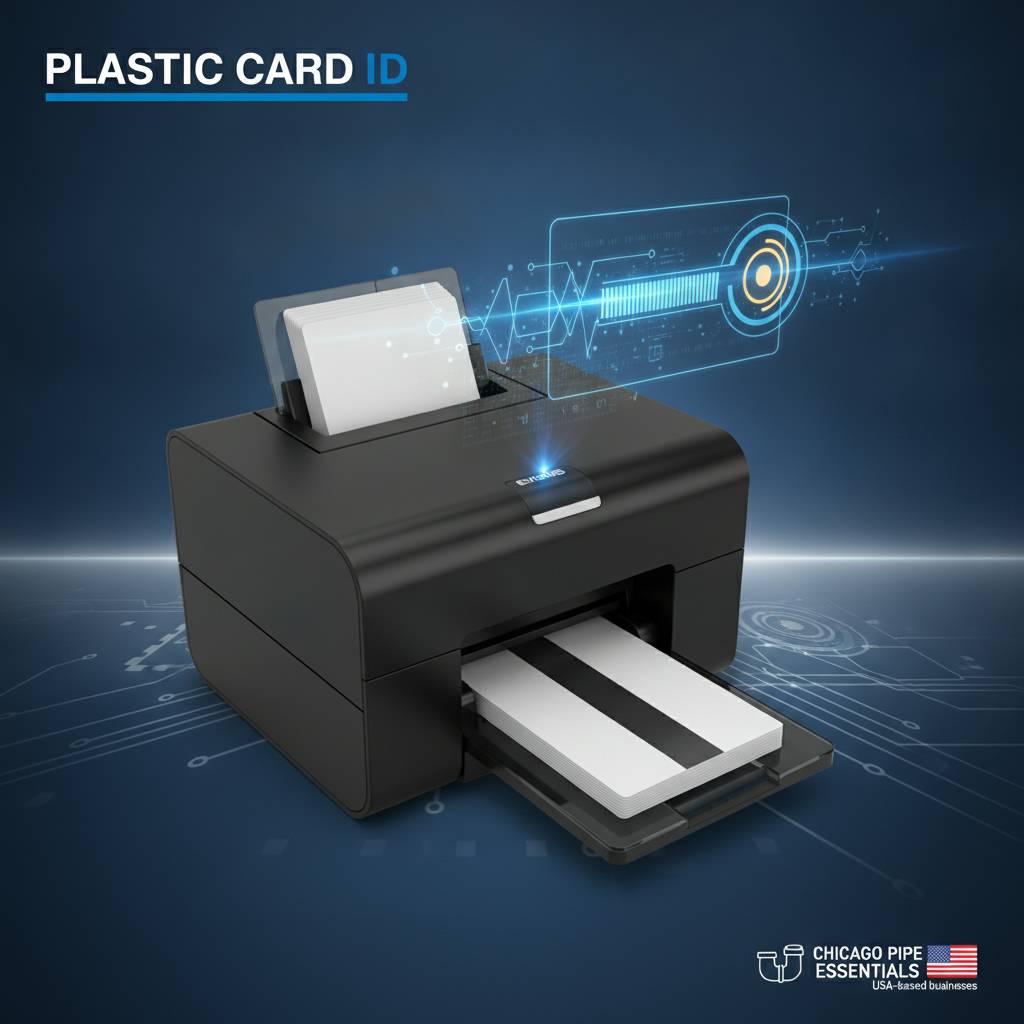 Whether you're launching a new credential program or upgrading an aging card printer to one that includes magnetic stripe encoding, the path forward starts with a conversation about your specific requirements. Volume, card design, reader infrastructure, software integration - each of these shapes the recommendation, and there's no single right answer that applies to every organization.
Plastic Card ID brings over 25 years of hands-on expertise to exactly this kind of consultation. The team has helped more than 100,000 businesses across the United States configure card printing programs that work reliably from day one - without guesswork, without compatibility surprises, and without the ongoing expense of outsourcing what you could be doing faster and cheaper in-house.
Ready to take control of your card program? Reach out to Plastic Card ID today at 800.835.7919 and speak with a product specialist who knows magnetic stripe encoding inside and out. The right printer, the right configuration, and the right supplies are one call away.
Previous Page