Card Printer Lamination Module Explained: Benefits Features
Table of Contents []
- What Plastic Card ID Wants You to Know About Card Printer Lamination Modules
- Understanding the Lamination Module: Core Mechanics
- Why Lamination Matters: Real-World Durability Gains
- Security Applications of Lamination Modules
- Choosing the Right Printer with Lamination Capability
- Lamination Consumables: What Keeps the Module Running
- Frequently Asked Questions About Card Printer Lamination Modules
- Connect With Plastic Card ID for Your Lamination Module Questions
What Plastic Card ID Wants You to Know About Card Printer Lamination Modules
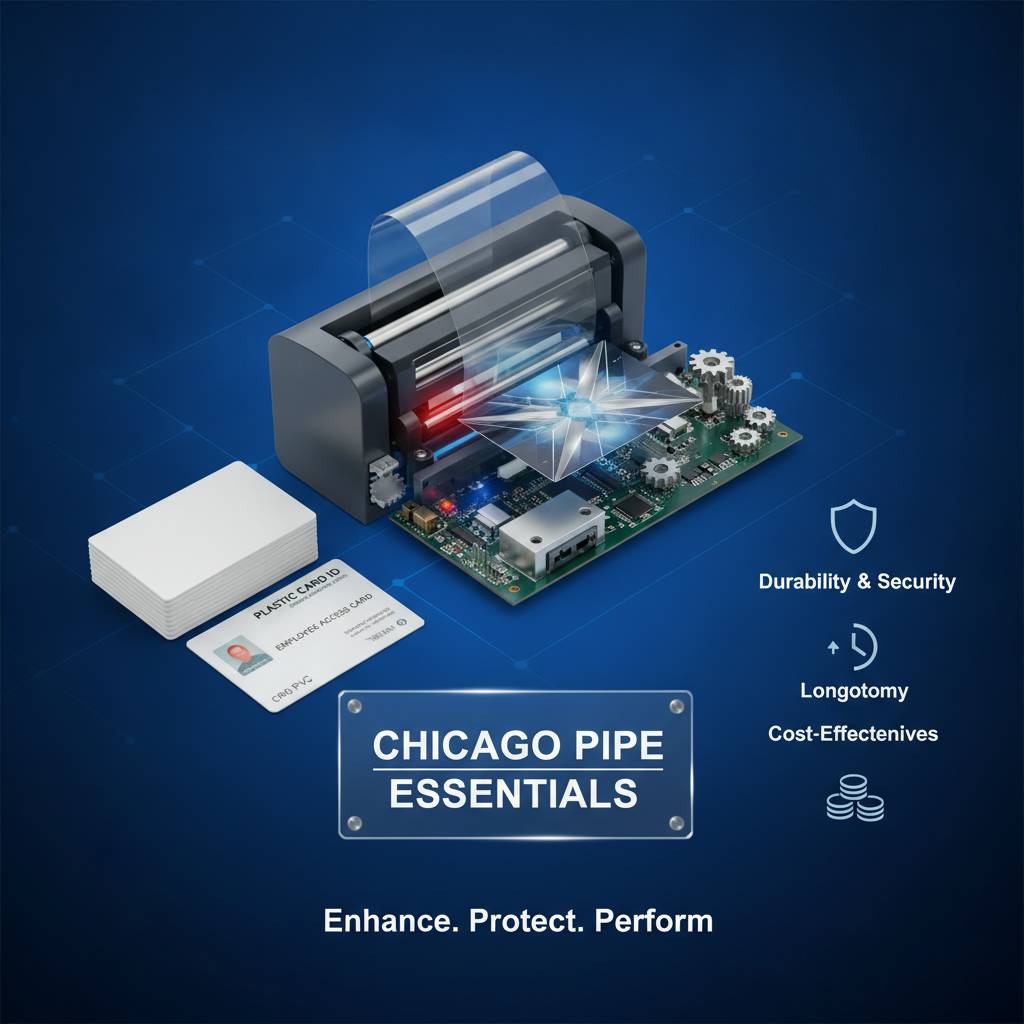 Most people shopping for a card printer focus on print resolution, ribbon type, or throughput speed. Lamination? It tends to get treated as an afterthought - a checkbox feature, maybe a luxury add-on. That assumption costs organizations in the long run. A lamination module fundamentally transforms what a printed card can do, how long it survives, and how professional it appears in someone's hand.
This page exists to close the knowledge gap. Whether you're evaluating your first card printer purchase or upgrading an existing setup, understanding how lamination works - and what it actually buys you - is essential to making a smart investment. CPE has guided businesses through these decisions for over two decades, and the questions around lamination modules come up constantly.
| Feature | Standard Printed Card | Laminated Card |
|---|---|---|
| Surface Durability | Moderate | High to Very High |
| UV/Fade Resistance | Limited | Strong |
| Tamper Evidence | None | Built-in (overlay destruction) |
| Security Features | Print only | Holographic, UV, custom |
| Card Lifespan | 1-3 years typical | 3-5 years typical |
| Cost Per Card | Lower | Moderate increase |
Understanding the Lamination Module: Core Mechanics
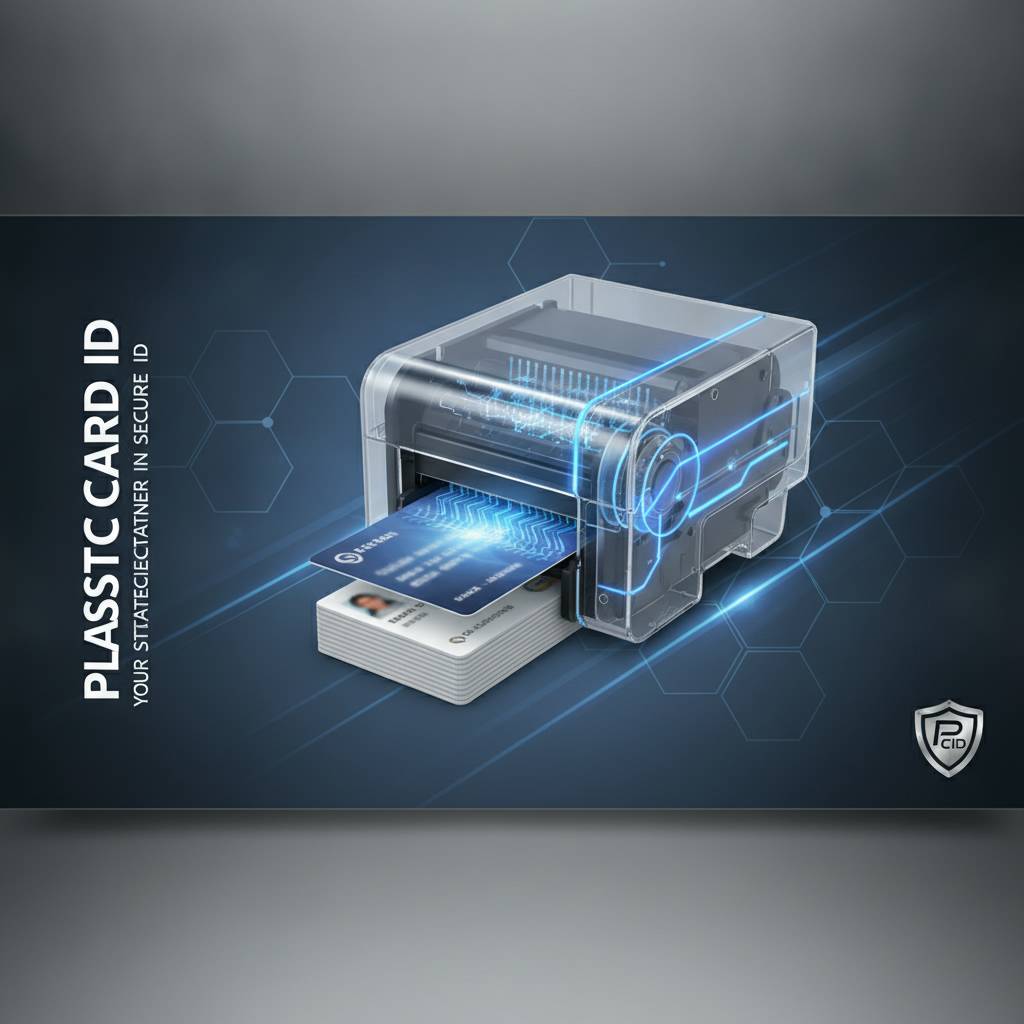 A lamination module is a hardware attachment - either integrated into a printer or added as a separate inline unit - that applies a thin protective film over the surface of a printed card. The process uses heat and pressure to bond the overlay material directly to the card surface after printing is complete. The result is a sealed, protected card that is dramatically more resistant to physical wear, chemical exposure, and fraudulent alteration.
It's worth understanding that lamination in card printing is different from the cold lamination you might do with a desktop pouch laminator at an office supply store. These are precision thermal transfer systems engineered for CR80 card stock, with tight tolerances that ensure consistent overlay adhesion across thousands of cards without curling, bubbling, or uneven coverage.
How the Overlay Film Is Applied
The lamination module accepts a roll of overlay film - often called a "patch" or "laminate" - and positions it over the printed card surface as the card passes through heated rollers. The combination of heat and pressure activates the adhesive layer on the film, bonding it to the dye-sublimation or resin print beneath. Most systems handle this in seconds, adding minimal time to the overall card production cycle.
Some modules apply film to one side only; others offer dual-sided lamination for complete surface coverage. The choice depends on your card's use case. An employee ID badge handled daily benefits from dual-sided protection. An event credential used for a single day may only need single-sided overlay on the printed face.
Module Types: Inline vs. Standalone
Inline lamination modules connect directly to the card printer, creating a seamless path where a card prints and laminates in one pass through a single system. This is ideal for high-volume operations where efficiency and throughput matter. Standalone lamination units, while less common in modern setups, accept pre-printed cards and process them separately - useful in environments where lamination needs are intermittent or volumes are very high.
Printers like the Evolis Agilia are engineered with lamination capability as a core design consideration, not a bolt-on compromise. That architectural integration matters for output quality and reliability at scale. When you're processing hundreds of cards per shift, you want a system designed from the ground up to handle that workload.
Overlay Film Materials and Specifications
Not all overlay films are alike. Standard clear overlays provide basic abrasion and UV protection. Holographic overlays embed diffractive patterns that shift and shimmer under light - making them both visually distinctive and extremely difficult to counterfeit. Custom holographic designs can feature your organization's logo or seal, adding an additional proprietary security layer.
Film thickness matters, too. Thicker overlays provide more physical protection but add marginally to card thickness - relevant if the card needs to operate in readers with tight tolerances, such as certain access control or hotel key systems. Your supplier should help match overlay specifications to your actual card infrastructure. CPE carries lamination consumables calibrated for the specific printers in the lineup.
Why Lamination Matters: Real-World Durability Gains
Here's the honest case for lamination: cards get abused. They ride in wallets against keys and coins. They're swiped through readers dozens of times a week. They get wet, they get dropped, they spend time clipped to lanyards in outdoor environments. A standard dye-sub printed card without lamination will show wear within months under these conditions. Lamination extends usable card life dramatically - often doubling or tripling how long a card remains visually professional and functionally reliable.
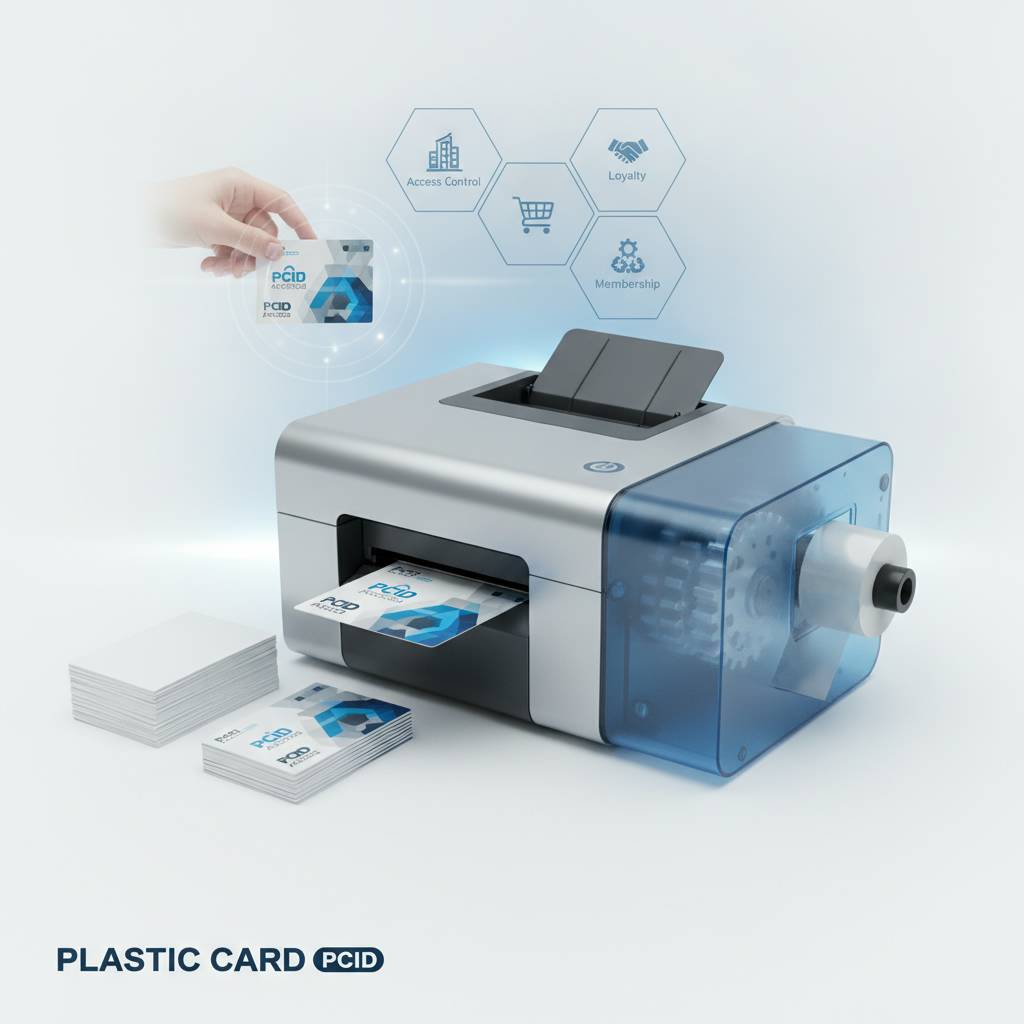
For organizations issuing cards that must remain valid for one, two, or three years - employee IDs, student IDs, membership cards, or access credentials - the math on lamination is straightforward. Fewer replacement cards means lower total cost over the card program's lifespan, even after accounting for the incremental per-card cost of the overlay film and the module investment itself.
Scratch and Abrasion Resistance
Dye-sublimation printing produces vivid, photographic-quality images, but the print layer itself is relatively soft. Without a protective overlay, the surface is vulnerable to scratching from everyday contact. A laminated card's overlay acts as a sacrificial layer - the scratch marks the film, not the print. Under normal handling conditions, laminated cards can retain their original appearance for years rather than months.
This matters enormously for ID cards where a photograph must remain clearly recognizable. A scratched or faded photo card creates confusion at security checkpoints and projects a poor organizational image. Lamination keeps the cardholder's photo as sharp on day 900 as it was on day one.
Chemical and Moisture Resistance
Healthcare environments, manufacturing floors, food service operations, outdoor venues - many workplaces expose ID cards to chemicals, moisture, cleaning agents, or perspiration. Standard card surfaces are porous enough that repeated exposure to these elements causes discoloration, delamination of the print, and legibility degradation. A laminated card's sealed surface is far more resistant to these environmental stresses.
Hotel key cards and access control cards issued in resort or hospitality environments face constant exposure to sunscreen, moisture, and rough pockets. Lamination keeps these cards functional and presentable through the duration of a guest's stay - reducing re-issue requests at the front desk and the operational friction that comes with them.
UV and Fade Protection
Color prints fade under ultraviolet light over time. For cards displayed in badge holders near windows, worn on outdoor job sites, or stored in vehicles, UV exposure accelerates fading significantly. Quality lamination overlays include UV-blocking properties that slow this process considerably, preserving color accuracy and photo fidelity over the card's intended lifespan.
This is particularly relevant for school and university ID programs where student cards may be issued annually but need to look professional throughout the academic year regardless of how they're used. Laminated student IDs simply hold up better in the unpredictable hands of a college freshman than unlaminated equivalents.
Security Applications of Lamination Modules
 Lamination isn't just about durability - it's a security technology. In high-stakes ID programs where card authenticity must be verifiable and tampering must be detectable, the lamination module becomes a critical component of the overall security architecture. This is one area where the investment in a premium lamination-capable printer pays off in ways that go well beyond aesthetics.
Government agencies, large enterprises, universities, healthcare systems, and law enforcement agencies routinely specify laminated credentials precisely because the overlay layer adds security features that cannot be replicated with standard printing alone. Understanding these capabilities helps organizations evaluate whether their current card program is meeting its actual security objectives.
Tamper Evidence Through Overlay Destruction
One of the most important security properties of laminated cards is what happens when someone attempts to peel the overlay off to alter the card beneath. Quality security overlays are engineered to destroy themselves upon removal, leaving visible damage that makes the tampering immediately obvious. The overlay literally tears apart rather than peeling cleanly, rendering the card invalid.
This destructive-on-removal property is standard in government and law enforcement ID programs but is equally valuable in corporate environments where access card fraud or identity spoofing is a concern. Paired with a holographic overlay, the combination creates a credential that is both visually distinctive and physically resistant to sophisticated forgery attempts.
Holographic and Custom Security Overlays
Holographic overlays produce a shifting, multi-dimensional visual effect that is nearly impossible to reproduce without the original film master. Standard holographic patterns - generic rainbow foils, for example - provide baseline deterrence. Custom holographic overlays bearing your organization's unique logo or seal push security to an entirely different level, because duplicating a proprietary hologram requires significant technical capability and resources most counterfeiters simply won't invest.
Many enterprise and government customers working with CPE specify custom holographic overlays for their highest-security credential tiers while using standard clear overlays for lower-sensitivity cards in the same program. This tiered approach balances security investment against actual risk levels across the credential hierarchy.
Integration With Other Security Features
Lamination modules work alongside, not instead of, other card security features. A fully secured credential might combine lamination with magnetic stripe encoding, smart chip embedding, UV-fluorescent ink printing, and laser-engraved personalization. Each layer adds complexity that makes the overall credential harder to replicate convincingly.
The Evolis Agilia, for example, supports this kind of multi-layer security approach by integrating lamination with high-resolution dye-sublimation printing and optional encoding modules in a single production path. Organizations that need government-grade or enterprise-grade credentials benefit from this all-in-one capability rather than managing separate systems for printing, encoding, and laminating.
Choosing the Right Printer with Lamination Capability
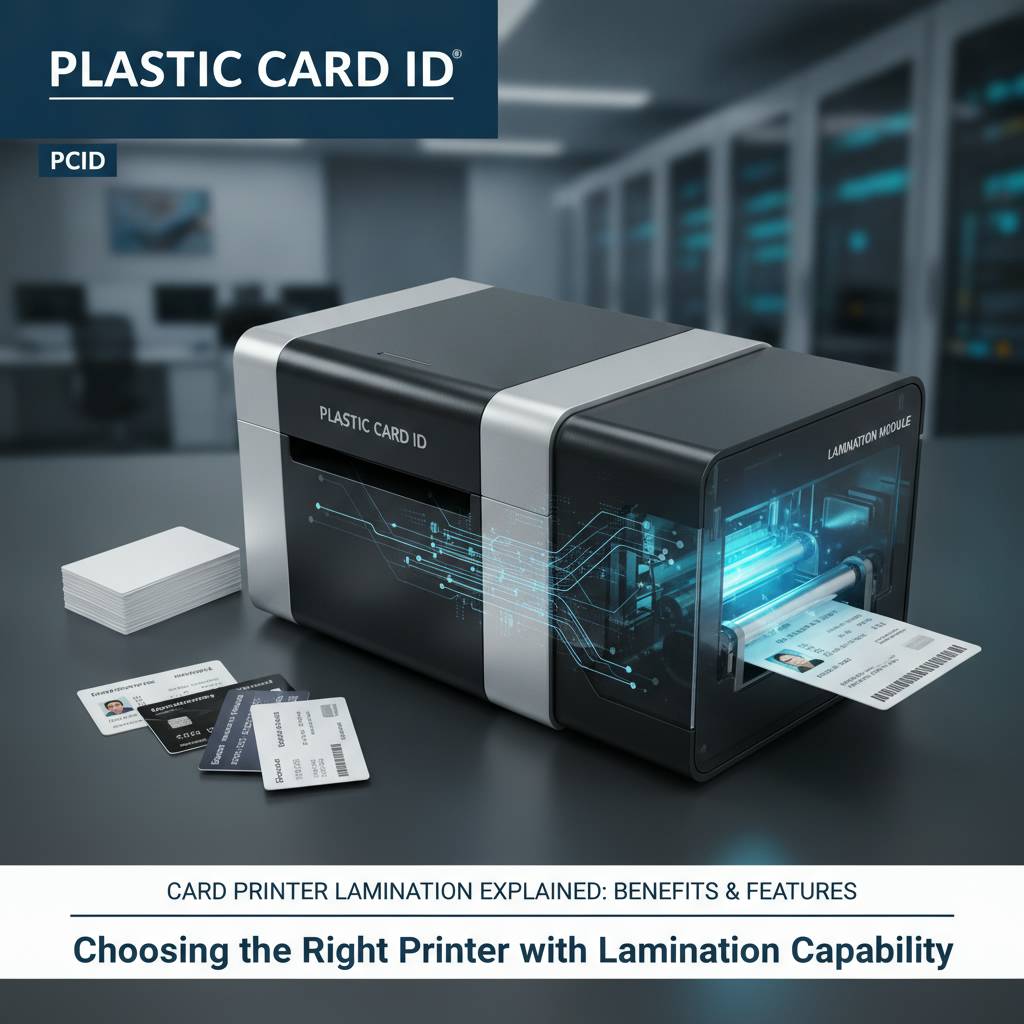 Not every printer in the Plastic Card ID lineup includes or supports lamination. Entry-level desktop models like the Evolis Badgy200 are designed for organizations printing small volumes of basic cards - employee badges, membership cards, simple credentials - where lamination isn't a priority. As your volume and security requirements increase, the case for a lamination-capable system strengthens considerably.
The decision framework isn't complicated, but it does require honest assessment of your card program's actual needs: How many cards do you print per month? How long must each card remain in service? What security risks does your credential program need to address? Those three questions point fairly directly toward the right printer tier.
Mid-Range Printers and Lamination Compatibility
The Evolis Primacy2 occupies a strong position for organizations in the 1,000-6,000 cards per month range that need reliable dual-sided printing with the option to add lamination capability. It's a versatile platform that handles the majority of professional ID card programs effectively. Adding a lamination module to a mid-range printer like this represents a significant step up in card quality without requiring a jump to full industrial-grade hardware.
The Evolis Zenius is another capable mid-range option. While it's a single-sided printer, it suits organizations where most cards only require a laminated front face. Understanding the distinction between single-sided and dual-sided lamination needs helps right-size the investment and avoid over-specifying equipment that won't be fully utilized.
Premium and High-Volume Lamination Solutions
The Evolis Agilia represents the top tier of what CPE offers for organizations demanding both the highest print quality and integrated lamination as a standard capability. It's built for environments where output quality is non-negotiable - government credentials, corporate executive IDs, premium membership cards, high-security access credentials. The Agilia's lamination integration is architectural, not supplemental, meaning it was designed around the lamination process from the ground up.
For organizations running high-speed on-site badge printing at events or large-scale enrollment sessions, the Matica Event Printer addresses throughput requirements that standard desktop units simply can't meet. Lamination options at this tier accommodate the speed demands of event credentialing without sacrificing quality or security.
What to Ask Before You Buy
- How many cards per month do you currently print, and how many will you print in two years?
- Do your cards need to be recognized or authenticated on sight by security personnel?
- What is your target card lifespan - six months, one year, three years?
- Are your cards used in outdoor environments, industrial settings, or healthcare facilities?
- Do you require custom security overlays, or is a standard holographic pattern sufficient?
- Will you need dual-sided lamination, or is single-sided sufficient for your card design?
- What is your total annual budget for the card program, including consumables?
Call 800.835.7919 and CPE will walk through these questions with you directly - no pressure, just clarity on what solution actually fits your situation.
Lamination Consumables: What Keeps the Module Running
Purchasing a lamination-capable printer is only the beginning. The ongoing operational reality of a lamination module involves managing a consumable supply chain for overlay films alongside your existing ribbon and blank card stock. Understanding the consumables landscape prevents supply disruptions and budget surprises down the road.
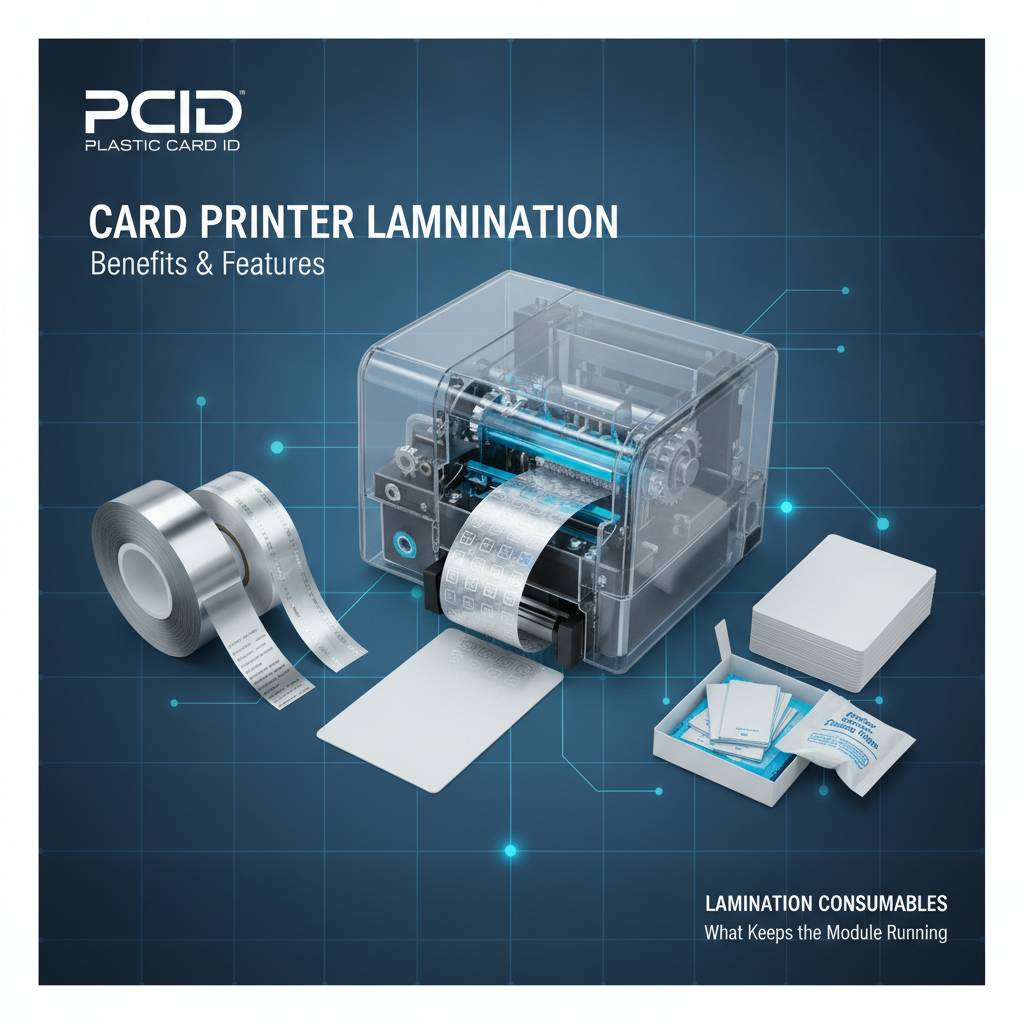
Overlay film rolls are matched to specific printer models - you can't simply swap films between different brands or generations of equipment. Sourcing your consumables from the same supplier as your hardware ensures compatibility and gives you a single point of contact when questions arise.
Overlay Film Types and Selection
Standard clear overlays are the most cost-effective option and are appropriate for the majority of ID card applications where basic durability and UV protection are the primary goals. Holographic overlays carry a higher per-card cost but deliver security value that justifies the premium in access control, government, or enterprise settings. Choosing the right overlay type for each card tier in your program is a cost-optimization exercise worth doing deliberately.
Some specialty overlays include embedded features like UV-reactive patterns that are invisible under normal light but glow under ultraviolet inspection. These are commonly specified for high-security credentials where an additional covert authentication layer is desired without changing the card's visible appearance under normal conditions.
Cleaning and Maintenance for Lamination Modules
Lamination modules require regular cleaning to maintain output quality and prevent premature roller wear. Debris, card dust, and adhesive residue accumulate on the heated rollers over time and can cause streaking, bubbling, or incomplete overlay adhesion if not addressed. Most manufacturers recommend cleaning cycles at defined card-count intervals, and CPE supplies the appropriate cleaning kits for each supported printer model.
Neglecting lamination module maintenance is one of the most common causes of premature service calls and output quality degradation. A simple, consistent cleaning schedule - integrated into your regular printer maintenance routine - prevents the vast majority of lamination problems that organizations encounter in practice.
Cost Per Card Calculations for Laminated Cards
Here's a practical breakdown for budgeting purposes. A standard YMCKO ribbon for a mid-range printer typically yields a per-card print cost in the range of $0.30-$0.75 depending on volume and model. Adding a standard clear overlay film brings the per-card consumable cost up by approximately $0.15-$0.40. Holographic overlays add more - budgeting $0.50-$1.25 per card for the overlay alone is realistic for premium security films.
The total laminated card cost, including blank card stock, ribbon, and overlay, typically runs $0.80-$2.50 per card for most professional programs - still far below the cost of outsourcing card production to a third-party vendor, especially when you factor in lead times, minimum order requirements, and the inability to personalize cards on demand. In-house lamination gives you control and flexibility that outsourced production simply cannot match.
Frequently Asked Questions About Card Printer Lamination Modules
 These are the questions that come up most consistently when organizations are evaluating lamination-capable card printers. Clear answers here help buyers make confident decisions rather than second-guessing the investment after the fact.
Can I Add a Lamination Module to My Existing Printer?
It depends entirely on the printer model. Some printers are designed with modular architecture that allows a lamination module to be added post-purchase - the Evolis Primacy2 line supports optional module additions, for example. Others are fixed configurations where lamination capability is either included or not. Before assuming retrofitting is possible, verify compatibility with your specific model through a direct conversation with your supplier.
If your current printer doesn't support lamination and your card program's needs have evolved to require it, the more practical solution is often upgrading to a lamination-capable printer rather than attempting to integrate external lamination equipment into an existing workflow. CPE can assess your current setup and recommend the most cost-effective upgrade path.
Does Lamination Affect Card Thickness or Reader Compatibility?
Yes - lamination adds a small amount of thickness to the card, typically 0.02-0.06mm depending on the overlay film used. Standard CR80 PVC cards are 0.76mm thick. After lamination, a card may measure 0.78-0.82mm. For most card readers - magnetic stripe readers, contact smart card readers, prox card readers - this marginal increase poses no compatibility issue. Tight-tolerance readers, particularly certain hotel key systems and some biometric readers, should be verified against laminated card specifications before full deployment.
This is a practical detail worth checking before rolling out lamination across a large card program that relies on existing reader infrastructure. The vast majority of organizations encounter no compatibility issues, but it's better to verify upfront than discover a problem after issuing thousands of cards.
Is Lamination Worth the Investment for Low-Volume Programs?
For organizations printing fewer than 500 cards per year on an entry-level printer like the Evolis Badgy200, the capital cost of a lamination-capable printer plus the ongoing overlay consumable cost may not be justified if cards are short-lived credentials or if security requirements are minimal. Lamination delivers its strongest return on investment when cards must last multiple years, face heavy physical use, or carry security requirements beyond basic visual identification.
That said, even low-volume programs sometimes benefit from lamination when card quality and brand impression matter. A small organization issuing premium membership cards or executive credentials may find the quality difference lamination provides is worth the modest cost increase even at low volumes. The answer depends on what the card needs to accomplish, not just how many are being printed.
Connect With Plastic Card ID for Your Lamination Module Questions
 Choosing a card printer with the right lamination capability is a decision that affects your card program's quality, security, and total cost for years. Plastic Card ID brings over 25 years of hands-on experience helping organizations across the United States select, deploy, and maintain professional card printing systems - including the full range of lamination-capable printers and the consumables that keep them running.
The lineup covers every production tier: from the Evolis Primacy2 for growing mid-volume programs to the Evolis Agilia for organizations demanding premium output with integrated lamination. Fargo and Zebra options round out the security-focused end of the spectrum. Whatever your card program looks like today - and wherever you need it to go - there's a solution in this lineup that fits.
Ready to find the right lamination-capable card printer for your organization? Reach out to Plastic Card ID directly at 800.835.7919 and get straightforward guidance from people who know card printing inside and out. No guesswork, no overselling - just the right equipment for what you actually need.
Previous Page