How to Maintain a Plastic Card Printer: Essential Tips
Table of Contents []
- Your Card Printer Is Only as Good as Its Maintenance Routine - Plastic Card ID Explains Why
- The Essential Cleaning Kit - What You Actually Need
- Ribbon Handling and Storage - The Overlooked Half of Print Quality
- Encoding Component Maintenance - Magnetic Stripe and Smart Chip Upkeep
- Lamination Module Maintenance for Professional-Grade Output
- Frequently Asked Questions About Card Printer Maintenance
- Building a Maintenance Schedule That Actually Gets Followed - Trust Plastic Card ID
Your Card Printer Is Only as Good as Its Maintenance Routine - Plastic Card ID Explains Why
 Most organizations invest in a plastic card printer, run it hard for a few months, and then wonder why print quality starts to deteriorate. Banding across cards, faded patches, ribbon wrinkles, encoder errors - these aren't random failures. They're almost always the result of skipping the maintenance steps that keep a printer performing at its best. The good news? proper card printer maintenance is straightforward, inexpensive, and genuinely transformative for output quality and equipment longevity.
CPE has supported over 100,000 businesses across the United States in setting up and sustaining card printing programs - employee IDs, membership cards, access credentials, student IDs, hotel key cards, and more. In that time, a consistent pattern emerges: organizations that maintain their printers regularly experience dramatically fewer service calls, longer hardware lifespans, and consistently sharper card output. This guide covers everything you need to know about how to maintain a plastic card printer, whether you're running an entry-level Evolis Badgy200 or a high-throughput Matica Event Printer.
Why Maintenance Gets Neglected - And Why That's Costly
Printer maintenance has a visibility problem. When a printer is working fine, there's little motivation to open a cleaning kit. It's only when cards start printing with streaks, or a ribbon snaps mid-job, that users scramble to fix something that consistent maintenance would have prevented entirely. This reactive approach costs far more in wasted ribbon, misprinted cards, and potential hardware repairs than a disciplined upkeep schedule ever would.
Think about the economics. A YMCKO ribbon capable of printing 200-250 cards costs anywhere from $30-$80 depending on the model. If dirty print heads or contaminated card paths cause even 10% waste on every ribbon, those losses accumulate fast across a year of operation. Maintenance isn't overhead - it's a direct protection of your consumables budget.
What "Maintenance" Actually Means for Card Printers
Card printer maintenance isn't a vague concept. It involves specific, repeatable actions performed at defined intervals: cleaning the print head, running cleaning cards through the card transport path, wiping down the card input hopper, and occasionally cleaning the encoding heads if your printer handles magnetic stripe or smart chip cards. Each of these addresses a different failure point.
Dust, skin oils from handling cards by hand, paper lint, and residue from the card surface coating are the primary contaminants that degrade print quality over time. These particles are microscopic but their impact on output quality is anything but small. Left unchecked, they embed into the print head, causing permanent damage that requires expensive component replacement.
How Often Should You Clean Your Card Printer?
Most manufacturers recommend cleaning after every ribbon change - which typically means after every 200-500 cards printed depending on the model. High-volume environments may need more frequent cleaning cycles. The Evolis Primacy2, for instance, has an automated cleaning reminder built into its driver software that prompts users at the right intervals based on print count.
For low-volume printers like the Evolis Badgy200 - popular with organizations printing fewer than 1,000 cards per year - a cleaning every few months may suffice. But don't skip it entirely. Even light-use printers accumulate dust internally that can cause problems during critical print runs, exactly when you least want to deal with them.
The Essential Cleaning Kit - What You Actually Need
 Walk into any serious card printing operation and you'll find a small but purposeful collection of maintenance supplies. Not a toolbox full of complexity - just a handful of targeted items that address the real contamination points inside a card printer. CPE supplies cleaning kits designed specifically for the printer brands they carry: Evolis, Fargo, Zebra, and Matica all have model-specific or compatible cleaning solutions available.
Understanding what each item does helps you use it correctly and confidently. Using the wrong cleaning material - like a dry cloth or alcohol wipes not formulated for printer heads - can cause more damage than skipping cleaning altogether. Always use manufacturer-approved or specifically designed card printer cleaning supplies.
Cleaning Cards: The Foundation of Card Path Maintenance
Cleaning cards are pre-saturated cards, the same dimensions as a standard CR-80 PVC card, designed to run through the printer's transport mechanism and pick up debris along the way. Most cleaning kits include a set of these, and some printers - like those in the Evolis lineup - support an automated cleaning card cycle that you can trigger directly from the printer's control panel or driver.
The process is simple: remove the card input hopper, insert the cleaning card, and run the cycle. The card passes through the transport rollers and internal pathway, collecting dust, card debris, and residue. It takes under two minutes and makes a measurable difference in transport reliability. Stuck cards and misfeed errors drop significantly in printers that receive regular cleaning card cycles.
Print Head Cleaning Pens and Swabs
The print head is the single most sensitive and most valuable component in a card printer. It's what transfers dye from the ribbon onto the card surface with precise heat, and any contamination on its surface creates visible defects - white lines, color inconsistencies, or partial prints. Cleaning pens or foam-tipped swabs saturated with isopropyl alcohol (at the correct concentration) are used to gently clean the print head surface.
This should be done carefully, with the printer powered off and the ribbon removed. A light swipe across the print head - never pressing hard - removes surface contamination without risk. Let it dry fully before reinserting the ribbon and resuming printing. This single step, taking roughly 90 seconds, can extend print head life by months or years.
Roller Cleaning and Hopper Maintenance
The rubber rollers that move cards through a printer pick up card coating residue over time, which can cause feeding inconsistencies, double feeds, or cards that exit misaligned. Some cleaning card kits address rollers automatically during the cycle. For stubborn buildup, manufacturer-approved roller cleaning solutions applied with a lint-free cloth can restore the rubber's grip and surface quality.
The card input hopper - where your blank PVC cards sit waiting to be fed - should also be wiped out periodically. Dust accumulates here, and if your team handles cards directly, skin oils transfer to card surfaces and eventually into the printer. Using card carrier sleeves to load cards is one of the simplest habits that dramatically reduces contamination entering the printer from the very start of the process.
| Maintenance Task | Frequency | Supplies Needed | Difficulty |
|---|---|---|---|
| Cleaning card cycle | Every ribbon change | Cleaning card kit | Easy |
| Print head wipe | Every ribbon change | Cleaning pen or swab | Easy |
| Hopper wipe-down | Monthly | Lint-free cloth | Easy |
| Roller inspection | Quarterly | Cleaning card or roller cleaner | Easy |
| Encoding head cleaning | Every 500 encodes | Specialized cleaning card | Moderate |
Ribbon Handling and Storage - The Overlooked Half of Print Quality
Ribbons are consumables, yes. But how you handle and store them has a direct impact on print quality and waste. A YMCKO ribbon left in a humid environment, or one that's been touched repeatedly with bare hands along the dye panels, will produce noticeably degraded results long before the ribbon count is exhausted. Smart ribbon management is part of a complete maintenance strategy.

Different print jobs call for different ribbon types. YMCKO ribbons are the standard for full-color cards with a protective overlay. Monochrome ribbons - black, white, gold, silver, or other single colors - are ideal for high-speed single-color printing and cost significantly less per card. Specialty ribbons with magnetic stripe panels or security features serve specific card programs. Knowing which ribbon suits your application, and storing it correctly, prevents costly mistakes.
Proper Ribbon Storage Conditions
Ribbons should be stored in a cool, dry location away from direct sunlight. Heat causes the dye panels to degrade and can cause ribbons to stick or smear when used. Most manufacturers recommend storage temperatures between 50-77 degrees Fahrenheit and relative humidity below 65%. Don't leave ribbons sitting in a printer unused for extended periods - if your printer won't be used for several weeks, remove the ribbon and store it in its original packaging.
Handle ribbons by the spool edges, never by touching the dye panels. Even brief contact transfers oils from skin to the panel surface, creating imperfections that show up in print output. This seemingly minor habit accounts for a surprising percentage of the "mystery" print defects that users attribute to printer problems rather than ribbon handling.
Recognizing When a Ribbon Needs Replacement
A ribbon shouldn't be used until it snaps. Watch for early signs: inconsistent color saturation, visible panel misalignment, or error messages from the printer driver indicating ribbon issues. Most modern printers from the Evolis and Fargo lineups track ribbon usage electronically via RFID chips embedded in ribbon cartridges, making it easy to know exactly how many prints remain.
When a ribbon is legitimately exhausted, replace it promptly. Running a depleted ribbon risks print head damage from the ribbon backing material dragging across the head surface without the protective dye layer in between. The few extra cards you might squeeze out of an old ribbon aren't worth the print head repair costs that can result. Call 800.835.7919 for ribbon compatibility questions specific to your printer model.
Matching Ribbons to Card Stock
Not all PVC cards accept dye-sublimation printing equally. Glossy card surfaces perform differently than matte surfaces, and low-quality card stock can leave surface debris that contaminates the ribbon mid-print. Always use professional-grade PVC card stock suited to your printer's specifications. Cards with excessive surface texture or non-standard thicknesses can jam the transport mechanism and damage rollers.
The standard CR-80 card (3.375 x 2.125 inches, 30 mil thick) is the baseline for most desktop card printers. Thicker cards, such as those with magnetic stripe layers or smart chip inlays, fall within acceptable tolerances for most mid-range and professional printers but should be confirmed against the printer's specification sheet before bulk purchase.
Encoding Component Maintenance - Magnetic Stripe and Smart Chip Upkeep
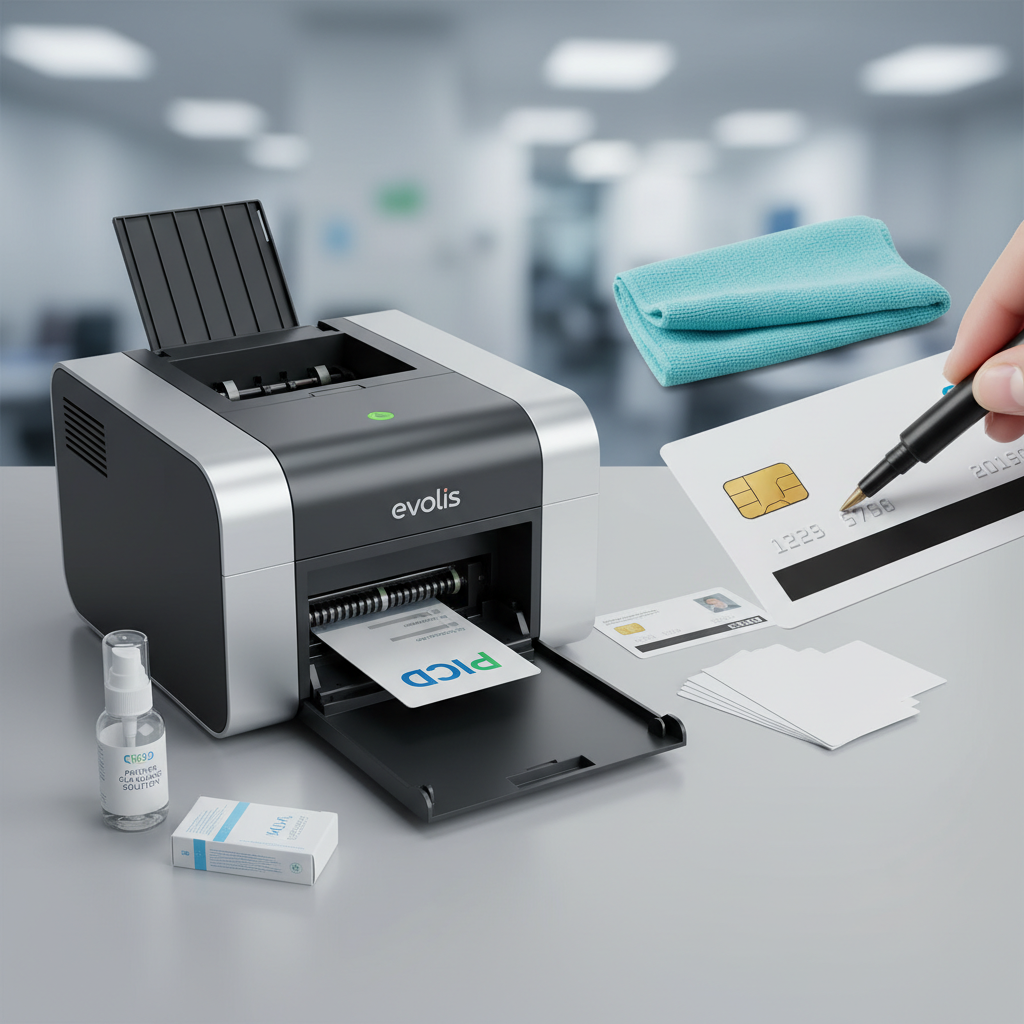 For organizations running access control programs, loyalty cards with magnetic stripe data, or smart card credentials with embedded chips, the encoding components of a card printer add another maintenance layer that deserves dedicated attention. An encoding error doesn't just waste a card - it can create a security credential that fails at the door, disrupting operations and frustrating users.
Magnetic stripe encoding heads are contact components. They physically touch the card surface as data is written to the magnetic stripe. Over time, magnetic particle residue from card stripes accumulates on the encoding head, degrading write accuracy. Specialized magnetic stripe cleaning cards, which are slightly abrasive in the right calibrated way, remove this buildup safely.
Magnetic Stripe Head Cleaning Protocol
The recommended cleaning frequency for magnetic stripe heads is approximately every 500 encoded cards, or whenever encoding error rates begin to climb above baseline. Most encoding-capable printers - including Fargo and Zebra models configured for HID card programs - will log encoding errors in the driver software, giving administrators a trackable metric to guide cleaning schedules.
The process uses a specialized magnetic stripe cleaning card (different from the standard transport cleaning card) that passes over the encoding head and removes accumulated debris. It's a one-card process that takes under a minute. Maintaining clean encoding heads is non-negotiable in access control environments where credential reliability directly impacts physical security.
Smart Chip Contact Station Care
Contact smart card encoders use a set of small spring-loaded pins that make physical electrical contact with the gold pads on a smart card's chip module. These contacts can accumulate oxidation and debris over time, causing intermittent read/write failures. Cleaning smart card contact stations involves specialized cleaning cards designed to gently clean the contact pins without damaging their calibrated spring tension.
Contactless smart card encoders - those using RFID technology to encode cards without physical contact - require less direct mechanical maintenance but are still sensitive to electromagnetic interference in their operating environment. Keep high-power electrical equipment and strong magnets away from printers equipped with contactless encoding modules to avoid read/write errors that look deceptively like hardware failures.
When Encoding Errors Persist After Cleaning
If encoding error rates remain high after a cleaning cycle, the issue may be with card stock quality rather than the encoding head. Some lower-grade card stock with inconsistent magnetic stripe coatings can cause encoding failures that a cleaning card won't fix. Switching to higher-grade cards often resolves the issue immediately. Testing with a known-good card batch is always the right diagnostic first step before escalating to hardware support.
Persistent errors after both cleaning and card stock testing warrant a call to your printer supplier. CPE has technical support available to help diagnose encoding issues across all printer brands in their lineup - a genuine advantage of working with a specialized supplier rather than a general electronics retailer.
Lamination Module Maintenance for Professional-Grade Output
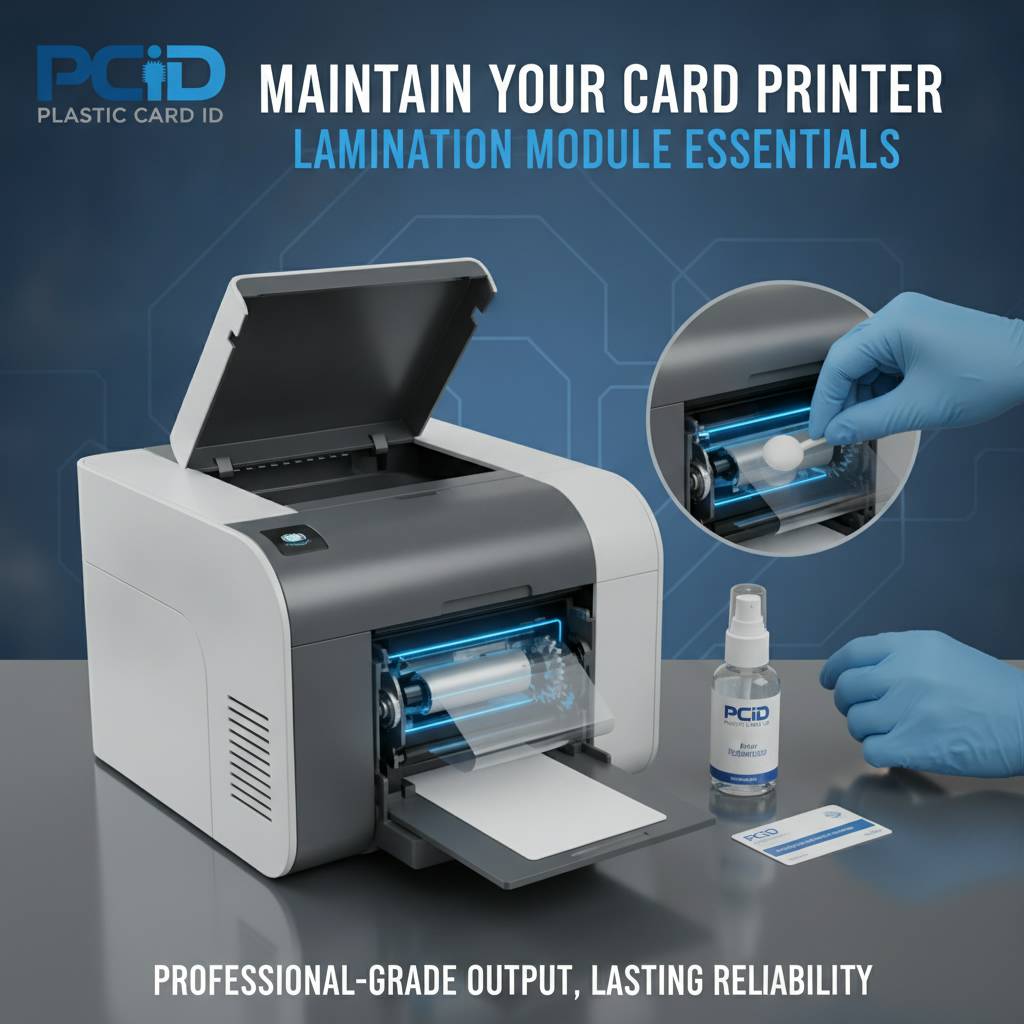 Many mid-range and professional card printers support optional lamination modules that apply a clear or holographic overlay to printed cards, dramatically increasing durability and adding a visible security feature. The Evolis Primacy2 with a lamination module, for instance, produces cards that resist abrasion, UV fading, and tampering at a level far beyond standard YMCKO overlay printing alone.
Lamination modules introduce their own maintenance requirements. The lamination rollers and heating elements must be kept clean and properly calibrated to apply overlay film evenly. Uneven lamination produces bubbles, edge lifting, or patches of incomplete coverage - cosmetic flaws that undermine the professional appearance of an otherwise excellent card.
Lamination Roller Cleaning
Lamination rollers should be cleaned according to the manufacturer's schedule, typically every time the laminate film roll is changed. Specialized lamination cleaning cards pass through the module and remove adhesive residue and debris from the roller surfaces. Skipping this step causes adhesive buildup that eventually prevents proper film adhesion and creates rippling defects in the overlay surface.
Temperature calibration for the lamination heating element should also be checked periodically. Lamination temperatures outside the optimal range for the specific overlay film in use produce either incomplete adhesion (too cool) or bubbling and distortion (too hot). Most driver software provides temperature adjustment controls that should be verified whenever a new laminate film type is introduced.
Laminate Film Handling and Storage
Like ribbons, laminate film rolls are sensitive to humidity and temperature. Store them sealed in their original packaging until needed, in a stable environment. Film that has absorbed moisture may apply unevenly or release during the lamination process, causing cards to jam in the module. Contaminated film, touched by bare hands along the adhesive surface, will show fingerprint impressions in the finished overlay.
Always use the laminate film types and specifications recommended by the printer manufacturer. Third-party films with different thickness or adhesive chemistry can cause module jams and potentially damage heating elements. The cost savings from off-brand laminate film rarely offset the support and repair costs that can follow. Sticking to manufacturer-recommended supplies is a simple rule that prevents complex problems.
Diagnosing Common Lamination Defects
- Bubbles in the overlay: Usually caused by debris on the card surface before lamination, or by excessive heat settings. Clean the card path and verify temperature calibration.
- Edge lifting: Insufficient adhesion due to incorrect temperature, film age, or misalignment in the lamination module. Check film expiration and module alignment settings.
- Streaks across the overlay: Debris on the lamination rollers. Run a lamination cleaning card cycle immediately.
- Incomplete coverage at card edges: Card positioning inconsistency caused by worn transport rollers or incorrect card stock thickness.
- Film breaks mid-roll: Usually indicates a jam in progress. Stop the printer, remove jammed material carefully per the manual, and run a cleaning cycle before resuming.
Frequently Asked Questions About Card Printer Maintenance
Users across all industries and experience levels ask remarkably similar questions about maintaining their card printers. The answers below reflect practical guidance based on real-world use across thousands of installations. Good maintenance knowledge saves money, time, and frustration - and it starts with understanding the basics clearly.

Can I Use Generic Cleaning Supplies?
This question comes up constantly. The short answer: it depends on the supply, and the risk isn't worth taking with the print head. Standard isopropyl alcohol at 99% concentration can be used for print head cleaning in a pinch, applied with a lint-free foam swab. However, commercial-grade cleaning cards engineered for card printers are far more effective and reliable for transport path maintenance than DIY alternatives.
Generic cotton swabs leave lint inside the printer. Regular paper can scratch sensitive surfaces. Cleaning products with surfactants or moisturizers can leave residue that causes new contamination. Manufacturer-approved cleaning kits cost very little relative to what they protect and eliminate all the guesswork about whether a substitute is doing harm.
How Do I Know If My Print Head Needs Replacement?
A print head that needs replacement typically shows horizontal white lines or bands that run consistently across every card, even after thorough cleaning. These lines correspond to dead heating elements on the print head that can no longer transfer dye. Unlike contamination-based defects, which shift or vary between prints, dead element lines are fixed and precise - always in the same position on every card.
Print head replacement is a component-level repair that your printer supplier can advise on. In many cases, proper maintenance extends original print head life well beyond typical replacement schedules. A print head that gets cleaned consistently at every ribbon change can outlast one that is ignored by a factor of two or more - a compelling return on a few minutes of maintenance time.
What's the Right Environment for a Card Printer?
Card printers perform best in stable, moderate environments. Avoid placement near air conditioning vents that blow directly onto the printer, as temperature fluctuations affect dye sublimation consistency. Dusty environments - workshops, warehouses, production floors - demand more frequent cleaning cycles and potentially a protective cover when the printer is not in use. Contact 800.835.7919 to discuss environment-specific maintenance recommendations for your setup.
Humidity is a genuine concern. Environments above 65% relative humidity can cause PVC cards to absorb moisture, leading to feeding problems and print inconsistencies. Cards stored in humid conditions may also stick together in the hopper, causing double feeds. A basic dehumidifier in the printer room, or humidity-controlled card storage, solves the problem simply and inexpensively.
Building a Maintenance Schedule That Actually Gets Followed - Trust Plastic Card ID
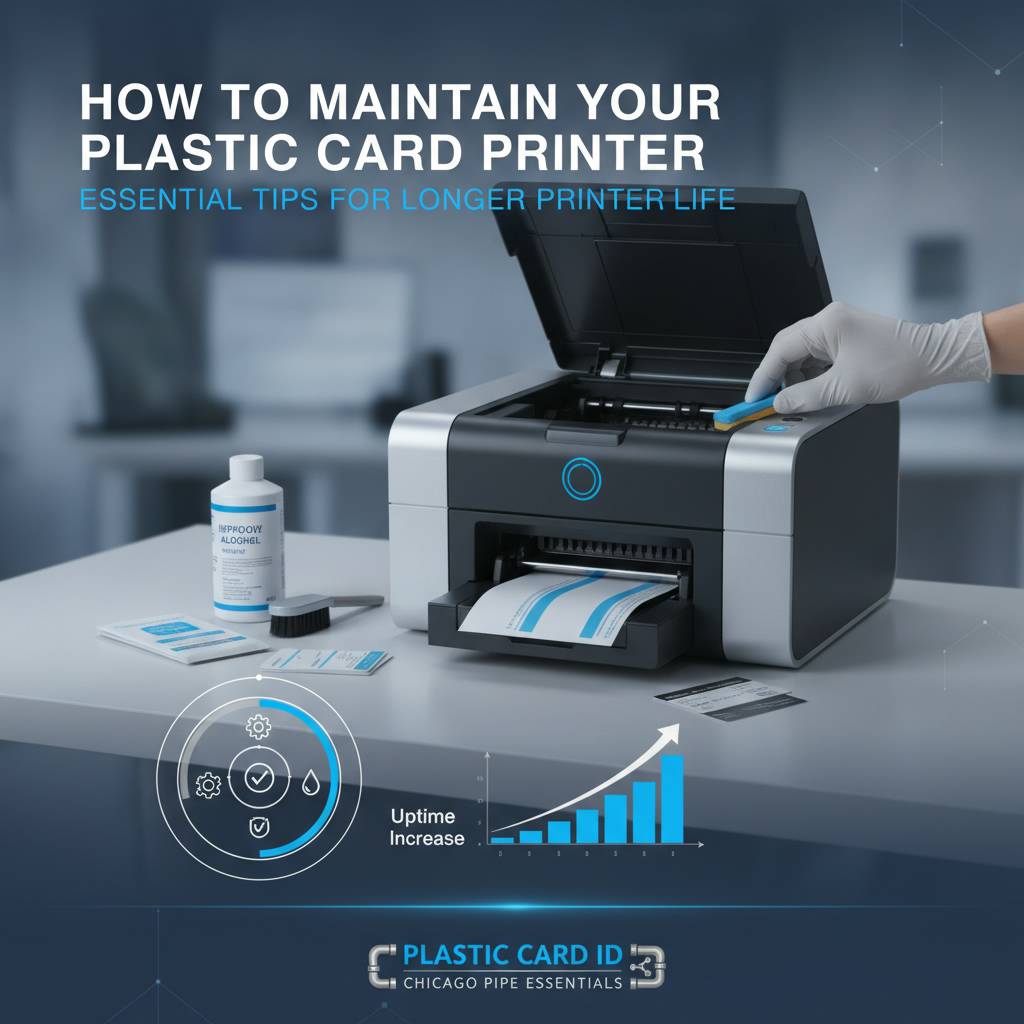 The best maintenance plan is one that's simple enough to follow consistently under real operational conditions. Elaborate multi-step procedures that require significant time or technical knowledge tend to get deferred and then forgotten. The goal is a routine that takes five minutes per ribbon change and an additional ten minutes once a month - and that gets done every single time without exception.
CPE recommends tying maintenance actions to natural workflow triggers rather than calendar dates. Ribbon change is the perfect trigger: it already requires opening the printer, it happens on a regular cadence tied to actual print volume, and the printer is already off and accessible. Attaching a cleaning card cycle and print head wipe to every ribbon change costs almost nothing in time and delivers consistent results.
Creating a Maintenance Log
Organizations running card programs for employee IDs, access credentials, or membership cards should maintain a simple log of maintenance actions - date, action taken, ribbon count at time of cleaning, and any noted issues. This log serves multiple purposes: it confirms the schedule is being followed, it provides data for diagnosing recurring issues, and it documents care for warranty or service purposes if the printer requires repair.
A shared spreadsheet, a physical log book kept next to the printer, or even a recurring calendar reminder works fine. The format matters far less than the habit. Printers that have documented maintenance histories are substantially easier to troubleshoot when issues do arise, because the timeline of events provides diagnostic context that guesswork never can.
Stocking the Right Supplies Before You Need Them
Running out of cleaning supplies is a predictable problem that disrupts maintenance routines unnecessarily. Order cleaning kits when you order ribbons, not when the last cleaning card runs out. Most cleaning kits are modestly priced and store indefinitely when kept sealed and dry. Having a kit on hand eliminates every excuse for skipping a cleaning cycle.
CPE supplies cleaning kits, ribbons, and all printer accessories for the full lineup of Evolis, Fargo, Zebra, and Matica printers. Ordering supplies through the same source that supplied your printer ensures compatibility and gives you access to knowledgeable staff who can confirm you're ordering the right products for your specific model and application.
When to Call for Professional Support
Regular maintenance handles the vast majority of card printer performance issues. But some situations genuinely require technical support: persistent encoding failures after cleaning, print head damage, roller replacement, or firmware issues that affect print calibration. Knowing when a problem has crossed from maintenance territory into repair territory saves time and prevents well-intentioned but counterproductive DIY attempts.
Signs that it's time to call for support include error codes that persist after a cleaning cycle and power cycle, mechanical sounds during card transport that weren't present before, or a sudden and unexplained drop in encoding reliability. Catching a repair issue early - before it compounds into a more serious failure - is where a relationship with a knowledgeable supplier pays real dividends.
Ready to keep your card printer running at peak performance? The team at Plastic Card ID is here to help with the right supplies, expert guidance, and everything your card program needs.
From cleaning kits and ribbons to encoding upgrades and replacement components, Plastic Card ID has supported over 100,000 businesses across the United States with professional card printing solutions. Call 800.835.7919 today and let an expert help you build a maintenance routine that protects your investment and keeps every card printing perfectly.
Previous Page