Evolis vs Fargo vs Zebra Card Printer Comparison
Table of Contents []
- Evolis vs Fargo vs Zebra Card Printer Comparison - Plastic Card ID
- Understanding the Brands Before You Buy
- Volume and Throughput: Matching the Printer to Your Workload
- Print Quality: Color Fidelity, Edge Coverage, and Card Appearance
- Encoding Options: Magnetic Stripe, Smart Chip, and Beyond
- Supplies, Consumables, and Total Cost of Ownership
- FAQ: Common Questions About Choosing Between Evolis, Fargo, and Zebra
- Start Your Card Program the Right Way with Plastic Card ID
Evolis vs Fargo vs Zebra Card Printer Comparison - Plastic Card ID
 Choosing the wrong card printer is the kind of mistake that costs more than money - it costs time, reprints, frustrated staff, and cards that simply don't meet the standard your organization demands. With three powerhouse brands dominating the professional ID card printing space, the question isn't whether Evolis, Fargo, or Zebra can get the job done. The question is which one gets your job done, at your volume, with your required features, without overcomplicating the process.
At Plastic Card ID, we've spent more than two decades guiding businesses through exactly this decision. Over 100,000 customers across the United States have trusted us to match them with the right hardware - not the most expensive option, and not the flashiest spec sheet. The right fit. This comparison breaks down each brand honestly, so you can walk away knowing what to buy and why.
| Feature | Evolis | Fargo | Zebra |
|---|---|---|---|
| Best Use Case | Versatile ID & membership programs | Security-focused ID programs | High-volume enterprise environments |
| Entry-Level Model | Evolis Badgy200 | Fargo DTC1250e | Zebra ZC100 |
| Mid-Range Model | Evolis Primacy2 | Fargo HDP5000 | Zebra ZC300 |
| Print Technology | Direct-to-card dye sublimation | HDP retransfer & direct-to-card | Direct-to-card dye sublimation |
| Edge-to-Edge Printing | Yes (Agilia, Primacy2) | Yes (HDP retransfer models) | Limited |
| Encoding Options | Mag stripe, smart chip | Mag stripe, smart chip, proximity | Mag stripe, smart chip |
| Typical Monthly Volume | Up to 6,000 cards/month | Up to 10,000 cards/month | Up to 15,000 cards/month |
Understanding the Brands Before You Buy
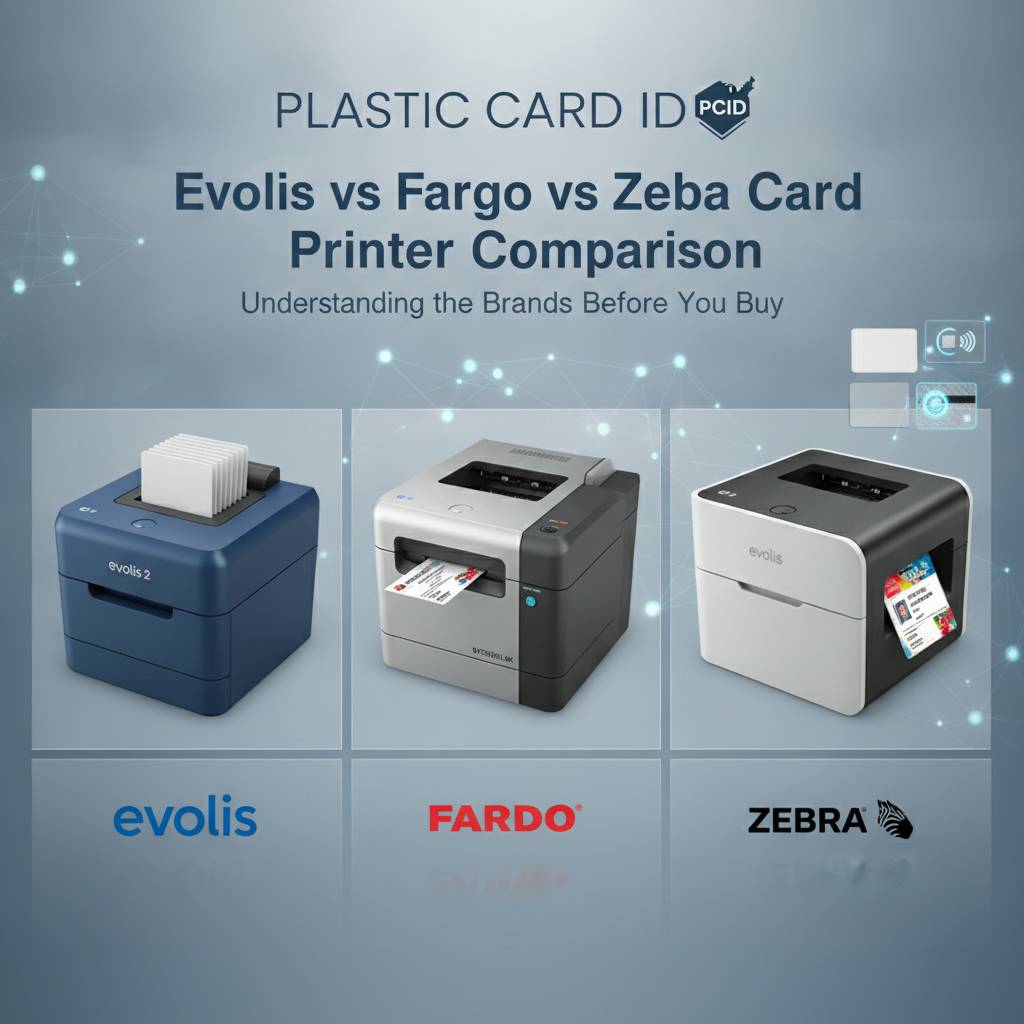 There's a reason these three brands consistently appear at the top of every serious card printer evaluation - they've each earned their reputation in distinct ways. Evolis built its identity around elegant hardware design, user-friendly operation, and a remarkably complete lineup that scales from occasional printing to demanding monthly volumes. Fargo carved its niche in security-intensive environments where card integrity and credential authentication are non-negotiable. Zebra, a name synonymous with enterprise-grade labeling and tracking, brought that same durability-first mindset to the ID card printing world.
What makes this comparison genuinely valuable - rather than just another spec dump - is context. A hospital issuing staff credentials has fundamentally different priorities than a fitness club running a loyalty card program, and both of those differ dramatically from a university printing 4,000 student IDs before the fall semester. Volume, image quality, encoding needs, and ongoing supply costs all intersect in ways that make brand loyalty secondary to match quality.
What Makes Evolis Stand Out
Evolis printers have a reputation that tends to surprise people who encounter them for the first time: they look sleek and approachable, but they're engineered to handle serious workloads. The Zenius handles entry-to-mid-level printing with surprising grace, while the Primacy2 steps into dual-sided territory with magnetic stripe and smart chip encoding options that rival machines costing considerably more. For organizations that want premium, edge-to-edge output with no compromises, the Evolis Agilia delivers print quality that genuinely raises the bar.
Beyond hardware, Evolis supports a clean ecosystem of ribbons and consumables - YMCKO full-color panels, monochrome black ribbons for fast text-only printing, and specialty ribbons for security overlaminates. The Badgy200, their most accessible model, suits organizations printing under 1,000 cards annually. It's not a toy; it's a purpose-built entry point. Evolis gives small operations professional-grade output without requiring a professional-grade budget.
What Makes Fargo the Security-First Choice
Fargo printers - now under the HID Global umbrella - are the go-to for organizations where a compromised credential could be a genuine liability. Government agencies, universities with access-controlled facilities, healthcare systems with strict compliance requirements: these are Fargo's natural habitat. Their HDP (High Definition Printing) retransfer technology doesn't print directly onto the card surface. Instead, it prints onto a transparent film first, then fuses that image to the card - producing sharper images, better durability, and true over-the-edge printing.
Fargo's encoding breadth is difficult to match. Magnetic stripe, contact smart chip, contactless proximity - the Fargo lineup handles encoding combinations that would require additional hardware or workarounds with other brands. If your card program involves access control doors, IT network authentication, or layered security verification, Fargo is worth serious consideration regardless of price premium.
What Makes Zebra the Enterprise Workhorse
Zebra Technologies didn't enter the ID card printer market quietly. They brought a legacy of building hardware that survives warehouse floors, loading docks, and retail environments - and applied that durability philosophy to card printing. The ZC series, including the ZC100, ZC300, and ZC500, offers a clean, modern platform with mobile-friendly connectivity and consistent output across high daily card counts. When volume is your primary constraint, Zebra performs.
For organizations already operating within Zebra's broader hardware ecosystem - handheld scanners, label printers, enterprise mobility management - integrating a Zebra card printer creates a unified vendor relationship that simplifies support and procurement. Consistency across a Zebra fleet is a strategic advantage many IT managers actively seek. That said, Zebra printers are not the default choice for organizations whose primary concern is image nuance or credential security layers - that's where Fargo and Evolis have the edge.
Volume and Throughput: Matching the Printer to Your Workload
Volume is probably the single most misunderstood variable in card printer selection. Organizations consistently underestimate how many cards they'll produce once printing moves in-house - because the friction of outsourcing masks latent demand. When staff can reprint a lost ID card in three minutes instead of waiting three days for a vendor batch, reprints happen more often. Convenient printing encourages use. Plan for growth.
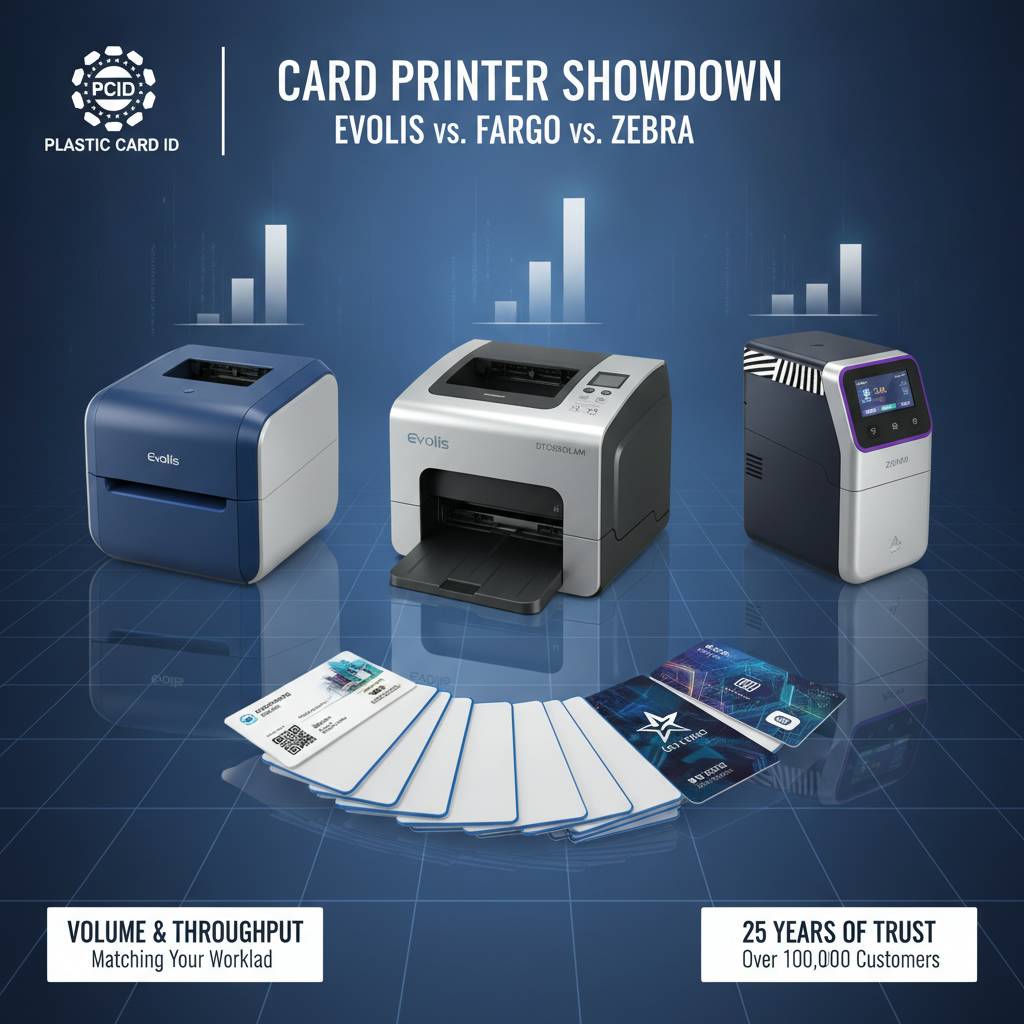
The general framework works like this: under 1,000 cards per year fits an entry-level machine like the Evolis Badgy200 or the Zebra ZC100 comfortably. Monthly volumes between 1,000 and 6,000 cards call for mid-range performers like the Evolis Primacy2, Fargo DTC series, or Zebra ZC300. Organizations printing above that threshold, or printing in batches that demand maximum throughput in minimum time, need to be looking at higher-capacity configurations or industrial-class machines - including the Matica Event Printer for situations where on-site, real-time badge production is critical.
Low-Volume Printing: When Simple Is Smart
Not every card program is a 10,000-card-per-month operation, and there's nothing wrong with that. A small professional association printing membership cards once a quarter, a boutique gym issuing access cards to new members, a regional conference handing out event credentials - these programs have real needs that don't require enterprise hardware. Overspending on a high-throughput printer for a low-volume application is a common and costly mistake.
The Evolis Badgy200 exists precisely for this scenario. It's capable, quiet, compact, and priced to match its purpose. The Zebra ZC100 serves a similar function with a slightly different software ecosystem. For organizations just starting an in-house card program, these models allow teams to test workflows, refine card designs, and build confidence before scaling. CPE recommends that new programs start with realistic volume projections - not aspirational ones - and select hardware accordingly.
Mid-Range Volume: The Sweet Spot for Most Organizations
The mid-range is where the most interesting decisions happen. Between the Evolis Zenius, Primacy2, the Fargo DTC1250e, and the Zebra ZC300, organizations in the 1,000 to 6,000 cards per month range have meaningful choices to make. Dual-sided printing becomes relevant here - does your card design require printing on both faces? If so, models without a built-in duplex module will require a flip tray or external accessory.
Magnetic stripe encoding is another mid-range consideration. Many employee ID cards and hotel key cards require a magnetic stripe encoded with room assignments, access levels, or employee identifiers. The Evolis Primacy2 and Fargo DTC1250e both support magnetic stripe encoding as a configuration option, making them strong choices for programs that need both printing and encoding in a single pass. Single-pass encoding eliminates a manual encoding step and dramatically reduces card errors.
High-Volume and Event Printing: Speed Becomes Non-Negotiable
For organizations printing thousands of cards weekly - or producing credentials at a live event with a line of people waiting - throughput becomes the dominant spec. The Matica Event Printer addresses this specific scenario, delivering high-speed on-site badge production that can keep pace with real-time registration. When the alternative is a backed-up check-in queue at a trade show or conference, the investment in capable hardware pays for itself quickly.
Zebra's higher-capacity models and Fargo's industrial-tier offerings similarly handle large batch jobs with consistency. Call 800.835.7919 to discuss throughput requirements with an expert who can map your actual monthly card count to the right hardware tier - because the difference between "enough" and "barely enough" becomes very obvious, very fast, when deadlines are involved.
Print Quality: Color Fidelity, Edge Coverage, and Card Appearance
 Print quality isn't a single dimension - it's a combination of color accuracy, edge-to-edge coverage, sharpness of fine text and photos, and durability of the final card surface. These factors matter differently depending on what's printed. A card with a photo ID and a company logo has different demands than a plain access control card with only a barcode and an employee name.
Direct-to-card dye sublimation, used by most Evolis and Zebra models, produces excellent results for the vast majority of applications. The technology transfers color from a ribbon panel onto the card surface using heat, producing smooth gradients and vibrant colors. The slight limitation: a thin white border is typically visible around the card edge, because the printhead doesn't quite reach the boundary. For applications where that matters, retransfer printing changes the equation entirely.
When Edge-to-Edge Printing Actually Matters
Edge-to-edge, or over-the-edge, printing means the image bleeds to the very perimeter of the card with no white margin visible. Fargo's HDP retransfer models achieve this because the image is printed onto a film, then thermally laminated over the card - covering every millimeter of surface area. The Evolis Agilia similarly delivers full-surface coverage with premium output. For branded membership cards, premium loyalty programs, and high-visibility credentials, edge-to-edge printing creates a noticeably more polished result.
Retransfer printing also adds a natural protective layer over the printed image, which improves card durability and resistance to scratching. This is particularly relevant for cards that see daily handling - gym access cards, hotel key cards, employee credentials that go in and out of readers multiple times per day. The added laminate helps the card maintain its appearance over a longer lifespan.
Color Ribbons, Monochrome Ribbons, and When to Use Each
YMCKO ribbons - yellow, magenta, cyan, black, and overlay panels - are the standard for full-color card printing with a protective finish. They produce photo-quality output and are the default choice for most ID card programs. Monochrome ribbons, by contrast, print in a single color (typically black) at significantly faster speeds and lower cost per card. Organizations printing cards with no photos or color graphics - plain employee ID cards with text and a barcode, for example - often save considerable money by using monochrome ribbons for bulk production runs.
Specialty ribbons, including security overlay ribbons with holographic patterns or UV-reactive elements, add an additional layer of authentication to finished cards. These are particularly popular in Fargo-centric programs where credential verification is part of a larger security protocol. CPE carries the full spectrum of ribbon types for Evolis, Fargo, and Zebra printers, ensuring that consumable restocking is never a bottleneck for your card program.
Lamination Modules: Adding Durability and Security
Some card printers support an inline lamination module, which applies a clear or holographic laminate film to the card immediately after printing - without a separate manual step. The Evolis Primacy2 and select Fargo models support lamination options that extend card life dramatically while simultaneously making counterfeiting significantly more difficult. Laminated cards can last two to three times longer than unlaminated ones under identical handling conditions.
For organizations that issue cards expected to last a full year or more without replacement - student IDs, long-term employee credentials, annual membership cards - the lamination investment typically reduces total card replacement costs over time. The tradeoff is a higher initial hardware price and laminate film as an additional consumable. Most buyers who run the math find lamination pays for itself within the first card cycle.
Encoding Options: Magnetic Stripe, Smart Chip, and Beyond
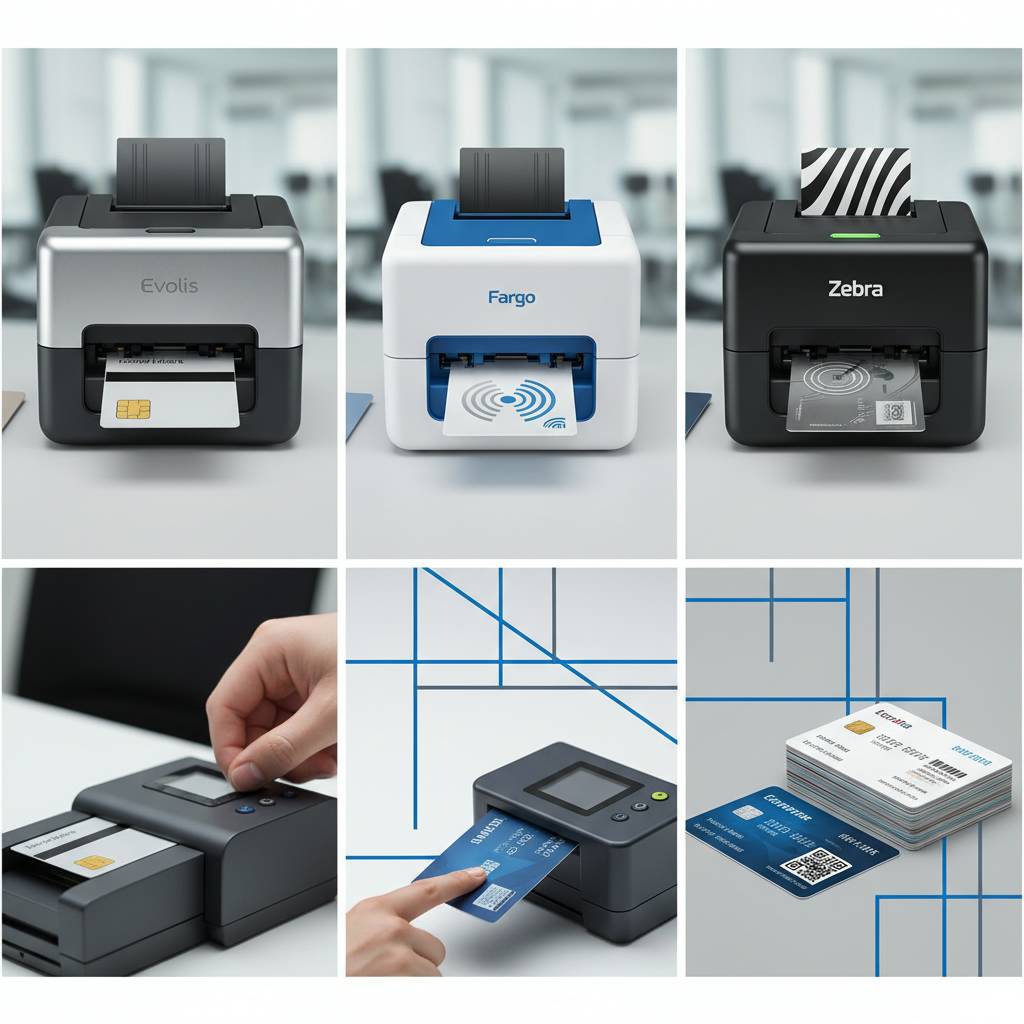 A printed card is a visual credential. An encoded card is a functional one. The ability to write data onto a magnetic stripe or program a smart chip during the same print run transforms a card from identification into an active tool - one that can unlock doors, authenticate network logins, track attendance, or process loyalty point balances. Understanding encoding options before purchase is not optional; it's essential.
All three major brands support magnetic stripe encoding and smart chip encoding as module upgrades. The distinctions emerge at the edges: Fargo's ecosystem - particularly through HID's broader product family - supports the widest range of contactless and proximity card standards, making Fargo the natural choice for organizations whose access control infrastructure uses HID-format credentials. Evolis and Zebra handle standard ISO magnetic stripe and contact chip encoding with reliability, covering the majority of real-world use cases.
Magnetic Stripe Encoding Explained
Magnetic stripe encoding writes data onto the brown or black stripe visible on the back of many cards - the same technology used in hotel key cards and employee time-clock cards. Cards can be encoded with employee IDs, room assignments, access tier information, or any string of data within the stripe's capacity. Magnetic stripe encoding is the most widely compatible and cost-effective encoding option for most organizations.
Mid-range printers like the Evolis Primacy2 and Fargo DTC1250e can be configured with a magnetic stripe encoder that operates during the print pass, so a card comes out of the printer already printed and encoded - ready to use. This eliminates a separate encoding station, reduces handling time, and minimizes encoding errors from manual processes. Call 800.835.7919 to confirm which encoding configuration is right for your specific card stock and reader infrastructure.
Smart Chip Encoding for Access Control and Beyond
Smart chip cards - both contact and contactless types - store more data and support more complex authentication than magnetic stripes. Contact chip encoding requires physical chip contact with a reader; contactless or RFID encoding communicates via proximity, similar to tap-to-pay systems. For organizations running door access control systems, IT network login cards, or multi-application credentials, smart chip encoding opens significantly more capability.
The cost per card for smart chip stock is higher than plain PVC or magnetic stripe cards, but the functional return can be substantial. One card can carry multiple application keys - door access, network login, cafeteria balance - without any additional hardware changes at the reader level. This consolidation is particularly appealing to universities, hospitals, and corporate campuses managing large, multi-building environments.
Choosing the Right Encoding Configuration
- Magnetic stripe only - best for hotel key cards, employee time-clock credentials, loyalty programs with basic data requirements
- Contact smart chip - appropriate for network authentication cards, banking-adjacent applications, and high-security environments where physical chip contact is required
- Contactless/RFID - ideal for access control systems, campus ID programs, and any application where tap-and-go speed is preferred
- Combination encoding (mag stripe chip) - the most flexible option, supported by select Fargo and Evolis models, for programs requiring maximum card versatility
- No encoding - perfectly valid for visual-only credentials like event badges, visitor passes, or organizational ID cards with no electronic function
Supplies, Consumables, and Total Cost of Ownership
The purchase price of a card printer is the beginning of the financial conversation, not the end of it. Over a three-to-five year operational period, consumable costs - ribbons, cleaning kits, laminate film, card stock - typically exceed the initial hardware investment for any active card program. Selecting a printer brand without accounting for consumable pricing is a common oversight with real financial consequences.
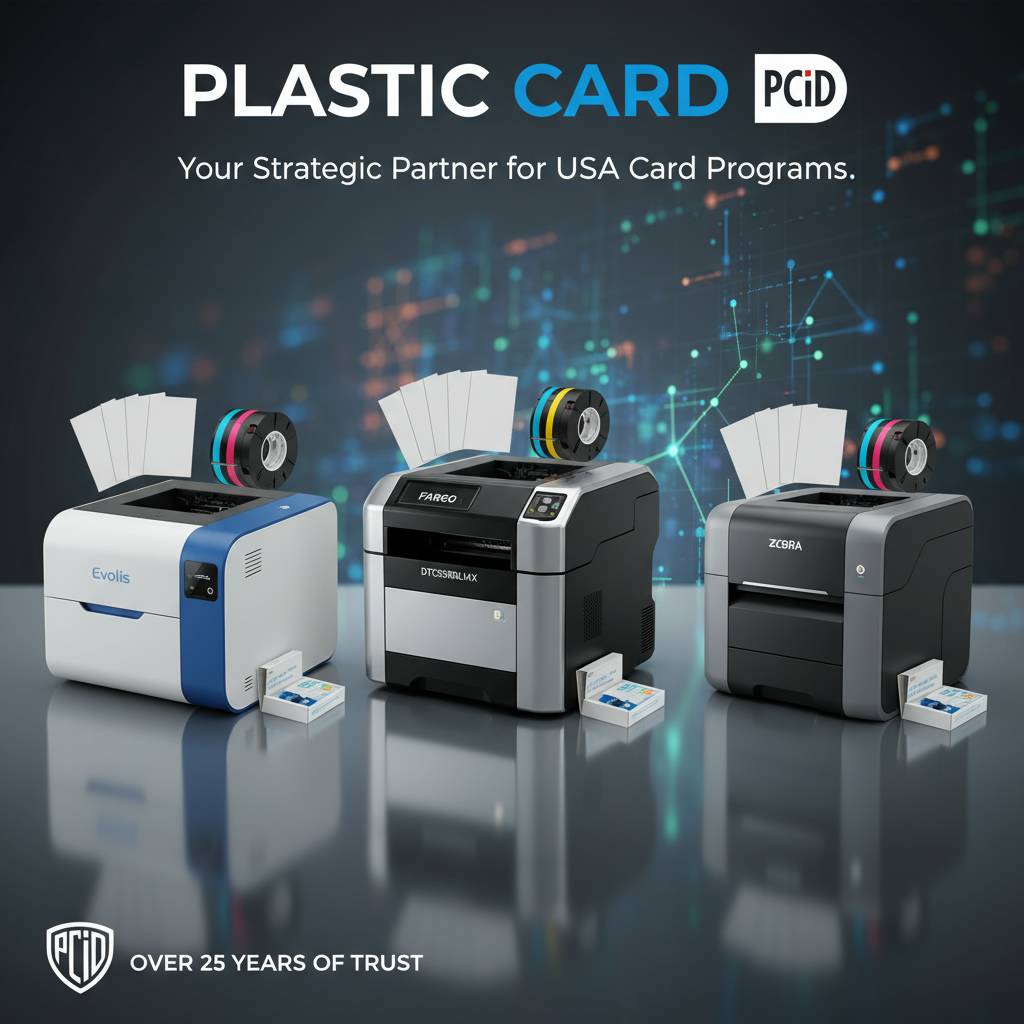
Ribbon pricing varies by brand, panel type, and yield per roll. A 200-card yield YMCKO ribbon for a mid-range Evolis printer might cost $25-$50; a 500-card yield ribbon for a higher-capacity Fargo model might run $60-$120. The cost per card calculation - divide ribbon price by card yield - is the number that matters most for budgeting. CPE stocks ribbons, cleaning kits, and accessories for all major brands, so customers can maintain a single supplier relationship regardless of which hardware they choose.
Ribbon Yield and Cost-Per-Card Calculations
Monochrome ribbons produce dramatically more cards per roll than YMCKO full-color ribbons - often three to five times the yield at a fraction of the cost. For organizations printing cards with text and barcodes only (no color photos or graphics), the cost savings of switching to monochrome for eligible cards can be meaningful at scale. A high-volume organization that segments its card runs by ribbon type can cut annual consumable costs significantly.
Cleaning kits are another consumable category that's easy to underestimate. Periodic cleaning of the print head and card transport path is essential for print quality consistency and printer longevity. Most manufacturers specify a cleaning interval - commonly every 1,000 cards or every ribbon change. Skipping cleaning cycles leads to print artifacts, feed errors, and premature printhead wear. Cleaning kits cost $15-$40 and are among the highest-return maintenance investments available for any card printer.
Input Hoppers and Card Carriers
Standard card printers include an input hopper that holds 100 cards. For high-volume batch printing sessions, extended-capacity hoppers holding 200 or more cards are available for select Evolis and Fargo models. This reduces the frequency of manual card loading and allows unattended batch jobs to run longer without intervention. For organizations printing 500-card batches overnight, the extended hopper isn't a luxury - it's a practical necessity.
Card carriers and card sleeves complete the product ecosystem by protecting finished credentials during handling, distribution, and daily use. A newly printed card sliding across a hard surface can acquire surface scuffs before it even reaches its owner. Card carrier sleeves provide transparent, professional-looking protection that also serves as a light branding opportunity - some organizations print their logo or contact information on carrier sleeves. CPE supplies card carriers and sleeves alongside all printer hardware.
FAQ: Common Questions About Choosing Between Evolis, Fargo, and Zebra
 After working with tens of thousands of organizations across every industry, the team at Plastic Card ID has heard every variation of the "which brand should I buy" question. What follows are the questions that come up most consistently - and the honest answers.
Which brand is easiest to set up and use?
Evolis printers consistently earn the highest marks for out-of-box ease of use. Their setup process is intuitive, the software ecosystem is well-documented, and the Badgy200 in particular is specifically designed for users who are not IT professionals. Zebra printers are similarly approachable for organizations already within the Zebra ecosystem. Fargo printers - especially HDP retransfer models - have a slightly steeper learning curve, but the added complexity is inseparable from the added capability they provide. If ease of setup is your primary concern, Evolis wins.
Driver compatibility and software integration are related considerations. All three brands publish Windows and macOS drivers, and most models work with popular card design software packages. Organizations with custom-built card issuance applications should verify driver compatibility before purchase - it's a step that's easy to skip and occasionally painful to discover post-purchase.
Can I switch brands if my needs change?
Yes - with caveats. Ribbons, cleaning kits, and other consumables are brand-specific, so switching printer brands means switching consumable suppliers. Card stock (blank PVC cards) is generally universal and compatible across all brands. Most software platforms support multiple printer brands within the same workflow, so design and issuance software doesn't necessarily need to change when hardware does. The biggest transition cost is typically the learning curve and the consumable inventory you've accumulated for the previous brand.
For organizations with multi-location deployments, standardizing on a single brand simplifies training, consumable procurement, and support. CPE recommends selecting a brand with a lineup broad enough to serve your full range of anticipated volume needs - so growth can be accommodated by upgrading within the same brand family rather than switching entirely.
What applications does each brand serve best?
- Evolis - employee ID cards, membership cards, loyalty programs, student credentials, hotel key cards, event badges at moderate volume
- Fargo - government-issued credentials, security badges, access control cards, healthcare ID programs, university multi-application IDs
- Zebra - high-volume enterprise ID programs, visitor management systems, retail staff credentials, warehouse and logistics employee IDs
- Matica - real-time event badge printing, on-site conference credential production, situations requiring maximum speed and minimal wait time
Start Your Card Program the Right Way with Plastic Card ID
 There's no universal winner in the Evolis vs Fargo vs Zebra comparison - and any source claiming otherwise is simplifying a decision that deserves careful thought. What exists is a right answer for your organization, defined by your volume, your encoding requirements, your quality standards, and your budget for both hardware and ongoing consumables. That's the answer Plastic Card ID specializes in finding.
With over 25 years of experience and more than 100,000 customers served across the United States, CPE has matched organizations of every size and industry to card printers that perform exactly as expected - from day one and for years afterward. Whether you're issuing employee IDs, access control badges, student credentials, event passes, hotel key cards, or loyalty program cards, the right hardware is in our lineup and the right guidance is a phone call away.
Request a Consultation and Get Expert Guidance
Every card program is different. Bring us your card volume, your card design, your encoding requirements, and your budget - and we'll walk you through exactly which printer, which ribbon configuration, and which accessories make sense for your situation. No guesswork, no overselling, no recommending industrial hardware to someone who prints 200 cards a year.
Plastic Card ID carries complete printer kits, individual replacement supplies, encoding upgrade modules, extended hoppers, and card carriers - everything needed to run a professional card program without juggling five different suppliers. One call connects you with a team that genuinely knows these products and wants to put the right one in your hands.
Contact Plastic Card ID today at 800.835.7919 and let our card printing specialists match you with the Evolis, Fargo, or Zebra printer that fits your program perfectly. Plastic Card ID - the name businesses across America have trusted for card printing hardware for over 25 years.
Previous Page