Where to Buy Plastic Card Printers USA: Best Sources
Table of Contents []
- Finding the Right Source: Where to Buy Plastic Card Printers in the USA with Plastic Card ID
- Why In-House Card Printing Changes Everything for Your Organization
- The Brand Lineup: What Each Manufacturer Brings to the Table
- Consumables and Accessories: The Supplies That Keep Your Program Running
- Who Buys Plastic Card Printers? Real Use Cases Across Industries
- Buyer's Guide: Matching the Right Printer to Your Needs
- Common Questions About Buying Plastic Card Printers in the USA
- Get Started Today with Plastic Card ID - Your Trusted USA Plastic Card Printer Source
Finding the Right Source: Where to Buy Plastic Card Printers in the USA with Plastic Card ID
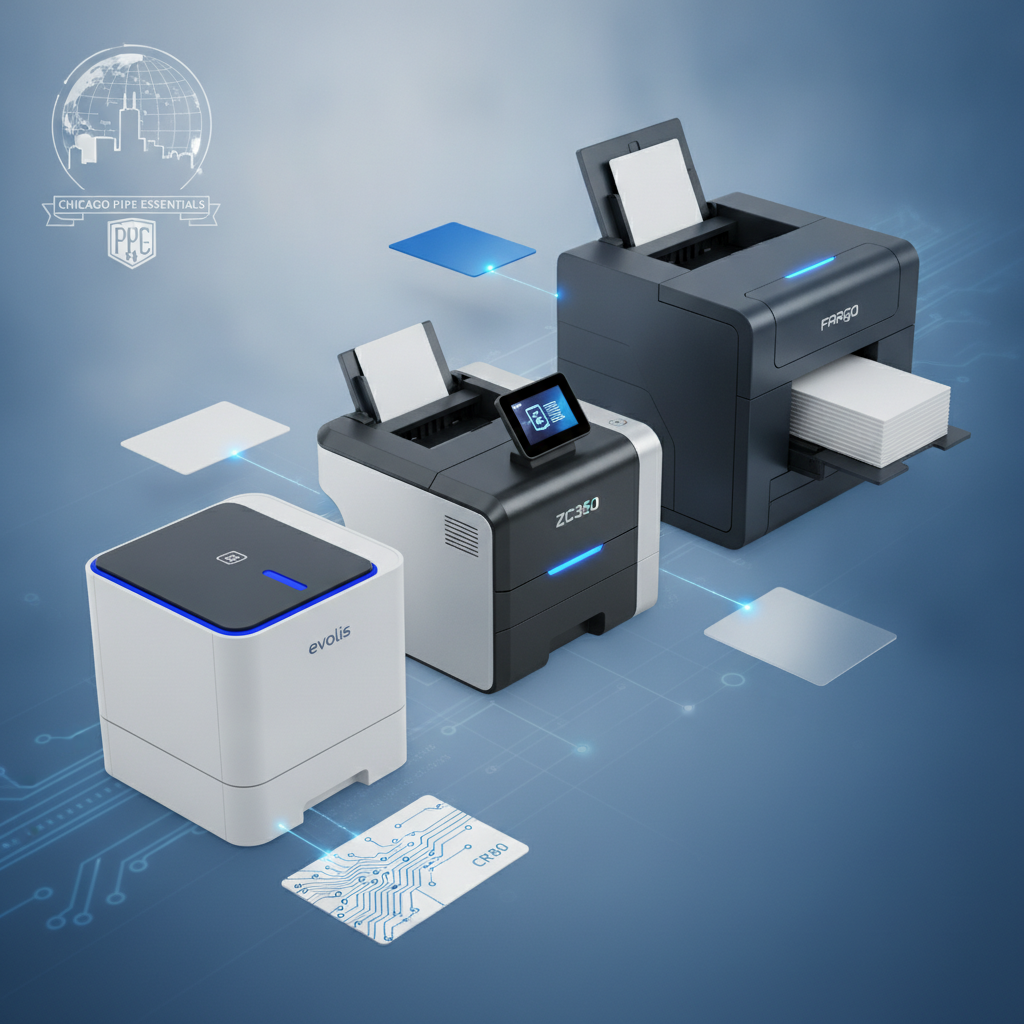 Walk into any hospital, hotel, university, or corporate office and you will spot them instantly - the laminated, personalized plastic cards clipped to lanyards, tucked into wallets, or swiped at access control readers. What you probably never think about is the machinery behind them. Choosing where to buy a plastic card printer in the USA is not a decision to rush. The wrong printer for your volume, card type, or encoding needs can cost you far more in reprints, downtime, and frustration than the initial savings ever justified.
Plastic Card ID has spent over 25 years building a reputation as one of the most trusted plastic card printer suppliers in the United States, serving more than 100,000 customers across virtually every industry imaginable. Their catalog spans the full spectrum from compact desktop units to industrial-grade production systems, paired with every consumable and accessory needed to keep a card program running smoothly from day one.
Whether you are launching a brand-new ID program or replacing aging hardware, this guide covers everything you need to know before you buy - the brands, the specifications, the consumables, and the real-world scenarios where each printer type earns its place on a desk or production floor.
| Brand | Best For | Volume Range | Key Features |
|---|---|---|---|
| Evolis Badgy200 | Low-volume organizations | Under 1,000 cards/year | Compact, easy setup, color printing |
| Evolis Zenius / Primacy2 | Mid-range programs | 1,000-6,000 cards/month | Dual-sided, mag stripe encoding |
| Evolis Agilia | Premium output demands | High-volume, edge-to-edge | Highest print quality, full-bleed |
| Fargo / Zebra | Security-focused ID programs | Mid to high volume | Robust, security overlaminates |
| Matica Event Printer | On-site event badging | High-speed burst printing | Fast throughput, portable setup |
Why In-House Card Printing Changes Everything for Your Organization
 There is a specific kind of operational freedom that comes from owning your card printing equipment outright. No waiting on external vendors, no minimum order quantities, and no delays when an employee starts on a Monday morning and needs their badge by 8 a.m. In-house printing puts the entire production cycle under your control - design, personalization, encoding, and delivery all happen on your timeline, not someone else's.
The economics tell a compelling story, too. Organizations that previously relied on third-party card vendors often discover that the cost-per-card drops dramatically once they bring printing in house. The upfront investment in a quality printer and ribbon supply is typically recovered within the first year for any organization printing more than a few hundred cards annually. And when you factor in the hidden costs of rush orders, shipping fees, and reprint charges from outside vendors, the math becomes even more favorable.
Total Control Over Card Personalization
Every card your organization issues is a representation of your brand and your security posture. When you print in house, every name, photo, department field, and expiration date is exactly right - because you are the one putting it there. No batch errors from an outside print shop, no mismatched card orders, and no waiting to correct a mistake that shipped from across the country.
Personalization extends beyond text and photos. With the right printer and encoding modules, each card can carry magnetic stripe data, smart chip credentials, or both. This means a single card can serve as an employee ID, an access control credential, and a time-and-attendance token simultaneously - all printed and encoded in one pass on your own equipment.
On-Demand Printing Eliminates Lead Times
Lead times from outside vendors can run anywhere from three business days to three weeks depending on order size, complexity, and the vendor's current backlog. That delay is simply incompatible with modern business operations. On-demand in-house printing means a new hire, a replacement card, or a temporary visitor badge can be produced in minutes. No pre-planning required, no minimum print runs, and no excess inventory sitting in a drawer waiting to become obsolete.
This kind of responsiveness matters enormously in environments like hospitals, where a new staff member may need access credentials immediately, or universities where student IDs must be issued during peak registration periods. CPE customers consistently report that the shift to in-house printing reduces card-related administrative friction by a significant margin.
Encoding Capabilities That Match Real-World Security Needs
A printed card with a pretty photo is only part of the story for many organizations. Access control systems, time-tracking platforms, and loyalty point databases all require data encoded directly onto the card. Magnetic stripe encoding writes information to the card's magnetic band, while smart chip encoding stores data on an embedded circuit - both options are available as integrated modules on select printer models.
The ability to encode cards in house is not just a convenience feature; it is a security advantage. Encoding is done on your premises, under your supervision, with your data remaining within your own network infrastructure. That kind of data sovereignty is increasingly important for organizations subject to compliance frameworks or handling sensitive employee or member information.
The Brand Lineup: What Each Manufacturer Brings to the Table
Not all plastic card printers are built the same, and the brand behind the hardware matters more than most buyers initially expect. Plastic Card ID carries a curated selection of industry-leading manufacturers, each with distinct engineering philosophies and target use cases. Understanding what separates Evolis from Fargo, or Zebra from Matica, helps you buy with confidence rather than guesswork.
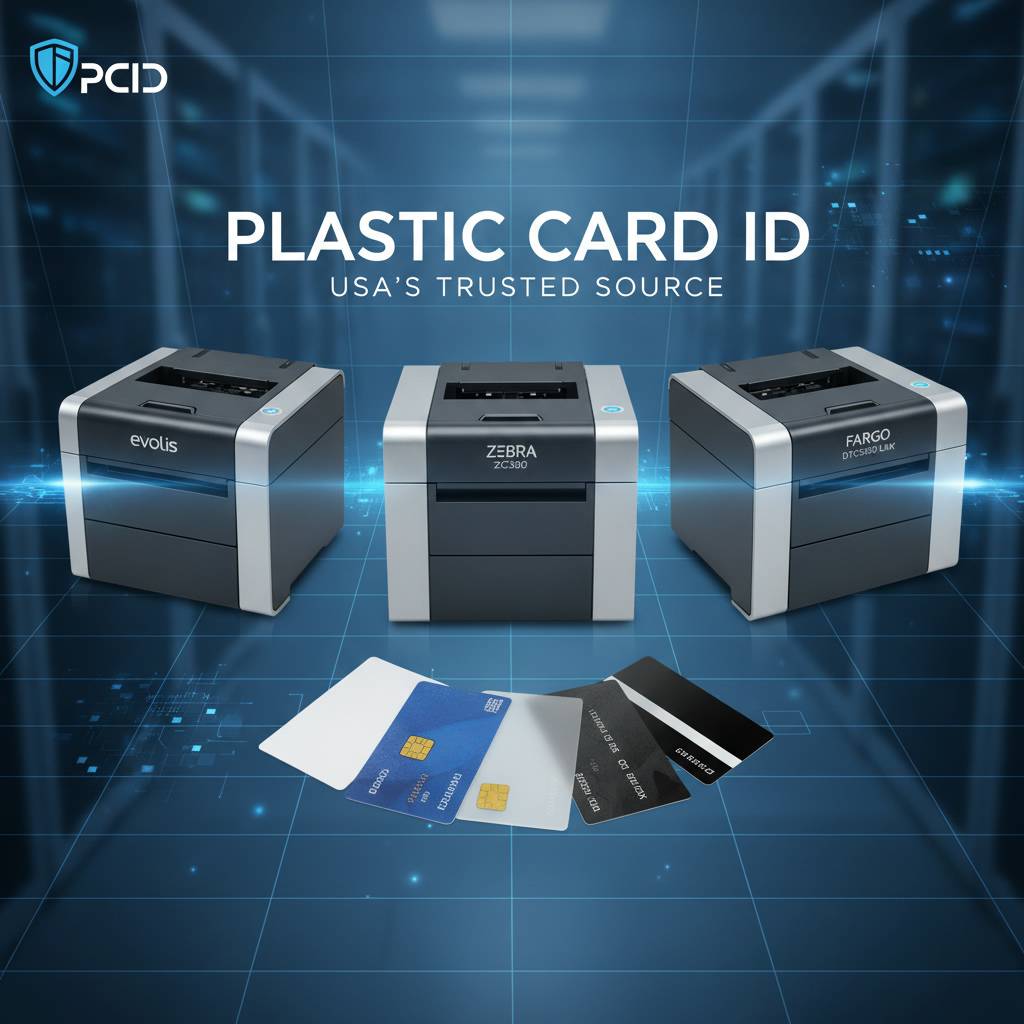
The decision is not purely about print speed or price point. Reliability, ribbon efficiency, software compatibility, and long-term support availability all factor into the true cost of ownership. A printer that prints 50 cards per hour but requires frequent maintenance calls will cost more over three years than a slightly more expensive model with a proven track record for durability.
Evolis: Precision Engineering Across Every Volume Tier
Evolis printers are among the most widely deployed card printing systems in the world, and it shows in the engineering. The Badgy200 is the entry point - a compact, straightforward unit designed for organizations printing fewer than 1,000 cards per year. It is simple enough for a non-technical staff member to operate, yet capable of producing professional-quality color ID cards right out of the box.
Moving up the volume ladder, the Zenius and Primacy2 handle 1,000 to 6,000 cards per month with ease, offering dual-sided printing and optional magnetic stripe encoding. For organizations that demand the absolute best in print quality, the Evolis Agilia delivers edge-to-edge, full-bleed output that rivals commercial print shop results - produced entirely in house, entirely on your schedule.
Fargo and Zebra: Built for Security-Critical Environments
Fargo printers, now part of the HID Global family, have a long-standing reputation in government, law enforcement, and enterprise security environments. Their printers are engineered with tamper-evident overlaminates, holographic security features, and robust ribbon management systems that make counterfeiting or unauthorized duplication extremely difficult. When the integrity of the card itself is a security concern, Fargo is frequently the answer.
Zebra card printers bring a similar emphasis on reliability and throughput, with a product line optimized for environments where cards must be produced quickly and consistently without sacrificing quality. Zebra's ecosystem integrates smoothly with a wide range of card design software and access control platforms, making them a practical choice for IT-managed card programs in mid-to-large enterprises.
Matica: When Speed at Events Is Non-Negotiable
The Matica Event Printer occupies a specific and important niche. Trade shows, conferences, corporate events, and sporting venues need to process hundreds or thousands of attendees rapidly - and a slow badge printer creates bottlenecks that frustrate everyone. The Matica Event Printer is engineered for exactly this scenario, delivering high-speed burst printing that keeps registration lines moving.
Its design prioritizes fast setup and operational simplicity alongside throughput. Event staff can be trained on it quickly, and it can be deployed in a temporary registration environment just as effectively as in a permanent office setting. For event organizers who take on-site credentialing seriously, the Matica Event Printer is a purpose-built solution.
Consumables and Accessories: The Supplies That Keep Your Program Running
 A plastic card printer without the right consumables is like a commercial kitchen without ingredients. The hardware is only part of what makes a card program functional. Ribbons, cleaning kits, lamination modules, and encoding accessories all play essential roles - and sourcing them from the right supplier makes a genuine operational difference.
CPE customers benefit from access to the full spectrum of consumables needed to support every printer model in the lineup. Stocking the right ribbon types and cleaning supplies before you need them urgently is one of the most practical decisions a card program manager can make. Running out of ribbon mid-batch is avoidable, and proper cleaning intervals dramatically extend print head life and image quality consistency.
Ribbon Types Explained: YMCKO, Monochrome, and Specialty
The ribbon is where color, durability, and print quality all converge. YMCKO ribbons - Yellow, Magenta, Cyan, blacK, and Overlay panels - are the standard for full-color ID card printing. The overlay panel applies a clear protective coating over the printed image in a single pass, protecting it from everyday wear. This is the ribbon type most organizations use for employee IDs, student cards, and membership credentials.
Monochrome ribbons print in a single color and are significantly more cost-effective on a per-card basis. They are ideal for situations where only text and a barcode are needed - back-of-card printing, monochrome access cards, or high-volume batch runs where color is not required. Specialty ribbons include metallic options, UV-reactive formulations for security marks, and scratch-off panels for loyalty or gaming applications.
Cleaning Kits: Protecting Your Print Head Investment
Print head replacement is the most common and most avoidable expense in plastic card printing. A disciplined cleaning schedule - using proper cleaning cards and swabs at manufacturer-recommended intervals - keeps debris, dust, and ribbon residue from accumulating on the print head surface. The result is sharper images, more consistent color, and significantly extended hardware life.
Most Evolis, Fargo, Zebra, and Matica printers include cleaning card slots or automatic cleaning cycle prompts. Using the correct cleaning kit for your specific printer model is important - generic alternatives sometimes cause more harm than good. Plastic Card ID stocks brand-matched cleaning supplies for every printer in their catalog, so you are always using the right product for your hardware.
Lamination Modules and Encoding Upgrades
Lamination adds a durable, professionally finished layer over the printed card surface, dramatically increasing resistance to bending, scratching, and fading. For cards that see heavy daily handling - employee badges clipped to lanyards, hotel key cards swiped repeatedly, or student IDs carried loose in pockets - lamination is not a luxury; it is a practical investment in card longevity.
Encoding upgrades allow magnetic stripe writing and smart chip programming to be added to printer models that support modular expansion. Rather than purchasing a fully loaded printer at the outset, organizations can start with a base unit and add encoding capability when their program scales or when security requirements evolve. This upgrade path protects the initial hardware investment while leaving room for future capability expansion.
Who Buys Plastic Card Printers? Real Use Cases Across Industries
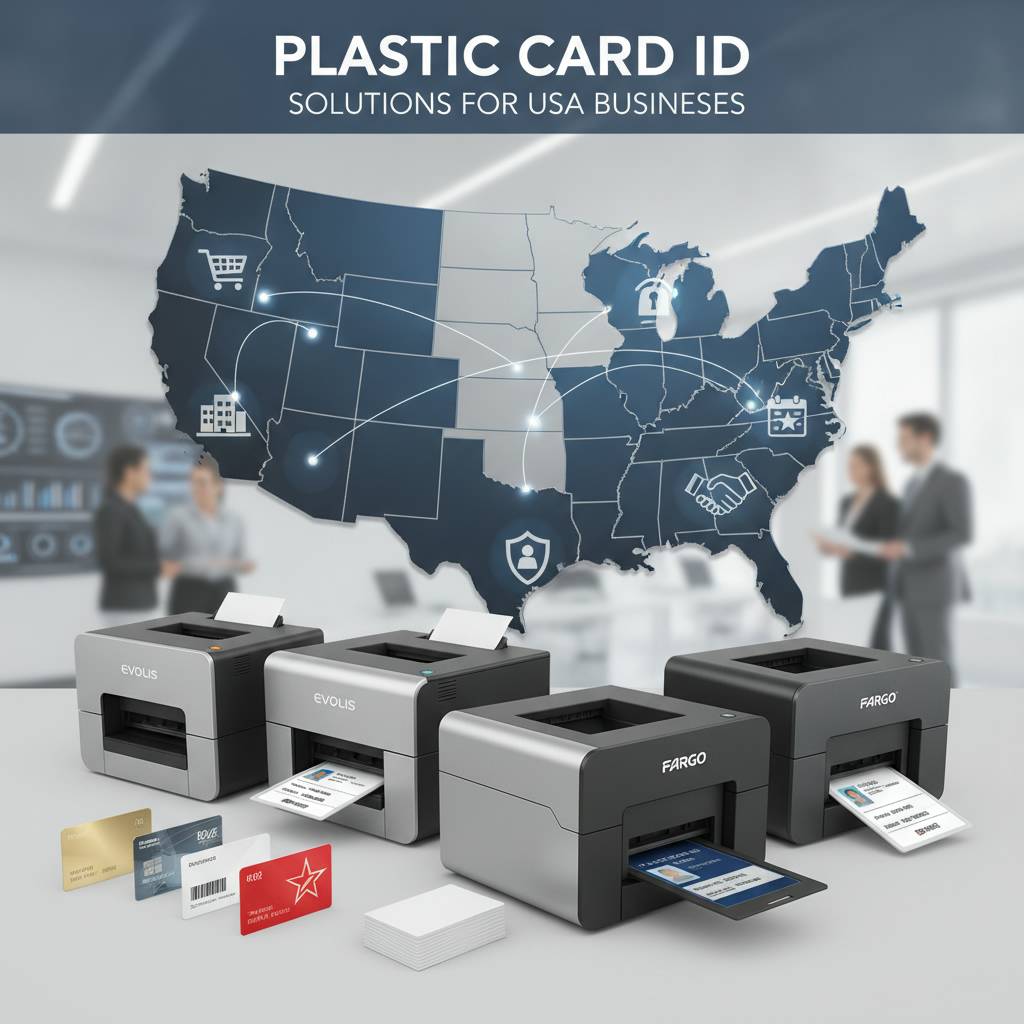 The diversity of organizations that invest in in-house card printing is genuinely remarkable. It cuts across virtually every sector - healthcare, education, hospitality, corporate, government, retail, and beyond. What they share is a common need for professional, personalized, durable credentials produced on their own schedule and under their own control.
Understanding which printer tier and feature set matches your specific use case is the most important buying decision you will make. A hotel with 200 rooms has fundamentally different needs than a university with 30,000 students, even though both are printing plastic cards. Volume, encoding requirements, card durability needs, and staffing resources all shape the right answer for each organization.
Corporate and Enterprise ID Programs
Employee ID cards serve multiple functions simultaneously in most corporate environments - visual identification, access control, and time-and-attendance tracking all wrapped into a single credential. Enterprises typically need dual-sided printing to accommodate both a photo ID side and an encoded data side, along with magnetic stripe or smart chip encoding for integration with physical access systems.
Mid-range printers like the Evolis Primacy2 or Zebra models are common choices at this level, offering the throughput to handle onboarding batches, the encoding capability for access control credentials, and the print quality befitting a professional organization. Replacement cards for lost or damaged credentials can be produced within minutes, eliminating the security gap that occurs when an employee is waiting days for a replacement from an outside vendor.
Educational Institutions and Student IDs
Universities, colleges, and K-12 schools face the challenge of issuing large numbers of cards in short windows - the first weeks of a semester, registration periods, or academic year kickoffs. A printer that cannot keep pace with demand during these peak periods creates real administrative problems. Schools also frequently need cards that function as library access, meal plan tokens, and campus building credentials simultaneously.
Higher-volume Evolis models and Fargo printers are popular in educational settings for exactly these reasons. CPE institutions often configure their printers with both magnetic stripe encoding for meal plan systems and smart chip capability for library and building access - all printed in a single pass on a single card.
Hospitality, Membership, and Loyalty Programs
- Hotel key cards require frequent replacement as guests check in and out - in-house printing eliminates the cost and delay of ordering pre-encoded cards from outside suppliers.
- Gym and fitness club membership cards benefit from full-color printing with member photos, improving both security and member experience at the front desk.
- Retail loyalty cards can be personalized on the spot at the point of sale, creating an immediate and memorable brand interaction for new program enrollees.
- Event credentials for conferences, trade shows, and corporate gatherings can be printed and encoded on site using fast-throughput systems like the Matica Event Printer.
- Healthcare facility access cards for staff, contractors, and volunteers require secure, encoded credentials that can be deactivated instantly when access needs change.
Buyer's Guide: Matching the Right Printer to Your Needs
Before committing to a specific printer model, experienced buyers typically work through a structured set of questions about their program requirements. Volume is the starting point, but it is far from the only consideration. Print quality expectations, encoding requirements, budget constraints, and available IT support resources all shape the final recommendation.
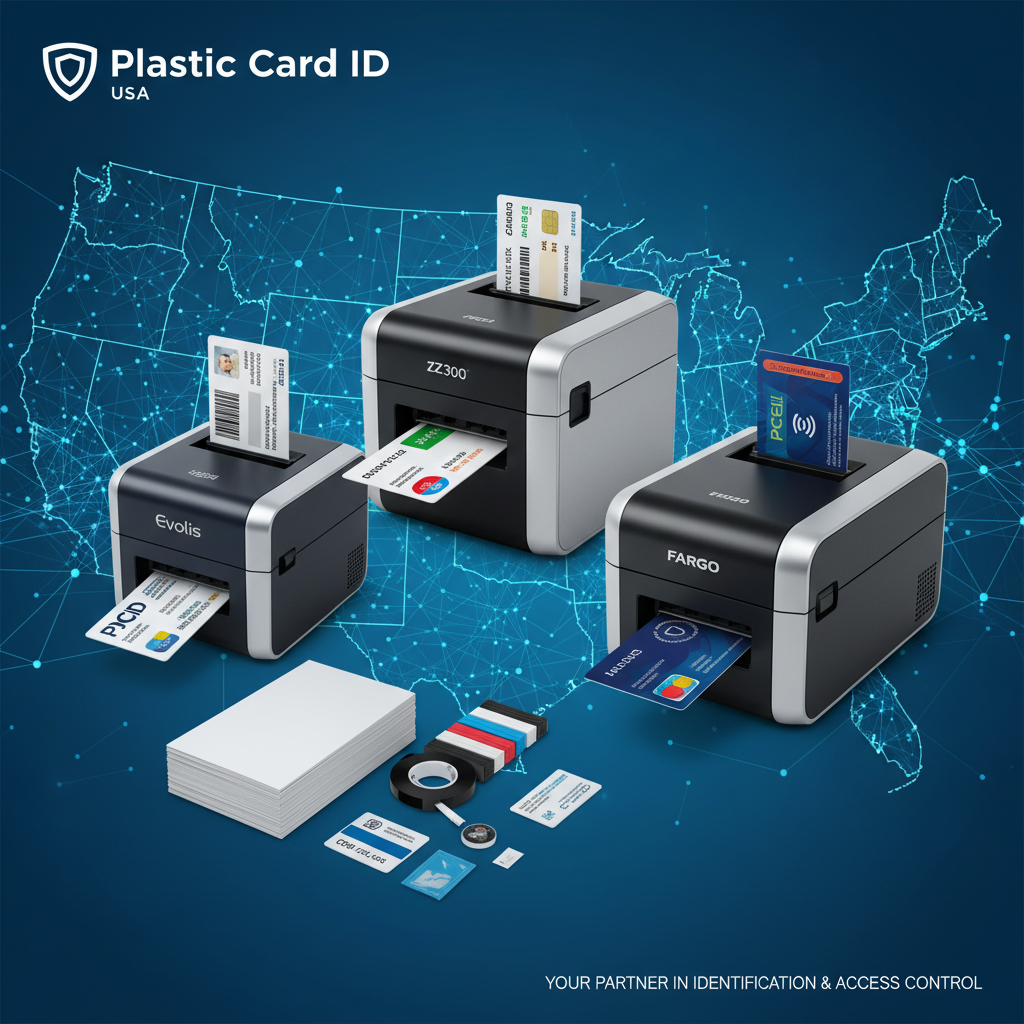
Buying a printer that is underpowered for your volume creates frustration; buying one that is overspecified wastes capital. The goal is a precise fit - a printer that handles your current needs comfortably while leaving reasonable headroom for growth, ideally with upgrade paths that protect your investment as requirements evolve.
Step One: Calculate Your Annual Card Volume
Annual card volume is the single most important specification filter. If your organization issues fewer than 1,000 cards per year, an entry-level unit like the Evolis Badgy200 handles the workload without over-investing in hardware. Organizations printing 1,000 to 6,000 cards per month need a mid-range workhorse - the Evolis Zenius or Primacy2 are purpose-built for this tier.
High-volume programs exceeding this range, or those requiring edge-to-edge premium output, should look at the Evolis Agilia or the appropriate Fargo and Zebra models for their security and throughput requirements. Getting the volume bracket right at the outset prevents the costly mistake of outgrowing your hardware within the first year.
Step Two: Identify Your Encoding and Security Requirements
Does your card program need to integrate with an access control system, a point-of-sale loyalty platform, or a time-and-attendance tracker? If so, magnetic stripe or smart chip encoding is a requirement, not an option. Confirm which encoding standard your downstream systems support before selecting a printer model or encoding module.
Security overlay requirements are equally important to assess upfront. Holographic overlaminates, UV-reactive security printing, and tamper-evident finishes add meaningful protection to high-value credentials. For organizations in regulated industries or high-security environments, these features should be treated as baseline requirements rather than optional upgrades to consider later.
Step Three: Factor in Consumable Costs and Availability
The total cost of ownership for a card printer extends well beyond the purchase price. Ribbon costs, cleaning supply expenses, and occasional print head servicing all contribute to the ongoing operational budget. Choosing a printer from a brand with readily available, competitively priced consumables is a long-term financial decision - not just a purchasing afterthought.
Contact 800.835.7919 to get a consumable cost estimate based on your projected annual volume. Plastic Card ID can model your total annual cost of ownership across multiple printer options, helping you make a genuinely informed comparison rather than a decision based solely on the sticker price of the hardware itself.
Common Questions About Buying Plastic Card Printers in the USA
 Buyers new to in-house card printing frequently arrive with a set of consistent questions about compatibility, setup complexity, and ongoing support. These are reasonable concerns - card printing equipment represents a meaningful investment, and understanding what you are committing to before you buy is simply good business practice.
The answers are generally more straightforward than most buyers expect. Modern card printers are designed for operation by non-technical staff, software compatibility is broad across major operating systems, and the consumable supply chain is well-established for all major brands carried by Plastic Card ID.
What Software Do I Need to Design and Print Cards?
Most plastic card printers are compatible with purpose-built ID card design software as well as general-purpose design applications. Evolis printers come bundled with card design software for entry and mid-level models, while enterprise environments often integrate with dedicated ID management platforms that connect directly to HR databases for automated data population. The printer itself functions as a standard printer driver on your Windows or Mac workstation - no specialized IT infrastructure is required for basic operation.
For organizations with more complex requirements - batch printing from a database, integration with an access control system, or web-based card issuance workflows - CPE can be connected with compatible software solutions that scale with the complexity of the program. The technology stack, from printer to software to card design, can be as simple or as sophisticated as your program demands.
How Long Does It Take to Get Up and Running?
For most organizations, a new card printer can be unboxed, configured, and producing its first cards within the same day it arrives. Entry-level and mid-range models like the Badgy200 and Zenius are designed with setup simplicity as a core feature. Driver installation, ribbon loading, and a test card print can typically be completed in under an hour by a staff member following the included documentation.
More complex configurations - dual-sided printing with encoding modules, integration with an access control database, or networked printing across multiple workstations - may require a half-day to full-day setup process. Either way, the ramp time to operational productivity is measured in hours, not weeks, which is a significant advantage over evaluating and onboarding a new external card vendor.
What Happens When I Need Support or Service?
Reaching a knowledgeable human being who understands your specific printer model and can walk you through a solution is a service differentiator that matters enormously when you are facing a deadline and your printer is not cooperating. Call 800.835.7919 to speak directly with the Plastic Card ID team - not an automated system, not a generic support queue, but people who know these printers thoroughly.
Beyond phone support, Plastic Card ID's experience across 25 years and more than 100,000 customer deployments means that virtually every issue a card printer can present has been encountered and resolved before. That depth of institutional knowledge is a genuine competitive advantage that distinguishes a seasoned specialist supplier from a general-purpose electronics retailer that happens to carry card printers in its catalog.
Get Started Today with Plastic Card ID - Your Trusted USA Plastic Card Printer Source
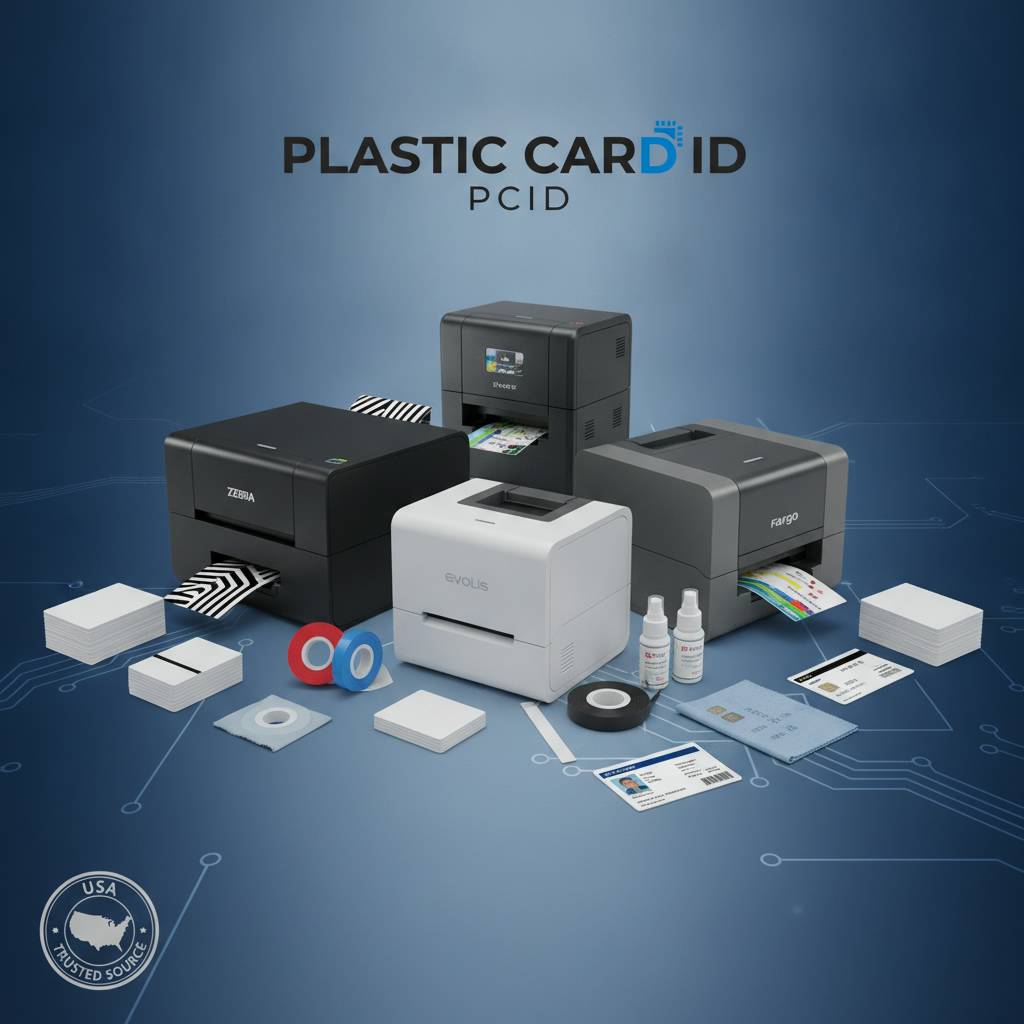 The question of where to buy plastic card printers in the USA has a clear answer for organizations that prioritize quality hardware, comprehensive consumable support, and a supplier with the experience to guide every stage of a card program - from initial printer selection through years of ongoing operation. Plastic Card ID has been that answer for over 25 years and more than 100,000 customers across every industry and every state.
The right printer for your organization is in their catalog. The ribbon, cleaning supplies, encoding modules, and lamination accessories you need to keep it running are there too. And the expertise to help you make a confident, well-informed purchasing decision is available every time you reach out.
Contact Plastic Card ID today at 800.835.7919 to speak with a card printing specialist, get a personalized printer recommendation based on your volume and requirements, and take the first step toward bringing professional plastic card production in house.
Previous Page