Plastic Card Printers: Compare Top Models and Brands
Table of Contents []
- Your Trusted Source for Plastic Card Printers - Plastic Card ID
- Understanding the Plastic Card Printer Landscape
- Supplies That Keep Your Card Program Running
- How to Choose the Right Plastic Card Printer for Your Organization
- Applications Across Industries: Who Uses Plastic Card Printers
- Frequently Asked Questions About Plastic Card Printers
- Get Started with Plastic Card ID - Your Plastic Card Printer Experts
Your Trusted Source for Plastic Card Printers - Plastic Card ID
 Walk into almost any organization that issues professional ID badges, membership cards, or access credentials, and you'll find the same quiet confidence shared by those who print in-house: total control over every card, every time. That's precisely what CPE has been delivering for over 25 years, helping more than 100,000 businesses across the United States set up, run, and scale their own card printing programs from the ground up.
Plastic card printers are not one-size-fits-all tools. A small community gym issuing 200 member cards per year has fundamentally different needs from a university campus printing 5,000 student IDs each semester - or an event company badging thousands of attendees on-site in a single afternoon. Plastic Card ID carries the full spectrum, curated from the most respected names in the industry, so that every buyer lands on exactly the right solution without overpaying or underbuying.
Why In-House Card Printing Changes Everything
Outsourcing card production to a third-party vendor might seem convenient until you're waiting two weeks for a replacement badge, or paying rush fees to update 50 cards after a logo change. In-house printing eliminates those friction points entirely. You print what you need, when you need it, with personalization baked into every single card.
Beyond speed and convenience, in-house printing means encoding happens under your roof. Magnetic stripes, smart chips, access control credentials - all of it can be written directly during the print cycle, no external vendor required. That's a level of operational independence that pays for the printer itself within months for most organizations.
A Quarter Century of Hardware Expertise
CPE has spent decades learning not just what printers do, but how real businesses use them day after day. That accumulated knowledge shapes every product selection decision, every support interaction, and every recommendation made to buyers who aren't sure where to start. This isn't a storefront that lists products and disappears - it's a team with genuine depth.
With over 100,000 customers served across industries as varied as hospitality, healthcare, education, retail, and government, Plastic Card ID has seen virtually every card printing scenario imaginable. That breadth of experience translates directly into better guidance for new buyers and reliable ongoing support for established programs.
What You Can Print and Why It Matters
The applications for plastic card printers are broader than most buyers initially realize. Employee ID cards are the obvious starting point, but the same printer that produces a staff badge can also print hotel key cards, student IDs, loyalty cards, membership credentials, event badges, and access control cards - all from the same hardware, often on the same afternoon.
Each card type brings its own requirements. Hotel key cards need magnetic stripe encoding. Access control badges may require smart chip integration. Membership and loyalty cards benefit from high-resolution full-color printing that makes them look premium enough to actually carry. Plastic Card ID stocks both the printers and the accessories that make each of these applications work cleanly and professionally.
| Printer Model | Brand | Volume Range | Best For |
|---|---|---|---|
| Badgy200 | Evolis | Up to 1,000 cards/year | Small offices, clubs, small events |
| Zenius | Evolis | 1,000-3,000 cards/month | Mid-size organizations, single-sided |
| Primacy2 | Evolis | Up to 6,000 cards/month | High-volume ID, dual-sided, encoding |
| Agilia | Evolis | Enterprise/industrial | Edge-to-edge, premium-quality output |
| Event Printer | Matica | High-speed bursts | On-site event badging at scale |
Understanding the Plastic Card Printer Landscape
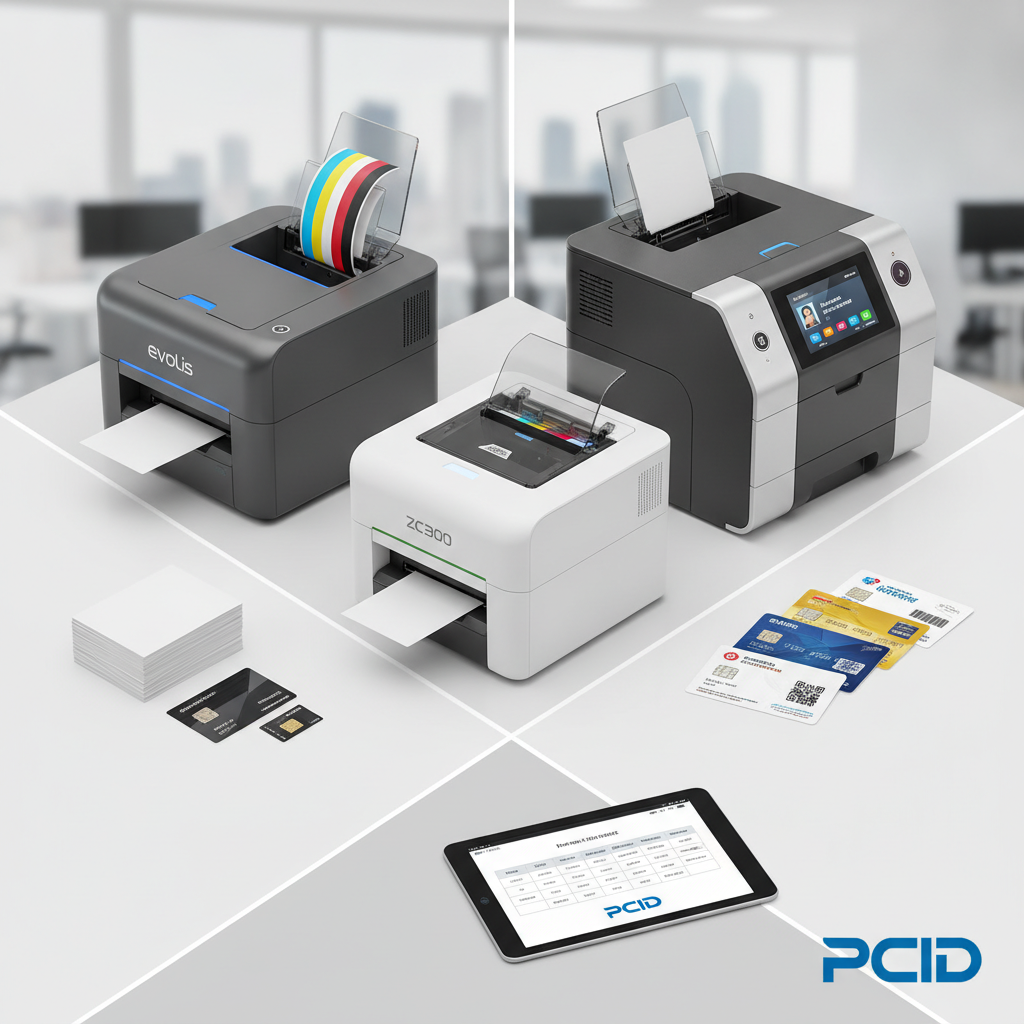 The market for plastic card printers is more nuanced than it appears at first glance. Dye-sublimation, direct-to-card, retransfer - each technology produces different results at different price points, and the best choice depends entirely on what you're printing, how often, and what quality threshold your application demands. Getting this decision right from the start avoids costly upgrades down the line.
Direct-to-card printers represent the most accessible tier, printing colors or monochrome images directly onto the card surface. They're fast, cost-effective, and perfectly suited to the vast majority of standard ID and credential applications. Retransfer printers like the Evolis Agilia take things further, printing onto a clear film that's then fused to the card - delivering edge-to-edge coverage and a level of print quality that direct-to-card simply cannot match.
Entry-Level Plastic Card Printers: Starting Smart
The Evolis Badgy200 is the natural entry point for organizations printing fewer than 1,000 cards per year. Don't let its compact footprint fool you - this printer produces clean, professional-grade cards with vivid color output at a price point that makes in-house printing immediately financially sensible even for the smallest operations.
Ideal candidates include small nonprofits issuing volunteer credentials, boutique fitness studios printing membership cards, or small businesses producing employee IDs for a team of 20. The Badgy200 handles these scenarios with ease and minimal setup overhead, making it a genuinely low-barrier entry into professional card printing.
Mid-Range Workhorses: Volume Meets Versatility
Step up in volume requirements and the Evolis Zenius and Primacy2 enter the conversation. The Zenius handles single-sided printing efficiently in the 1,000-3,000 cards per month range, while the Primacy2 extends that capability with dual-sided printing and optional magnetic stripe encoding built in - making it a remarkably capable machine for mid-size organizations.
Universities issuing student IDs, regional healthcare networks producing staff badges, hotels encoding key cards for hundreds of rooms - these are the environments where the Primacy2 earns its reputation. Reliability at sustained volume is what separates a mid-range workhorse from an overmatched entry-level printer, and the Primacy2 delivers that reliability consistently.
Industrial and Premium Tier: When Only the Best Will Do
The Evolis Agilia represents the premium end of the direct-to-card and retransfer spectrum - a machine built for organizations that cannot accept compromise on print quality or throughput. Edge-to-edge printing, high-resolution output, and robust construction make it the right tool for large enterprises, government agencies, and any organization for whom card quality is itself a brand statement.
Fargo and Zebra printers also occupy this tier, with particular strength in security-focused ID programs where encoding complexity, lamination, and card durability requirements are non-negotiable. CPE carries these brands alongside Evolis because different security architectures demand different hardware solutions, and having options matters.
Supplies That Keep Your Card Program Running
A plastic card printer without the right consumables is a very expensive paperweight. Ribbons, cleaning kits, lamination materials, and blank card stock are the ongoing operating costs of any card program, and sourcing them from a single trusted supplier makes program management dramatically simpler. Plastic Card ID supplies every consumable needed to keep any printer in the lineup running at peak performance.
Buying ribbons and supplies from the printer manufacturer's recommended sources isn't just a warranty consideration - it's a print quality consideration. Off-brand ribbons produce inconsistent color, premature printhead wear, and cards that look noticeably less professional. The right ribbon makes a measurable difference in every card you print.
Printer Ribbons: Choosing the Right Type
YMCKO ribbons - yellow, magenta, cyan, black, and overlay panels - are the standard choice for full-color card printing, delivering vibrant images and a protective clear coat in a single pass. Monochrome ribbons print a single color at significantly lower cost per card, making them ideal for high-volume applications where color isn't required, such as simple access control badges or loyalty cards with minimal design.
Specialty ribbons extend functionality further: scratch-off ribbons for promotional cards, metallic ribbons for premium aesthetics, and half-panel ribbons that combine color portrait areas with monochrome data fields for cost savings on hybrid card designs. Understanding which ribbon type suits which application is part of the expertise CPE brings to every customer interaction.
Cleaning Kits and Maintenance Supplies
Printhead longevity is directly tied to consistent cleaning. Dust, card debris, and ribbon residue accumulate over time and degrade print quality before they cause visible failures - meaning a printer that looks like it's working fine may be producing cards at 80% of its potential quality simply due to skipped maintenance cycles.
Cleaning kits are inexpensive and the cleaning process takes minutes. Printers that are cleaned regularly outlast neglected machines by years, producing better cards throughout their service life. Plastic Card ID stocks the appropriate cleaning kits for every printer model in the lineup, making it easy to keep maintenance schedules on track without hunting down supplier-specific materials.
Encoding Options: Magnetic Stripe and Smart Chip
Many organizations graduate from visual-only ID cards to encoded credentials as their programs mature. Magnetic stripe encoding writes data to the magnetic stripe on the back of the card during the print cycle, enabling hotel key functions, time and attendance tracking, and access control without any additional hardware steps after printing.
Smart chip encoding (contact and contactless) supports more sophisticated applications - higher-security access control, cashless payment on closed-loop systems, and multi-function credentials that carry personnel data, access levels, and identification simultaneously on a single card. Encoding upgrades are available for multiple printer models in the lineup, allowing organizations to add capability as their requirements grow. Reach out to CPE at 800.835.7919 to confirm which encoding options are compatible with your chosen printer.
How to Choose the Right Plastic Card Printer for Your Organization
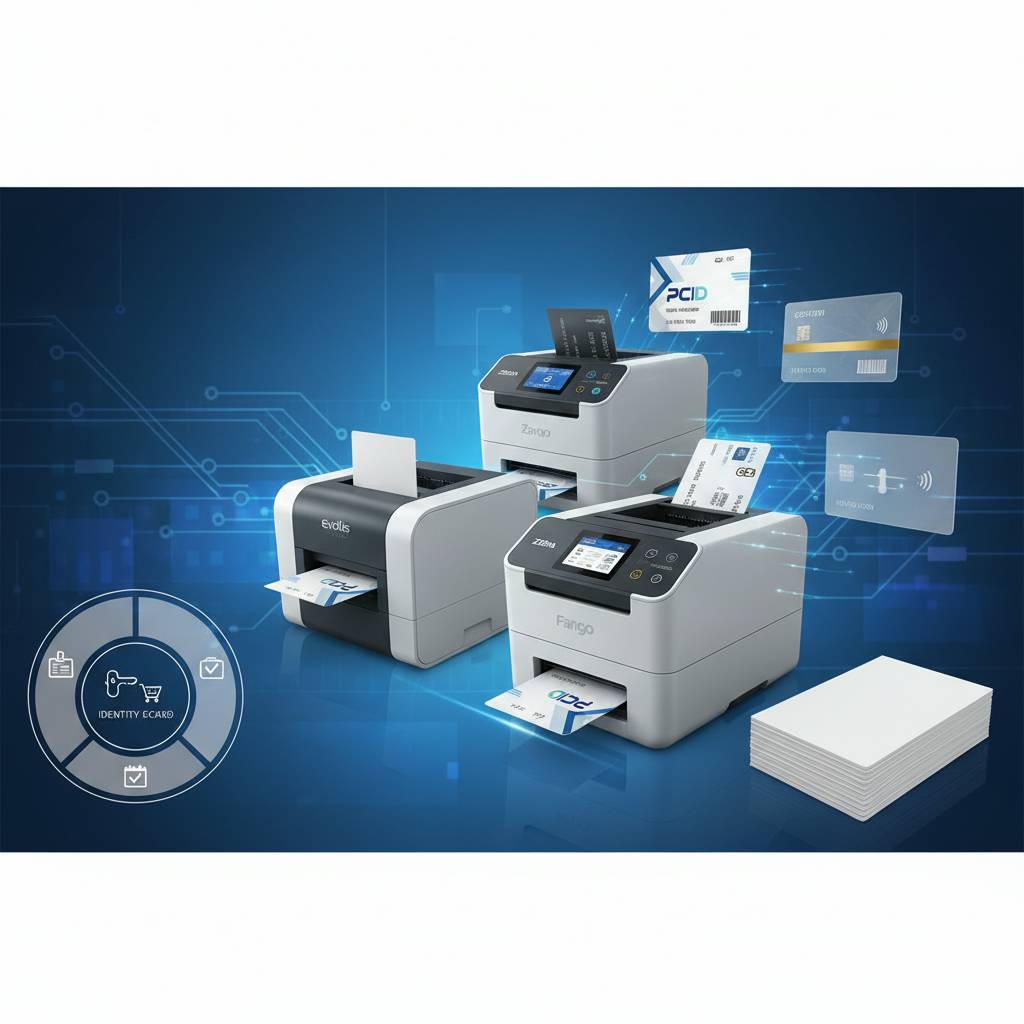 The buying decision for a plastic card printer hinges on a handful of variables that, once identified, make the right choice considerably more obvious. Volume is the first question - not how many cards you've printed in the past, but how many you realistically expect to print as your program scales. Buying for today's volume and ignoring next year's growth is one of the most common and most expensive mistakes in card printer procurement.
Print quality requirements, encoding needs, dual-sided versus single-sided output, and budget constraints all layer on top of the volume decision. Working through these variables systematically - ideally with input from a supplier who knows the full product range - produces buying decisions that hold up over time and avoid the frustration of a printer that was right for month one but wrong for month six.
Buyer's Guide: Key Questions to Ask Before Purchasing
- How many cards will you print per month or year? Under 1,000 annually points to entry-level hardware; 1,000-6,000 monthly suggests mid-range; higher volumes demand industrial-class machines.
- Do your cards need encoding? Magnetic stripe encoding covers most access and key card applications; smart chip encoding suits higher-security or multi-function credentials.
- Single-sided or dual-sided printing? Many ID cards carry information on both sides - employee photo on the front, contact details and barcode on the back.
- What is your print quality threshold? Standard credential printing works beautifully on direct-to-card machines; premium brand representation may justify retransfer technology.
- Will you need lamination? Overlay laminates extend card life dramatically in high-use environments like outdoor events or industrial facilities.
- What's the total cost of ownership? Factor ribbon cost per card, cleaning consumables, and potential encoding upgrades into the full program budget, not just the printer purchase price.
Matching Printer to Use Case
A corporate headquarters issuing employee IDs to 500 staff per year is a very different customer from a hotel chain encoding key cards across 12 properties. The former needs reliable color output, simple software integration, and minimal maintenance overhead. The latter needs magnetic stripe encoding, high throughput, and hardware durable enough to run multiple shifts without degradation.
Plastic Card ID structures its product lineup specifically to serve both of these customers - and every organization in between - without forcing buyers to navigate through products that don't fit their use case. The right printer match saves money, time, and operational headaches from day one.
Understanding Total Cost of Card Production
The printer purchase price is only one component of the financial picture. Ribbon cost per card typically runs $0.15-$0.50 for color YMCKO output depending on ribbon type and volume, while monochrome printing can drop that cost substantially. Blank PVC cards run $0.10-$0.40 per card depending on quantity and whether encoding capability is built in.
For most mid-size organizations printing 500-2,000 cards per month, total cost of card production runs $0.30-$0.90 per card all-in - a fraction of what outsourced card production costs, particularly when rush orders and vendor lead times are factored in. The math on in-house printing is compelling for nearly any organization with consistent card issuance needs.
Applications Across Industries: Who Uses Plastic Card Printers
 It's tempting to think of plastic card printers as niche tools for large enterprises with dedicated security teams. The reality is far broader. Organizations of every size and type - from community churches issuing volunteer credentials to regional hospital networks producing staff ID cards - rely on in-house card printing to maintain control, speed, and professionalism in their card programs.
The diversity of use cases is remarkable. A single mid-range printer might spend Monday morning printing employee IDs, Tuesday afternoon encoding hotel key cards, and Wednesday producing loyalty cards for a membership program - all using the same hardware, different card stock, and the appropriate ribbon for each job. That versatility is a core strength of modern card printer technology.
Corporate and Commercial Applications
Employee ID programs are the backbone of corporate card printing, but the needs extend well beyond a photo and a name. Access control credentials, visitor management cards, time and attendance badges, and contractor ID cards all flow through the same hardware. Large organizations with multiple departments may run several printers networked together to handle volume across sites.
Loyalty and membership programs are another significant commercial application. Retailers, restaurants, and service businesses issuing physical loyalty cards need print quality good enough to make customers actually want to carry the card - which means color accuracy, smooth card surface, and a finish that holds up to daily wallet use without fading or cracking.
Education and Healthcare
Universities and K-12 schools are among the highest-volume users of plastic card printers. Student IDs serve simultaneously as identification, library access credentials, cafeteria payment cards, and sometimes campus access control badges - a multi-function card that demands encoding capability alongside reliable, high-quality print output.
Healthcare environments have their own requirements: staff ID cards that comply with facility security protocols, patient identification cards in certain administrative contexts, and visitor management credentials. The common thread across healthcare applications is the need for reliability and consistency - cards that print correctly every time, because errors in a healthcare credentialing environment carry real operational consequences.
Events, Hospitality, and Access Control
The Matica Event Printer was built specifically for the scenario that breaks ordinary card printers: high-speed on-site badge production at events where hundreds or thousands of attendees need credentialed in a compressed time window. Conference organizers, trade show managers, and large venue operators know this pain point well, and the Matica addresses it with throughput that keeps registration lines moving.
Hotels represent a substantial and ongoing market for plastic card printers capable of encoding key cards. The ability to encode and print a replacement key card at the front desk in under 30 seconds, on demand, without relying on an outside vendor or pre-printed blank stock, is an operational capability that pays for itself quickly in any property with significant guest volume.
Frequently Asked Questions About Plastic Card Printers
After serving more than 100,000 customers, CPE has heard virtually every question a buyer might have about plastic card printers. The ones below come up most consistently - and the answers tend to apply broadly, regardless of which specific printer or application is under consideration.

What Maintenance Does a Card Printer Require?
Regular cleaning is the most important maintenance activity for any plastic card printer. Most manufacturers recommend running a cleaning card through the printer every time a new ribbon is installed - a process that takes about 90 seconds and extends printhead life significantly. Beyond ribbon-cycle cleaning, periodic deeper cleaning of the card feed path and rollers prevents the jams and misfeeds that interrupt production.
Printhead replacement is an eventual reality for any high-volume printer, but with proper cleaning and the use of quality ribbons, most printheads comfortably outlast the manufacturers' rated card count estimates. Maintenance is cheap; printhead replacement is not - the math on regular cleaning is unambiguous.
Can I Add Encoding to a Printer I Already Own?
For many models in the Evolis, Fargo, and Zebra lineups, encoding modules can be added post-purchase as upgrades rather than requiring a full printer replacement. Magnetic stripe encoders are the most commonly added upgrade, followed by contactless smart card readers. The availability of specific upgrades depends on the printer model, so confirming compatibility before purchase - or before investing in a post-purchase upgrade - is always worthwhile.
Contact CPE at 800.835.7919 to verify which encoding upgrades are available for your current or prospective printer model. Getting that confirmation before purchasing blank encoded card stock or planning a new access control deployment prevents the frustration of hardware incompatibility discovered mid-project.
How Long Do Plastic Card Printers Last?
A well-maintained plastic card printer from a reputable manufacturer - Evolis, Fargo, Zebra, or Matica - will routinely last 5-10 years or more in normal production environments. High-volume industrial machines are built to print hundreds of thousands of cards over their service life; entry-level desktop units carry rated lifespans that far exceed what most small organizations will ever demand of them.
The variables that most affect lifespan are maintenance consistency, ribbon quality, and operating environment. Printers used in dusty or humid environments without appropriate cleaning cycles show accelerated wear. Those operated within spec, cleaned regularly, and supplied with quality consumables consistently outperform their rated lifespans. Buying a reputable brand and treating it correctly is a long-term investment that pays dividends for years.
Get Started with Plastic Card ID - Your Plastic Card Printer Experts
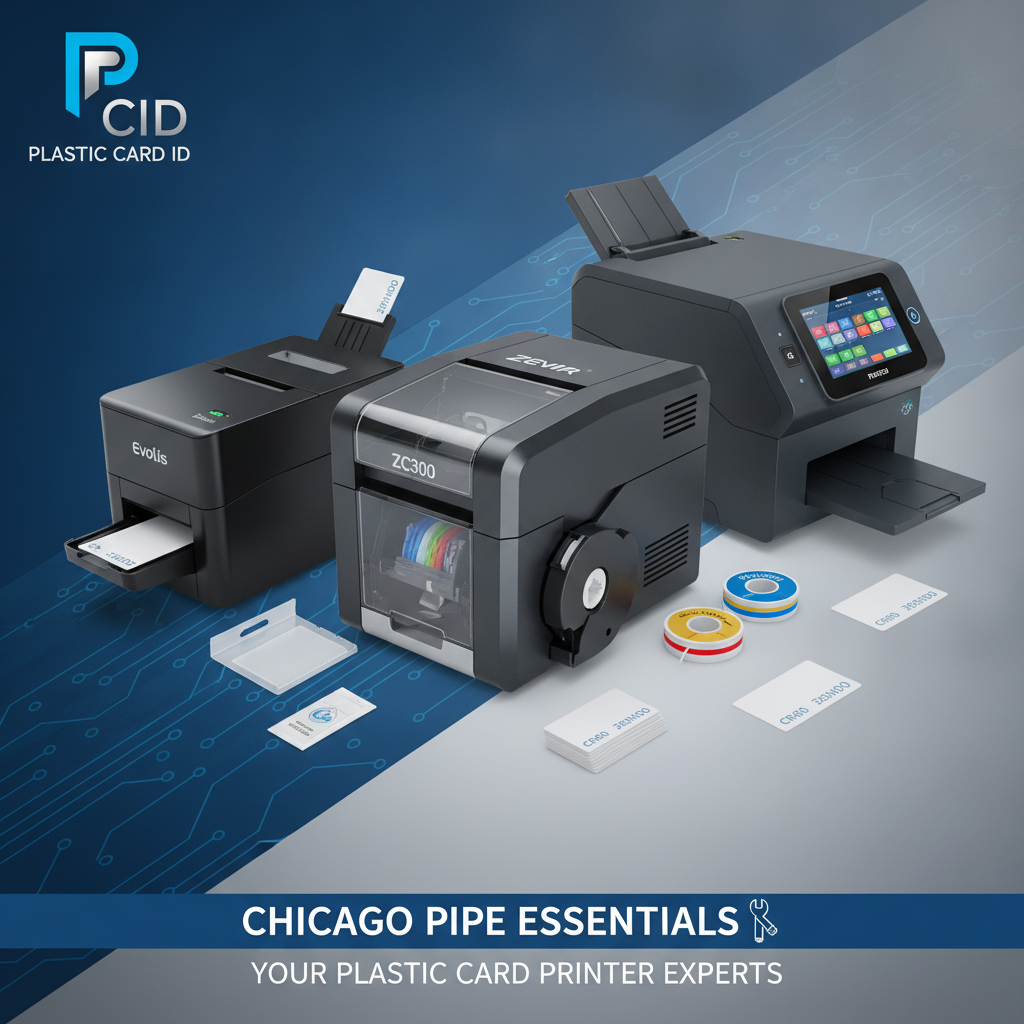 The decision to bring card printing in-house is one of the most straightforward operational improvements an organization can make. The hardware is accessible, the supplies are readily available, and the benefits - speed, control, personalization, encoding capability, and cost savings over outsourced production - compound from day one. What's needed is a supplier with the depth to match buyer to the right printer, and the reliability to keep supplies flowing once the program is running.
Plastic Card ID has been that supplier for more than 100,000 customers across 25 years, and the commitment to getting the match right hasn't changed. Whether you're setting up your first card printer or upgrading a high-volume program that's outgrown its current hardware, CPE brings the product knowledge and industry experience to make the process straightforward and the outcome reliable.
The Full Product and Support Ecosystem
Beyond the printers themselves, Plastic Card ID supplies the complete ecosystem: YMCKO and monochrome ribbons, specialty ribbon types, cleaning kits, lamination modules, encoding upgrade hardware, input hoppers for high-volume loading, and card carriers and sleeves for finished card protection and presentation. Everything a functioning card program needs is available from one source.
One supplier for hardware, supplies, and support means fewer vendor relationships, simpler reordering, and faster resolution when questions arise. That operational simplicity has real value for organizations managing card programs alongside everything else they do - which is to say, virtually every customer CPE serves.
Reach Out and Get the Right Recommendation
Every buyer's situation is different, and the best plastic card printer for your organization depends on your specific volume, quality requirements, encoding needs, and budget. The fastest path to the right answer is a conversation with someone who knows the full product range and has seen your use case before - which is exactly what Plastic Card ID provides.
Call 800.835.7919 to speak with a plastic card printer specialist who can walk through your requirements, compare the right options from the Evolis, Fargo, Zebra, and Matica lineups, and make sure you invest in hardware and supplies that will serve your program reliably for years to come.
Contact Plastic Card ID today at 800.835.7919 and put 25 years of plastic card printer expertise to work for your organization.
Previous Page