Dye Sublimation Card Printer Explained: How It Works
Table of Contents []
- What Plastic Card ID Wants You to Know About Dye Sublimation Card Printers
- Choosing the Right Dye Sublimation Printer for Your Volume
- The Anatomy of a Dye Sublimation Print Job
- Ribbons, Supplies, and the Real Cost Per Card
- What Organizations Use Dye Sublimation Card Printers For
- Frequently Asked Questions About Dye Sublimation Card Printers
- Why In-House Card Printing Beats Outsourcing Every Time
- Get Started With Plastic Card ID Today
What Plastic Card ID Wants You to Know About Dye Sublimation Card Printers
 Walk into almost any organization that prints professional ID cards in-house, and there is a good chance the machine doing the work uses dye sublimation technology. It is the dominant process in the card printing world, yet most buyers have never had it explained in plain language. That gap leads to poor purchasing decisions, wasted ribbons, and cards that do not look or perform the way they should.
This page fixes that. Whether you are shopping for your first card printer or upgrading an aging unit, understanding dye sublimation from the ground up will help you choose the right hardware, the right supplies, and the right workflow for your specific volume and quality requirements. CPE has been supplying card printers to American businesses for over 25 years, and this is the explanation they wish every customer had read before calling.
The Core Concept: Heat, Dye, and Precision
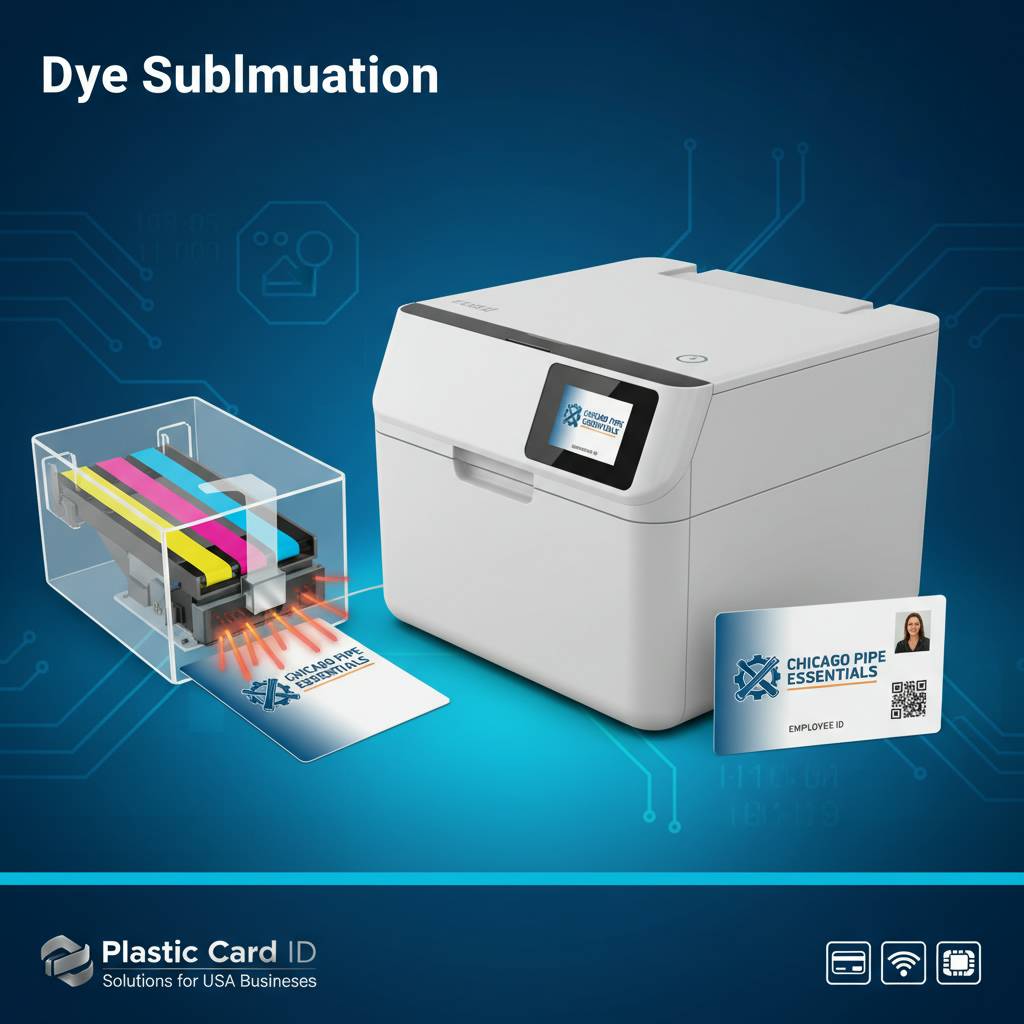
Dye sublimation is a thermal printing process in which heat converts solid dye directly into a gas - skipping the liquid phase entirely. That gas then permeates the surface of a PVC card and bonds at a molecular level before re-solidifying. The result is an image that is not sitting on top of the card; it is inside the card surface.
This matters enormously for durability and image quality. Because the dye is embedded rather than layered, you get continuous-tone gradients, smooth color transitions, and photographic-quality detail that ink-based processes cannot replicate at this card size. Employee portraits, logos with subtle color gradations, barcodes, and fine-print text all render with exceptional clarity.
How the Ribbon Does the Work
The ribbon in a dye sublimation card printer is not ink. It is a thin film divided into colored panels - typically yellow (Y), magenta (M), cyan (C), a black resin (K) panel for sharp text and barcodes, and an overlay (O) panel that applies a protective clear coating. The ribbon advances in sync with the card, and a thermal printhead with thousands of individually controlled heating elements vaporizes precise amounts of dye from each panel.
The printhead passes over the card three times for color - once per primary color - then a fourth time for the resin black panel, and a fifth for the overlay. Each pass deposits exactly as much dye as the image data demands, which is how the process achieves those seamless, photographic tonal ranges. The overlay is not optional - it seals the image and dramatically extends card life in daily handling conditions.
Dye Sub vs. Resin Thermal Transfer: Know the Difference
Not everything a card printer produces uses dye sublimation. The black (K) panel in a YMCKO ribbon is actually resin thermal transfer - a different process that melts a solid resin onto the surface rather than sublimating dye into it. Resin produces razor-sharp edges, which is why it handles text and linear barcodes better than pure dye sublimation could.
Some printers use monochrome ribbons that are entirely resin-based for single-color output - black text on a white card, for example. These are faster and cheaper per card but produce no photographic color. Understanding this distinction helps buyers choose the right ribbon type for each card design and avoid paying for full-color capability they may not always need.
| Print Process | Best For | Typical Ribbon Type | Color Capability |
|---|---|---|---|
| Dye Sublimation | Photos, gradients, full-color IDs | YMCKO, YMCKOKO | Full photographic color |
| Resin Thermal Transfer | Text, barcodes, single-color cards | Monochrome resin | Single color only |
| Hybrid YMCKO | Full-color cards with sharp text | YMCKO (mixed) | Full color plus crisp black |
| Inkjet/Laser | Paper documents, not cards | Ink/toner | Variable, surface-only |
Choosing the Right Dye Sublimation Printer for Your Volume
 One of the most common mistakes buyers make is matching a printer to their card design rather than their card volume. A printer that produces stunning full-color output is useless if it overheats under production demand, or conversely, an industrial unit is an expensive overcommitment for an organization printing 200 cards a year. Volume is the primary selection filter, and every other feature decision flows from it.
CPE organizes their printer lineup by output scale, which makes it straightforward to identify a starting point. From there, buyers layer in the specific features their card program requires - dual-sided printing, encoding, lamination - without paying for capabilities they will never use.
Entry-Level: Under 1,000 Cards Per Year
The Evolis Badgy200 is the benchmark entry-level dye sublimation printer. It is compact, USB-connected, and straightforward to operate, making it an ideal fit for small businesses, nonprofits, schools, and any organization that needs professional cards without a dedicated print operator. At this volume tier, per-card cost is less critical than ease of use and low upfront investment.
Entry-level printers still deliver the same dye sublimation quality as their industrial counterparts. The tradeoff is print speed, input capacity, and duty cycle. These units typically hold 20-50 cards in the feeder, print one card at a time, and are designed for occasional batch runs rather than continuous daily production.
Mid-Range: 1,000 to 6,000 Cards Per Month
The Evolis Zenius and Primacy2 represent the mid-range sweet spot where most organizations with active card programs land. The Zenius handles single-sided printing with high color accuracy and a faster throughput than entry-level units, while the Primacy2 adds dual-sided printing capability in a single pass - critical for any card design that uses both faces.
Dual-sided printing is a genuine productivity multiplier. Rather than manually flipping cards or running two separate print jobs, the printer flips internally, deposits the second side, and ejects a finished card in one seamless operation. Both models also support optional magnetic stripe encoding upgrades, allowing the printer to write data to the card's magnetic stripe during the same print job.
Premium and High-Volume: When Quality and Speed Both Matter
The Evolis Agilia sits at the top of the quality spectrum, engineered for organizations that demand edge-to-edge printing, exceptional color accuracy, and a polished result on every single card. It suits environments where cards represent the organization's brand at a premium level - executive access cards, high-end membership programs, and credentials that will be displayed or scrutinized closely.
For event environments where hundreds or thousands of badges must be produced quickly on-site, the Matica Event Printer shifts the performance calculus from quality-per-card to throughput. High-speed batch printing, robust media handling, and a form factor suited to event production environments make it the tool of choice for conferences, trade shows, and large-scale access credentialing. Call 800.835.7919 to discuss which printer matches your specific throughput requirements.
The Anatomy of a Dye Sublimation Print Job
Understanding what actually happens during a print job helps operators troubleshoot problems, maintain their equipment properly, and get consistently excellent output. The process involves more steps than most users realize, each of which can affect the final result if something goes wrong.
Most issues with dye sublimation card printers - streaky color, banding, ghosting, poor overlay adhesion - trace back to one of three causes: a dirty printhead, a degraded ribbon, or incorrect card stock. Knowing the print job sequence makes it much easier to isolate which factor is at play.
From Card Feed to Card Eject: Step by Step
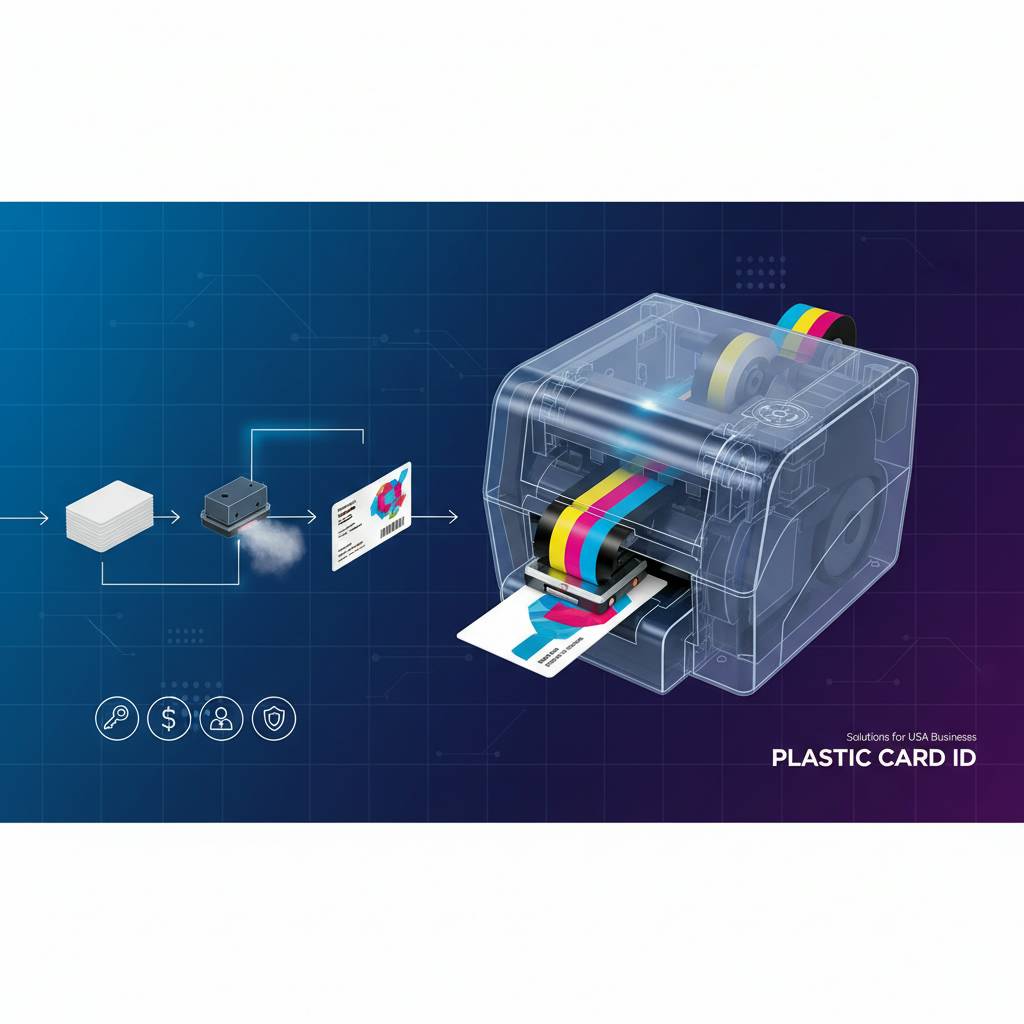
A blank PVC card is drawn from the input hopper by a series of precision rollers. The card travels along an internal transport path, where it is first cleaned by a sticky cleaning roller that removes dust and surface debris. This step is often overlooked, but contamination on the card surface at this stage will appear as a visible artifact in the finished print.
The cleaned card then enters the print zone, where the thermal printhead makes its first pass with the yellow panel. The head heats microscopically to transfer varying intensities of yellow dye across the card. The card retracts, the ribbon advances to the magenta panel, and the process repeats, then once more for cyan. The card is now a fully rendered color image - vibrant but unprotected.
Resin Black and Overlay: Completing the Card
After the three color passes, the ribbon advances to the resin black (K) panel. Unlike the dye panels, this pass applies a surface layer of melted black resin specifically over the text, barcode, and line-art elements in the card design. The resin process creates edges sharp enough to satisfy even demanding barcode scanners and fine-print legibility standards.
The overlay (O) panel is the final and arguably most important pass. The clear protective coating bonds over the entire printed surface, sealing the dye and resin layers. Without it, cards scratch easily, colors fade faster, and the card surface degrades within weeks of daily handling. High-quality overlay panels also provide a UV-resistant layer that protects against fading from fluorescent and sunlight exposure.
Encoding During the Print Cycle
Printers equipped with magnetic stripe encoding modules perform encoding either before or after printing, depending on the printer model. The encoding station writes data - cardholder ID numbers, access levels, loyalty program account numbers, or any structured data string - to the card's magnetic stripe as it passes through. This happens in the same job sequence triggered by a single software command.
Smart chip encoding works similarly, with a contact station that communicates with the chip embedded in the card. These encoding upgrades transform a card printer into a complete card issuance workstation, eliminating the need for a separate encoding device and dramatically simplifying the production workflow for access control cards, student IDs, and membership programs with electronic account data.
Ribbons, Supplies, and the Real Cost Per Card
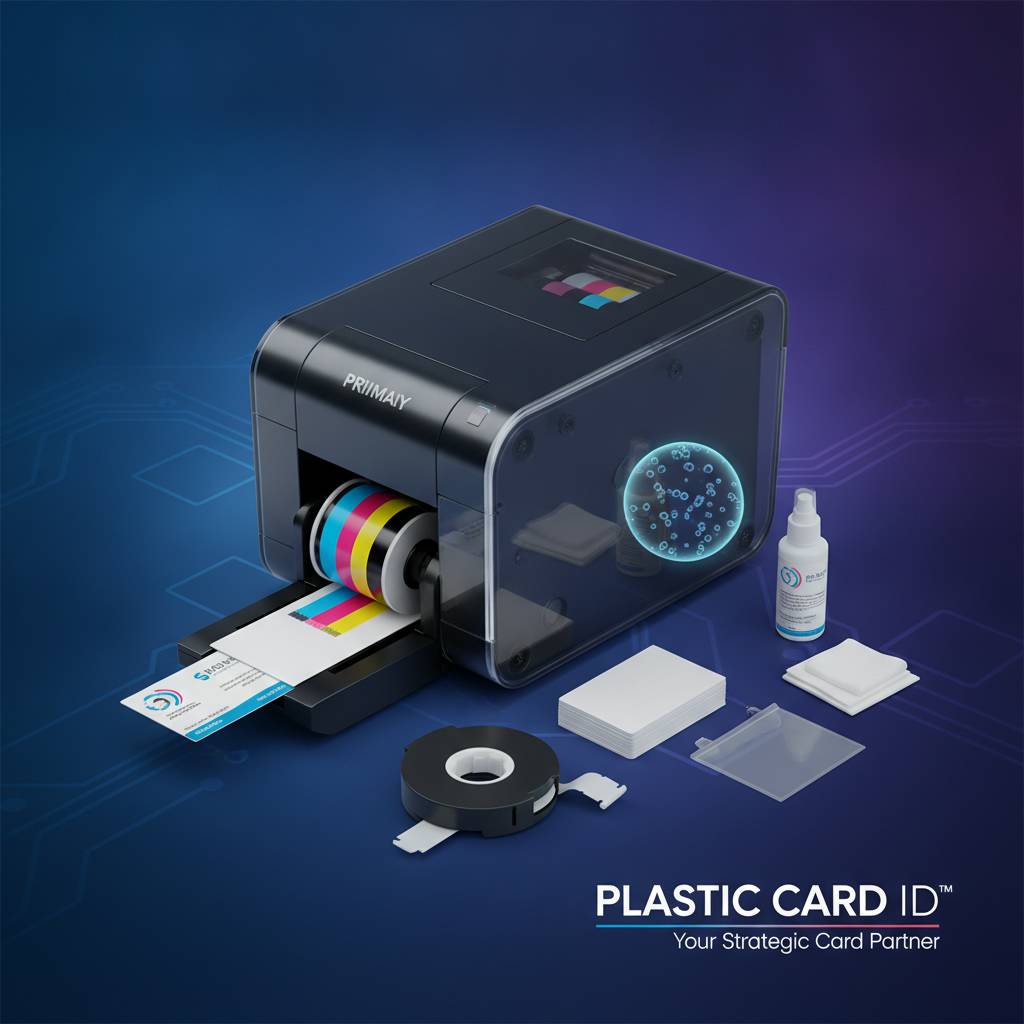 The sticker price of a card printer is only part of the financial picture. The ongoing cost of consumables - ribbons, cleaning kits, and optional laminate film - determines the real per-card cost over the life of the machine. Buyers who overlook this often find themselves surprised by operating expenses that dwarf the original hardware investment at moderate to high volumes.
Calculating true cost per card requires knowing the printer's ribbon yield, the card design's coverage ratio, and the cleaning frequency. CPE helps customers run these numbers before purchasing so there are no surprises once the printer is in production.
Understanding Ribbon Types and Their Yields
YMCKO ribbons are the standard consumable for full-color card printing. A typical YMCKO ribbon produces 200-500 prints per roll depending on the printer model and brand, with per-card costs generally ranging from $0.35-$0.90 per card at retail ribbon pricing. YMCKOKO ribbons - which add a second overlay panel - are optimized for dual-sided printing, applying overlay to both faces in a single ribbon pass.
Monochrome ribbons are significantly cheaper per card, often $0.05-$0.15 per card, and are the right choice for cards that require only a single color - visitor badges, internal access cards with no photo, or loyalty punch cards. Specialty ribbons including scratch-off panels, metallic finishes, and holographic overlay options exist for specific applications that demand security or visual distinction.
Cleaning Kits: The Maintenance Consumable Most People Skip
Every card printer manufacturer includes a recommended cleaning schedule in their documentation, and almost every premature printhead failure or degraded print quality issue can be traced to ignored maintenance. Cleaning kits typically include adhesive cleaning cards and isopropyl alcohol cleaning swabs sized for the printhead and transport rollers.
Running a cleaning card after every ribbon change is the minimum baseline. In high-volume environments, a more frequent schedule - every 100-200 prints - keeps the transport path clear of dye residue and the printhead free of buildup that causes streaking. The cost of a cleaning kit is trivial compared to the cost of a printhead replacement, which can run $150-$400 depending on the printer model.
Lamination Modules: Extra Protection for High-Use Cards
Lamination modules add a thin film over the printed card surface - either a clear topcoat or a holographic security laminate. This is a separate physical layer applied after the dye sublimation print cycle, distinct from the standard overlay panel in the ribbon. Laminate-equipped cards are substantially more durable and resist tampering, making them the preferred choice for government-issued IDs, high-security access cards, and cards subject to heavy daily handling.
The tradeoff is cost and throughput - lamination adds time per card and a per-card laminate film cost. For organizations where card durability and security features justify the investment, it is a worthwhile upgrade. For standard employee ID programs with annual reissuance cycles, the standard ribbon overlay is typically sufficient.
What Organizations Use Dye Sublimation Card Printers For
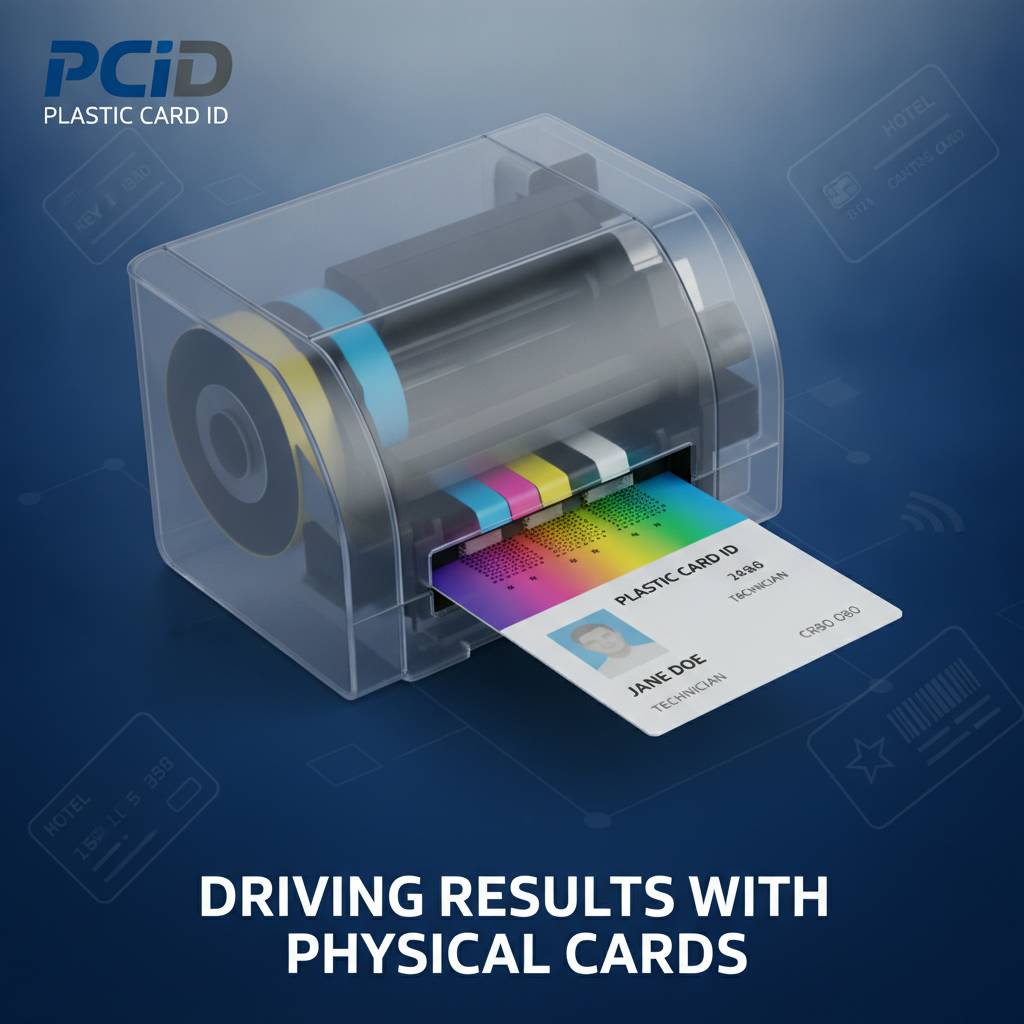 The applications that drive card printer purchases are remarkably diverse. The underlying technology is the same across all of them, but the specific printer model, ribbon type, encoding option, and card format vary significantly based on what the card needs to do after it leaves the printer.
Below are some of the most common card programs that organizations across the United States run in-house using dye sublimation printers supplied by CPE.
Employee ID and Access Control Cards
Employee ID programs are the most common application for in-house card printing. A typical employee ID card carries a color photo, the employee's name and department, the company logo, a barcode or QR code, and optionally a magnetic stripe or smart chip for building access. Producing these cards in-house means new hires get their badge on day one rather than waiting days or weeks for an outside vendor.
Access control cards are a natural extension of the employee ID program. When the printer includes a magnetic stripe encoder or smart chip station, the same card that displays the employee's identity also carries the electronic credential that unlocks doors, logs attendance, or interfaces with time and attendance systems. The entire issuance process - print, encode, laminate if required - happens at the HR desk in under two minutes per card.
Membership, Loyalty, and Student ID Cards
Membership organizations - gyms, clubs, professional associations, libraries - use dye sublimation printers to produce personalized membership cards that reinforce brand identity and carry member account data on the magnetic stripe. Printing these in-house eliminates minimum order quantities from outside vendors, allows immediate card issuance at signup, and keeps member data entirely under organizational control.
Student ID programs at schools and universities have similar requirements: photo personalization, barcode or magnetic stripe for library or cafeteria access, and the flexibility to print replacement cards for lost or damaged IDs on demand. The Evolis Primacy2 is a particularly popular choice for educational institutions running active student ID programs in the mid-volume range.
Hotel Key Cards and Event Credentials
Hotel key cards present a slightly different use case - the visual design may be relatively simple, but magnetic stripe encoding is essential, and volume can be significant in larger properties. Properties that personalize room key cards with guest names or room numbers use dye sublimation printing combined with encoding to produce customized keys at check-in.
Event credentials - conference badges, trade show passes, festival wristband IDs - often need to be produced in large quantities on-site with minimal lead time. The Matica Event Printer was engineered specifically for this scenario. On-site badge production eliminates the logistical risks of pre-printed credentials - last-minute attendee changes, lost badges, and late registrations become trivially easy to handle when a production-capable printer is on the show floor.
| Application | Typical Volume | Recommended Printer Tier | Common Encoding Need |
|---|---|---|---|
| Employee ID / Access | 100-2,000/month | Mid-range | Magnetic stripe or smart chip |
| Membership / Loyalty | 50-500/month | Entry to mid-range | Magnetic stripe |
| Student IDs | 500-3,000/semester | Mid-range | Barcode / magnetic stripe |
| Hotel Key Cards | 200-2,000/month | Mid-range | Magnetic stripe |
| Event Credentials | High burst volume | High-speed event printer | Optional |
Frequently Asked Questions About Dye Sublimation Card Printers
These are the questions CPE hears most often from buyers at every stage of the process - from first-time purchasers trying to understand whether this technology is right for them, to experienced operators troubleshooting a specific print quality issue.
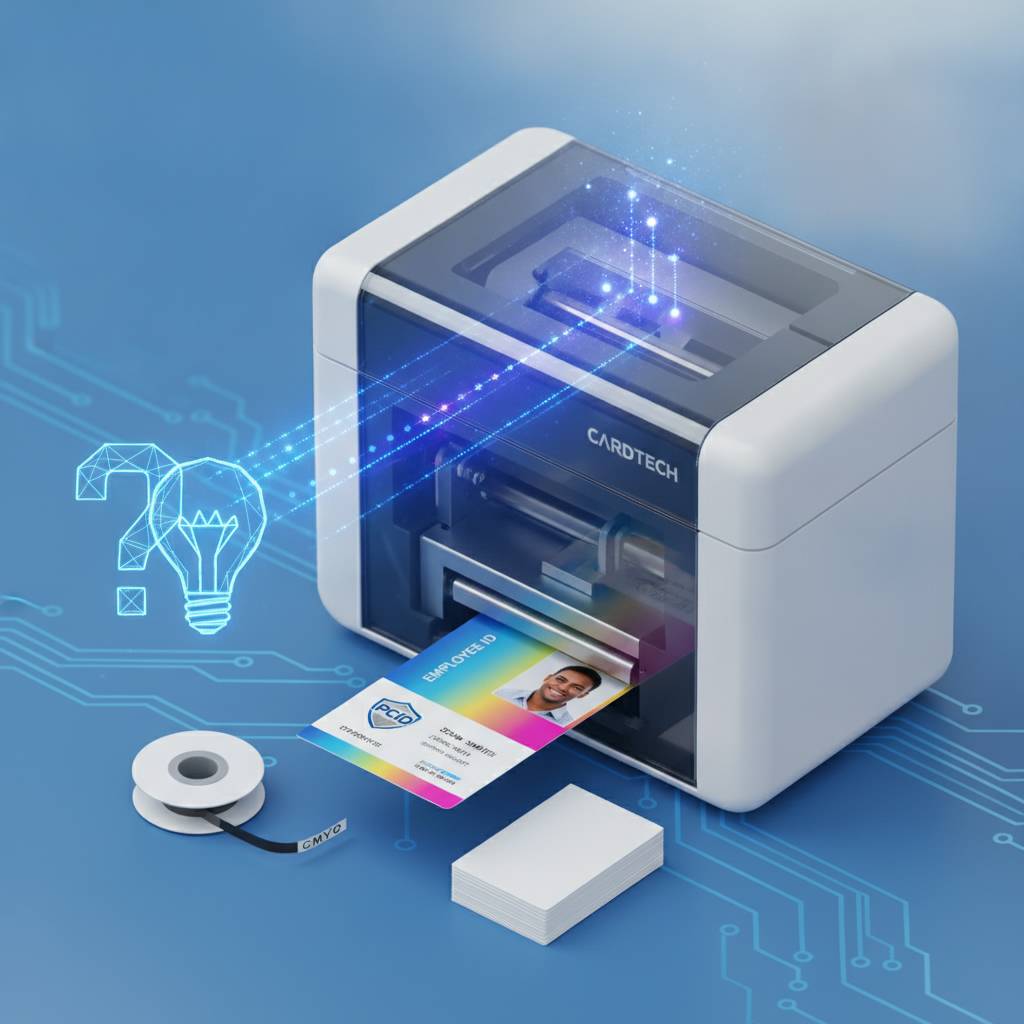
Can I use any ribbon in my card printer?
No. Ribbon compatibility is model-specific. Each printer manufacturer designs their ribbons to work with their printheads at specific heat profiles and ribbon tensions. Using third-party or incompatible ribbons can produce inconsistent color, damage the printhead, or void the manufacturer warranty. Always match the ribbon to the printer model exactly.
That said, most printers in the Evolis, Fargo, Zebra, and Matica lineups support multiple ribbon types - YMCKO, monochrome, YMCKOKO, specialty - so there is flexibility within the compatible ribbon family. The question is not whether flexibility exists, but whether you are staying within the manufacturer-specified options for your specific unit.
How long do dye sublimation cards last?
With standard YMCKO ribbon printing and a proper overlay panel, a PVC card produced on a dye sublimation printer can maintain its image quality and physical integrity for 3-5 years under normal use conditions. Cards that face heavy daily handling, frequent swiping, or outdoor exposure benefit significantly from lamination module upgrades, which can extend functional life to 7-10 years.
The biggest enemies of card longevity are abrasion, UV exposure, and chemical contact - particularly hand sanitizers and cleaning agents, which can attack the card surface. Cardholders who store their IDs in a protective card sleeve dramatically reduce surface wear. Card sleeves are an inexpensive consumable that meaningfully extends card program lifespan.
Do I need special software to print cards?
- Most dye sublimation card printers include basic card design software at no additional cost.
- Dedicated ID card software packages like CardPresso or Evolis tools offer database connectivity for batch printing from employee or member records.
- For organizations with existing HR or membership databases, ODBC or CSV import functions allow direct data pull for personalized batch runs.
- Encoding setup requires software that supports the appropriate encoding protocol for your magnetic stripe or smart chip specification.
- Most printers connect via USB; network-capable models allow shared printing from multiple workstations.
The software requirement scales with the complexity of your card program. A small organization printing 10-20 cards per month from a simple template needs very little beyond the included software. An HR department printing 500 new hire badges per month from an active directory will benefit from a more robust ID management platform. Contact 800.835.7919 to discuss software compatibility with any printer in the lineup.
Why In-House Card Printing Beats Outsourcing Every Time
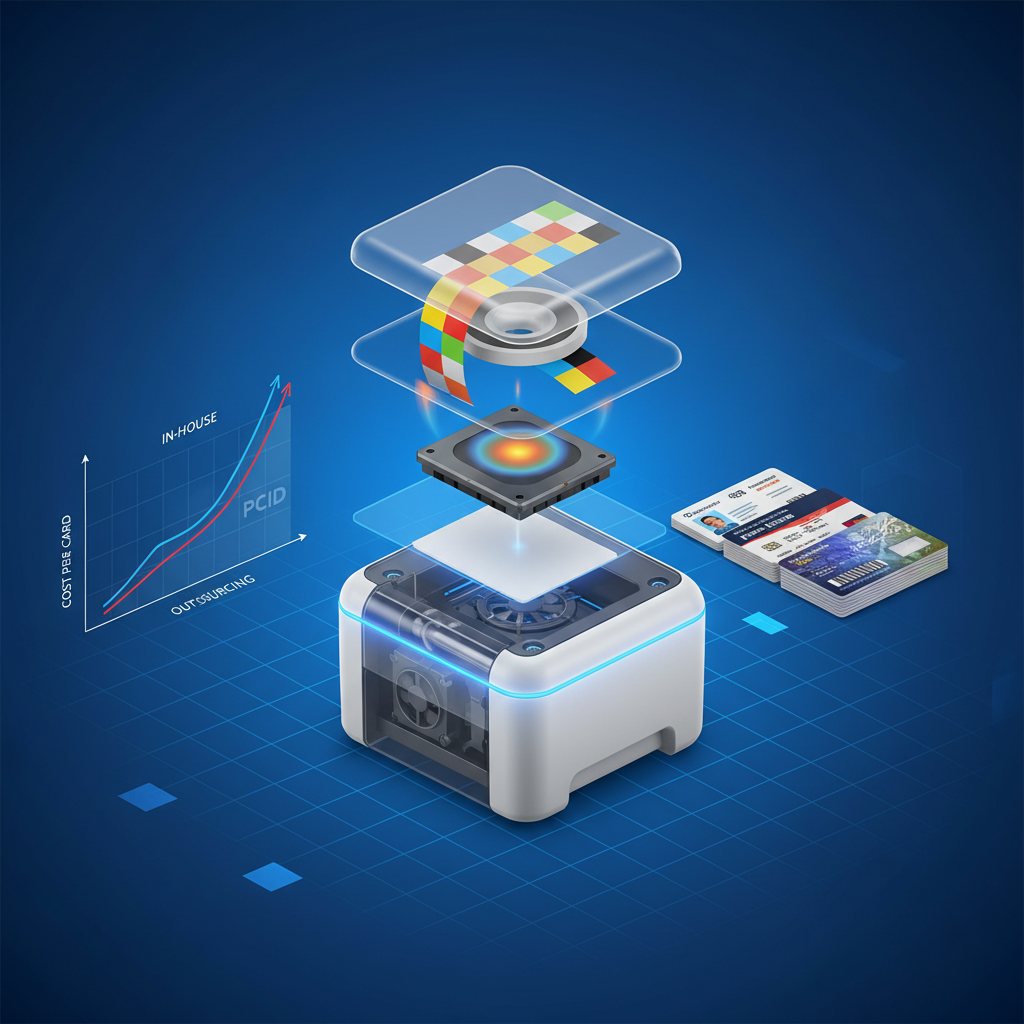 There is a persistent assumption in organizations new to card printing that outsourcing to a card production vendor is the simpler or more economical choice. For very low-volume, infrequent programs that have no personalization requirements and no encoding needs, that can be true. For virtually every other scenario, in-house printing is faster, cheaper, and more flexible once the initial printer investment is made.
The math is straightforward at volume. A mid-range card printer amortized over its useful life - typically 5-7 years for mid-range units used within rated duty cycles - results in hardware costs that become negligible per card. Meanwhile, the per-card cost from a vendor includes their overhead, markup, shipping, and minimum order requirements, none of which apply to in-house production.
Speed and Control: The Operational Advantages
Printing a card in-house takes minutes. Ordering from an outside vendor takes days to weeks. For organizations with any operational sensitivity to card issuance speed - onboarding new employees, issuing replacement IDs, activating new members on signup - that difference is not trivial. It is the difference between a smooth process and a broken one.
Control over the card data is equally significant. When you print in-house, your employee photos, names, ID numbers, and encoded data never leave your facility. For security-conscious organizations - healthcare, government contractors, financial firms, educational institutions - this is not a nice-to-have. Data sovereignty over credential issuance is a genuine operational security requirement.
Personalization at Scale: What Outside Vendors Cannot Match
No outside vendor can personalize 50 cards and ship them overnight at a per-card cost that makes sense for a mid-size organization. In-house dye sublimation printing handles personalization - unique photos, names, ID numbers, variable barcodes - as efficiently as batch printing generic cards. Each card is a distinct print job, but the printer handles the variation automatically from the database-connected software.
This capability is what makes in-house printing so powerful for membership programs, student ID issuance, and employee onboarding. Personalization is not a premium add-on - it is the default output of a dye sublimation printer connected to a database. The same hardware that prints one card prints five hundred, with every card personalized, at a fraction of the per-card cost a vendor would charge for the same work.
Fargo and Zebra: Security-Focused ID Programs
Fargo and Zebra printers bring additional capabilities to organizations running security-sensitive credential programs. Fargo's HDP (High Definition Printing) technology adds a retransfer step that produces edge-to-edge printing even on cards with embedded chips or uneven surfaces - a critical capability for smart card programs where the chip creates a slight surface relief. Zebra printers are similarly suited to high-throughput, security-focused deployments where reliability and encoding integration are paramount.
Organizations running access control programs that interface with established physical security platforms often specify Fargo or Zebra hardware for its compatibility with those ecosystems. CPE carries the full lineup and can advise on compatibility with specific access control platforms before a purchase is made, eliminating integration surprises after deployment.
Get Started With Plastic Card ID Today
 CPE has been the trusted source for professional card printing hardware across the United States for over 25 years, with more than 100,000 customers who have relied on their expertise to build and maintain card programs of every size and type. Whether you are printing 100 cards a year or 100,000, the right printer exists in the lineup, the right supplies are in stock, and the knowledge to match them to your specific program is a phone call away.
Dye sublimation card printing delivers professional-grade results that surface-printing technologies simply cannot match. The embedded dye process, the hybrid resin black panel, the protective overlay, the optional encoding and lamination - every element of the technology has been refined over decades into a reliable, cost-effective production process that organizations across every industry depend on daily. You now understand how it works, which gives you a genuine advantage as a buyer.
Your Next Step
Reach out to Plastic Card ID to discuss your card program requirements in detail. Describe your volume, your card design requirements, your encoding needs, and your budget. The team will identify the right printer, the right ribbon type, and the right accessories to build a complete, operational card printing workstation. There is no guesswork and no overselling - just an accurate match between what you need and what the hardware delivers.
The conversation costs nothing, and the clarity it provides is worth a great deal when you are making a hardware purchase that will anchor your card program for the next five to seven years. Call Plastic Card ID at 800.835.7919 today and speak directly with a card printing specialist who has seen every application, every volume tier, and every technical requirement that professional card programs produce.
Ready to print professional cards in-house? Contact Plastic Card ID at 800.835.7919 and let their experts build the right solution for your program.
Previous Page