Desktop Plastic Card Printer: Compact Solutions for Any Office
Table of Contents []
- Why Plastic Card ID Is the Go-To Source for Desktop Plastic Card Printers
- Choosing the Right Desktop Plastic Card Printer for Your Volume
- Supplies and Accessories That Keep Your Program Running
- Use Cases: Who Actually Needs a Desktop Plastic Card Printer?
- Frequently Asked Questions About Desktop Card Printers
- Why In-House Printing Beats Outsourcing Every Time
- Partner with Plastic Card ID for Your Desktop Card Printing Program
Why Plastic Card ID Is the Go-To Source for Desktop Plastic Card Printers
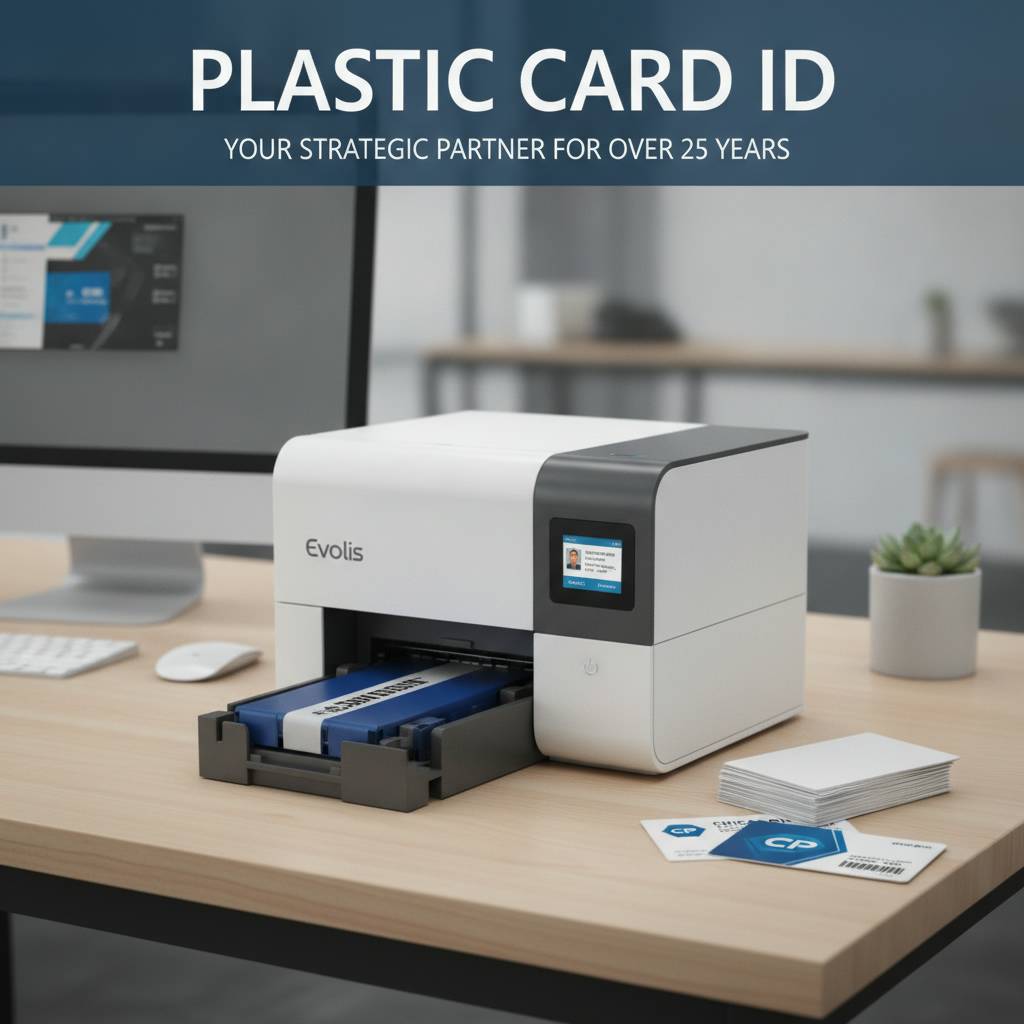 There's a moment every organization reaches - the realization that ordering pre-printed cards from an outside vendor is slow, expensive, and frankly, out of their control. A new employee starts Monday. A member needs a replacement card today. A student loses their ID on a Friday afternoon. That's exactly where an in-house desktop plastic card printer changes everything. And it's exactly what Plastic Card ID has been supplying to businesses across the United States for over 25 years.
With more than 100,000 customers served and a curated lineup from the industry's most trusted brands - Evolis, Fargo, Zebra, and Matica - Plastic Card ID knows that buying a card printer isn't a casual decision. Volume, card type, encoding needs, and budget all factor in. This page cuts through the confusion and helps you figure out which desktop printer is the right fit for your operation, what accessories keep it running, and why in-house printing is almost always the smarter long-term play.
What "Desktop" Actually Means in Card Printing
The term gets tossed around loosely, but in the professional card printing world, a desktop plastic card printer refers to a compact, self-contained unit designed to sit on a workbench or countertop and produce standard CR80-sized PVC cards - the same dimensions as a credit card. These aren't toy printers. Entry-level models like the Evolis Badgy200 can produce sharp, full-color cards. Mid-range units like the Evolis Zenius and Primacy2 handle thousands of cards per month without breaking a sweat.
Desktop doesn't mean low-capability. It means manageable footprint, reasonable upfront cost, and the ability to put professional card printing directly in the hands of an HR manager, a school administrator, a membership coordinator, or a front-desk operator. No IT team required. No industrial floor space needed. Just plug in, load your ribbon and cards, and print.
The Brands Behind the Hardware
Not every plastic card printer manufacturer makes desktop units worth recommending. Plastic Card ID has specifically selected brands with proven track records: Evolis, with its elegant French engineering and highly reliable single-pass printing; Fargo, known for rugged security features favored by government agencies and corporations; Zebra, whose enterprise-grade reliability translates well into mid-range desktop models; and Matica, which dominates in event credential printing. Each brand serves a distinct use case, and knowing which is which matters.
The Evolis lineup alone spans from the beginner-friendly Badgy200 all the way to the premium Agilia, which delivers edge-to-edge output and the cleanest card quality available in the desktop class. Whether you're printing 200 employee badges a year or 4,000 gym membership cards per month, one of these brands has a machine built precisely for your workload.
Getting Expert Guidance Before You Buy
Buying the wrong printer - one that's underpowered for your volume or over-specced for your needs - is a frustrating and costly mistake. CPE makes it easy to avoid that outcome. Call 800.835.7919 and speak directly with a product specialist who can walk you through volume estimates, encoding options, and ribbon choices before you commit to anything.
No chatbots. No wait queues pretending to be helpful. Real people with real knowledge of plastic card printing hardware. That level of support, backed by 25 years of industry experience, is part of what keeps customers coming back rather than gambling on big-box alternatives.
| Model | Brand | Best For | Approx. Monthly Volume |
|---|---|---|---|
| Badgy200 | Evolis | Low-volume entry use | Under 100/month |
| Zenius | Evolis | Small business, schools | Up to 500/month |
| Primacy2 | Evolis | Mid-range, dual-sided | 1,000-6,000/month |
| Agilia | Evolis | Premium full-bleed output | High-quality runs |
| HDP Series | Fargo | Security ID programs | Medium to high |
| ZC Series | Zebra | Enterprise reliability | Medium to high |
| Event Printer | Matica | On-site event badges | Burst high-speed |
Choosing the Right Desktop Plastic Card Printer for Your Volume
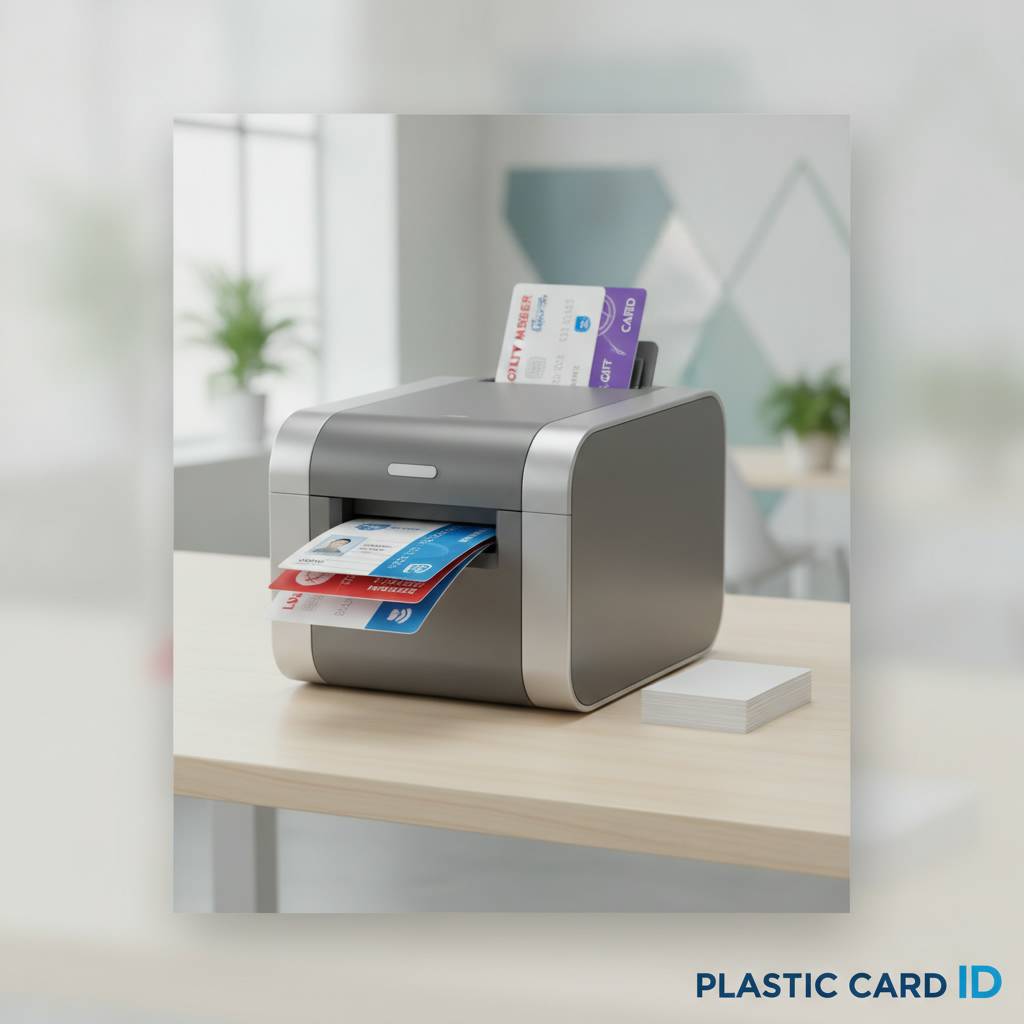 Volume is the single most important variable in selecting a desktop plastic card printer. Buy too little capacity and you're running your machine hot, potentially shortening its life and creating backlogs. Buy too much and you've tied up budget in hardware that sits idle. The sweet spot depends on an honest assessment of how many cards you print monthly - not annually, monthly.
Most organizations underestimate their card volume when they're just starting an in-house program, then scale up faster than expected once they realize how convenient on-demand printing is. That's not a bad problem to have, but it's worth factoring in. Plastic Card ID recommends thinking one tier ahead of your current estimate when you're choosing a model - the marginal cost difference is usually small, and the operational breathing room is significant.
Entry-Level: The Evolis Badgy200
Small nonprofits, boutique gyms, single-location retail stores, and solo HR managers at tiny companies - these are the organizations the Badgy200 was built for. Printing fewer than 1,000 cards per year means your monthly volume rarely tops 80-100 cards, and this machine handles that range beautifully. It's approachable, reliable, and produces full-color results that look completely professional.
The Badgy200 connects via USB, ships with Evolis' card design software, and uses a simple ribbon-load system that doesn't require technical expertise. Replacement ribbons are affordable, cleaning kits are readily available through CPE, and the card output is clean enough to impress anyone handing them a finished badge or membership card. For the right use case, it's nearly perfect.
Mid-Range Workhorses: Zenius and Primacy2
Step up in volume - say, a mid-size company printing employee IDs, a university campus issuing student credentials, or a regional fitness chain managing thousands of member cards - and the Evolis Zenius and Primacy2 step in confidently. Both handle 1,000 to 6,000 cards per month. The Primacy2 adds dual-sided printing in a single pass, which is a major time saver when your cards carry information on both faces. These machines are the core of most serious desktop card programs.
The Primacy2 in particular supports optional encoding upgrades: magnetic stripe, smart chip, and contactless RFID. That means the same physical printer that produces a beautiful color card on the front can simultaneously encode an access control chip on the back. For organizations managing building access, time-and-attendance, or cashless vending on campus, this is the kind of hardware that makes a card program genuinely powerful rather than merely decorative.
Premium Output: The Evolis Agilia
Some applications simply demand the best card quality available. Think luxury hotel key cards. Executive membership credentials. Premium event badges where first impressions are currency. The Evolis Agilia delivers edge-to-edge, full-bleed printing at a level of color fidelity and surface finish that sets it clearly apart from every other desktop unit on the market. It's not for everyone - but for the organizations that need it, nothing else will do.
The Agilia also supports lamination modules for overlay protection, significantly extending card life in high-use environments. Card carriers and sleeves sourced through Plastic Card ID pair well with Agilia-produced cards when you're handing credentials to VIP guests or distributing premium member cards through a loyalty program. The total package is genuinely impressive.
Supplies and Accessories That Keep Your Program Running
A desktop plastic card printer is only as good as the supplies feeding it. Buying the right ribbons, cleaning kits, and accessories isn't an afterthought - it's foundational to consistent card quality and long printer life. Plastic Card ID stocks the full range of consumables for every printer brand they carry, so you're never scrambling to find compatible supplies from a third-party reseller who may not know the difference between a YMCKO and a KO ribbon.
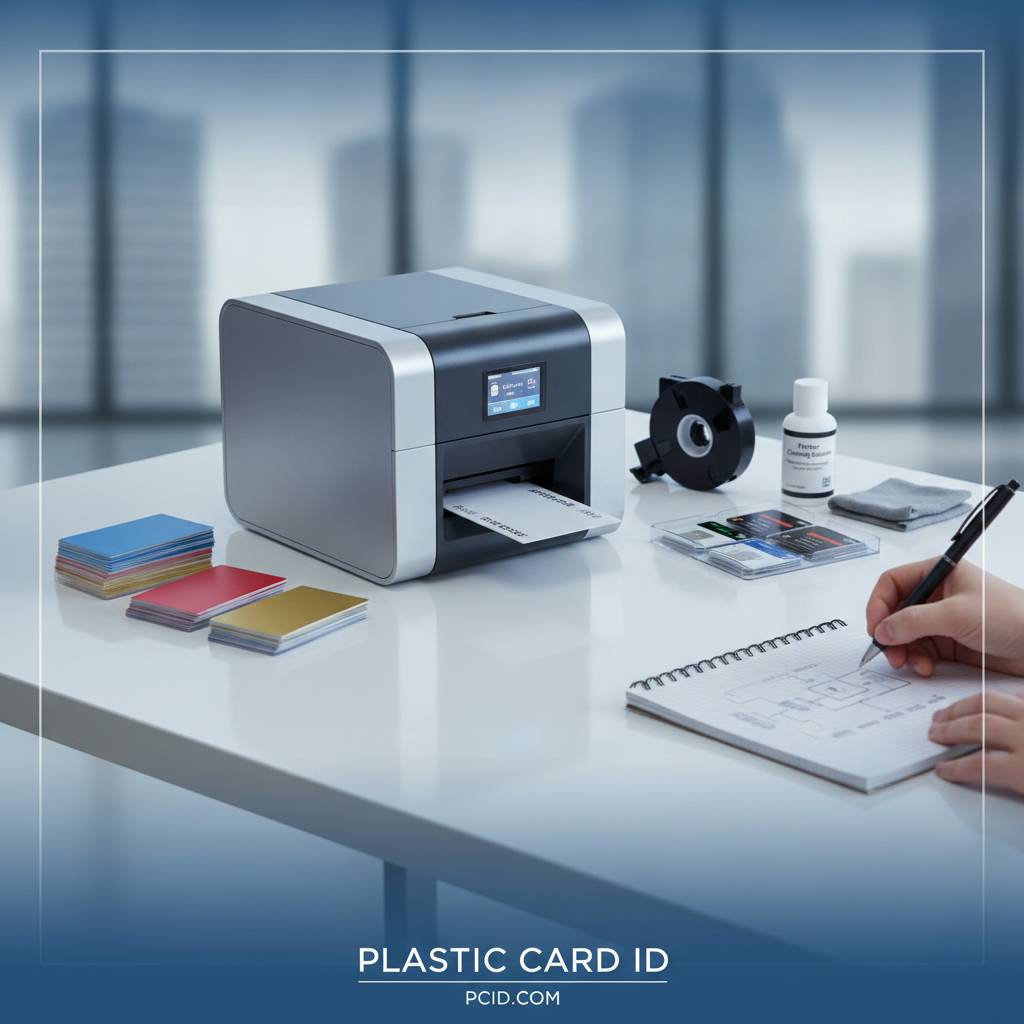
The consumables side of a card program also represents its ongoing cost structure. Understanding what you'll spend on ribbons per card helps you calculate true cost of ownership - and gives you an accurate basis for comparing in-house printing to outsourcing. Spoiler: in-house wins by a wide margin once volume reaches any meaningful scale.
Printer Ribbons: YMCKO, Monochrome, and Specialty
YMCKO ribbons - yellow, magenta, cyan, black, and overlay - are the standard for full-color card printing. One ribbon panel set produces one full-color card face. Monochrome ribbons, typically black or white, cost less per card and are used for single-color text or barcode printing where color isn't needed. Specialty ribbons include silver, gold, and scratch-off formulations for specific applications. Using the correct ribbon for your application directly affects print quality and cost per card.
CPE stocks ribbons compatible with Evolis, Fargo, Zebra, and Matica printers. These are manufacturer-certified consumables, not off-brand alternatives that risk voiding printer warranties or producing inconsistent output. The cost per card using proper ribbons in a mid-range printer typically lands in a range that makes in-house printing dramatically more economical than ordering printed cards externally.
Cleaning Kits and Maintenance Supplies
Every professional desktop card printer has a recommended cleaning cycle - usually every 500 to 1,000 cards printed. Skipping this routine is one of the most common reasons organizations experience degraded print quality, banding, or premature printhead failure. A cleaning kit costs a fraction of what a printhead replacement does. It's not optional maintenance - it's basic machine care.
Cleaning kits typically include cleaning cards, cleaning swabs, and sometimes isopropyl-saturated wipes for the card transport rollers. Plastic Card ID supplies brand-specific kits for all their printer lines. Call 800.835.7919 if you're unsure which kit is right for your machine and how often you should be running it based on your card volume.
Encoding Upgrades, Hoppers, and Card Accessories
Many desktop plastic card printers support field-installable or factory-configured encoding upgrades. Magnetic stripe encoding turns a plain PVC card into a data-carrying credential usable with hotel locks, time-and-attendance readers, and point-of-sale systems. Smart chip and RFID encoding take that further, enabling contactless access control and secure authentication. These aren't exotic add-ons - they're standard options that transform a printer from a badge maker into a full credential production system.
- Magnetic stripe encoders for tracks 1, 2, and 3
- Contact smart card chip encoding modules
- RFID and contactless card encoding options
- High-capacity input hoppers for larger batch printing
- Card carriers and protective sleeves for finished credentials
- Lamination modules for extended card durability
Hoppers deserve a special mention. The standard card input tray on most desktop printers holds 100 cards. High-capacity hoppers can expand that to 200-300 cards, which matters enormously when you're running a batch of 500 credentials for a conference or issuing a new wave of employee badges after a company acquisition. Less babysitting, fewer interruptions, more throughput.
Use Cases: Who Actually Needs a Desktop Plastic Card Printer?
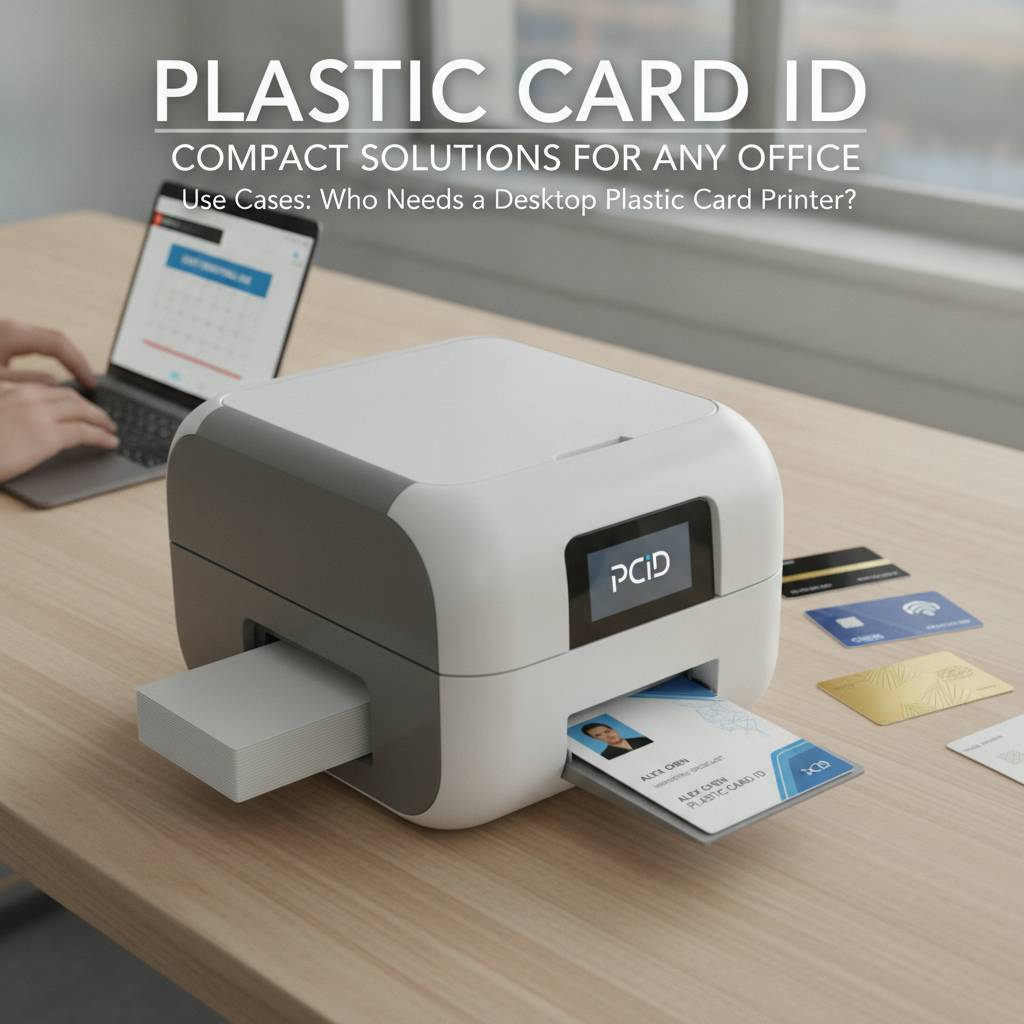 The short answer is: more organizations than you'd expect. The longer answer involves understanding just how broadly the need for professionally printed, durable PVC cards extends across industries and institution types. If your organization issues credentials, tracks membership, manages access, or rewards loyalty, you probably have a use case.
Plastic Card ID serves customers across virtually every sector - healthcare, education, hospitality, corporate, retail, government, and beyond. The common thread isn't industry; it's the need for control, speed, and quality in card production that outside vendors simply can't deliver on-demand.
Employee ID and Access Control
HR departments and facilities managers deal with a constant stream of new hires, contractors, and badge replacements. Outsourcing this to a print vendor introduces lead times measured in days or weeks. An in-house desktop card printer means a new badge is ready in minutes. That's not a minor operational improvement - it's a fundamental shift in how your credentialing program works.
Combined with magnetic stripe or RFID encoding, employee ID cards double as access control credentials, eliminating the need for separate physical key systems. The same printer that puts a photo and name on a badge can encode building access permissions directly into the card. That's a level of integration that streamlines operations considerably for any multi-building or multi-shift employer.
Membership, Loyalty, and Student ID Programs
Gyms, country clubs, libraries, retailers, universities, and professional associations all issue membership or student credentials regularly. Member turnover, new enrollments, card losses - these are ongoing needs, not one-time events. A desktop plastic card printer handles all of it on demand, at the exact moment the need arises. No minimum order quantities. No waiting for a print run from a vendor.
Student IDs are a particularly strong use case because schools also need to encode cafeteria access, library checkout privileges, and sometimes transportation systems into the same card. A mid-range Evolis Primacy2 with encoding options handles all of that efficiently, and CPE can help configure the right setup for an educational institution's specific workflow.
Hotels, Events, and Hospitality Credentials
Hotel key cards, conference badges, event credentials, VIP passes - the hospitality sector has a unique card printing challenge: volume that spikes unpredictably. A 500-room hotel might need to reissue dozens of key cards on a busy check-in day. A convention center might need 2,000 badges printed and ready before doors open at 8 AM. In-house printing isn't just convenient here - it's operationally essential.
The Matica Event Printer addresses burst-volume event credential needs with high-speed output designed for on-site production. Hotel key card encoding is handled through compatible magnetic stripe or RFID modules. And the Evolis Agilia covers the premium hotel card market where card quality reflects directly on brand perception. Plastic Card ID has the right hardware for every hospitality scenario.
Frequently Asked Questions About Desktop Card Printers
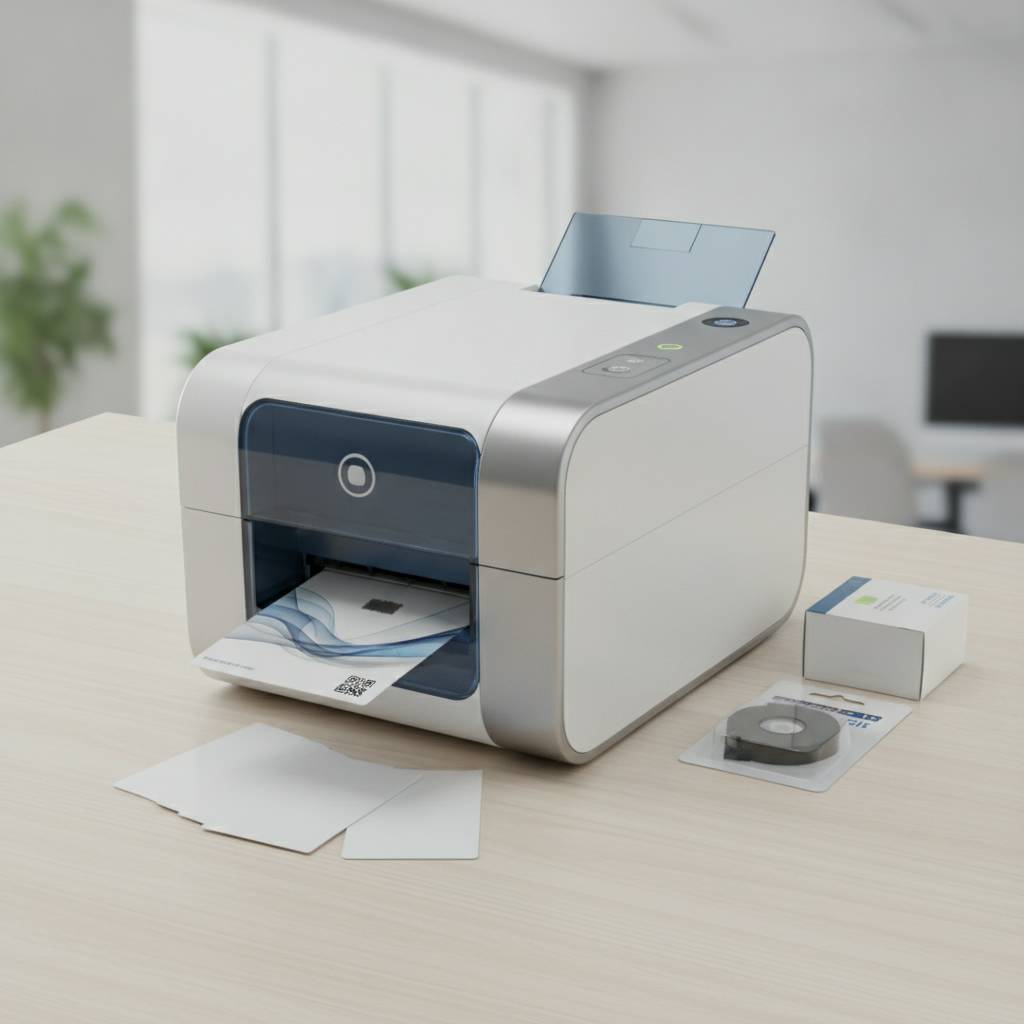 Before committing to a purchase, most buyers have questions that product pages don't always answer directly. Here are the questions Plastic Card ID hears most often from organizations evaluating their first or second desktop plastic card printer.
How Long Do Desktop Card Printers Last?
With proper maintenance - regular cleaning, manufacturer-certified ribbons, and keeping the printer covered when not in use - a quality desktop card printer from Evolis, Fargo, or Zebra can last 5-10 years under normal operating conditions. Printhead life is typically rated in thousands of cards, and most brands offer replacement printheads as a service part. Longevity is largely a function of how well you maintain the machine.
That's why the cleaning kits and maintenance supplies Plastic Card ID stocks aren't just accessories - they're investments in extending the useful life of your hardware. A printer that's cleaned regularly and loaded with proper ribbons consistently outlasts one that isn't, sometimes by years.
Can I Print Both Sides of a Card?
Yes, but not every printer supports it natively. Single-sided desktop printers produce output on one face only. Dual-sided models - like the Evolis Primacy2 configured with a duplex module - flip the card automatically and print both sides in a single pass. If your card design requires content on both faces, confirming duplex capability before purchase is essential.
For single-sided printers, some organizations manually flip cards and run them through twice, but this is time-consuming and rarely produces consistent registration alignment. If dual-sided printing is part of your card program, invest in a printer that handles it properly from the start. Call 800.835.7919 to confirm duplex options for any model you're considering.
What's the Real Cost Per Card?
Cost per card in a desktop printing setup depends on the ribbon type, card blank cost, and whether lamination overlay is used. A YMCKO ribbon producing full-color cards typically costs $0.25-$0.75 per card in consumables, depending on the model and ribbon yield. Card blanks in bulk run $0.10-$0.30 each. Lamination adds cost but extends card life significantly for high-use credentials.
- Full-color YMCKO ribbon cost: approximately $0.25-$0.75 per card face
- Plain white PVC card blanks: typically $0.10-$0.30 each in bulk
- Monochrome ribbon printing: significantly less, often under $0.10 per card
- Lamination overlay: adds cost but can extend card life by 2-5 times
- Cleaning supplies: amortized across card volume, usually under $0.02 per card
Compare that to the per-card cost from an outside vendor, which typically includes setup fees, minimum order charges, shipping, and lead time costs in addition to the per-card price. For any organization printing more than a few hundred cards annually, in-house production delivers a return on investment within the first year of ownership in the majority of cases.
Why In-House Printing Beats Outsourcing Every Time
The argument for outsourcing card printing used to make more sense. But that was before affordable, high-quality desktop plastic card printers became widely available to businesses of all sizes. Today, the calculus has shifted decisively. Control, speed, personalization, and total cost all favor in-house printing for any organization with consistent card needs.

Lead time alone is a compelling argument. Outsourcing typically means waiting days to weeks per print run. In-house means cards are ready in minutes. Personnel changes, address updates, security revocations - any change that requires a new card gets handled immediately, not next Tuesday when the vendor ships a replacement batch.
Personalization and On-Demand Printing
Every card printed in-house can be unique. Photo, name, title, department, access level, employee number - all of it can be customized per card in a single print job with the right card design software. That level of personalization at the point of need is simply impossible with batch outsourcing. You can't call a vendor at 4 PM on a Friday and have a personalized card for Monday's new hire.
On-demand printing also eliminates card waste. When you pre-order cards from a vendor in batches of 500 or 1,000, you inevitably print more than you need and discard outdated cards when designs or personnel change. In-house printing means you print exactly what you need, exactly when you need it - no excess, no obsolescence sitting in a drawer.
Security and Data Control
Organizations handling sensitive credentialing - security badges, access control cards, student IDs - benefit enormously from keeping production in-house. When you control the printer, you control who gets a credential and when. There's no batch of cards sitting at a vendor facility waiting to be shipped. No risk of a print run getting delayed, lost, or intercepted in transit.
For organizations with compliance obligations around physical security - regulated industries, government contractors, educational institutions managing FERPA-relevant data - in-house printing is often not just preferable but strategically important. The credential is produced on-site, encoded on-site, and issued directly to the cardholder without leaving your control at any point in the process.
Partner with Plastic Card ID for Your Desktop Card Printing Program
 After 25 years and more than 100,000 customers, Plastic Card ID has seen every type of card program - from a tiny nonprofit printing 50 volunteer badges a year to a national retailer managing loyalty cards across hundreds of locations. The expertise that comes from that breadth of experience is genuinely hard to find elsewhere. Not in a big-box retailer. Not from a manufacturer's direct sales team. Not from a reseller who started selling card printers last year.
What CPE offers is straightforward: the right hardware, the right supplies, and the right guidance to build a card printing program that works for your specific organization. Whether you're buying your first Evolis Badgy200 or upgrading an existing program to a dual-sided Primacy2 with encoding, the conversation starts the same way - with someone who actually knows the products and wants to match you with the right one.
The Complete Lineup, Ready to Ship
Every printer in the Plastic Card ID lineup - Evolis, Fargo, Zebra, Matica - is in stock and ready to ship. Ribbons, cleaning kits, encoding modules, hoppers, card carriers, and lamination supplies are all available as part of a complete program rather than as afterthoughts you scramble to source elsewhere. One supplier, one relationship, everything you need.
That consolidation matters practically. When your ribbon order and your printer support come from the same source, troubleshooting is simpler. When your cleaning supplies and your encoding modules are on the same invoice, your purchasing process is cleaner. Plastic Card ID is built to be the single point of contact for your entire card printing operation.
Talk to an Expert Before You Buy
No automated quiz can replace a five-minute conversation with someone who has spent years helping organizations select the right desktop plastic card printer for their needs. The Plastic Card ID team is reachable by phone, ready to answer real questions about volume capacity, encoding options, ribbon costs, duplex printing, and anything else standing between you and a confident purchase decision.
Ready to bring card printing in-house? Call 800.835.7919 and talk to a specialist today.
There's no pressure, no script, and no upsell agenda - just honest guidance from people who know desktop plastic card printers inside and out. That's the CPE difference, and it's why customers keep coming back after their first purchase.
Start Your Program with Confidence
Whether you're building a card program from scratch or replacing aging hardware that's no longer keeping up with demand, the right starting point is a clear-eyed conversation about what you actually need. Volume, card type, encoding requirements, and budget - those four factors determine everything else. And Plastic Card ID is experienced at helping organizations work through all four efficiently.
The investment in a quality desktop plastic card printer pays back quickly. Faster credentialing. Lower per-card costs. Complete control over your card program. On-demand personalization. These aren't marginal improvements - they're operational advantages that compound over time. The organizations that make this shift rarely look back at outsourcing as a viable option.
Plastic Card ID - your trusted partner in desktop plastic card printing for over 25 years. Call 800.835.7919 to get started today.
Previous Page