Dual-Sided Plastic Card Printer: Print Both Sides Effortlessly
Table of Contents []
- Why Plastic Card ID Is the Go-To Source for Dual-Sided Plastic Card Printers
- Top Dual-Sided Card Printer Models Carried by Plastic Card ID
- Key Features to Evaluate in a Dual-Sided Card Printer
- Supplies, Accessories, and Everything Else You Need
- Buyer's Guide: Matching the Right Duplex Printer to Your Organization
- Common Applications for Dual-Sided Card Printers
- Frequently Asked Questions About Dual-Sided Card Printers
- Get Expert Help From Plastic Card ID Today
Why Plastic Card ID Is the Go-To Source for Dual-Sided Plastic Card Printers
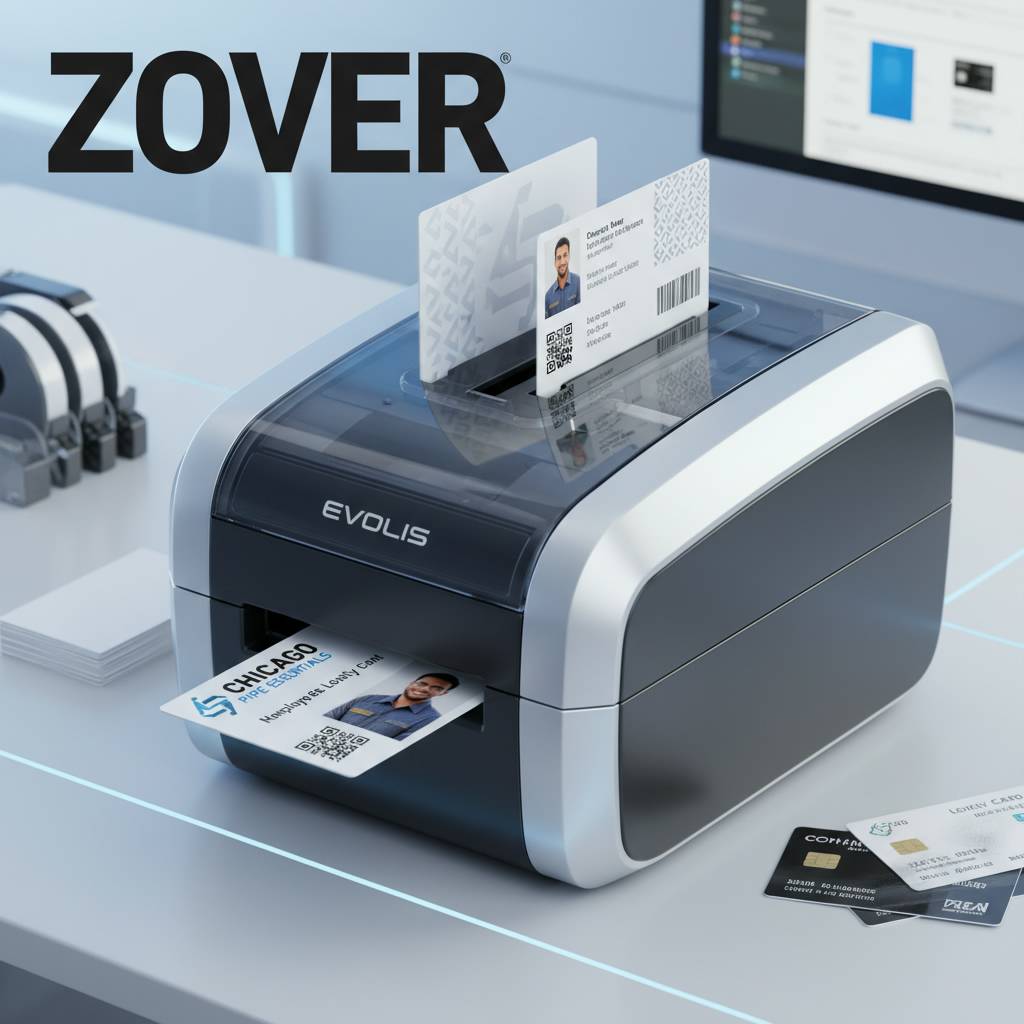 There's a moment every operations manager, HR director, or IT administrator eventually faces: the realization that outsourcing your card printing is costing you time, money, and control. That's exactly the problem a dual-sided plastic card printer solves - and nobody knows this hardware better than Plastic Card ID. With more than 25 years supplying professional card printing equipment to businesses across the United States and over 100,000 customers served, PCID brings genuine expertise to every conversation.
Printing both sides of a card in a single pass isn't just a convenience feature. It's the difference between a professional credential and a half-finished one. Employee badges, membership cards, student IDs, hotel key cards - virtually every serious card program benefits from dual-sided output. Whether you're encoding a magnetic stripe on the back while printing a full-color portrait on the front, or simply adding a logo and barcode to side two, the right printer transforms what's possible.
Plastic Card ID carries a curated lineup from the industry's most trusted brands: Evolis, Fargo, Zebra, and Matica. Each serves a different production scale, budget range, and feature requirement. The goal of this page is simple - help you find the right dual-sided card printer for your organization, understand what's involved in setting one up, and make a confident purchase decision.
What "Dual-Sided" Actually Means in Card Printing
A dual-sided printer - also called a duplex printer - prints on both the front and back surface of a PVC card without requiring you to manually flip and reload. Inside, a retransfer mechanism or a flip station rotates the card automatically. The result is consistent, professional output on both sides with perfectly aligned imagery and encoding.
Single-sided printers are less expensive upfront, but they create a workflow problem the moment your card design requires back-side content. Retrofitting a single-sided unit is rarely practical. If there's any reasonable chance your card program will ever use the back of a card - and most do - starting with a duplex model is the smarter investment from day one.
The Business Case for In-House Dual-Sided Printing
Outsourcing card production to a print vendor sounds simple until you experience a two-week lead time during a hiring surge, or realize you can't make last-minute design changes without reprinting an entire batch at full cost. In-house printing eliminates both problems entirely. Print on demand, in any quantity, whenever you need to.
Organizations with high staff turnover, active membership rosters, or time-sensitive event credentialing find that the cost of a professional duplex printer pays for itself within months. Add encoding capabilities - magnetic stripe, smart chip, or proximity - and you've built a complete, self-contained card issuance system inside your own facility.
Who Needs a Dual-Sided Card Printer?
The short answer: almost any organization issuing credentials of any kind. Employee ID programs almost universally use the back of the card for emergency contact info, barcode data, or access control instructions. Membership cards benefit from terms and conditions or usage details on the reverse. Student IDs often carry calendar information, policies, or library barcodes on the back.
Hotel key cards, loyalty cards, event badges, and access control credentials all have practical reasons to use both surfaces. CPE has helped organizations across healthcare, education, hospitality, retail, manufacturing, and government find the right duplex printer for their specific use case. Whatever your industry, the answer almost always involves printing both sides.
| Printer Model | Brand | Duplex Capable | Volume Range | Key Features |
|---|---|---|---|---|
| Zenius | Evolis | Module Upgrade | 1,000-3,000/month | Mag stripe, compact design |
| Primacy 2 | Evolis | Yes (Duplex Model) | 3,000-6,000/month | Lamination, encoding options |
| Agilia | Evolis | Yes | High volume | Edge-to-edge, premium output |
| Fargo HDP Series | Fargo | Yes | Mid to high volume | Security features, retransfer |
| Zebra ZC Series | Zebra | Yes (ZC300/ZC500) | Low to mid volume | Reliable, network-ready |
Top Dual-Sided Card Printer Models Carried by Plastic Card ID
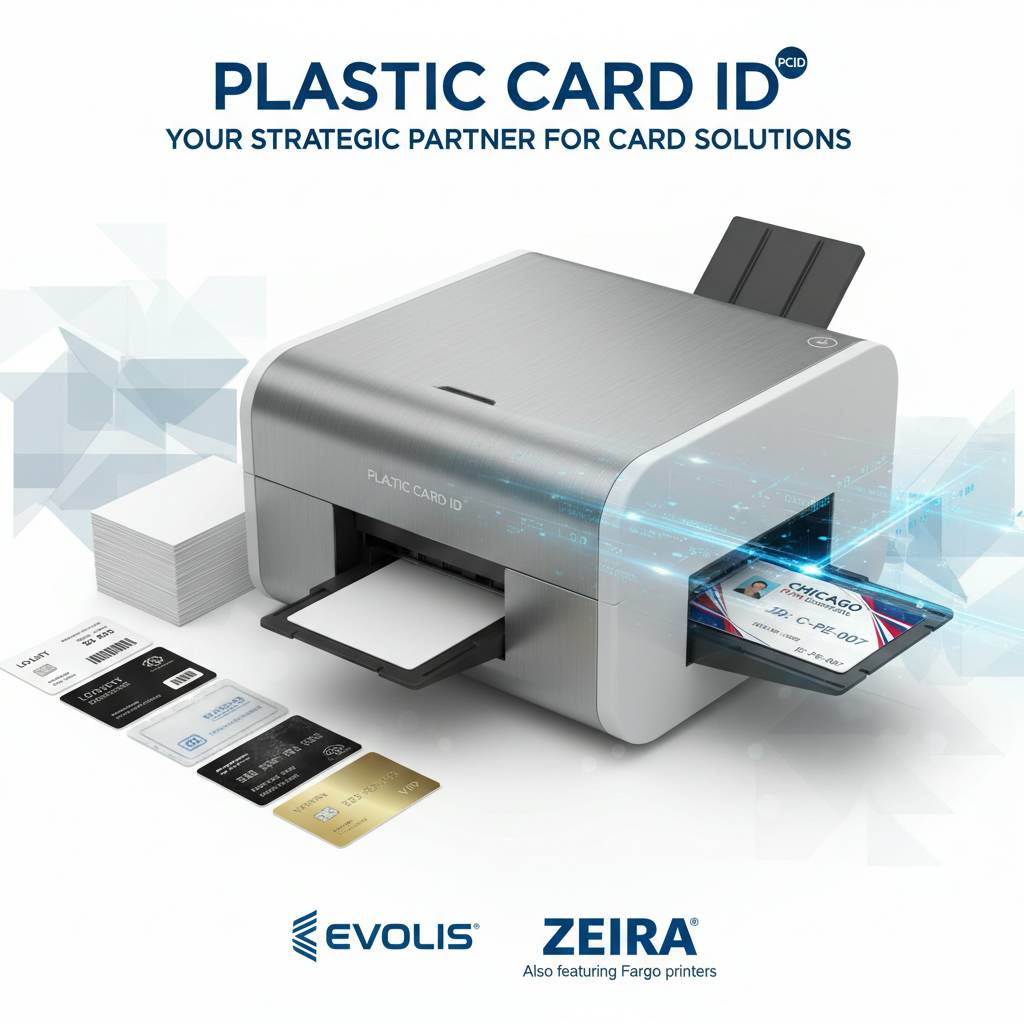 Choosing a duplex card printer is not a one-size-fits-all decision. Print volume, card type, encoding requirements, and budget all factor into the equation. Plastic Card ID stocks models from four elite brands, each with distinct strengths. Understanding the differences between them is the first step toward a smart purchase.
The following breakdown covers the most relevant dual-sided options available through CPE, organized by brand and use case. Whether you're printing 200 cards a month or 5,000, there's a purpose-built solution here for your organization.
Evolis Primacy 2 Duplex: The Mid-Range Workhorse
The Evolis Primacy 2 is arguably the most popular dual-sided card printer in the mid-range category - and for good reason. It handles print volumes from roughly 3,000 to 6,000 cards per month without breaking a sweat, supports YMCKO ribbon printing for full-color output, and is available in a dedicated duplex configuration right out of the box.
Optional modules extend its capability significantly. Lamination overlays protect printed surfaces from wear and tampering. Magnetic stripe encoding writes data to ISO-standard tracks. Smart card encoding handles contact and contactless chip technologies. For organizations that need a flexible, future-ready duplex printer, the Primacy 2 is a benchmark model.
Evolis Agilia: Premium Edge-to-Edge Duplex Output
When image quality and print precision are non-negotiable, the Evolis Agilia steps into the conversation. Designed for high-volume, high-quality card programs, it delivers edge-to-edge printing across both card surfaces with exceptional color fidelity. Retransfer technology ensures the print layer adheres uniformly even over smart card chip bumps and uneven card surfaces.
The Agilia is the right choice for organizations where card appearance carries real weight - corporate headquarters issuing executive credentials, premium membership clubs, upscale hospitality brands issuing key cards with full-bleed designs. This is not an entry-level machine, and it doesn't pretend to be. It's a professional tool built for demanding card programs.
Fargo and Zebra Duplex Printers: Security-Focused Solutions
Fargo's HDP series uses a high-definition retransfer printing process that produces exceptionally sharp, tamper-resistant credentials. This makes Fargo printers a frequent choice for government-adjacent ID programs, healthcare facilities, and organizations with strict physical security requirements. The duplex models handle both sides seamlessly while maintaining the security features that make Fargo a trusted name.
Zebra's ZC300 and ZC500 are network-ready dual-sided card printers built for reliability and ease of integration. They're particularly well-suited for enterprise IT environments where standardized hardware and centralized print management matter. Zebra's reputation for industrial-grade durability translates directly into card printing hardware - these machines are built to run.
Contact 800.835.7919 to speak with a product specialist about which Fargo or Zebra duplex model fits your security requirements and volume needs.
Key Features to Evaluate in a Dual-Sided Card Printer
Not all duplex printers are equal. The specifications that matter most depend heavily on what your cards need to do. A hotel issuing basic key cards has different priorities than a university managing a multi-function student ID that doubles as a library card, meal plan card, and building access credential.
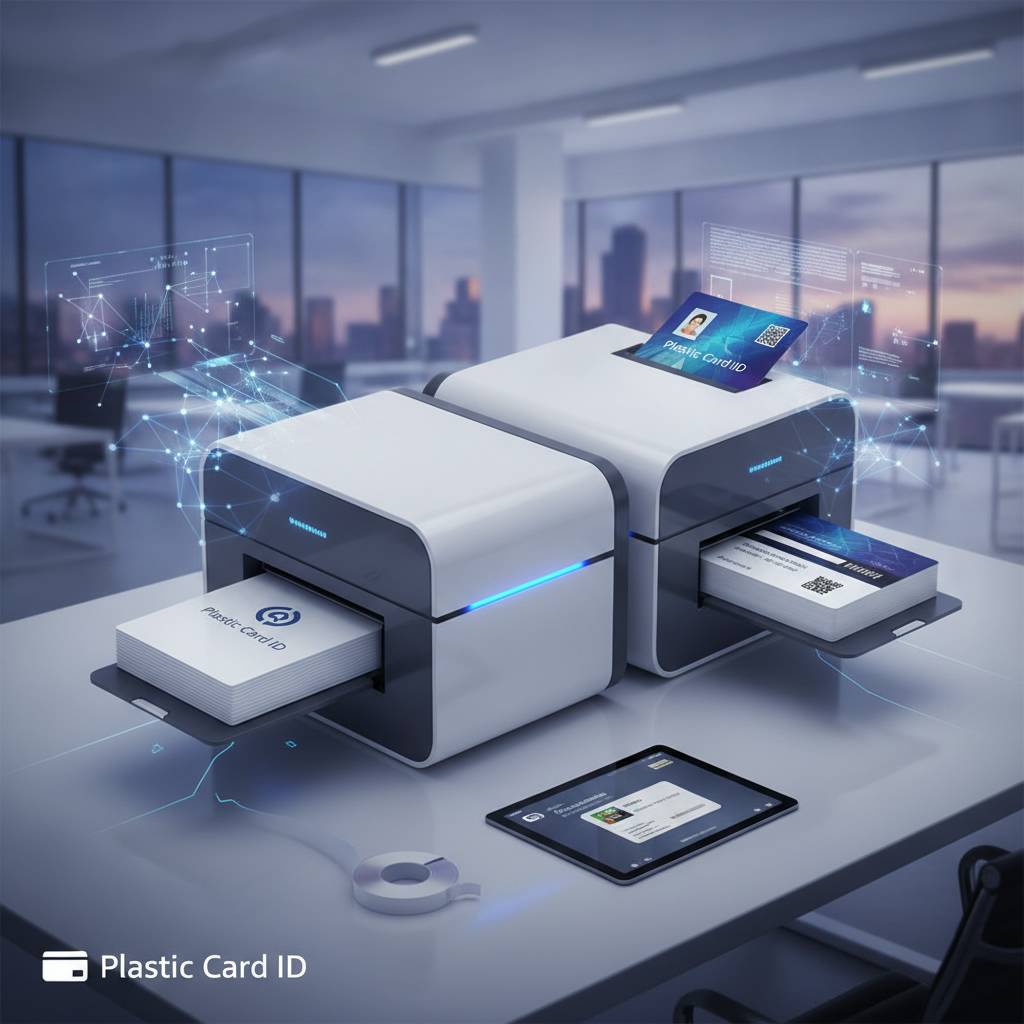
Before committing to a model, consider the following feature categories carefully. Each one has a direct impact on the cards you produce and the workflow you operate.
Print Technology: Direct-to-Card vs. Retransfer
Direct-to-card (DTC) printing applies dye-sublimation color directly onto the card surface. It's fast, cost-effective, and produces excellent results for most standard applications. The slight limitation is that printing stops just short of the card edge, leaving a thin unpainted border. For most ID programs, this is completely acceptable.
Retransfer printing first applies the image to a clear film, then fuses that film onto the card. This enables true edge-to-edge printing and produces a slightly more durable, tamper-evident surface. It's the preferred method for security credentials and premium card designs. Retransfer printers cost more upfront but deliver a superior finished product when edge coverage matters.
Encoding Options: Magnetic Stripe, Smart Chip, and More
A dual-sided printer that also encodes data turns your card issuance process into a single-step operation. Magnetic stripe encoding writes data to the card's stripe in a single pass, eliminating the need for a separate encoder. Most PCID printers support ISO 7811 standard tracks, compatible with virtually all card reader systems in use today.
Smart card encoding - both contact (ISO 7816) and contactless (ISO 14443) - opens the door to high-security access control, cashless payment systems on campuses, and multi-application credentials. Combining duplex printing with chip encoding in a single machine is one of the most powerful configurations available for enterprise card programs.
Ribbon Types and Print Cost Per Card
The ribbon you use directly determines print quality and cost per card. YMCKO ribbons (Yellow, Magenta, Cyan, Black, Overlay) are the standard for full-color card printing and produce vibrant, professional results on both card faces. Monochrome ribbons - black, blue, red, white, or gold - cost significantly less and work well for back-side printing where color isn't needed.
- YMCKO ribbons: Full color with protective overlay - ideal for photo ID cards and colorful membership cards
- YMCKOK ribbons: Add a second black resin panel for sharper barcode printing on the back side
- Monochrome ribbons: Single-color output at a fraction of the cost - great for back-side text and barcodes
- Specialty ribbons: Holographic, UV-reactive, and security overlay options for tamper-evident credentials
- Half-panel ribbons: Economical option for designs with a color panel on one side and monochrome on the other
Understanding your ribbon options before purchasing a printer helps you calculate true cost of ownership rather than focusing solely on hardware price. CPE stocks the full range of compatible ribbons for every printer model in the lineup.
Supplies, Accessories, and Everything Else You Need
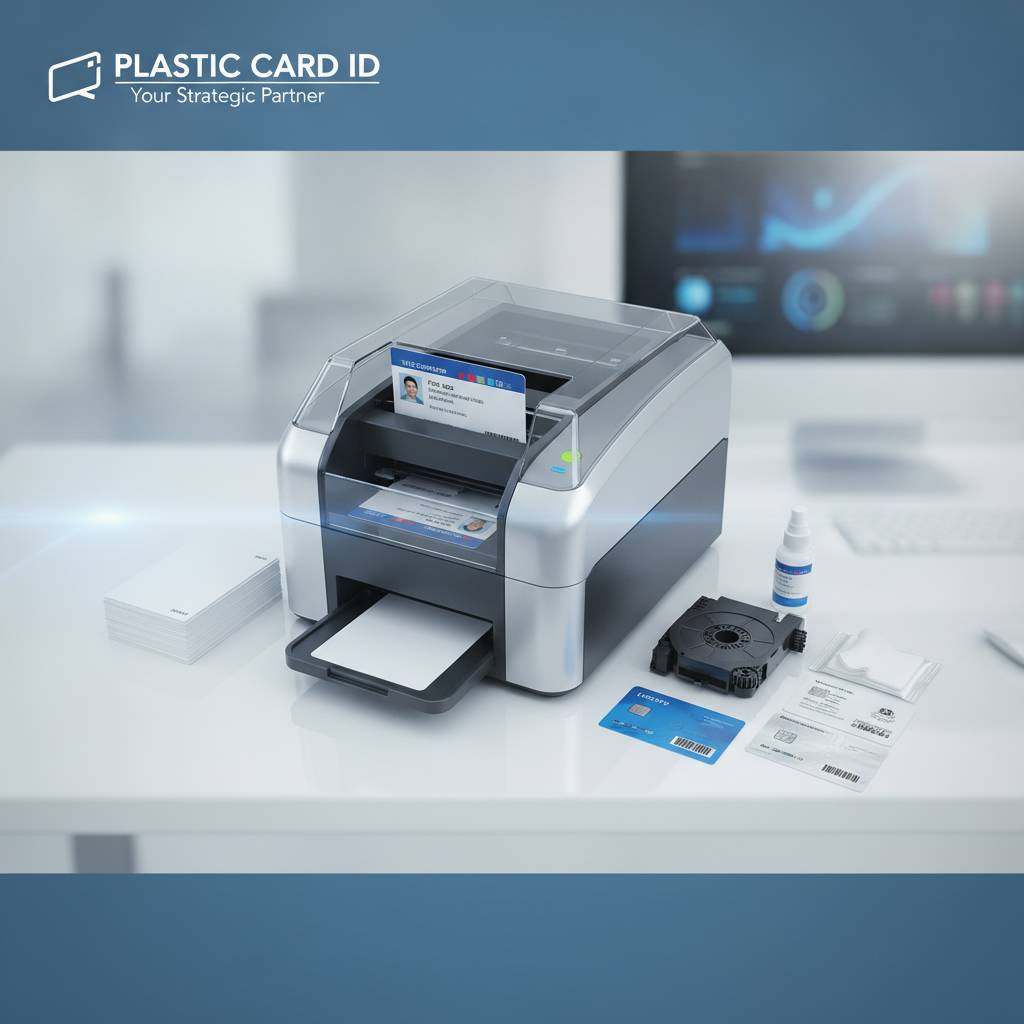 A dual-sided card printer is the centerpiece of your card program, but it's not the whole picture. Ribbons run out. Printer heads need cleaning. Cards need protective sleeves. An effective card issuance setup requires a complete ecosystem of supplies, and Plastic Card ID supplies all of it.
Stocking up on consumables at the time of printer purchase is a smart move. It avoids the frustrating scenario of your printer arriving, your team getting excited, and then realizing you need to wait another few days for ribbons to ship separately. Order everything together, and you're printing on day one.
Printer Ribbons and Cleaning Kits
Every card printer requires periodic cleaning to maintain print head longevity and output quality. Cleaning kits typically include cleaning cards and swabs designed to remove dye residue, dust, and card debris from internal rollers and print heads. Most manufacturers recommend a cleaning cycle every 1,000-2,500 cards, or whenever a new ribbon is installed.
Neglecting printer maintenance is one of the most common causes of premature print head failure - an expensive repair that regular cleaning prevents entirely. Treating your printer well means it treats your cards well. PCID stocks manufacturer-approved cleaning kits for every model it carries.
Lamination Modules and Overlay Films
Lamination adds a protective film layer over the printed surface, dramatically extending card life in high-use environments. Cards carried in wallets, swiped through readers dozens of times daily, or used outdoors benefit enormously from lamination. Some laminate films also incorporate holographic elements or UV patterns that serve as visual security features.
Several Evolis models - including the Primacy 2 - accept modular lamination upgrades that integrate directly into the printing process. The card prints on both sides, then feeds directly into the lamination station, exiting fully finished in a single automated workflow. This kind of end-to-end automation is what separates a professional card program from a manual, piecemeal process.
Card Carriers, Sleeves, and Input Hoppers
High-volume printing operations benefit from extended-capacity input hoppers that hold more cards and reduce the frequency of manual reloading. Standard hoppers hold 100 cards; extended options can hold 200-500, depending on the model. For organizations running batch prints of hundreds of credentials, this is a meaningful productivity feature.
On the output side, card carriers and protective sleeves keep finished cards clean and scratch-free. Lanyards, badge holders, and retractable clips complete the physical credential package. Call 800.835.7919 to confirm which accessories are compatible with your specific printer model and workflow setup.
| Supply Type | Purpose | Replacement Frequency |
|---|---|---|
| YMCKO Ribbon | Full-color card printing | Per 200-500 card cycle |
| Monochrome Ribbon | Back-side text and barcodes | Per 1,000-1,500 card cycle |
| Cleaning Kit | Print head and roller maintenance | Every 1,000-2,500 cards |
| Lamination Film | Surface protection and security | Per lamination module cycle |
Buyer's Guide: Matching the Right Duplex Printer to Your Organization
 The most expensive printer on the shelf isn't always the right one. Neither is the cheapest. Matching a dual-sided card printer to your actual volume, card type, and budget requires asking a few specific questions before you make a commitment. This buyer's guide is designed to help you think through those questions clearly.
The factors below are the ones that consistently matter most to the organizations CPE works with. Walking through each one will bring you much closer to a confident decision.
Step 1 - Estimate Your Monthly Card Volume
Print volume is the single most important spec to get right. Underestimate it and you'll burn through a low-capacity printer well before its intended lifespan. Overestimate it and you've spent money on capabilities you don't need. Most organizations find that their volume falls clearly into one of three ranges: under 500 cards per month (light use), 500-3,000 cards per month (moderate use), or 3,000-6,000 and above (heavy use).
Light-use organizations printing fewer than 1,000 cards per year can consider entry-level models like the Evolis Badgy200 - though a duplex module may be limited at this tier. Moderate-use organizations are the sweet spot for the Evolis Zenius and Primacy 2. High-volume operations belong on the Agilia or Fargo HDP platforms.
Step 2 - Identify Your Encoding Requirements
Do your cards need a magnetic stripe? Will they communicate with an access control reader using a contactless chip? Do they need to store data on a contact smart card chip? These requirements determine whether your printer needs encoding upgrades - and whether those upgrades need to happen on the front pass, the back pass, or both.
Many organizations start with print-only and add encoding later as their card program evolves. Modular printers like the Primacy 2 make this easy; encoding modules snap in without replacing the base unit. Planning for encoding from the beginning, even if you don't need it yet, avoids a costly hardware swap down the road.
Step 3 - Set a Realistic Budget Including Supplies
Hardware prices for professional duplex card printers generally range from $600-$4,000 depending on brand, volume capacity, and encoding options. That's the purchase price - not the total cost of ownership. Factoring in ribbons, cleaning kits, blank card stock, and occasional lamination film gives you a more accurate picture of annual operating cost.
A useful rule of thumb: budget 30-40% of the printer's purchase price annually for consumables at moderate print volumes. High-volume operations may spend more; light-use organizations, less. CPE can provide a detailed consumables estimate based on your card design and volume when you call to discuss specific models.
Common Applications for Dual-Sided Card Printers
Dual-sided printing is not a niche requirement. It's the standard for any serious card program. The following use cases represent the most common reasons organizations across the United States turn to Plastic Card ID for duplex printing solutions.
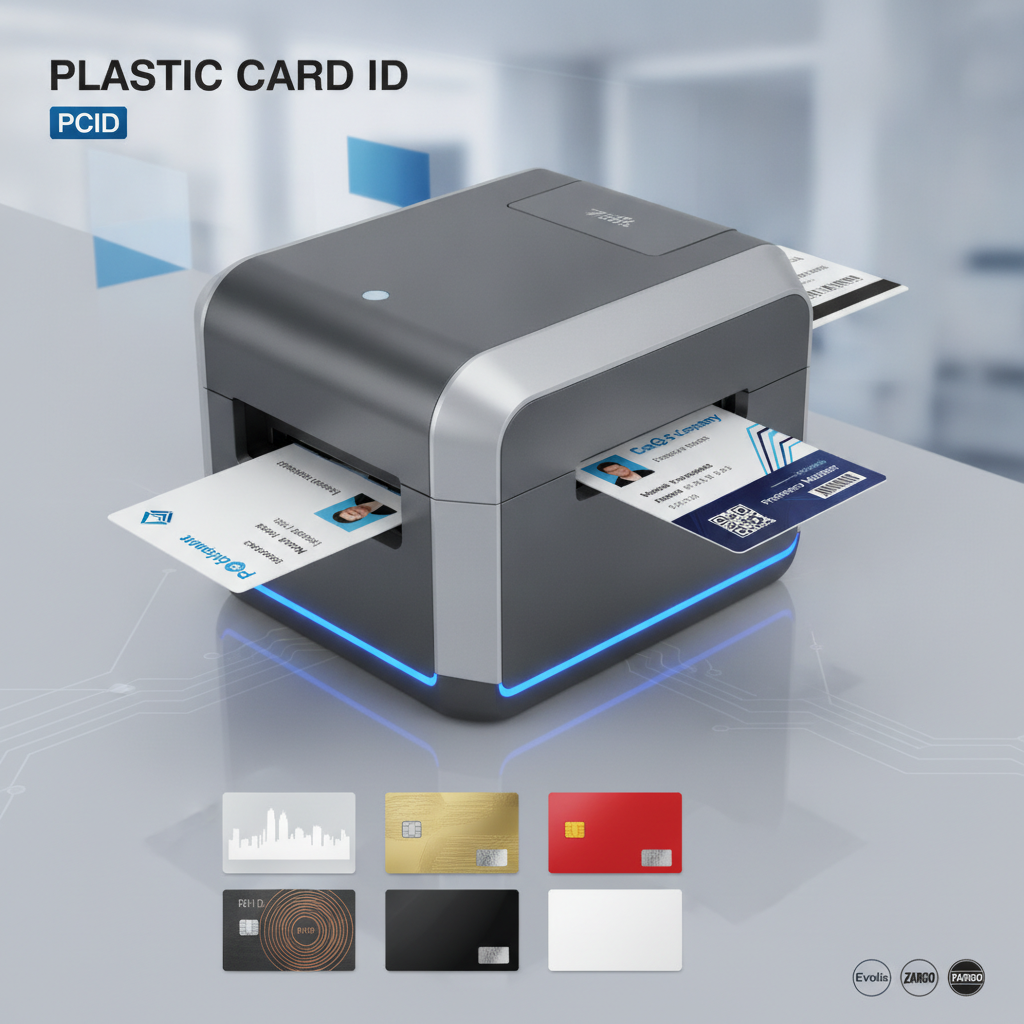
What makes these applications share a common thread is the simple reality that one side of a card is almost never enough. Professional credentials demand real estate on both surfaces, and the organizations that recognize this produce noticeably better cards than those that don't.
Employee ID Cards and Access Control Badges
Employee ID programs are the most common use case for dual-sided card printers. The front carries the employee's photo, name, title, and department. The back carries a barcode or magnetic stripe for timekeeping, a building access chip for controlled entry, emergency contact information, or company policy text. A one-sided employee badge feels unfinished to anyone who looks at the back.
Access control integrations are particularly well-served by duplex printing combined with encoding. Proximity cards and smart card chips are embedded during manufacturing, but the visual personalization - printing the cardholder's information on both surfaces - happens at the printer. The result is a complete, functional, professional credential issued in-house on demand.
Membership Cards and Loyalty Programs
Retail and hospitality membership programs have increasingly sophisticated card designs. The front displays the member's name, tier status, and program branding. The back carries a barcode for POS scanning, terms and conditions text, a magnetic stripe for system integration, or a QR code linking to a digital member portal. Dual-sided printing makes all of this possible without outsourcing a single card.
Loyalty programs with active membership rosters see constant card issuance as new members join and existing members upgrade tiers. The ability to print a new card on demand in under 30 seconds is a competitive operational advantage that vendors cannot replicate with any lead time, no matter how short.
Student IDs, Hotel Key Cards, and Event Credentials
University and school ID programs routinely use the back of the card for library barcodes, meal plan codes, bus pass integration, and academic year information. A student ID is often the most multi-functional card a person carries, and it needs both surfaces to carry all of its data. Duplex printers configured with dual encoding options are the backbone of modern student credential programs.
Hotel key cards benefit from back-side printing for room number information, checkout date reminders, or branded messaging. Event credentials printed on-site using solutions like the Matica Event Printer allow both sides to carry attendee information, session access levels, and sponsor branding - all issued at the registration desk as guests arrive. Fast, professional, on-demand printing at events creates an immediate impression of organizational competence.
Frequently Asked Questions About Dual-Sided Card Printers
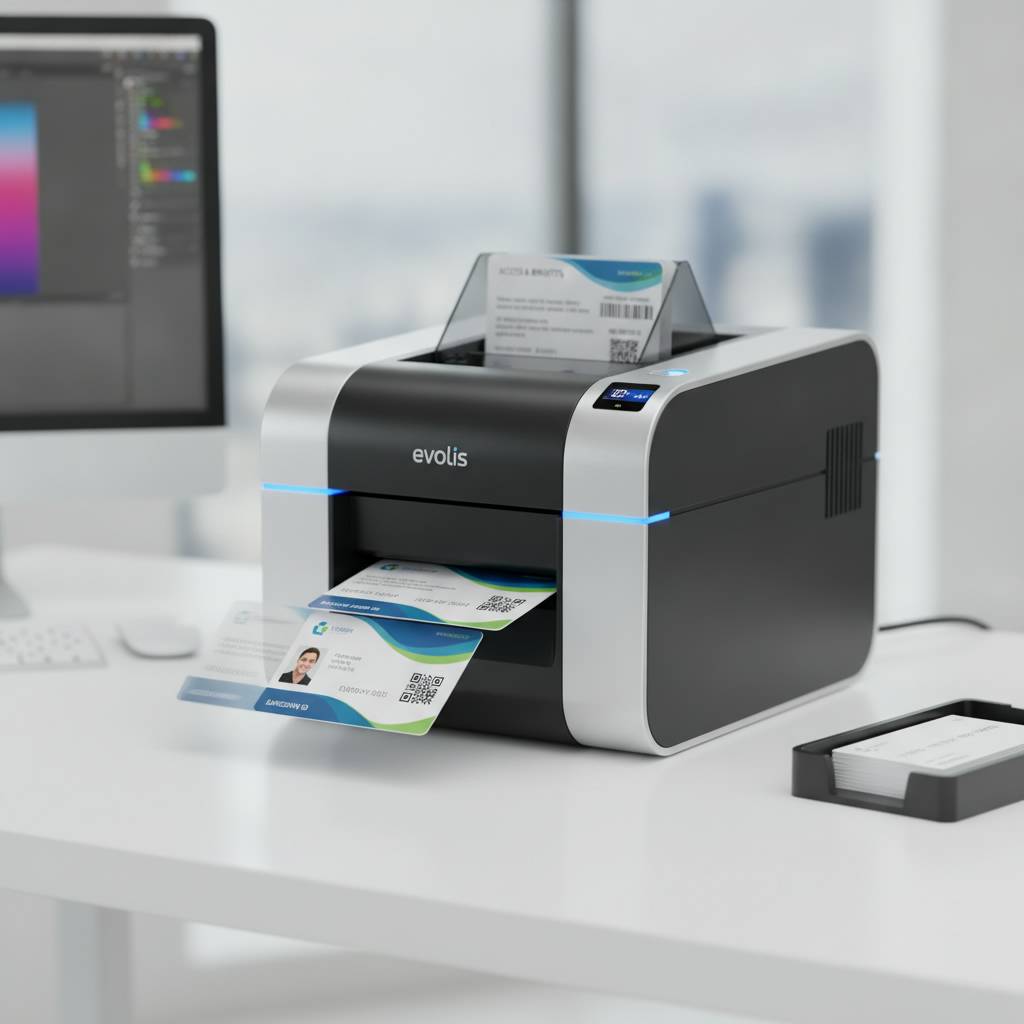 Before calling a supplier or placing an order, most buyers have a handful of recurring questions. The following FAQ addresses the most common ones CPE hears from new and returning customers alike. If your question isn't answered here, a quick call connects you directly with someone who can help.
Can I Upgrade a Single-Sided Printer to Print Both Sides?
It depends entirely on the model. Some Evolis printers, like the Zenius, support a duplex module upgrade that can be added after the initial purchase. Others are single-sided by design with no upgrade path. This is one of the most important questions to ask before buying any card printer - if there's any chance you'll need duplex capability later, confirm at purchase whether that upgrade path exists.
In most cases, if you know you'll eventually need duplex printing, purchasing a duplex-configured model from the start is more cost-effective than buying a single-sided unit and upgrading later. The module cost, plus the original hardware cost, typically exceeds what you'd have paid for a duplex model outright.
What Is the Print Speed on a Dual-Sided Card Printer?
Print speeds vary significantly by model and print mode. A typical mid-range duplex printer produces a full-color, dual-sided card in approximately 30-60 seconds. High-speed models reduce that time considerably. Monochrome-only printing is faster across the board. For batch printing large quantities, throughput per hour matters more than single-card speed - most mid-range duplex printers produce 150-300 full-color duplex cards per hour.
Event printers like the Matica are designed specifically for high-speed on-site issuance where throughput is critical and queues form at registration desks. For these scenarios, printing speed is not a nice-to-have - it's an operational necessity that directly affects the attendee experience.
How Long Do Dual-Sided Card Printers Last?
With proper maintenance - regular cleaning, appropriate ribbon use, and careful card stock selection - a professional-grade duplex card printer should provide reliable service for 5-10 years. Print head life is typically rated in number of prints, ranging from 100,000 to 500,000 prints depending on the model and manufacturer.
The most reliable way to extend printer lifespan is consistent cleaning. Dye-sublimation printers are sensitive to dust and card debris. Following the manufacturer's cleaning schedule, using only approved cleaning kits and compatible card stock, and storing the printer in a clean, climate-controlled environment all contribute meaningfully to long service life. Call 800.835.7919 for maintenance tips specific to the model you're considering.
Get Expert Help From Plastic Card ID Today
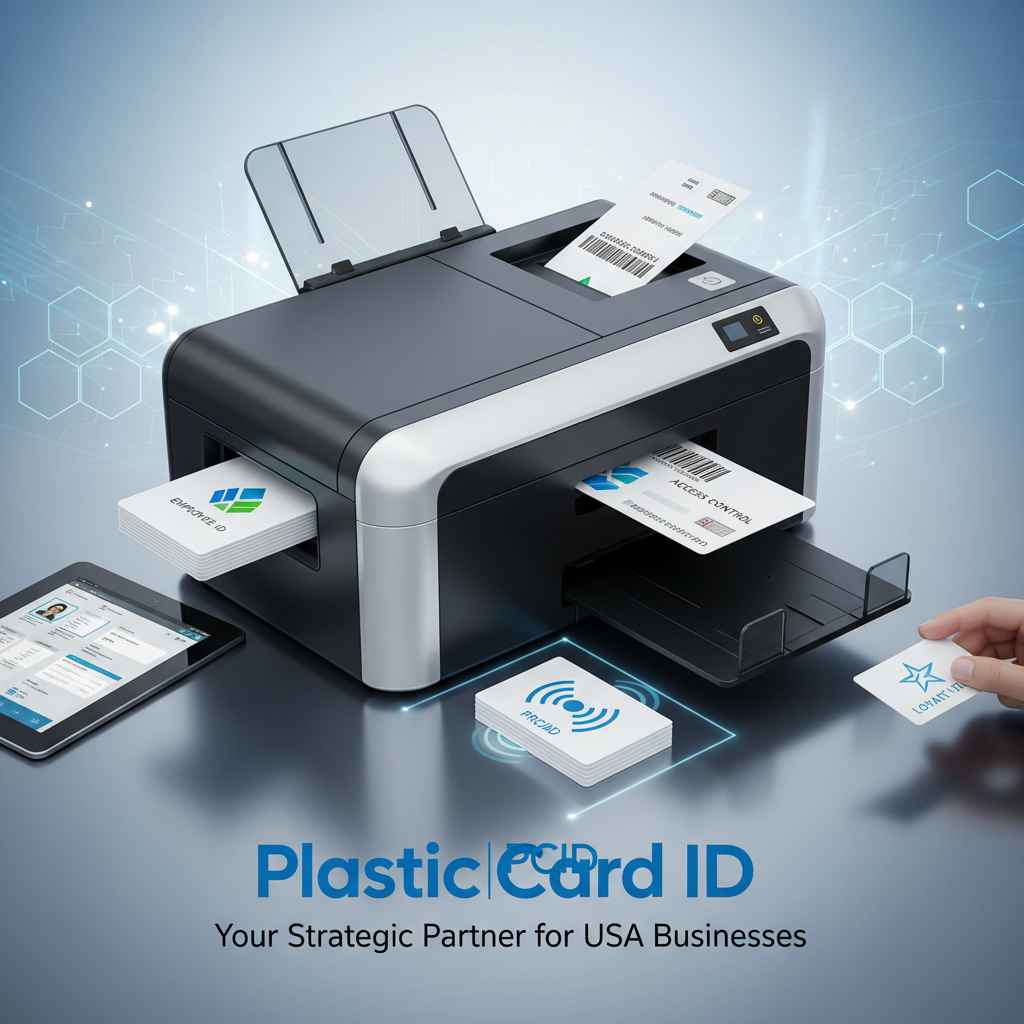 Selecting a dual-sided plastic card printer is a meaningful investment in your organization's card program, and it deserves careful consideration. With over 25 years of experience and more than 100,000 customers served across the United States, Plastic Card ID has the product knowledge and hands-on expertise to help you choose correctly the first time - without overspending or underbuying.
From the Evolis Primacy 2 to the Fargo HDP series to Zebra's enterprise-ready duplex models, every printer in the CPE lineup is backed by genuine product expertise and a complete supply chain for ribbons, cleaning kits, encoding upgrades, and accessories. You don't just buy a printer - you get a working relationship with a supplier who understands your card program.
Call Plastic Card ID at 800.835.7919 right now. Whether you're starting a brand-new card program, upgrading outdated equipment, or scaling a growing operation, the right dual-sided card printer is one conversation away. Plastic Card ID is ready to help - and so is the hardware.
Previous Page