Card Printer DPI Resolution Explained: Quality Clarity Guide
Table of Contents []
- Card Printer DPI Resolution Explained - Plastic Card ID
- What DPI Actually Means on a Card Printer
- 300 DPI: The Standard That Covers Most Business Needs
- 600 DPI and Higher: When Premium Resolution Earns Its Price
- DPI and Encoding: How Resolution Interacts With Card Technology
- Buyer's Guide: Selecting the Right DPI for Your Card Program
- Why Businesses Trust Plastic Card ID for Card Printer Resolution Guidance
Card Printer DPI Resolution Explained - Plastic Card ID
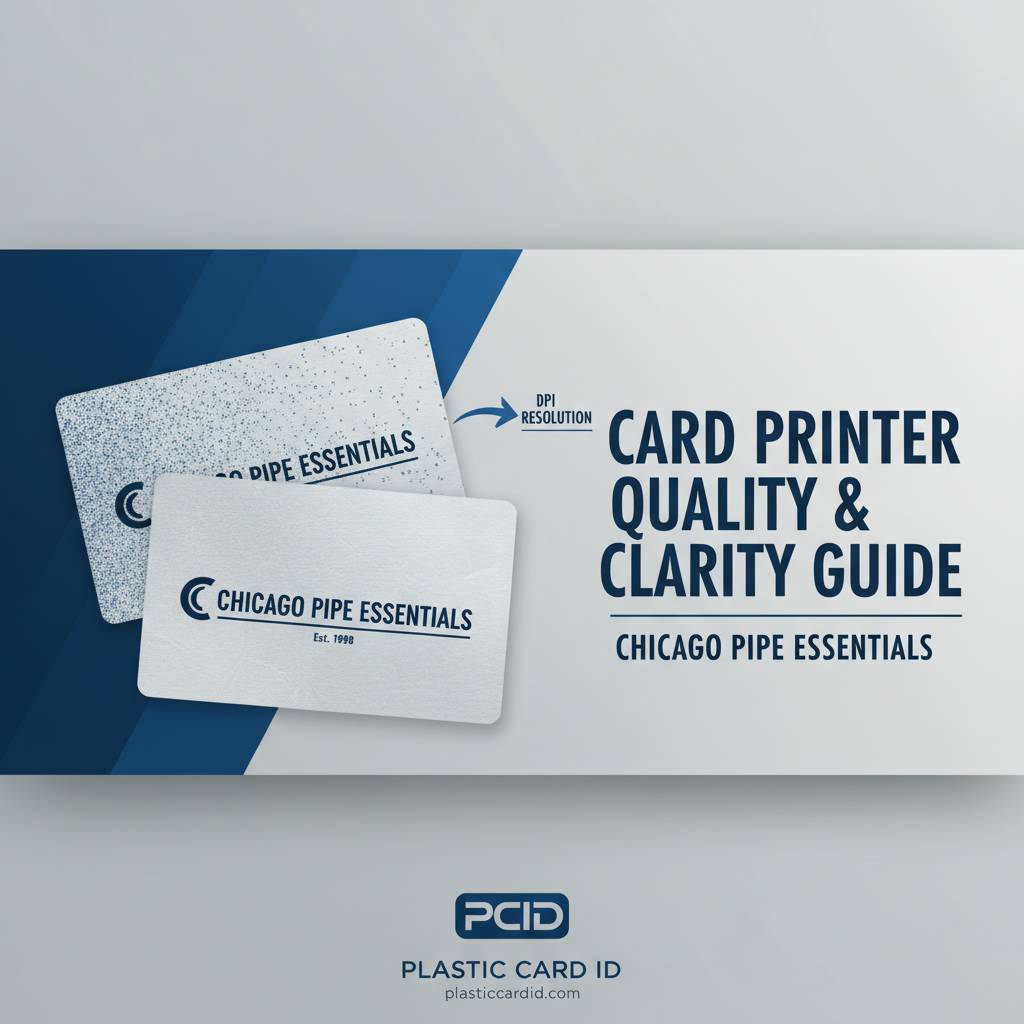 Most buyers shopping for a card printer zero in on brand, price, or print speed - and completely overlook the one specification that determines whether their finished cards look crisp and professional or blurry and cheap. That specification is DPI. Understanding what DPI actually means, how it translates to real-world print quality, and where it matters more or less for your specific application can save you from a costly mismatch between printer and purpose.
At Plastic Card ID, we have spent over 25 years guiding businesses of every size through the card printer selection process. The question of resolution comes up constantly - sometimes from IT managers who know exactly what they want, sometimes from HR coordinators who have never bought a printer in their lives. This page breaks it all down in plain language, with enough technical depth to satisfy the detail-oriented buyer and enough practical guidance to help everyone else make a confident decision.
| DPI Range | Print Quality Level | Best Use Cases | Example Printers |
|---|---|---|---|
| 300 DPI | Standard Professional | Employee IDs, membership cards, loyalty cards | Evolis Badgy200, Evolis Zenius |
| 300 DPI Dual-Sided | Standard Professional (both sides) | Staff IDs with barcodes, access control cards | Evolis Primacy2 Duplex |
| 600 DPI | Premium High-Definition | Photo IDs, security credentials, event badges | Evolis Agilia, Fargo HDP Series |
| 1200 DPI | Ultra High-Definition | Fine-text security IDs, microprint applications | Fargo HDP6600 |
What DPI Actually Means on a Card Printer
 DPI stands for dots per inch - a measure of how many individual ink dots a printer can place within a single linear inch of card surface. Higher DPI means more dots packed into the same space, which produces finer detail, smoother gradients, and sharper text. It sounds simple, and in concept it is. The complications arise when buyers assume that more DPI always means better results for their specific application, which is not always the case.
A card that carries nothing more than a name, a logo, and a solid background color will look perfectly sharp at 300 DPI. The same output quality that looks stunning on a simple layout can reveal its limitations the moment you introduce a detailed portrait photograph, fine-line artwork, or microprinted security text. Understanding the relationship between image complexity and resolution requirements is the first step toward buying the right printer for the job you actually need done.
How Card Printers Apply DPI Differently Than Paper Printers
Here is something that surprises many buyers: card printers do not use liquid ink the way an office inkjet does. The vast majority of professional card printers use a dye-sublimation process, where a thermal print head heats tiny panels on a ribbon and transfers dye directly into the surface of the card. Each panel corresponds to a color channel - typically yellow, magenta, cyan, black, and overlay. The DPI rating on a dye-sublimation card printer describes the density of those thermal heating elements, which dictates the finest detail the head can physically reproduce.
This distinction matters because dye-sublimation produces photo-realistic continuous-tone output rather than the halftone dot patterns you see in paper printing. At 300 DPI, a card printer can already produce results that look far smoother than a 300 DPI inkjet on paper. This is why card printer DPI numbers do not map directly to the DPI numbers you might be accustomed to comparing on office printers or home photo printers. The technology is different, and the quality ceiling at any given DPI is meaningfully higher.
Direct-to-Card vs. Retransfer Printing and Their DPI Implications
There are two primary printing methods in professional card printing, and they interact with DPI in noticeably different ways. Direct-to-card printers apply dye directly onto the card surface, which delivers excellent results on flat, smooth cards. Retransfer printers - sometimes called reverse-transfer or HDP printers - print the image onto a thin film first, then bond that film to the card surface. Retransfer printing effectively eliminates the white border that direct-to-card systems can leave near card edges, enabling true edge-to-edge output.
At equivalent DPI ratings, retransfer output tends to appear slightly sharper and richer because the image is transferred onto the outer surface rather than into it, preserving fine detail with greater fidelity. The Fargo HDP series leverages this retransfer approach to deliver extraordinary image quality, especially at 600 DPI and above. For organizations where the visual impact of the finished card is a direct reflection of brand quality, retransfer printing at higher resolution is worth the investment.
The Role of Print Head Density in Final Image Quality
Beyond the nominal DPI rating, the physical construction and quality of the print head itself plays a significant role in how that resolution manifests on the card. Two printers rated at 300 DPI can produce noticeably different results if one has a higher-quality print head with more consistent element performance. This is one of the reasons why established brands like Evolis, Fargo, Zebra, and Matica command a premium over generic alternatives - their print heads are engineered to perform reliably across tens of thousands of cards, not just the first few hundred.
Print head longevity is also worth considering alongside DPI. A print head that degrades quickly will produce deteriorating output over time, undermining whatever resolution advantage the spec sheet promised. Investing in a well-built printer from a reputable brand protects both your initial investment and the consistent quality of every card you produce for years to come.
300 DPI: The Standard That Covers Most Business Needs
The overwhelming majority of card printing applications - employee IDs, membership cards, loyalty programs, student credentials, hotel key cards - are handled beautifully at 300 DPI. At this resolution, text down to about 6-point size remains legible, portrait photos look professional, logos reproduce cleanly, and barcodes scan reliably. It is not a compromise resolution. It is the industry workhorse, and it is what you will find in some of the most popular printers CPE carries.
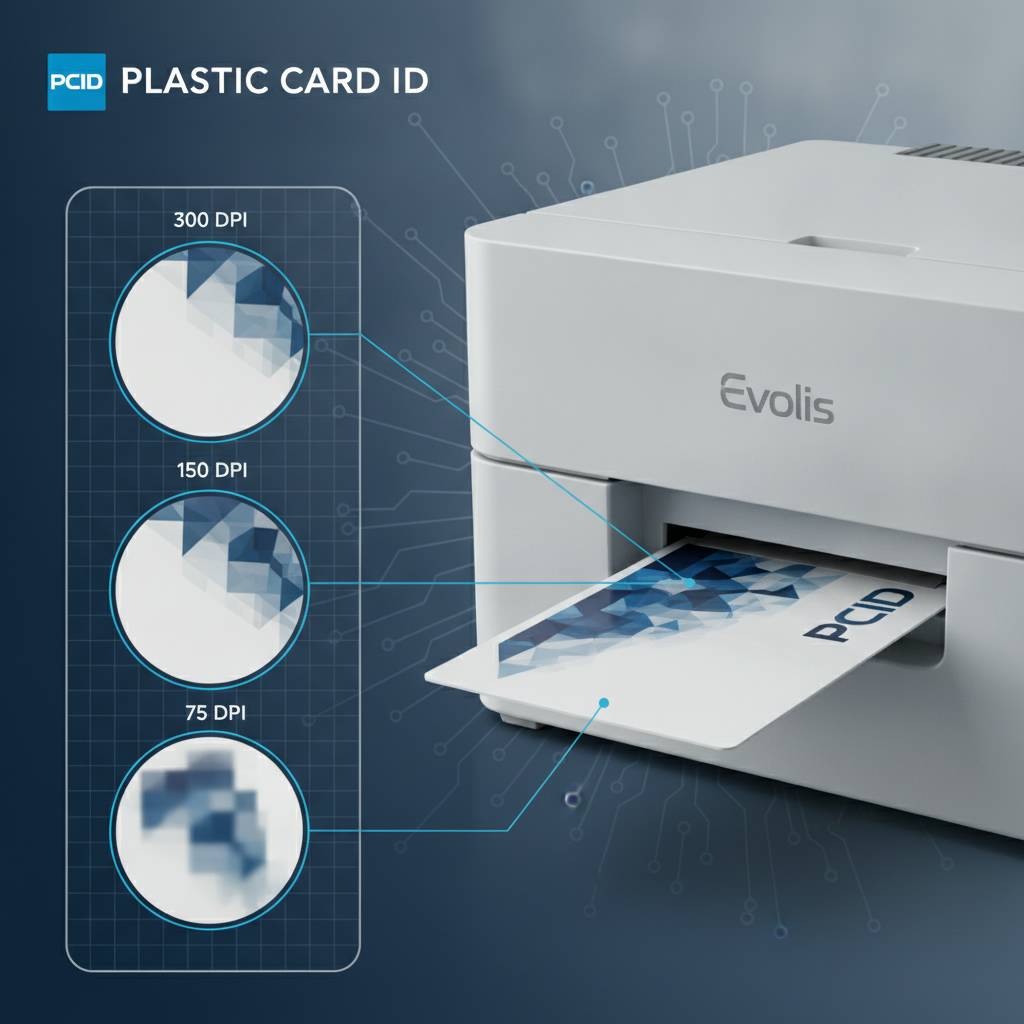
Printers like the Evolis Badgy200 deliver 300 DPI output in a compact desktop footprint that suits organizations printing under 1,000 cards per year. Step up in volume and the Evolis Zenius and Primacy2 handle 1,000 to 6,000 cards per month while maintaining that same 300 DPI standard. These are not entry-level compromises - they are purpose-built professional tools that match resolution to the actual demands of high-frequency business card printing.
When 300 DPI Is Exactly What You Need
Consider a mid-sized company issuing employee ID badges with a headshot photo, the employee's name, department, and a barcode for building access. Every one of those elements - portrait, text, barcode - prints crisply and accurately at 300 DPI. The headshot is recognizable and professional. The text is sharp and easily readable. The barcode scans the first time, every time. For straightforward ID programs, 300 DPI is not a limitation - it is the right answer.
The same logic applies to membership cards for gyms, clubs, and retail loyalty programs. These cards typically feature bold branding, a member name, a card number, and maybe a simple barcode or magnetic stripe. There is no fine-line artwork, no security microprint, and no reason to pay for resolution the design will never use. Matching the printer to the actual content of the card is smart procurement, and CPE can help you make that call accurately.
Choosing the Right Ribbon for 300 DPI Output
Even at 300 DPI, ribbon selection has a real impact on final quality. A full-color YMCKO ribbon (yellow, magenta, cyan, black, overlay) delivers the richest color output for photo IDs and branded cards. Monochrome ribbons - available in black, blue, red, gold, silver, and more - are ideal when full color is not needed and speed or cost efficiency matters more. Using the correct ribbon for the job multiplies the value of your printer's DPI rating by ensuring the colorant matches the output requirement.
Specialty ribbons with scratch-resistant overlays or holographic laminate effects add a layer of visual security and durability to 300 DPI output that can rival the perceived quality of higher-resolution printing without the price premium. Plastic Card ID stocks ribbons for every major brand in its lineup, so you can source consumables and hardware from a single trusted supplier with more than 100,000 satisfied customers behind it.
Contact Us About 300 DPI Printers
Figuring out whether 300 DPI suits your specific program is straightforward - but it helps to talk it through with someone who has seen every use case imaginable. Reach out to Plastic Card ID at 800.835.7919 and describe your application, your expected monthly volume, and any encoding or lamination requirements. The team will help you match printer to purpose without overselling resolution you do not need.
600 DPI and Higher: When Premium Resolution Earns Its Price
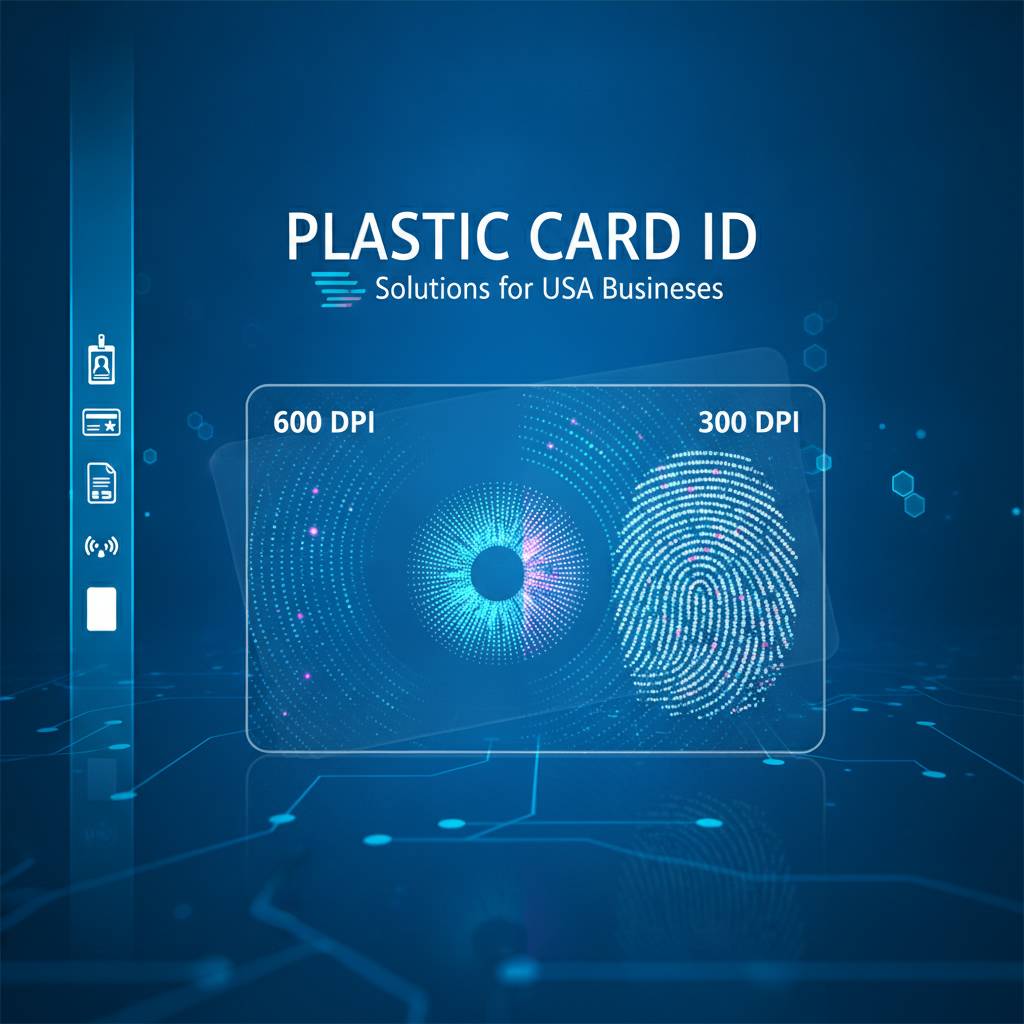 There are applications where 300 DPI, for all its competence, simply cannot deliver the level of visual precision required. Security-sensitive government credentials, high-end corporate VIP cards, event badges that need to withstand close scrutiny, and any card design featuring fine-line security elements or detailed photographic artwork - these are the scenarios where stepping up to 600 DPI or beyond makes a meaningful, visible difference.
The Evolis Agilia represents the premium tier of dye-sublimation printing, delivering edge-to-edge output with the kind of detail rendering that elevates a card from functional to genuinely impressive. Fargo's HDP series takes that further with retransfer technology at resolutions up to 1200 DPI, enabling microprint security features that are impossible to reproduce on standard office equipment. For applications where the card itself communicates trust, authority, and precision, high-resolution printing is not optional - it is essential.
Portrait Photography at High Resolution
The most immediately visible difference between 300 DPI and 600 DPI output shows up in portrait photographs. At 300 DPI, a headshot photo on an ID card looks clean and professional. At 600 DPI, the same photo reveals subtle tonal gradients in skin, sharper hair detail, and more precise rendering of facial features. For government IDs, law enforcement credentials, or any card that needs to definitively identify the bearer, the additional resolution in portrait reproduction is a genuine security and quality benefit.
The improvement is not merely cosmetic. In access control applications where a guard visually checks a card against the bearer's face, higher-resolution portraits reduce false positives from visually similar individuals. In healthcare settings where ID accuracy can have serious consequences, that added detail is not an indulgence - it is a legitimate operational requirement.
Fine-Line Art, Microprint, and Security Features
Security printing has always leveraged resolution as a protection mechanism. Fine-line guilloche patterns, microprinted text visible only under magnification, and color-shift ink effects all require high DPI to reproduce with the precision needed to make them useful. At 600 DPI, guilloche backgrounds print with the crispness that makes them difficult to photocopy or scan without visible degradation. At 1200 DPI, microprint text smaller than 1 millimeter in height remains legible under a loupe.
These features are not exclusive to government printing offices. Universities, healthcare networks, corporate campuses, and event organizers have all adopted security printing features to combat credential fraud. A high-resolution card printer brings professional-grade security features in-house, eliminating the cost and lead time of outsourcing security credential production to a third party.
High-Resolution Printers for Events and On-Site Badging
Event badge printing presents a unique resolution challenge: cards need to be produced quickly, in large numbers, on-site, while still looking sharp enough to represent the hosting organization's brand credibly. The Matica Event Printer is engineered for exactly this scenario - high-speed throughput without sacrificing the output quality that matters when thousands of attendees are wearing your badge as a walking brand impression.
For events where VIP credentials, press passes, or speaker badges need to stand apart from general admission badges, printing those select cards at higher resolution adds a visible quality distinction that reinforces the hierarchy. CPE carries both the printers and the ribbons to support tiered badge printing programs from a single source.
DPI and Encoding: How Resolution Interacts With Card Technology
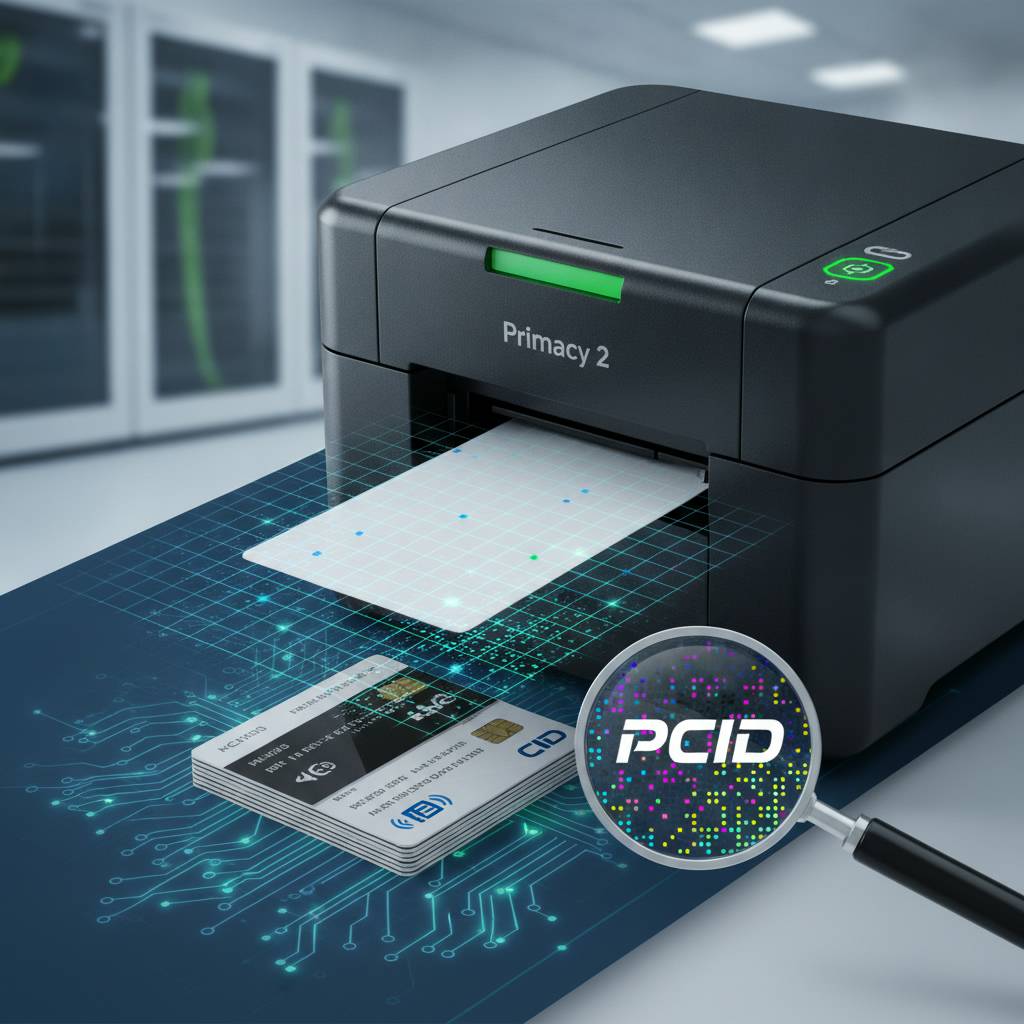 A card printer does not just print visual images - it can simultaneously encode data into magnetic stripes, smart chips, or contactless RFID elements embedded in the card. Understanding how DPI relates to encoding is important because buyers sometimes assume they need to choose between visual quality and functional encoding capability. With the right printer configuration, you do not have to choose at all.
Encoding modules are added to printers as factory-installed or field-installable upgrades and operate independently of the print head's DPI capability. A 600 DPI printer with a magnetic stripe encoding module delivers both premium visual output and fully functional data encoding in a single pass, which is exactly what hotel key card programs, access control systems, and loyalty programs require.
Magnetic Stripe Encoding and Print Resolution
Magnetic stripe encoding writes data to the black stripe running across the back of a card. It is completely independent of print head DPI - the encoding head is a separate component that interacts with the magnetic material, not with the print surface. This means you can have a high-DPI visual output on the front of the card while encoding full Track 1, Track 2, and Track 3 data on the back simultaneously.
Hotel key cards are a perfect example. Guests expect a card that looks sharp and branded - not a blank white plastic card with a magnetic stripe. A 300 DPI or 600 DPI printer with magnetic stripe encoding produces a fully branded, functionally encoded card in a single pass, ready to hand to the guest immediately. Plastic Card ID supplies the encoding-equipped printers, the appropriate ribbons, and the encoding software integrations to make this seamless.
Smart Chip and Contactless Encoding Options
For higher-security applications, smart chip (contact IC) and contactless RFID encoding modules are available on mid-range and premium printers. These modules write data to embedded chips during the print cycle, producing a card that is both visually personalized at full print resolution and cryptographically encoded for secure access control. Universities issuing student IDs with building access, meal plan balances, and library privileges on a single card rely on exactly this combination.
The visual quality of these multi-function cards still depends on the printer's DPI, and organizations issuing them should select resolution based on the card's visual content - just as they would for any other card. Encoding capability is an add-on; resolution is a foundational specification that should drive the initial printer selection decision.
Call Us to Configure the Right Encoding and Resolution Setup
Getting encoding and DPI right together requires understanding how the card will be used, what data needs to be written, and what the card's visual design demands. The team at Plastic Card ID has configured hundreds of these combined print-and-encode programs. Call 800.835.7919 to walk through the options for your specific use case.
Buyer's Guide: Selecting the Right DPI for Your Card Program
Every buyer arrives with a different set of requirements, a different budget, and a different level of familiarity with card printing technology. The goal here is not to push higher DPI for its own sake - it is to match the resolution to the application so that every card you print looks exactly as good as it needs to and no budget is wasted on specs the design will never demand.
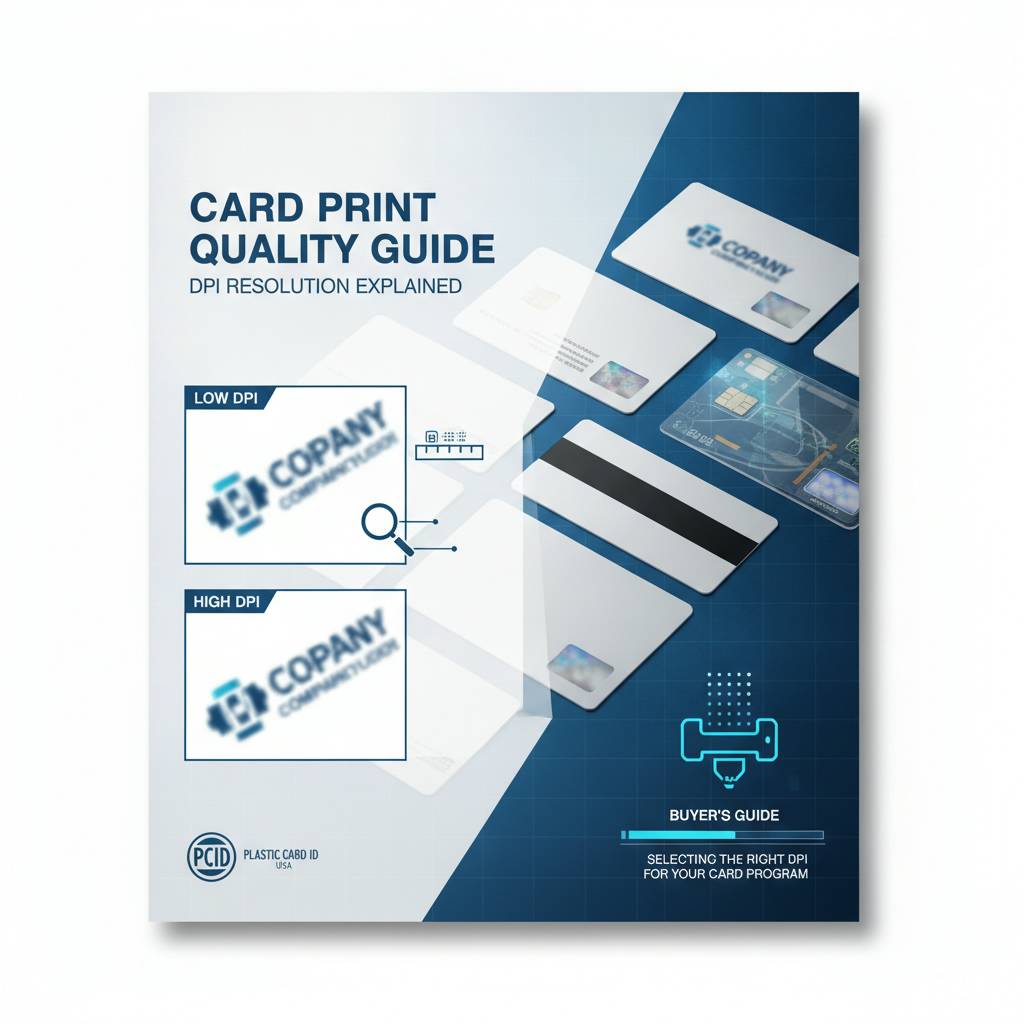
There is a structured way to think about this selection. Start with the visual content of the card itself. Then consider print volume and the frequency of use. Then factor in any encoding or lamination requirements. Resolution is just one dimension of a well-configured card printing program, and it rarely makes sense to optimize for it in isolation.
Questions to Ask Before Choosing a DPI Tier
- Does your card design include portrait photographs that need to be clearly identifiable?
- Does the design feature fine-line art, small logos, or text below 8-point size?
- Are there security features like guilloche patterns or microprint in the design?
- Will the card be used in an application where visual quality directly reflects brand authority?
- What is your expected monthly print volume, and how does that affect your total cost of ownership?
- Do you need edge-to-edge printing, or is a small white border acceptable?
If you answered yes to the first four questions, 600 DPI or higher is likely worth the investment. If your honest answers indicate straightforward ID or membership card designs with moderate volume, 300 DPI is the right, cost-efficient choice. Buying more resolution than your design can use does not improve your cards - it just increases your hardware cost.
Matching Printer Models to DPI Requirements
For low-volume programs printing fewer than 1,000 cards per year with straightforward designs, the Evolis Badgy200 at 300 DPI is a natural fit - compact, reliable, and very cost-effective per card. For organizations in the 1,000 to 6,000 card-per-month range with employee IDs, access cards, or membership programs, the Evolis Zenius and Primacy2 offer 300 DPI performance with optional encoding upgrades that scale with program needs.
When the design demands genuinely premium quality - detailed portraits, fine-line security elements, or edge-to-edge output with no compromise - the Evolis Agilia and Fargo HDP series deliver at 600 DPI and above. For high-throughput on-site event needs, the Matica Event Printer handles volume and speed without sacrificing output quality. CPE carries the full spectrum because different organizations have genuinely different needs, and no single DPI tier is right for everyone.
Understanding Total Cost of Ownership Across DPI Tiers
Higher DPI printers carry higher purchase prices, and in some cases, the ribbons and consumables for premium printers also cost more per card. For an organization printing 500 cards a year, the cost per card difference between a 300 DPI and 600 DPI printer may be negligible over the life of the equipment. For an organization printing 5,000 cards per month, that per-card cost difference compounds significantly. Total cost of ownership - not just sticker price - should drive the final decision.
Plastic Card ID supplies ribbons, cleaning kits, lamination modules, and all necessary consumables for every printer in its lineup. Buying hardware and consumables from the same supplier simplifies procurement, ensures compatibility, and gives you a single point of contact when questions arise. With over 100,000 customers served, the experience behind that support is not superficial.
Why Businesses Trust Plastic Card ID for Card Printer Resolution Guidance
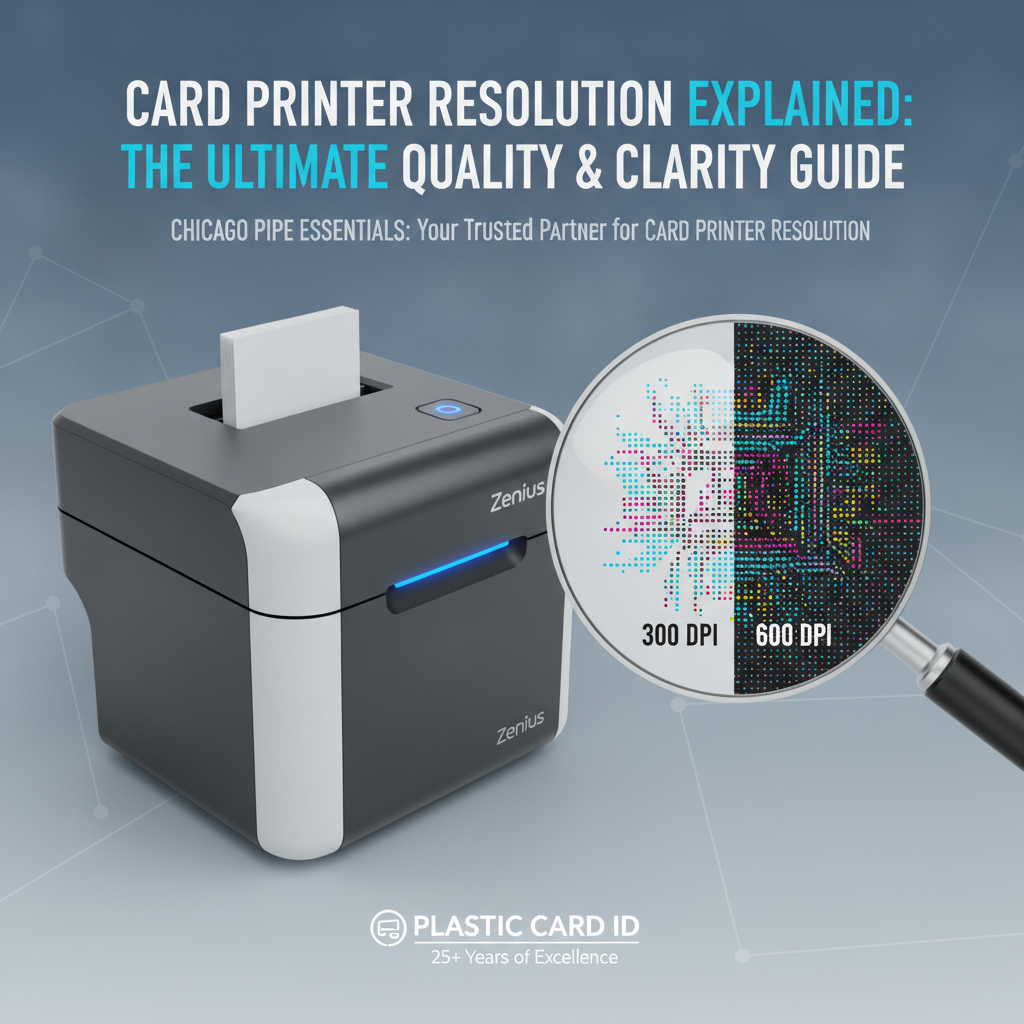 Choosing a card printer is not a decision most organizations make frequently. When it comes time to buy - whether you are setting up a new ID program, replacing aging equipment, or scaling an existing program to handle higher volume - the guidance you receive matters enormously. Plastic Card ID has been in this space for over 25 years, and that longevity reflects something genuine: buyers who get the right advice from the start keep coming back.
The ability to match DPI, print technology, encoding capability, and volume requirements to a specific application is not something you get from a generic electronics retailer. It requires deep familiarity with how these machines perform in real-world conditions across a wide range of industries. From hotel chains issuing thousands of key cards per month to small nonprofits printing 200 membership cards per year, CPE has seen the full range and configured programs accordingly.
A Curated Lineup, Not a Commodity Catalog
Not every printer on the market deserves shelf space. Plastic Card ID carries Evolis, Fargo, Zebra, and Matica specifically because these brands consistently deliver on print quality, reliability, and long-term serviceability. Each model in the lineup was chosen because it performs well in the applications it is sold for - not because it has a flashy spec sheet or an unusually low price point.
Buying a card printer from a curated lineup means you are choosing from options that have already been vetted for real-world performance. The Evolis Badgy200 is there because it genuinely suits low-volume programs. The Evolis Agilia is there because it genuinely delivers premium output. The Fargo HDP series is there because retransfer at high DPI has proven application in security-sensitive environments. Every printer earns its place.
Consumables, Accessories, and Ongoing Support
A printer without the right ribbons is just hardware. Plastic Card ID supplies YMCKO full-color ribbons, monochrome ribbons in multiple colors, cleaning kits, lamination overlaminates, input hoppers for higher-volume configurations, and card carriers and sleeves to protect finished output. Getting everything from one supplier eliminates compatibility guesswork and streamlines reordering when consumables run low.
The support behind the sale is equally important. When a ribbon runs out mid-batch, when a cleaning cycle needs to be scheduled, or when an encoding module needs configuration assistance, CPE is available with the product knowledge to resolve it quickly. That is what 25 years of focused experience in a specialized market produces: not just product knowledge, but operational knowledge about how card programs actually run day-to-day.
Reach Out to Plastic Card ID Today
Whether you are buying your first card printer or upgrading a program that has outgrown its current equipment, the right resolution decision starts with an honest conversation about what your cards need to do. Call Plastic Card ID at 800.835.7919 to speak directly with a team member who can help you identify the right DPI, the right printer model, and the right consumable configuration for your specific application.
Ready to print professional cards with the right resolution for your program? Contact Plastic Card ID now at 800.835.7919 - where 25 years of expertise and a curated lineup of industry-leading card printers are ready to work for your organization.
Previous Page