Buy Plastic Card Printer: Best Deals and Expert Advice
Table of Contents []
- Why Smart Businesses Choose Plastic Card ID When They Buy a Plastic Card Printer
- Understanding the Plastic Card Printer Market Before You Buy
- The Full Picture: Supplies, Accessories, and Ongoing Costs
- Use Cases: What Organizations Are Actually Printing
- Buyer's Guide: Choosing the Right Printer for Your Needs
- Frequently Asked Questions About Buying a Plastic Card Printer
- Ready to Buy? Here's How to Get Started With Plastic Card ID
Why Smart Businesses Choose Plastic Card ID When They Buy a Plastic Card Printer
 There's a moment every growing organization reaches - the realization that outsourcing ID cards, membership cards, or access credentials is costing more than it should. Lead times stretch. Reorder minimums pile up. And when one employee needs a badge replaced on a Tuesday afternoon, you're waiting a week. That's exactly the problem in-house card printing solves, and it's why thousands of businesses across the United States have turned to Plastic Card ID to get the right hardware in place.
Plastic Card ID has been supplying professional plastic card printers and related equipment to businesses of every size for over 25 years. With more than 100,000 customers served nationwide, the company carries a carefully curated lineup from the most trusted brands in the industry - Evolis, Fargo, Zebra, and Matica. Whether you need a compact desktop unit for occasional badge printing or a high-throughput system running thousands of cards per month, there is a solution here that fits.
This page is designed to help you make a confident, informed purchasing decision. We'll walk through what separates printer tiers, which features matter for specific use cases, and how to evaluate total cost of ownership - not just sticker price.
| Printer Model | Brand | Best For | Volume Range | Key Features |
|---|---|---|---|---|
| Badgy200 | Evolis | Low-volume desktop use | Under 1,000 cards/year | Compact, easy setup, color printing |
| Zenius | Evolis | Small-mid organizations | 1,000-3,000 cards/month | Single-sided, upgradeable encoding |
| Primacy2 | Evolis | Mid-range production | 3,000-6,000 cards/month | Dual-sided, magnetic stripe option |
| Agilia | Evolis | Premium full-color output | High-volume, edge-to-edge | Borderless printing, high resolution |
| Fargo/Zebra Models | Fargo / Zebra | Security ID programs | Varies by model | Encoding, lamination, security features |
| Matica Event Printer | Matica | On-site event credentialing | High-speed burst printing | Fast throughput, portable deployment |
Understanding the Plastic Card Printer Market Before You Buy
 Shopping for a card printer for the first time - or upgrading from an aging unit - can feel overwhelming. Specifications blur together. Brand names blur together. And there's real risk in choosing a printer optimized for a production scale that doesn't match your actual needs. Buying the wrong printer is an expensive mistake that many organizations make when they rush the decision.
CPE has seen this play out hundreds of times. A school district buys an entry-level unit expecting to print student IDs for 800 students, only to realize it can't handle dual-sided printing. A hotel chain purchases a mid-range desktop printer for key card encoding and finds it bottlenecks front desk operations during peak check-in hours. Matching the printer to the use case is everything.
Entry-Level Printers: Who They're Actually For
The Evolis Badgy200 occupies a very specific niche - and it fills that niche exceptionally well. Designed for organizations printing fewer than 1,000 cards per year, it delivers full-color output in a compact, easy-to-set-up desktop form factor. Small nonprofits, boutique gyms, local chambers of commerce, and offices issuing occasional visitor badges will find it hits a price point that's hard to argue with.
What entry-level printers are not is a workaround for medium-volume needs. If your print runs regularly exceed a few hundred cards at a time, the cost per card on a Badgy200 and the throughput speed will frustrate you quickly. Know your annual volume before you buy - that single number drives more of the right purchasing decision than almost any other factor.
Mid-Range Workhorses: The Sweet Spot for Most Organizations
For the largest share of businesses buying a plastic card printer, the Evolis Zenius and Primacy2 land squarely in the right zone. Handling 1,000 to 6,000 cards per month, these models offer significantly more flexibility than entry-level options. The Primacy2 adds dual-sided printing and optional magnetic stripe encoding, making it suitable for employee ID programs, loyalty card issuance, and access control applications where card-back data matters.
The upgrade path on these printers is worth noting. Modular encoding options mean you can add magnetic stripe capability, smart chip encoding, or contactless card support without replacing the entire unit. For organizations anticipating feature growth, buying a Primacy2 now and enabling encoding later is a genuinely cost-efficient strategy.
When to Reach for a Premium or Industrial Unit
The Evolis Agilia sits at a different tier entirely. Edge-to-edge printing, highest-quality color output, and the ability to handle demanding production volumes make it the right answer when card appearance is a competitive differentiator. Think membership cards for premium clubs, VIP access credentials, branded loyalty cards for retail chains - applications where the card itself is part of the brand experience.
Fargo and Zebra printers serve organizations where security infrastructure is the priority. Government-issued IDs, corporate access control programs, and healthcare facility credentials often require the specific encoding standards, lamination capabilities, and audit trail features these brands deliver. If your card program involves high-security identity verification, these are the printers your compliance team will approve.
The Full Picture: Supplies, Accessories, and Ongoing Costs
Buying a plastic card printer is the starting point, not the ending point. The ongoing cost of operating a card printing program - ribbons, cleaning kits, blank card stock, and occasional maintenance - is what shapes your true cost per card over time. Plastic Card ID supplies the complete ecosystem, not just the hardware.
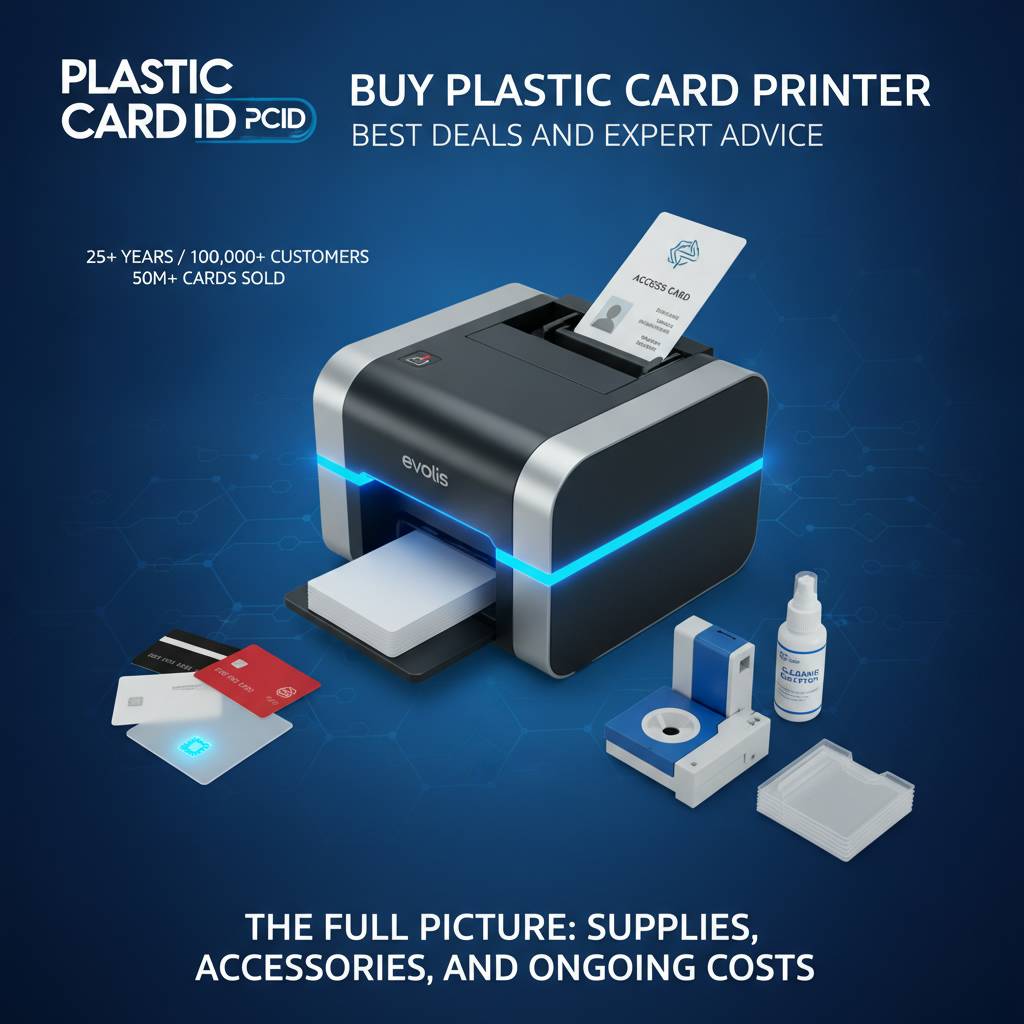
Understanding ribbon types alone can meaningfully reduce your operating costs. Choosing the right consumable for each job is something many first-time printer buyers overlook entirely, and it's one of the first things CPE encourages customers to think through carefully before committing to a printer model.
Ribbon Types and What They Mean for Your Output
YMCKO ribbons are the standard for full-color card printing - yellow, magenta, cyan, black, and overlay panels combined in a single ribbon cassette. They produce vibrant, photo-quality output suitable for ID photos, logos, and branded card designs. Most mid-range and premium printers use YMCKO ribbons as their default consumable.
Monochrome ribbons are a different story. When you're printing black-text-only cards - simple membership cards, basic access badges, numbered visitor passes - monochrome ribbons cost significantly less per card than YMCKO and print faster. Running monochrome for text-only jobs and YMCKO only when color is needed is a simple operational habit that compounds into real savings across thousands of cards.
Encoding Upgrades: Magnetic Stripe, Smart Chip, and Contactless
Card printers from Plastic Card ID can be configured - or upgraded after purchase - with encoding modules that write data directly to the card during the printing process. Magnetic stripe encoding is the most common, supporting hotel key cards, loyalty card programs, time-and-attendance systems, and basic access control. It's a proven, cost-effective technology that still powers millions of card programs across every industry.
Smart chip and contactless encoding (RFID/NFC) represent the higher end of the capability spectrum. These encoding formats enable more sophisticated access control systems, higher-security ID programs, and cards that interact with tap-based readers. If your facility uses a modern physical access control system, confirming encoder compatibility before purchasing is essential. Contact CPE directly at 800.835.7919 to confirm compatibility with your existing infrastructure.
Cleaning Kits, Lamination, and Card Carriers
Card printer maintenance is neither complicated nor expensive - but it is mandatory. Cleaning kits remove dust, debris, and residue from the print head and card path, preventing the streaks, voids, and misfeeds that reduce card quality and shorten printer lifespan. Most manufacturers recommend a cleaning cycle every ribbon change, and Plastic Card ID supplies brand-matched cleaning kits for every printer in its lineup.
Lamination modules add a clear protective overlay to finished cards, dramatically increasing durability and resistance to scratching, UV exposure, and wear. For cards that see daily physical handling - employee IDs clipped to lanyards, student cards swiped through cafeteria readers, event credentials passed through gates - lamination pays for itself in reduced reprint rates. Card carriers and sleeves protect both finished cards and blank card stock during storage and transport.
Use Cases: What Organizations Are Actually Printing
 The range of applications that drive businesses to buy a plastic card printer is broader than many people initially assume. It's not just corporate employee badges - though that's certainly one of the most common use cases. The flexibility of an in-house card printer touches nearly every sector of American business and institutional life.
Owning your card production means owning your timeline. No vendor minimums. No shipping delays. No waiting five business days to replace one lost access card. The operational advantages of printing on demand compound quickly for any organization issuing cards regularly.
Employee ID and Access Control Programs
Corporate and institutional employee ID programs represent the backbone of the card printing market. From small businesses issuing 50 staff badges per year to large employers rotating hundreds of new hires through onboarding each month, the use case is universal. Printers like the Evolis Primacy2 and Fargo models are particularly well-suited here, supporting photo ID printing, magnetic stripe access encoding, and dual-sided output for emergency contact or policy information on the card back.
Access control integration is where the printer selection gets more precise. Not every encoder is compatible with every access control platform. Verifying encoder-to-platform compatibility before purchase prevents the frustrating scenario of a printer arriving that can't write to your existing access cards. Plastic Card ID carries the expertise to guide this conversation.
Membership, Loyalty, and Retail Card Programs
Gym memberships. Library cards. Retail loyalty programs. Wine club memberships. Coffee shop punch cards upgraded to magnetic stripe scan cards. The membership and loyalty card segment is enormous, and the economics of in-house printing versus outsourcing shift decisively in favor of in-house once volumes reach even modest levels.
A mid-range printer with a YMCKO ribbon and a custom card design template can produce professional, full-color loyalty cards at a fraction of what print vendors charge per unit at low quantities. Personalization at the point of printing - encoding the member's account number directly to the magnetic stripe, printing their name on the card - is simply not possible through batch outsourcing in any cost-effective way.
Event Credentials and Student IDs
Events - conferences, festivals, trade shows, campus orientations - create compressed, high-volume printing demands. The Matica Event Printer addresses this directly, built for high-speed on-site badge production where hundreds or thousands of credentials need to be printed quickly and reliably. Setup time, throughput speed, and reliability under burst workloads define its value proposition.
Student ID programs are similarly well-served by the Plastic Card ID lineup. Universities, community colleges, K-12 school districts, and private academies all manage annual or semester-based card issuance cycles that benefit from in-house printing. Student IDs that double as library cards, meal plan cards, and transit passes require the encoding capabilities that Plastic Card ID's configurable printers deliver.
Buyer's Guide: Choosing the Right Printer for Your Needs
 Narrowing down the right printer purchase comes down to five core questions. Answer these honestly and the decision largely makes itself. CPE walks customers through this exact framework when helping them select a system that will serve them well for years.
The Five Questions Every Buyer Should Answer First
- What is your annual card volume? Under 1,000 cards per year points to entry-level. 1,000-6,000 per month points to mid-range. Higher volumes or burst printing needs point to industrial or event-specific models.
- Do you need single-sided or dual-sided printing? Dual-sided printing adds cost but enables back-of-card data, emergency info, terms and conditions, or secondary encoding.
- What encoding do you need? Magnetic stripe, smart chip, contactless RFID/NFC, or none. Your access control or loyalty platform dictates this answer.
- Is full-color printing required? Photo IDs, branded membership cards, and event credentials usually require color. Text-only badges and basic access cards may need only monochrome.
- What is your total budget - hardware plus first-year consumables? Printer prices range from approximately $300-$600 for entry-level models to $1,500-$4,000 for mid-range and premium systems. Ribbons, blank cards, and cleaning kits add $150-$800 per year depending on volume.
Answering these five questions before contacting a supplier - or before clicking "buy" on any card printer - dramatically reduces the chance of a mismatch between what you purchase and what you actually need. A printer that's right for your use case will feel effortless to operate; one that's wrong will create friction every single time you use it.
Total Cost of Ownership: Beyond the Purchase Price
The purchase price of a card printer is just one part of the financial picture. Ribbons are the most significant ongoing expense - a YMCKO ribbon typically yields 100-500 prints depending on the model, and ribbon costs vary widely between entry-level and professional-grade units. Blank PVC card stock, cleaning kits, and occasional print head maintenance complete the ongoing cost picture.
A useful calculation: estimate your annual card volume, divide by the ribbon yield for the printer you're considering, and multiply by ribbon cost. Add blank card stock at approximately $30-$80 per 500 cards and cleaning kits at roughly $20-$40 per kit. This total-cost view often shifts the comparison between printer models significantly - a cheaper printer with expensive consumables can cost more over three years than a pricier unit with efficient ribbon economics.
Warranty, Support, and the Value of an Established Supplier
Card printers are professional tools, and like any professional tool, they occasionally need service. Choosing a supplier with 25 years of experience and a track record of supporting over 100,000 customers is a meaningful decision factor - not just a nice-to-have. When a print head needs replacement or a ribbon encoding module develops an issue, having an established point of contact accelerates resolution enormously.
Plastic Card ID stands behind every printer it sells. Manufacturer warranties cover hardware defects, and CPE maintains the product knowledge to guide troubleshooting, consumable selection, and upgrade decisions throughout the life of the printer. For organizations without dedicated IT support, that ongoing relationship is genuinely valuable. Reach the team directly at 800.835.7919 for pre-purchase guidance or post-sale support.
Frequently Asked Questions About Buying a Plastic Card Printer
Over 25 years of customer conversations, certain questions come up again and again. Here are the most common ones - answered directly and without the runaround.
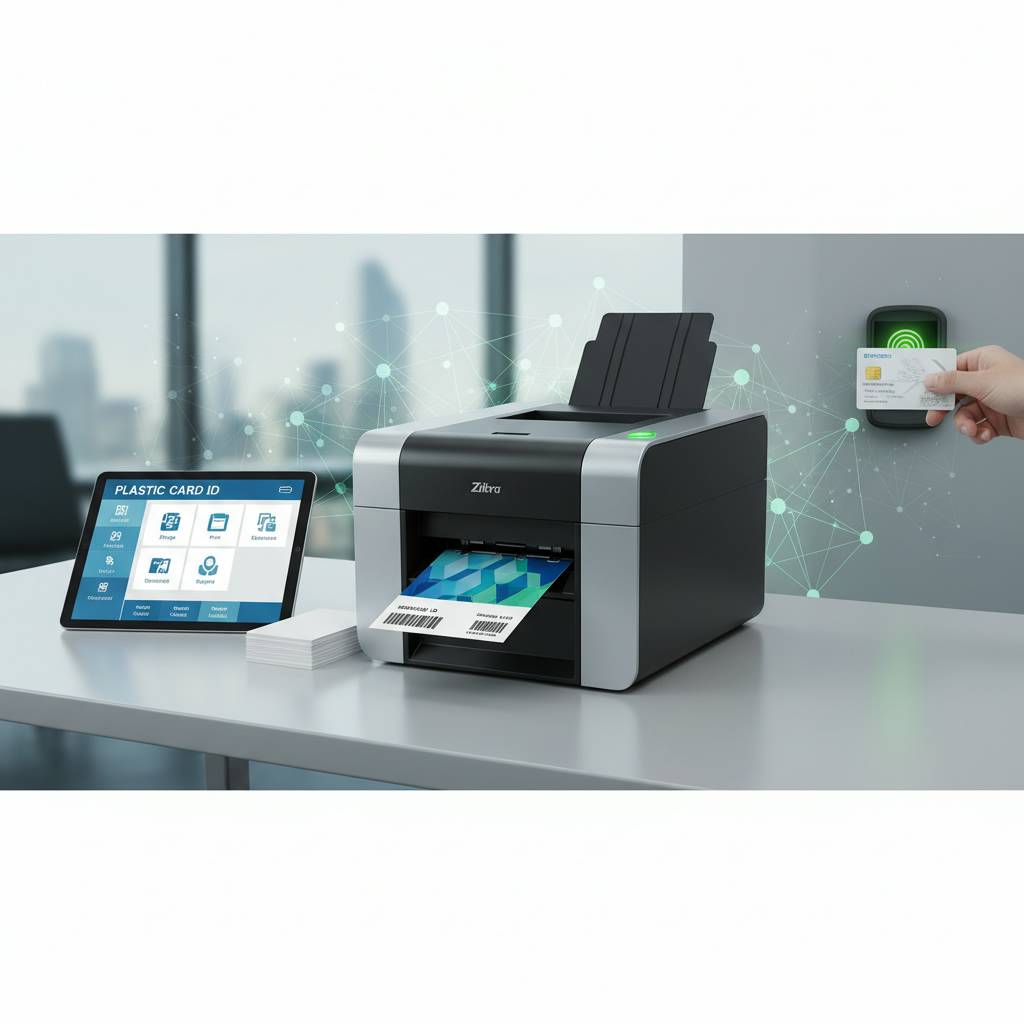
Can I print hotel key cards on a desktop card printer?
Yes - with the right encoder. Hotel key cards use RFID or magnetic stripe encoding, and several printers in the Plastic Card ID lineup support these encoding formats as factory options or add-on modules. The critical factor is confirming that the encoder type matches your property management system's lock platform. Not all RFID formats are interchangeable, so this is a detail worth verifying before purchase.
For properties running a standard magnetic stripe lock system, a mid-range printer with a magnetic stripe encoder handles key card production efficiently. On-property key card printing eliminates vendor lead times and enables immediate card replacement for guests - a genuine service quality improvement with a real operational ROI.
Do these printers work with standard CR80 PVC cards?
All printers in the Plastic Card ID lineup are designed for standard CR80 PVC card stock - the same 3.375 x 2.125 inch dimensions as a standard credit card. This is the industry-standard format and the one used for virtually all employee IDs, membership cards, access cards, and loyalty cards. Blank CR80 PVC cards are available directly from Plastic Card ID to ensure compatibility.
Some models also accommodate slightly thicker cards for specialty applications. If your program requires non-standard card thickness - for encoded smart card chips that add thickness to the card body - confirming maximum card thickness specification before purchase prevents feed path issues. Standard 30-mil PVC card stock works flawlessly in every unit Plastic Card ID carries.
What software do I need to design and print cards?
Most printers in the Plastic Card ID lineup include bundled card design software or come compatible with popular card production software platforms. Entry-level models like the Badgy200 include Evolis' own Cardpresso or similar design tools. Mid-range and professional printers are typically compatible with third-party platforms offering database connectivity for variable data printing - pulling employee names, photos, and ID numbers directly from an HR database or spreadsheet.
For organizations with existing badge design workflows, confirming printer driver compatibility with your current software is straightforward. Most professional card printers install as standard print devices and accept print jobs from any application that can output to a printer, making the software transition nearly seamless for most users.
Ready to Buy? Here's How to Get Started With Plastic Card ID
 The path from "we need to start printing our own cards" to a fully operational in-house card printing program is shorter than most organizations expect. Plastic Card ID makes the process straightforward - matching you to the right printer, ensuring you have the consumables and accessories to start printing immediately, and providing the support to keep the program running smoothly long after the initial purchase.
With over 100,000 customers served and more than two decades of specialized experience, CPE is not a generalist technology reseller. Card printers, card supplies, and everything that goes with them - this is the focused expertise you get when you work with a company that's spent 25 years doing exactly this and nothing else. That depth of specialization shows up in every product recommendation, every compatibility check, and every support conversation.
Browse the Full Printer Lineup Online or Call for Personalized Guidance
The Plastic Card ID catalog covers every major brand and production tier in the professional card printer market. Whether you're comparing the Evolis Zenius against the Primacy2, evaluating Fargo versus Zebra for a security ID program, or trying to determine whether the Matica Event Printer is the right fit for your annual conference, the full lineup is available to explore with complete specifications and configuration options.
For buyers who prefer to talk through the decision with someone who knows the products in depth, the CPE team is available by phone. A five-minute conversation with an experienced specialist can save hours of specification-reading and eliminate the guesswork that leads to costly mismatches. Call 800.835.7919 and get your questions answered directly.
What to Have Ready When You Call or Order
- Your estimated annual or monthly card volume
- Whether you need single-sided or dual-sided printing
- Any encoding requirements (magnetic stripe, RFID, smart chip)
- The type of cards you'll be producing (employee IDs, key cards, membership cards, event badges)
- Your budget range for hardware and first-year consumables
- Any existing software or access control systems the printer needs to integrate with
Coming to the conversation with this information in hand means you'll get a specific, actionable recommendation - not a vague "it depends." Precision in, precision out. Plastic Card ID has helped organizations across every industry, every size, and every use case find the right card printing solution. Yours is next.
Take control of your card program today. Contact Plastic Card ID at 800.835.7919 and speak with a specialist who can match you to the right plastic card printer for your exact needs - and make sure you have everything required to start printing professionally from day one.
Previous Page