Plastic Card Printer Buying Guide: Find Your Perfect Match
Table of Contents []
- Your Complete Plastic Card Printer Buying Guide - Plastic Card ID
- Understanding Card Printer Types and Technologies
- How to Match Print Volume to the Right Printer
- Ribbon Types, Supplies, and the Real Cost of Card Printing
- Encoding Options: Magnetic Stripe, Smart Chip, and Beyond
- Buyer Tips: What to Ask Before You Purchase
- The Plastic Card ID Difference: Why Over 100,000 Businesses Trust Us
Your Complete Plastic Card Printer Buying Guide - Plastic Card ID
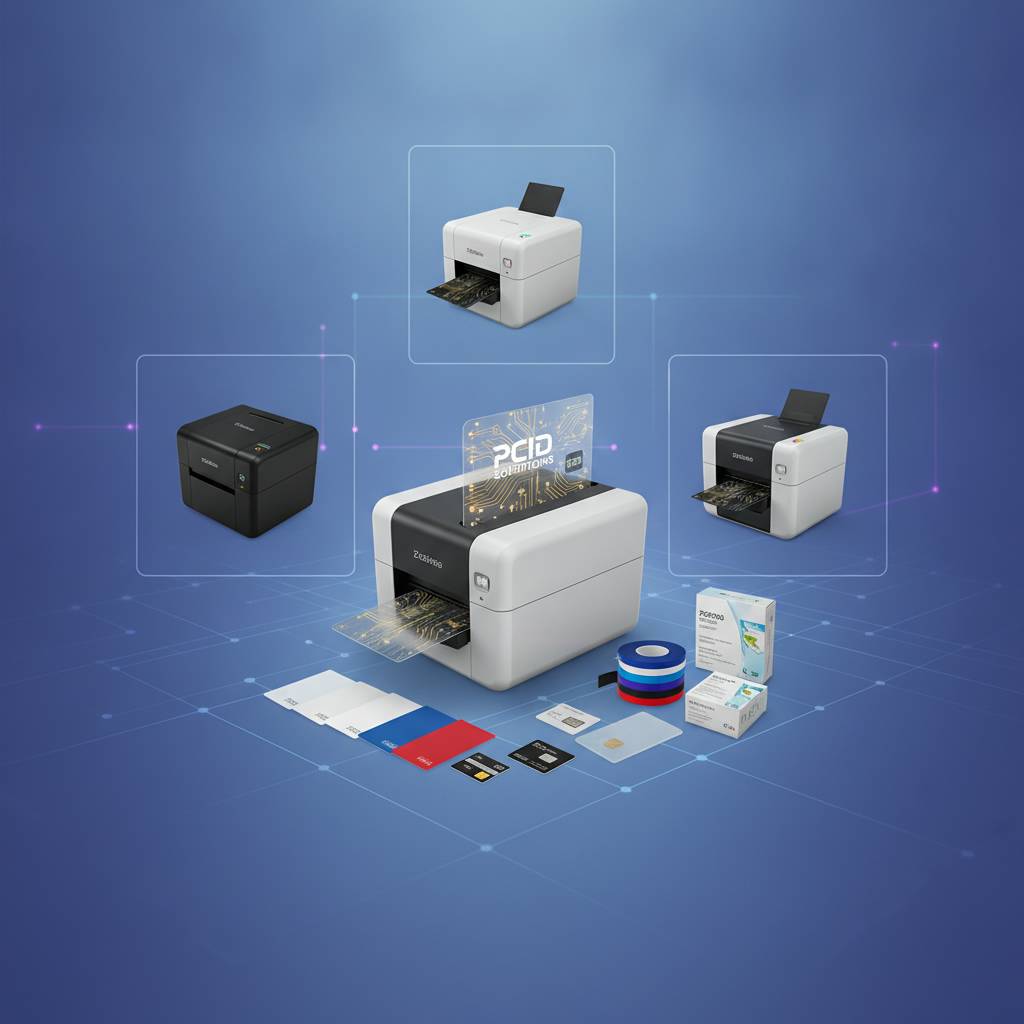 Choosing the right card printer isn't simply a matter of picking the cheapest model on the shelf. The decision touches your daily workflow, your budget over time, your card quality standards, and the credibility your organization projects every time someone flashes a badge or scans a credential. This plastic card printer buying guide exists because that decision deserves serious attention - and because making the wrong call costs more than most buyers anticipate.
Whether you're outfitting a hospital HR department, a university registrar's office, a hotel chain, or a corporate security program, the variables that matter shift depending on your volume, your encoding needs, and how much downtime you can tolerate. CPE has spent over 25 years helping more than 100,000 businesses navigate exactly this decision, and the patterns from all those conversations are baked into every section below.
| Annual Card Volume | Recommended Tier | Example Models | Typical Use Cases |
|---|---|---|---|
| Under 1,000 cards/year | Entry-Level Desktop | Evolis Badgy200 | Small business IDs, membership clubs |
| 1,000 - 6,000 cards/month | Mid-Range Workhorse | Evolis Zenius, Primacy2 | Corporate ID, access control, loyalty |
| High-volume / edge-to-edge | Premium Output | Evolis Agilia | High-security credentials, premium IDs |
| Security-focused programs | Fargo / Zebra | Fargo HDP, Zebra ZC Series | Government, law enforcement, healthcare |
| On-site event badging | High-Speed Event | Matica Event Printer | Conferences, trade shows, events |
Understanding Card Printer Types and Technologies
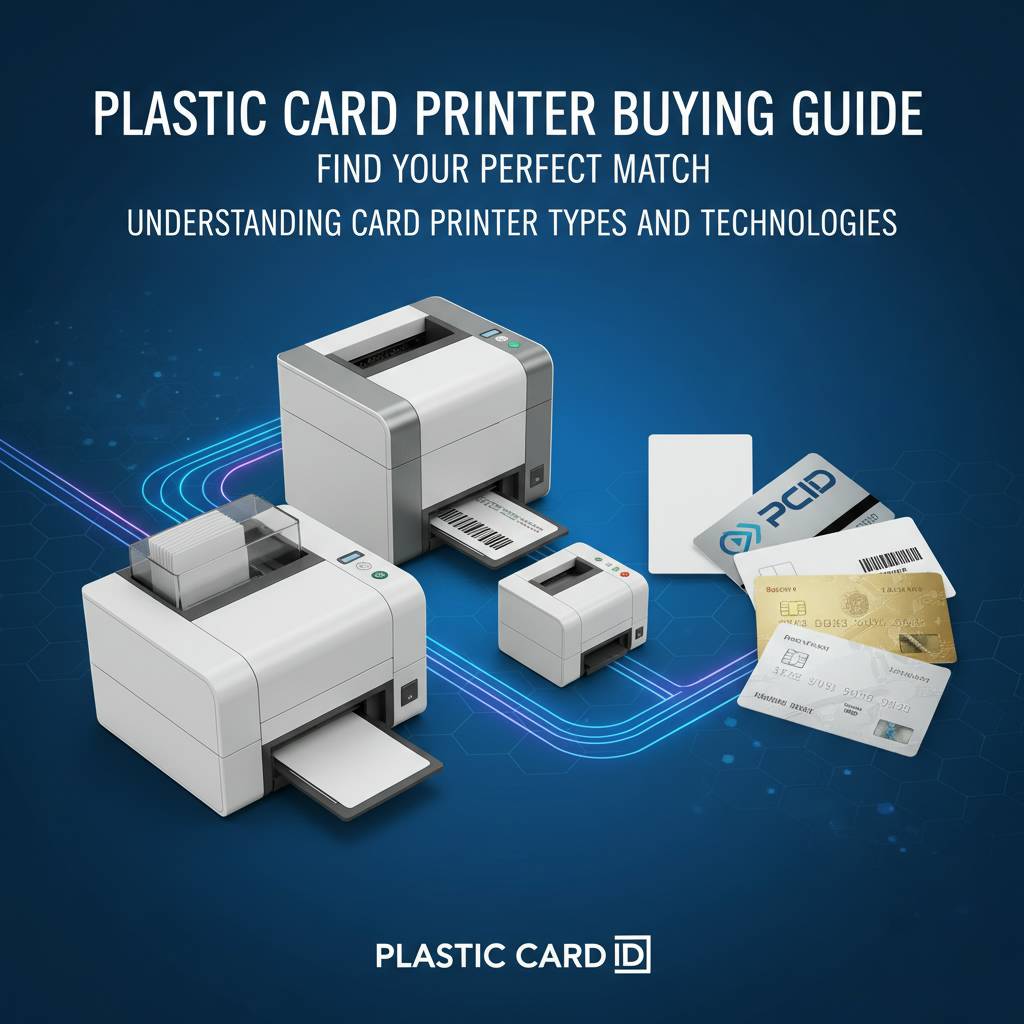 The market isn't monolithic. Card printers split into several distinct technology categories, and each one serves a different purpose with meaningful tradeoffs in speed, cost-per-card, and output quality. Before comparing brand names or model numbers, understanding these fundamental differences saves buyers from misaligned purchases they'll regret inside of six months.
Direct-to-card (DTC) printing remains the most widely deployed technology in business environments. The printhead makes contact with the card surface through a ribbon, producing vibrant full-color output at efficient speeds. Most desktop and mid-range printers use this method. Retransfer printing - used in higher-end units - applies the image to a film that then bonds to the card, delivering edge-to-edge coverage and superior durability on smart cards with uneven surfaces.
Direct-to-Card Printing Explained
Direct-to-card printers transfer dye from a ribbon panel directly onto the PVC card surface using heat. The process is fast, cost-effective, and produces excellent results for the overwhelming majority of corporate ID programs. Models like the Evolis Zenius and Primacy2 use DTC technology to deliver crisp, full-color cards at production speeds suitable for most mid-sized organizations.
The primary limitation of DTC is a small, unprinted border around the card edge - roughly one millimeter - because the printhead cannot reach completely to the card's perimeter. For most employee IDs and loyalty cards, this is completely unnoticeable. For premium credentials where full-bleed aesthetics matter, retransfer is the upgrade path worth considering.
Retransfer and Edge-to-Edge Printing
Retransfer printing - sometimes called reverse transfer or HDP (High Definition Printing) - works by printing the image in reverse onto a clear film, then thermally bonding that film to the card surface. The result is a true edge-to-edge image with no white border, plus dramatically improved durability and a finish that resists scratching better than standard DTC output.
The Evolis Agilia exemplifies this tier of performance. Organizations issuing high-security badges, executive credentials, or cards that are handled constantly throughout a workday will notice the difference immediately. The tradeoff is a higher hardware cost and slightly higher cost-per-card - both of which are easily justified when card quality directly represents your brand or security posture.
Single-Sided vs. Dual-Sided Printing
Dual-sided printing capability is one of the most important spec questions in any buying decision. Many organizations start printing single-sided cards and then realize, months later, that they need the card back for additional information - emergency contacts, access tier codes, barcode data, or legal text. Upgrading after the fact means buying a new printer or an add-on module, neither of which is free.
If your card design currently uses only one side, seriously consider whether that's a design constraint or a genuine operational preference. Mid-range models like the Evolis Primacy2 support dual-sided printing as a configuration option, giving buyers flexibility without forcing a full step up to the next price tier. Plan for the card you'll need in two years, not just the one you're issuing today.
How to Match Print Volume to the Right Printer
Mismatching print volume to printer capacity is the single most common - and most preventable - buying mistake. An underpowered printer runs hot, wears out faster, and creates bottlenecks. An over-specified industrial unit sitting idle in a small office is simply wasted capital. The right fit is the one that handles your current volume comfortably with reasonable headroom for growth.
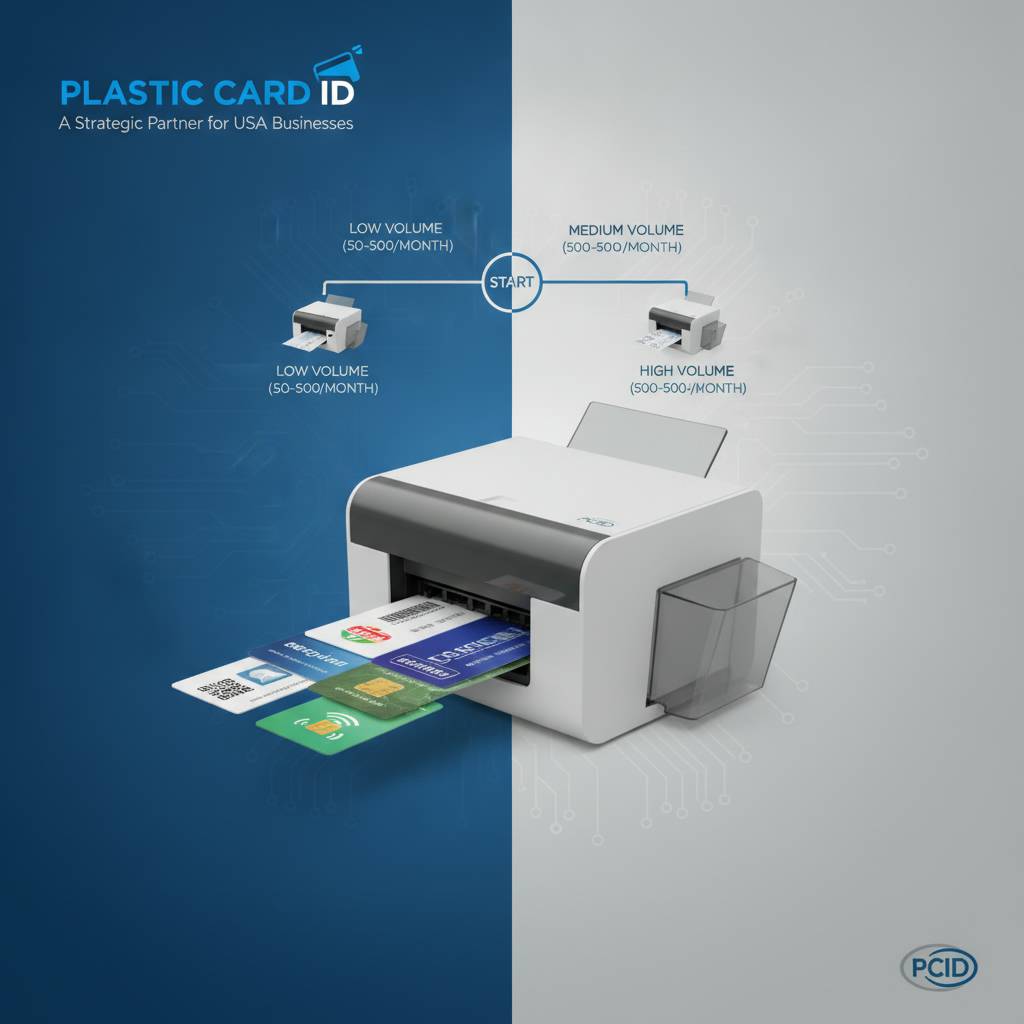
Volume estimates should account for peaks, not just averages. An organization issuing 200 cards per month on average might print 600 in a single week during new employee orientation season or annual badge renewal. A printer sized for 200 cards per month will struggle badly during that spike. Build your estimate around realistic peak demand, then size up one tier if you're anywhere near the boundary.
Entry-Level Printers: Under 1,000 Cards Per Year
The Evolis Badgy200 is the natural starting point for small organizations - fitness studios, small nonprofits, independent retailers - printing fewer than 1,000 cards annually. It's a compact, straightforward unit designed to deliver reliable full-color output without overwhelming a first-time buyer with configuration complexity. Setup is quick, supplies are simple, and the hardware cost keeps the program accessible.
Entry-level doesn't mean low quality output. The Badgy200 produces professional-looking cards that represent your organization well. What it doesn't do is sustain heavy continuous-run printing without additional wear on the mechanism. Keep it within its rated volume, maintain it properly with cleaning kits, and it will serve reliably for years.
Mid-Range Printers: 1,000 to 6,000 Cards Per Month
This is where the largest segment of business buyers lands. The Evolis Zenius and Evolis Primacy2 are purpose-built for this range, offering faster card-per-hour throughput, larger input hoppers, and configuration options including dual-sided printing, magnetic stripe encoding, and smart chip encoding. These are printers designed to run as part of a real operational workflow, not just occasional use.
The Primacy2 in particular is a favorite among HR departments, universities, and healthcare systems that need consistent, high-quality output day after day. It handles encoding upgrades cleanly and integrates with most professional card design software without friction. For organizations that have outgrown their entry-level printer and are frustrated by its limitations, stepping up to this tier typically resolves the pain immediately.
High-Volume and Industrial Systems
When volume climbs above 6,000 cards per month, or when security requirements demand the highest-available output quality, the Evolis Agilia and the Fargo and Zebra lineup step in. These systems are built for sustained throughput, with larger input hoppers, more robust mechanisms, and in some cases full integration with issuance software and centralized card management platforms.
The Matica Event Printer serves a slightly different niche - on-site badge printing at conferences, trade shows, and large-scale events where speed is the primary constraint. Attendee registration moves fast, and a printer that can't keep pace creates lines and frustration. The Matica unit is engineered specifically for that scenario, delivering speed and reliability under the pressure of live event production.
| Printer Tier | Ribbon Type | Approx. Cost Per Card |
|---|---|---|
| Entry-Level (DTC, single-sided) | YMCKO | $0.40-$0.75 |
| Mid-Range (DTC, dual-sided) | YMCKO or YMCKOK | $0.30-$0.60 |
| Premium Retransfer | YMCK film | $0.65-$1.20 |
| Monochrome Single-Color | Monochrome ribbon | $0.05-$0.15 |
Ribbon Types, Supplies, and the Real Cost of Card Printing
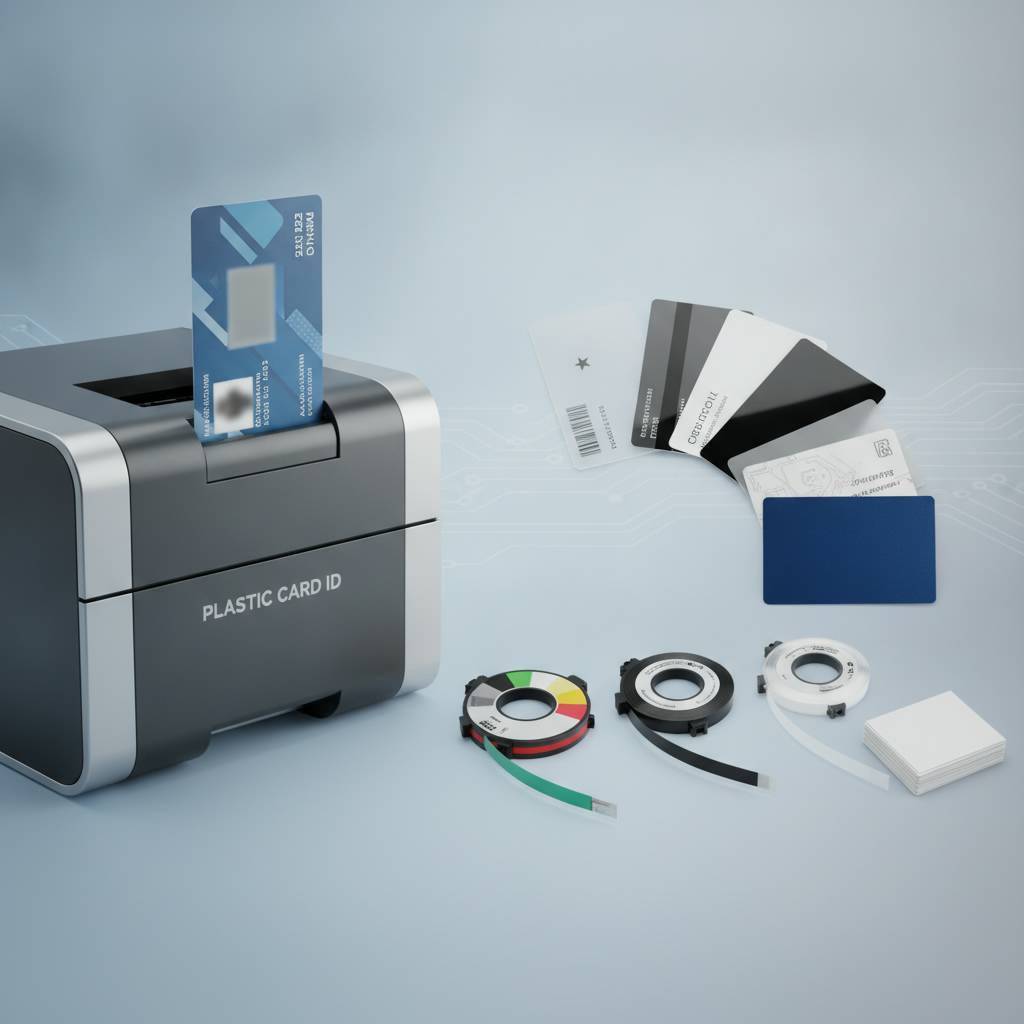 The printer hardware is only part of the equation. Consumables - ribbons, cleaning kits, and blank cards - represent the ongoing cost that many buyers underestimate during the initial purchase decision. Understanding ribbon types, yield per roll, and how encoding options affect your supply chain is essential for accurate budgeting.
A YMCKO ribbon is the standard full-color option for most direct-to-card printers. The panels represent Yellow, Magenta, Cyan, a black resin panel for sharp text and barcodes, and a clear Overlay panel that protects the printed surface. Each ribbon roll yields a defined number of cards, typically 200-500 depending on the model, and matching the correct ribbon to your specific printer is non-negotiable - using the wrong ribbon voids warranties and degrades print quality.
YMCKO vs. Monochrome Ribbons
Not every card program requires full color. Organizations printing simple access control cards with a name, employee number, and barcode - but no photo or color logo - can use a monochrome black resin ribbon at dramatically lower cost-per-card. This single decision, applied across a program printing thousands of cards per year, can represent significant savings over time.
Specialty ribbons also exist for specific applications: fluorescent UV panels for security features, holographic overlays for anti-counterfeiting, and dual-sided YMCKOK ribbons that add a black panel for back-of-card printing without a separate ribbon pass. The right ribbon choice depends entirely on your card design and security requirements - not on a generic recommendation.
Cleaning Kits and Printer Maintenance
Cleaning kits are not optional accessories. A card printer that isn't cleaned regularly accumulates dust and debris on the printhead and rollers, leading to print defects, ribbon breaks, and eventually hardware damage that far exceeds the cost of a cleaning card. Most manufacturers specify a cleaning interval - often every ribbon change or every few hundred cards - and following that schedule is the single easiest way to extend printer life.
CPE supplies cleaning kits matched to specific printer models, ensuring compatibility and correct cleaning chemistry. The kits typically include cleaning cards, cleaning swabs, and cleaning solution for roller maintenance. Budget for cleaning supplies as a routine line item, not an afterthought. It's the maintenance discipline that separates programs running reliably for five-plus years from those dealing with constant service calls.
Lamination Modules and Card Durability
For cards that live in wallets, on lanyards, or in harsh environments - construction site access badges, field service IDs, outdoor event credentials - a lamination module adds a protective overlay that dramatically extends card life. Lamination bonds a thin film to the printed card surface, sealing it against moisture, UV fading, and physical abrasion in a way that a standard clear overlay panel cannot match.
The Evolis Primacy2 and higher-tier models support optional in-line lamination, meaning the lamination step happens automatically as part of the print cycle rather than requiring a separate process. For high-volume programs where durability is a genuine operational concern, this integration is a meaningful time saver and quality improvement worth factoring into the hardware decision.
Encoding Options: Magnetic Stripe, Smart Chip, and Beyond
 A printed card is useful. An encoded card is powerful. Magnetic stripe and smart chip encoding transform a visual credential into a functional tool - one that opens doors, logs attendance, stores access tier data, or interfaces with loyalty point systems. Understanding encoding options is essential for any organization whose card program needs to do more than simply identify a person visually.
Encoding upgrades are typically factory-configured modules added to the printer at time of purchase, though some models support field upgrades. Specifying your encoding requirements upfront - rather than attempting to add them later - is always the cleaner and usually more cost-effective path. CPE can help configure a printer with the precise encoding combination your card program requires.
Magnetic Stripe Encoding
Magnetic stripe encoding remains the most widely deployed technology for access control, loyalty programs, hotel key systems, and time-and-attendance tracking. Hi-coercivity (HiCo) and low-coercivity (LoCo) stripes serve different applications - HiCo for cards that need to retain data reliably over years of use, LoCo for hotel key cards and short-term credentials that are regularly rewritten.
The encoding module integrates directly into the printer's card transport path, writing data to the stripe during the same pass as printing. No separate encoding station, no manual handling, no additional labor. The result is a fully personalized, encoded card produced in a single automated workflow, which matters enormously for programs issuing cards at volume.
Smart Chip and Contact/Contactless Options
Smart card encoding is the modern standard for high-security access control, identity verification, and multi-application credentials. Contact smart cards require physical insertion into a reader; contactless smart cards (RFID) communicate wirelessly at close range. Many access control systems today specify one or both of these technologies, and printers configured with the appropriate encoding module can personalize smart cards as part of the standard print workflow.
Fargo and Zebra printers offer particularly robust smart card encoding integration, which is part of why these brands are favored in security-focused environments like healthcare, government contractors, and financial institutions. Pairing the right encoding technology to your existing reader infrastructure before purchasing is critical - encoding a batch of cards with the wrong chip standard is an expensive mistake.
Choosing the Right Encoding Configuration
Many programs actually need a combination - a photo ID that also encodes a magnetic stripe for access control and carries a contactless RFID chip for time-and-attendance. Modern mid-range and premium printers accommodate dual and triple encoding configurations, and the card design software handles data assignment for each technology layer simultaneously. Call 800.835.7919 to discuss your specific encoding requirements with someone who understands the hardware deeply.
The key planning question is: what systems does this card need to interact with? List every door reader, point-of-sale terminal, attendance system, or loyalty platform this card will touch. That list defines your encoding requirements, which in turn defines the printer configuration you need. Working backwards from the systems is always more reliable than guessing forward from a spec sheet.
Buyer Tips: What to Ask Before You Purchase
Experience across 100,000 customers generates patterns. Certain questions - asked before the purchase - reliably prevent the most common regrets. This section distills those lessons into a practical framework any buyer can apply, regardless of organization size or technical background.
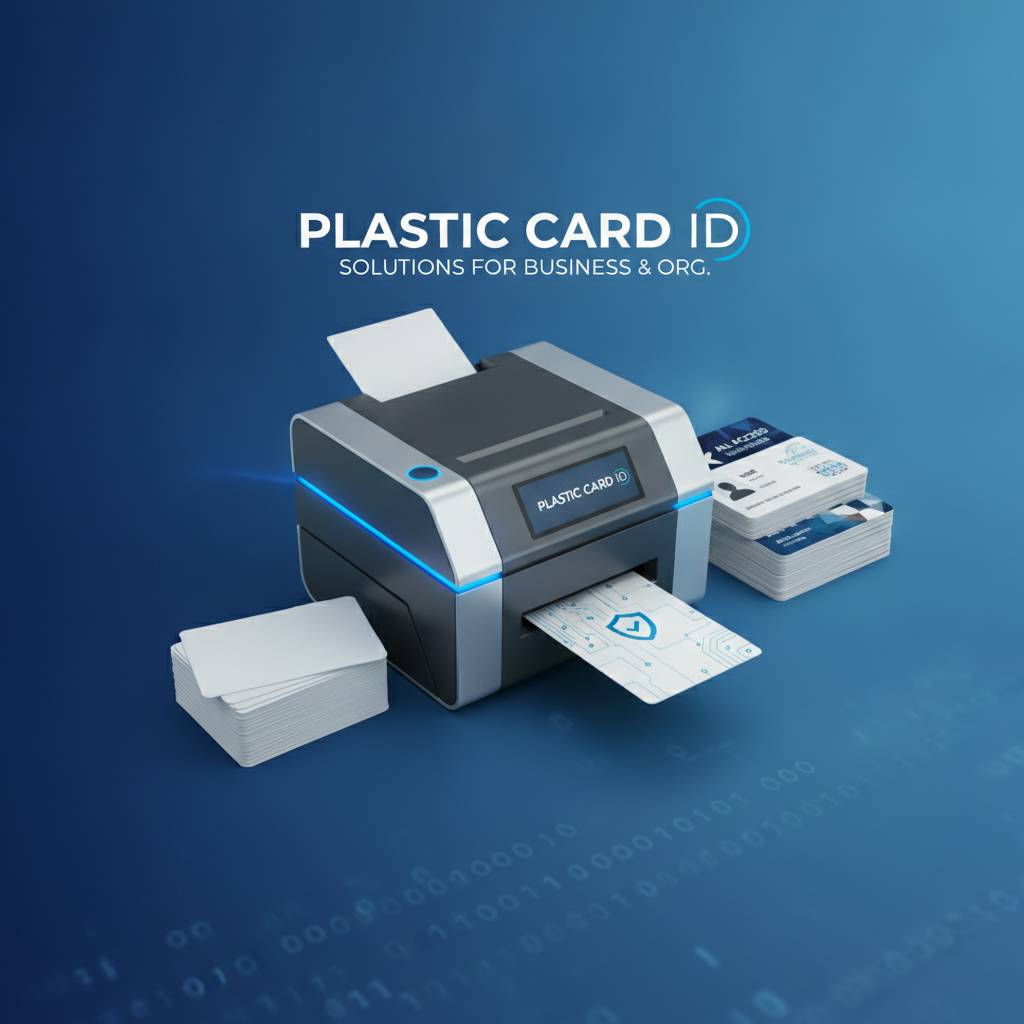
The goal isn't to make the decision more complicated. It's to make sure the printer you buy on day one is still the right printer on day 365, when you've issued thousands of cards and fully understand how the program operates in practice. A few minutes of structured thinking upfront saves considerably more time and money downstream.
Key Questions to Ask Before Buying
- How many cards will I realistically print per month, including peak periods?
- Do I need single-sided or dual-sided printing, now or in the foreseeable future?
- What encoding technologies does my access control or loyalty system require?
- Will cards be used in harsh environments that warrant lamination?
- Do I need on-demand individual printing, batch printing, or both?
- What card design software am I using, and is it compatible with this printer?
- What is my realistic budget for hardware, ribbons, and annual supplies?
- Is this a standalone printer or will it integrate with a centralized ID management system?
Running through this checklist before contacting a supplier transforms the conversation from a general inquiry into a targeted match-making exercise. You arrive knowing what you need; the supplier helps confirm and configure. That combination produces better outcomes than browsing spec sheets without context.
Avoiding the Most Common Buying Mistakes
Buying based solely on upfront hardware cost is the most persistent mistake in this category. A printer priced $150 lower than a competitor may use proprietary ribbons at twice the per-card cost, erasing the savings within the first year of operation. Always calculate total cost of ownership including supplies over a 12-36 month horizon before comparing headline prices.
The second most common mistake is underspecifying the printer because today's volume is low. If your organization is growing, your card program is almost certainly growing with it. Future-proofing with a mid-range printer rather than an entry-level unit often costs less in the long run than replacing hardware prematurely. Build in growth margin deliberately, not optimistically.
In-House Printing vs. Outside Vendors
Organizations sometimes debate whether to print cards in-house or outsource to a card fulfillment vendor. The calculus depends on volume, personalization requirements, and how much control you need over the issuance process. For cards requiring immediate on-demand issuance - replacing a lost badge at 3pm on a Tuesday - in-house printing is simply not replaceable. Waiting five business days for an outside vendor to deliver a replacement is operationally unacceptable in most environments.
In-house printing also enables real-time personalization. Each card can carry a current photo, up-to-date access tier encoding, and today's date - none of which are practical when batching an order to an outside vendor. Total control over the issuance process is frequently cited as the primary reason organizations invest in their own card printer hardware, and after a few months of operation, most never look back.
The Plastic Card ID Difference: Why Over 100,000 Businesses Trust Us
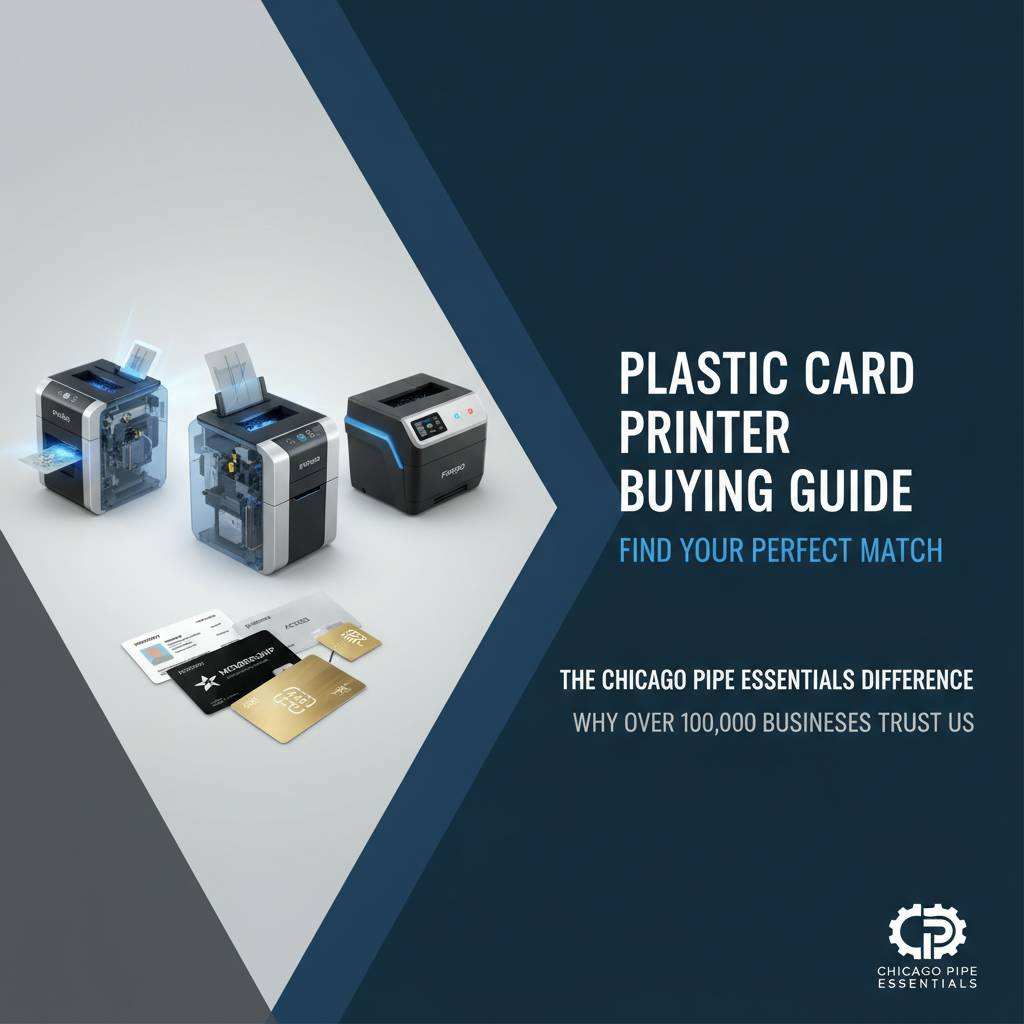 There are other places to buy a card printer. What makes Plastic Card ID the consistent choice for organizations ranging from single-location small businesses to multi-site enterprise programs comes down to a combination of depth, tenure, and genuine expertise that generalist electronics retailers simply cannot replicate. Twenty-five-plus years of focused specialization produces a different caliber of guidance.
The product lineup is deliberately curated - not every printer on the market, but the best options from Evolis, Fargo, Zebra, and Matica at every meaningful price and performance tier. When CPE carries a model, it's because that model has earned its place through demonstrated performance across real customer programs. That curation itself is a service, filtering out the noise so buyers can focus on genuinely relevant options.
Complete Card Program Support
Printers are the centerpiece, but a card program requires an ecosystem. Plastic Card ID supplies everything surrounding the printer: YMCKO, monochrome, and specialty ribbons; cleaning kits; lamination modules; magnetic stripe and smart chip encoding upgrades; input hoppers for expanded capacity; and card carriers and sleeves to protect finished credentials. One supplier relationship covers the full program, which simplifies procurement, ensures supply compatibility, and reduces the administrative overhead of managing multiple vendor relationships.
This completeness matters operationally. Running out of ribbons mid-program because your printer supplier doesn't carry consumables is a preventable disruption. A single-source supplier that stocks everything your program needs eliminates that risk and provides a consistent point of contact when questions arise or configurations need to change.
Applications Served Across Industries
The range of applications CPE supports reflects just how broadly plastic card programs appear across the business landscape. Employee ID cards. Membership cards for gyms, clubs, and associations. Loyalty cards for retail programs. Access control cards for secure facilities. Student ID cards for schools and universities. Hotel key cards. Event credentials and conference badges. Each application has distinct design, encoding, and durability requirements, and matching those requirements to the right hardware is where experience pays dividends.
What Plastic Card ID does not provide is financial credit or debit card processing equipment. The focus is squarely on organizational card programs - the credentials, access tools, and identity documents that businesses and institutions produce for their own members, employees, students, and guests. That focus keeps the expertise sharp and the product recommendations genuinely relevant to buyer needs.
Getting Expert Guidance Before You Buy
The fastest path to the right printer is a direct conversation with someone who knows the hardware. CPE brings over 25 years of card program experience to every inquiry, and the questions you ask - even the basic ones - help narrow the field to the two or three options that genuinely fit your situation. There's no pressure to buy the most expensive unit; the goal is the right fit, because right-fit customers come back for supplies and upgrades for years.
Reach the team directly at 800.835.7919 to discuss your volume, encoding requirements, and application needs. Whether you're launching a new card program from scratch or replacing aging hardware in an established program, the conversation will be worth your time.
Ready to find the right card printer for your organization? Contact Plastic Card ID today at 800.835.7919 and get expert guidance from the team that has helped over 100,000 businesses build reliable, professional card programs.
Previous Page