Magnetic Stripe Card Printer: Encode and Print Cards Easily
Table of Contents []
- Why Plastic Card ID Is the Go-To Source for Magnetic Stripe Card Printers
- The Magnetic Stripe Card Printer Lineup: Models Worth Knowing
- Magnetic Stripe Encoding: What You Need to Know Before You Buy
- Supplies That Keep Your Card Program Running
- Buyer's Guide: Choosing the Right Magnetic Stripe Card Printer
- Frequently Asked Questions About Magnetic Stripe Card Printers
- Get Started with Plastic Card ID Today
Why Plastic Card ID Is the Go-To Source for Magnetic Stripe Card Printers
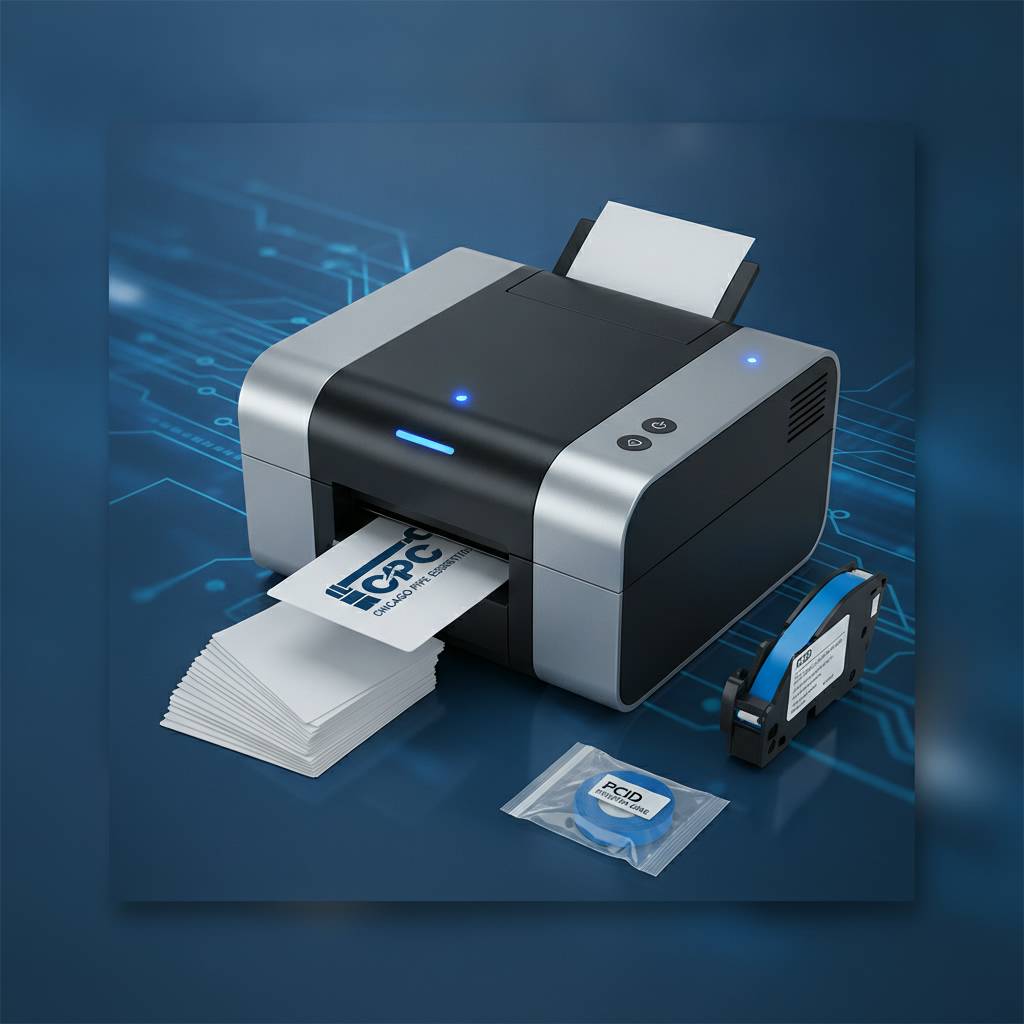 There's a moment every operations manager, IT director, or office administrator eventually hits - the realization that outsourcing card production is costing more in time, money, and headaches than it's worth. That's precisely where a magnetic stripe card printer changes everything. With the right hardware in-house, you print what you need, when you need it, encoded and ready to deploy. No waiting on vendors. No minimum order quantities. No surprises.
Plastic Card ID has spent over 25 years supplying card printing hardware to businesses across the United States, building a customer base exceeding 100,000 organizations of all shapes and sizes. From a small fitness studio needing 200 membership cards a year to a regional hospital managing thousands of access control credentials, CPE has matched buyers with the right printer, the right supplies, and the right setup from day one.
This page is your complete resource for understanding magnetic stripe card printing - what makes it work, which printers deliver, and how to make the smartest investment for your specific volume and use case. Let's get into it.
What a Magnetic Stripe Card Printer Actually Does
A magnetic stripe card printer does exactly what the name implies - it prints full-color or monochrome card artwork and, simultaneously or as a secondary pass, encodes data onto a magnetic stripe embedded along the card's back surface. The stripe itself is divided into up to three tracks, each capable of storing different types of information: cardholder name, account number, access level, PIN-related data, and more.
Most professional-grade units handle ISO standard Hi-Co (high coercivity) and Lo-Co (low coercivity) magnetic stripes. Hi-Co stripes are more durable and resistant to accidental demagnetization - ideal for access control cards, hotel key cards, and employee IDs intended for daily use. Lo-Co is typically used for short-term applications like event passes or gift cards where longevity matters less.
Who Uses Magnetic Stripe Card Printers
The applications are broader than most people initially expect. Magnetic stripe encoding unlocks a whole category of card functionality that plain printed cards simply can't provide. Any organization needing cards to do something beyond visual identification - authenticate, grant access, log transactions, or interact with readers - needs a magnetic stripe printer or a printer with encoding capability.
Common use cases served by CPE customers include employee ID and access control programs, hotel and hospitality key card issuance, loyalty and membership card programs, student identification systems, event credentialing, and library card programs. Each use case has different volume requirements, print quality expectations, and encoding specifications, which is exactly why a curated lineup of hardware matters.
The Plastic Card ID Advantage: 25 Years, 100,000 Customers
Buying card printing hardware isn't like buying office supplies. The wrong printer for your volume means jams, ribbon waste, and hardware stress. The wrong encoding setup means cards that don't read at your existing terminals. CPE has navigated these nuances with customers across virtually every industry vertical - and that depth of experience shows in how they guide purchasing decisions.
Call 800.835.7919 and you're talking to people who understand the difference between a Fargo HDP5000 lamination setup and an Evolis Primacy2 dual-sided configuration. That specificity matters when you're making a purchasing decision that will affect daily operations for years.
The Magnetic Stripe Card Printer Lineup: Models Worth Knowing
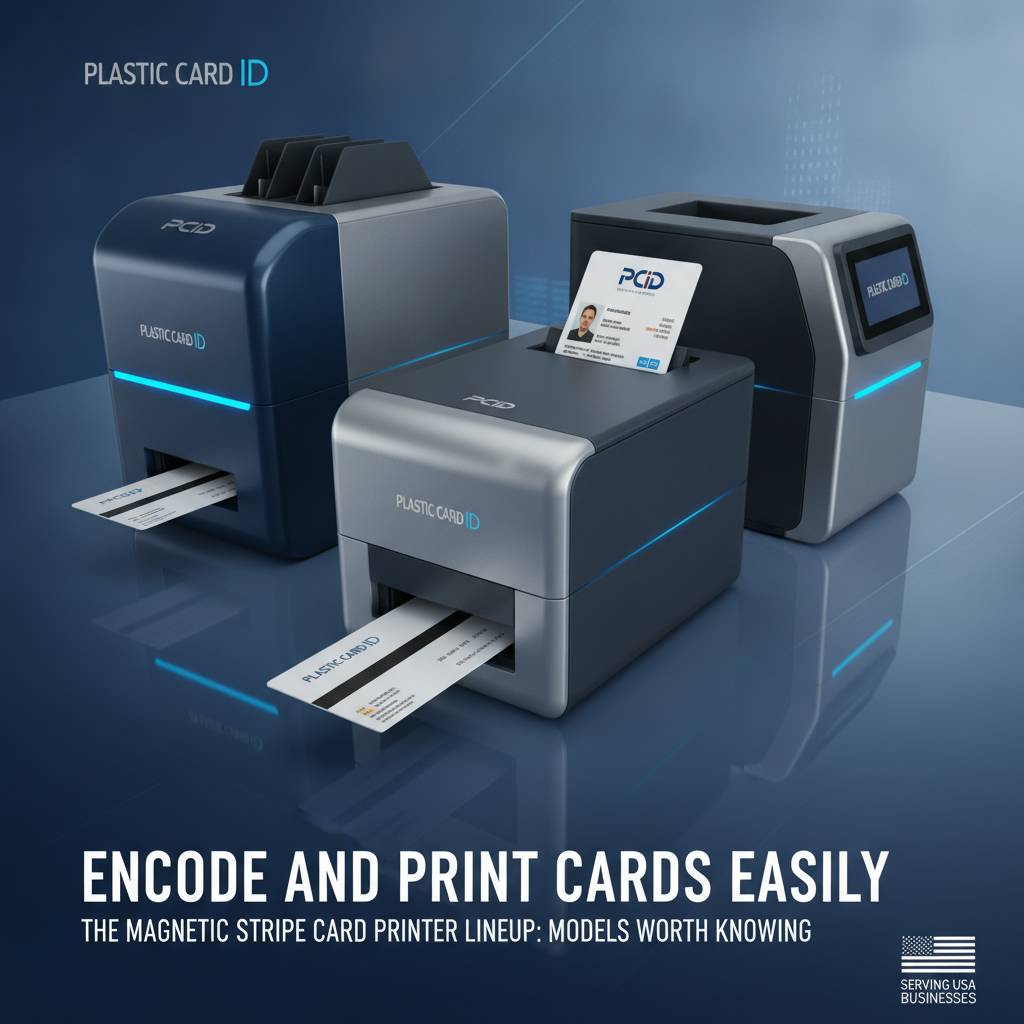
| Printer Model | Brand | Volume Range | Mag Stripe Option | Best For |
|---|---|---|---|---|
| Badgy200 | Evolis | Up to 1,000/year | Upgrade module | Small orgs, low-volume programs |
| Zenius | Evolis | 1,000-6,000/month | Built-in option | Mid-size ID programs |
| Primacy2 | Evolis | 1,000-6,000/month | Built-in option | Dual-sided, professional ID |
| Agilia | Evolis | High volume | Built-in option | Premium edge-to-edge output |
| Fargo HDP Series | Fargo | Mid to high volume | Built-in option | Security-focused ID programs |
| Zebra ZC Series | Zebra | Mid to high volume | Built-in option | Enterprise ID programs |
| Matica Event Printer | Matica | High-speed on-site | Available | Events, badge printing on-demand |
Entry-Level Magnetic Stripe Printing: Evolis Badgy200
Don't let the word "entry-level" mislead you. The Evolis Badgy200 is a capable, compact desktop card printer that can be configured with magnetic stripe encoding capability, making it a legitimate option for organizations printing under 1,000 cards per year. Think small nonprofits, boutique gyms, independent libraries, or regional clubs running loyalty card programs.
The Badgy200 produces clean, professional-quality card output at a price point accessible to organizations that can't justify larger investments. When paired with CPE's ribbon supply and cleaning kit recommendations, it performs reliably within its designed volume range. Staying within the rated duty cycle is what makes entry-level hardware last.
Mid-Range Powerhouses: Evolis Zenius and Primacy2
The Evolis Zenius and Primacy2 occupy the sweet spot for most businesses - organizations printing between 1,000 and 6,000 cards per month at a level of quality and throughput that serious card programs demand. Both can be equipped with magnetic stripe encoding modules, and the Primacy2 adds dual-sided printing capability, meaning both faces of every card are printed in a single pass.
For employee ID programs, access control credential issuance, and membership card production, the Primacy2 in particular is a workhorse. Print the employee photo and name on the front, encode magnetic stripe access data on the back, and issue a fully functional card in seconds. That kind of in-house control is genuinely transformative for HR and facilities teams who previously depended on outside vendors with multi-day turnarounds.
High-Performance Options: Evolis Agilia, Fargo, and Zebra
When volume climbs, quality expectations intensify, or security requirements become stringent, the upper tier of the lineup steps in. The Evolis Agilia delivers edge-to-edge printing at premium resolution - no white borders, no compromise on image quality. For organizations whose cards represent a brand as much as a credential, that visual distinction matters significantly.
Fargo and Zebra printers bring enterprise-grade durability and security feature compatibility to the table. Fargo's HDP (High Definition Printing) technology prints onto a transfer film before applying it to the card surface, producing exceptionally durable output with built-in tamper resistance. Zebra's ZC series offers flexible configuration options for large-scale ID programs. Both brands integrate seamlessly with access control and security software ecosystems that larger organizations already rely on.
Magnetic Stripe Encoding: What You Need to Know Before You Buy
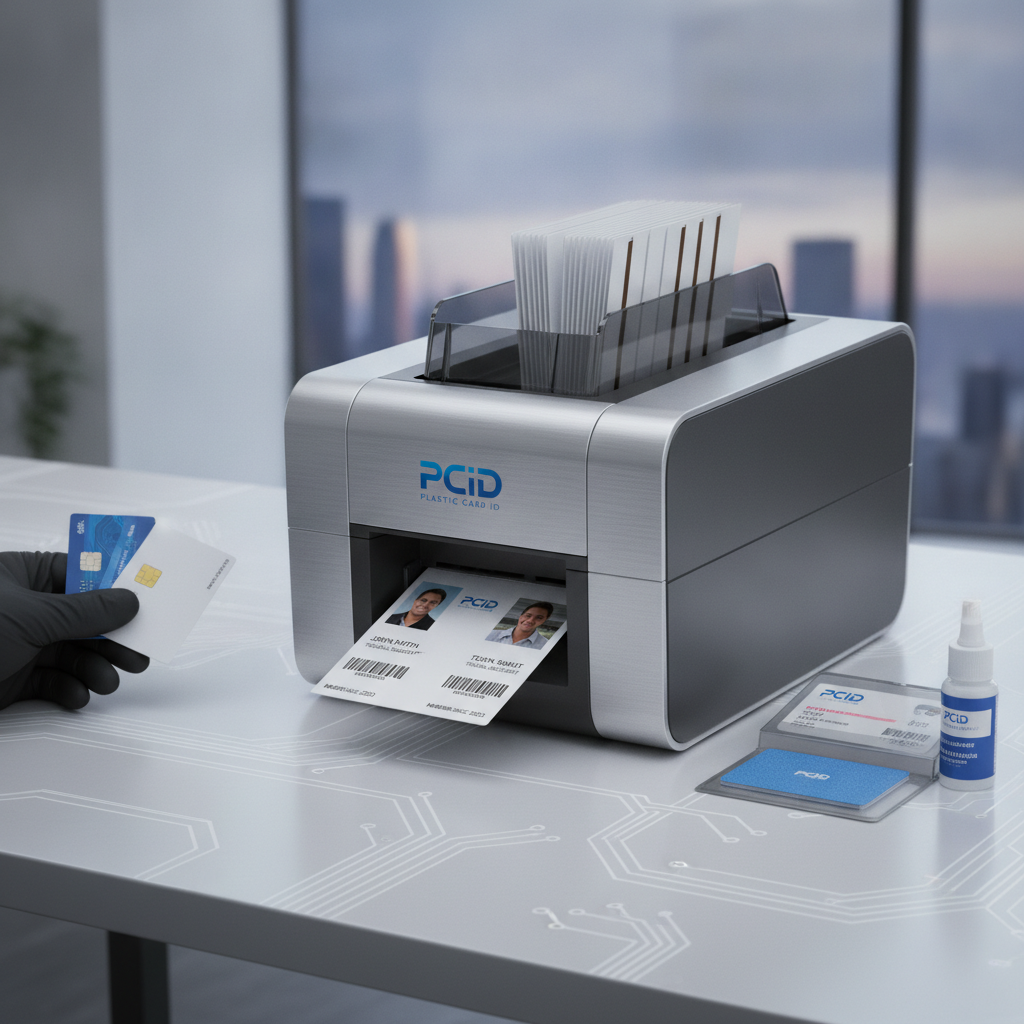
Hi-Co vs. Lo-Co: Choosing the Right Stripe Type
This is one of the most common points of confusion for first-time buyers, and it's worth understanding clearly before purchasing. High coercivity (Hi-Co) magnetic stripes require a stronger magnetic field to encode and are correspondingly more resistant to accidental erasure - the kind that happens when a card ends up near another magnet, a phone, or a wallet full of cards. Hi-Co stripes are rated at 2750 Oersteds and are the standard for long-term use credentials.
Low coercivity (Lo-Co) stripes, rated at 300 Oersteds, are easier to encode but far easier to accidentally demagnetize. They're appropriate for short-term applications: event badges that'll be used for two days, temporary visitor passes, or single-use gift cards. Using Lo-Co cards in a long-term access control program is one of the most avoidable operational mistakes in card program management.
Track Configuration and Data Capacity
Standard ISO magnetic stripes include three data tracks, each with defined formats and character capacities. Track 1 stores alphanumeric data - up to 79 characters - and is commonly used for cardholder name and account information. Track 2 is numeric only, holds up to 40 characters, and is the track most commonly read by point-of-sale and access control readers. Track 3, also numeric, supports up to 107 characters and is used for some financial and transit applications.
Most card programs use Track 2 as the primary data track, sometimes in combination with Track 1. CPE customers encoding employee access data, loyalty account numbers, or membership identifiers typically encode onto Track 2 or Tracks 1 and 2 together. Your magnetic stripe printer and encoding software work together to define exactly what gets written to which track - a configuration discussion CPE's team is well-equipped to walk you through.
Encoding Integration with Card Management Software
A magnetic stripe card printer doesn't operate in isolation - it works in concert with your card design and issuance software. Most professional printers from Evolis, Fargo, and Zebra come with bundled design software or integrate with third-party platforms like Magicard's MagicCard suite, BadgePass, or other enterprise ID management systems. The software defines the card layout, pulls data from your HR or membership database, and sends encoding instructions to the printer's magnetic stripe module simultaneously with the print job.
Getting the software-hardware integration right from the start saves enormous headaches later. That's a conversation worth having before purchase, not after. CPE has navigated this compatibility landscape across hundreds of customer setups and can help identify which configuration matches your existing infrastructure.
Supplies That Keep Your Card Program Running
Printer Ribbons: YMCKO, Monochrome, and Specialty
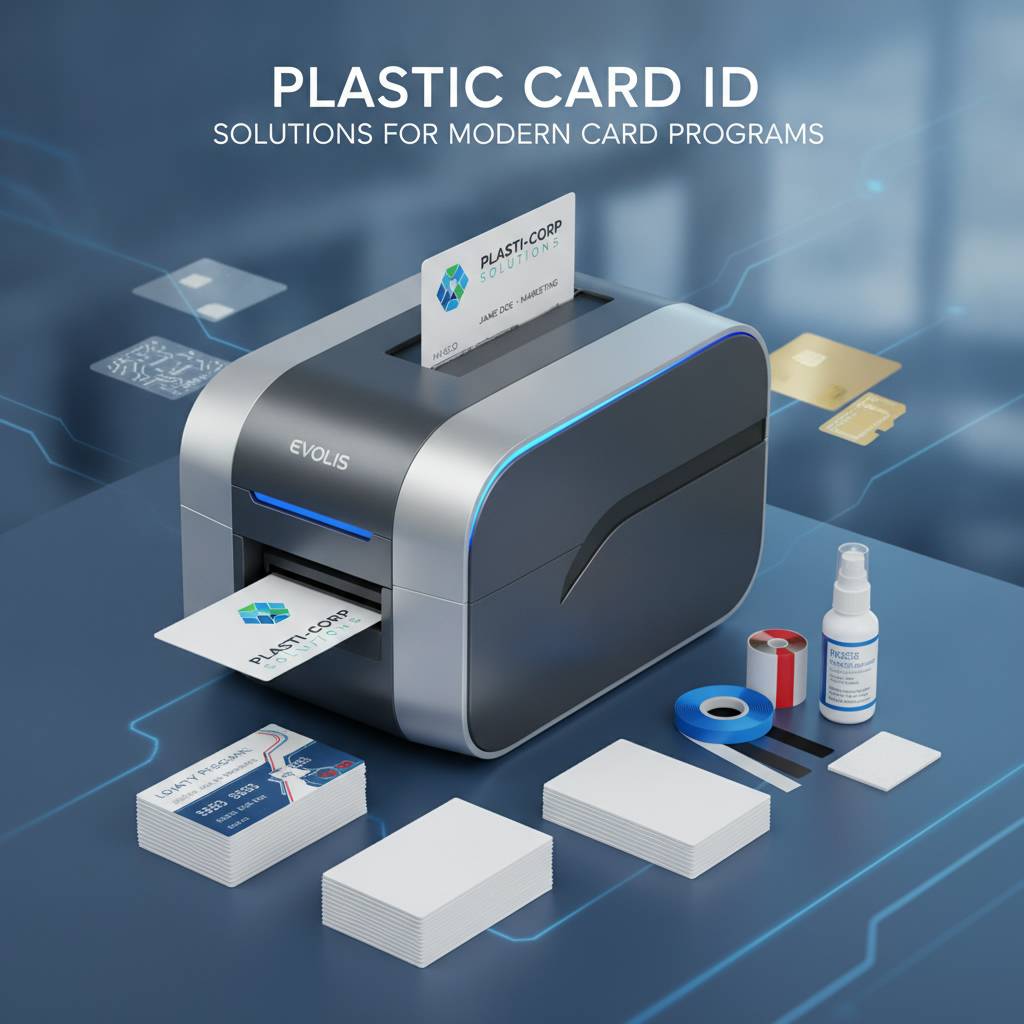
The ribbon is the consumable that determines your per-card print cost, and choosing the right type matters both economically and visually. YMCKO ribbons - Yellow, Magenta, Cyan, Black, and Overlay panels - produce full-color cards with a protective overlay that extends print durability. These are the standard choice for photo ID cards, membership cards, and any credential where color fidelity is important.
Monochrome ribbons (black, blue, red, gold, silver, and more) print single-color content at significantly lower cost per card and at higher speed. For cards where only text and a barcode are needed - think library cards, basic employee IDs, or simple loyalty cards - monochrome ribbons offer real economies. Specialty ribbons including scratch-off panels and holographic overlays are available through CPE for applications requiring added visual security or promotional features.
Cleaning Kits and Maintenance Supplies
A card printer is precision hardware. The print head, the rollers, and the card feed path all accumulate debris over time - card dust, adhesive residue, ribbon fragments. Without regular cleaning, print quality degrades gradually and component lifespan shortens noticeably. Cleaning kits are the single most cost-effective maintenance investment you can make in your card printing program.
Most manufacturers recommend a cleaning cycle every time a new ribbon is loaded, at minimum. Evolis, Fargo, and Zebra all publish specific cleaning protocols for their hardware, and Plastic Card ID supplies the branded cleaning cards, swabs, and cleaning solution kits engineered for each printer family. Cutting corners on cleaning is genuinely one of the leading causes of premature print head failure - an expensive lesson when a replacement head runs $150-$400 depending on the model.
Lamination Modules and Encoding Upgrades
Some applications demand more than ink on PVC. Lamination modules apply a thin protective film over the printed card surface, dramatically increasing durability and adding a layer of security through the possibility of holographic overlaminates. For high-use credentials like employee IDs that pass through readers dozens of times per day, lamination extends practical card life considerably.
Encoding upgrades - both magnetic stripe and smart chip (contact and contactless) - can often be added to a printer at purchase or retrofitted to existing units depending on the model. This modularity is a genuine advantage of professional-grade hardware: your Evolis Primacy2, for instance, can grow with your program as encoding requirements evolve. CPE can advise on which models offer the most flexible upgrade paths for your anticipated needs.
Buyer's Guide: Choosing the Right Magnetic Stripe Card Printer

Assess Your Annual Card Volume Accurately
Volume is the single most important variable in selecting a printer, and buyers frequently underestimate it. Calculate not just current needs but anticipated growth over a two-to-three-year horizon. A printer perfectly rated for today's 800 cards per year becomes overworked if you expand a loyalty program and suddenly need 3,000 cards annually. Buying slightly above your current volume tier is almost always the smarter move.
Here's a practical breakdown of how volume maps to printer tier:
- Under 1,000 cards per year: Entry-level desktop printers like the Evolis Badgy200 are a cost-effective fit.
- 1,000-6,000 cards per month: Mid-range models like the Evolis Zenius or Primacy2 provide the throughput and quality this range demands.
- 6,000 cards per month: High-throughput units including the Evolis Agilia, Fargo HDP series, or Zebra enterprise printers are appropriate here.
- High-speed on-site event credentialing: The Matica Event Printer is purpose-built for rapid badge issuance in event environments.
Dual-Sided Printing: When It's Worth the Investment
Single-sided printing is sufficient for many applications, but dual-sided capability opens up card real estate significantly. Employee ID cards, for example, often carry a photo, name, and department on the front while encoding magnetic stripe data and printing a barcode or legal text on the reverse. Doing this in a single pass - which is what a duplex printer does - is far more efficient than a manual flip process.
The cost premium for dual-sided models is modest relative to the operational value, particularly for programs issuing 500 or more cards per month. CPE can help you evaluate whether your specific card design justifies the duplex configuration or whether a single-sided printer with a manual process is adequate for your use case.
Total Cost of Ownership Beyond the Printer Price
The printer's purchase price is just the opening line item. A complete cost-of-ownership analysis includes ribbons (budgeted per 1,000 prints based on cards per ribbon yield), blank card stock (typically $50-$150 per 500 cards depending on card type), cleaning supplies, replacement parts over the hardware lifecycle, and software licensing if applicable. Understanding the per-card cost before you buy gives you an accurate picture of program economics.
Most mid-range YMCKO ribbon kits yield 200-500 full-color card prints depending on the ribbon type and printer model, at a cost ranging from $40-$120 per ribbon. Working through these numbers with CPE before purchase allows you to forecast annual supply costs accurately - an exercise that often reveals the card printing program pays for itself within the first year compared to outsourcing.
Frequently Asked Questions About Magnetic Stripe Card Printers
Can I Encode Magnetic Stripes on Cards That Already Exist?
Yes, but with important caveats. If you have a supply of blank magnetic stripe cards and want to encode data onto them without printing, some encoding-capable printers support encode-only passes. However, encoding and printing simultaneously is almost always the more efficient workflow, particularly for personalized cards where each card carries unique data and a unique printed image. CPE's team can advise on which printer models support encode-only operation if that's a requirement for your workflow.
Also worth knowing: the blank cards themselves must be magnetic stripe cards - standard blank PVC cards without an embedded stripe cannot be encoded regardless of the printer's capabilities. The magnetic material must be physically present in the card stock.
What's the Difference Between Magnetic Stripe and Smart Card Encoding?
Magnetic stripe encoding writes data to the magnetic material on the card's surface. It's a mature, widely compatible technology that works with millions of existing readers. Smart card encoding communicates with a chip embedded in the card - either through direct contact (contact smart card) or via radio frequency (contactless, or RFID). Smart cards store significantly more data and support more sophisticated security protocols.
Many modern card programs use both technologies on the same card - a magnetic stripe for compatibility with legacy readers and a smart chip for higher-security access control points. Several printer models in the CPE lineup support combo encoding setups. Call 800.835.7919 to discuss which encoding combination makes sense for your specific reader infrastructure.
How Often Should I Service My Card Printer?
Manufacturers publish cleaning interval recommendations, but a reasonable baseline is: clean the print path every ribbon change using a cleaning card, and perform a deeper cleaning with swabs and solution every 1,000-2,000 cards printed. Annual professional servicing may be warranted for high-volume units running thousands of cards per month.
Signs that cleaning is overdue include streaks or voids in printed output, increased ribbon breakage, card feed errors, or magnetic stripe read failures after encoding. Catching these symptoms early and addressing them with the appropriate cleaning kit prevents more serious component damage. Plastic Card ID supplies the manufacturer-recommended cleaning products for every printer brand in the lineup.
Get Started with Plastic Card ID Today
Why In-House Printing Outperforms Outsourcing
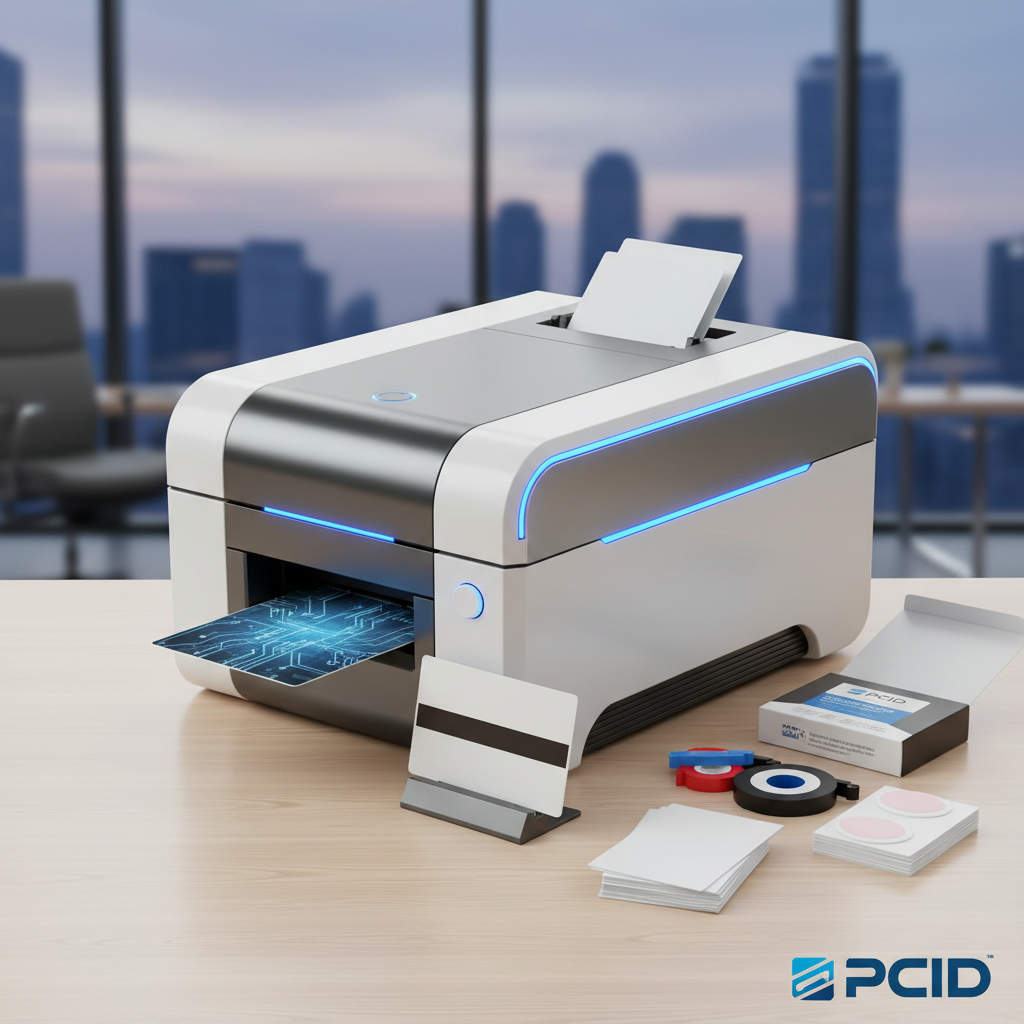
Outsourced card production carries a set of constraints that in-house printing simply doesn't. Minimum order requirements mean you're printing 500 cards when you need 50. Turnaround times mean a new employee waits a week for an access credential. Personalization errors discovered after delivery mean another order, another wait. In-house printing eliminates every one of these friction points.
Print one card or one thousand. Issue instantly, on demand, fully encoded. Update card designs without reprinting an entire batch. Terminate an access credential and replace it the same day. For any organization managing an active card-issuing program, the operational advantages of in-house production compound quickly - and the economics almost always favor the investment within the first year.
A Lineup Built for Real Business Needs
Every printer Plastic Card ID carries - Evolis, Fargo, Zebra, Matica - is a professional-grade tool built for sustained business use. These are not consumer products. They are engineered for duty cycles, ribbon yield specifications, and encoding accuracy standards that real business card programs demand. The curated lineup exists precisely because not every printer is right for every customer - and matching buyer to hardware correctly is what CPE does better than anyone else in the market.
Whether you're launching a new employee ID program, upgrading aging hardware, or scaling a loyalty card operation, the right printer - configured correctly with the right supplies and encoding options - is the foundation everything else is built on.
Reach Out and Get Expert Guidance
With over 25 years serving more than 100,000 customers across the United States, CPE has seen virtually every card program configuration imaginable. The team understands printer specifications, encoding compatibility, supply economics, and the practical realities of running a card program inside a real business. You don't have to figure this out alone.
Contact Plastic Card ID today at 800.835.7919 to speak with a card printing specialist and find the magnetic stripe card printer that's exactly right for your program.
From the right hardware and ribbons to encoding modules and maintenance supplies, Plastic Card ID provides everything your card program needs - backed by decades of expertise and a commitment to getting it right. Call 800.835.7919 now and let's build your card program the right way.
Previous Page